Week 8 - Challenge 4 - Bumper
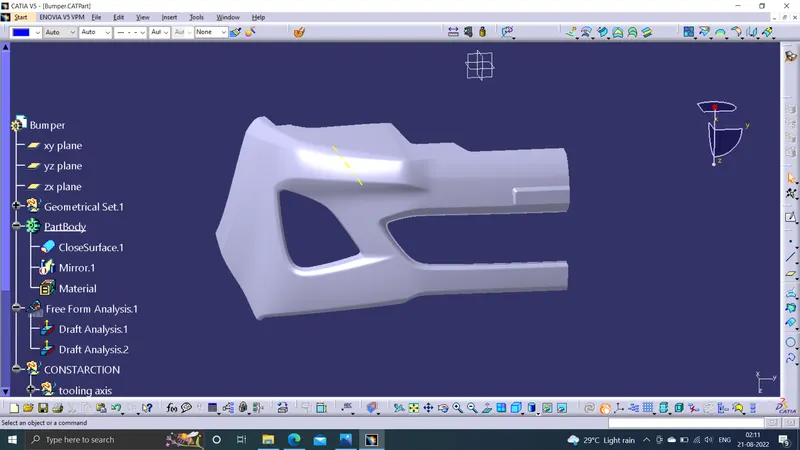
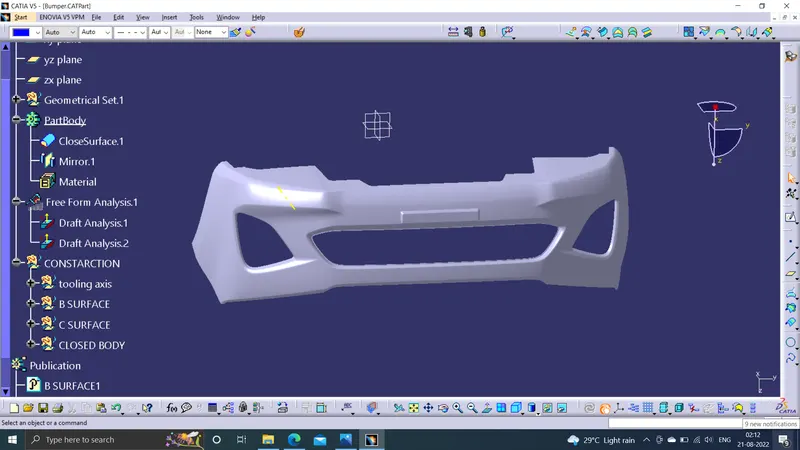
AIM:Create the Bumper Plastic component through the given Class-A surface. To begin with, the tooling axis for the given Class-A Surface should be created meeting the requirements of the draft angle and at the end perform the Draft analysis on the model.
OPERATIONS:
CLASS A SURFACE
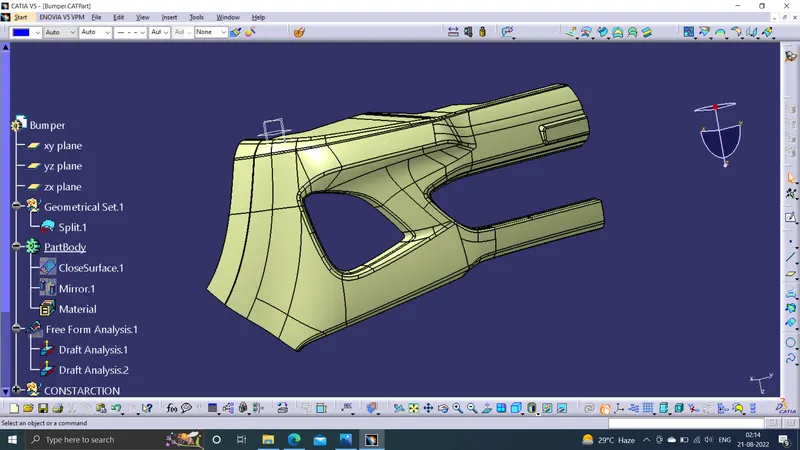
We get class A surface as a input. we create B surface and C surface using this class as a refference.
TOOLING AXIS
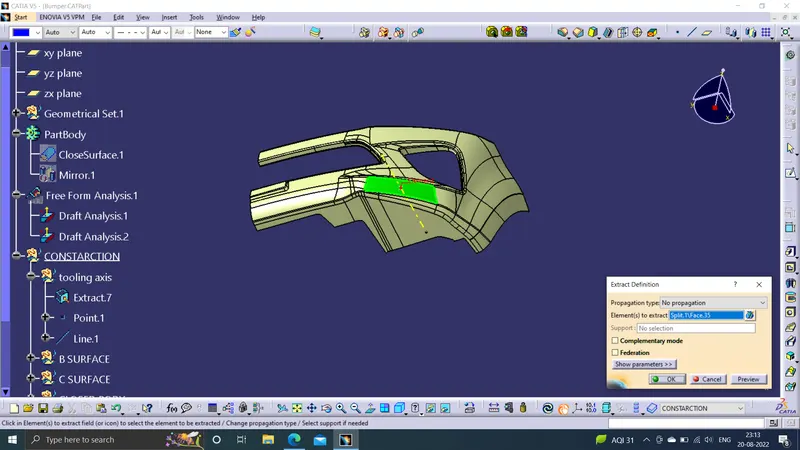
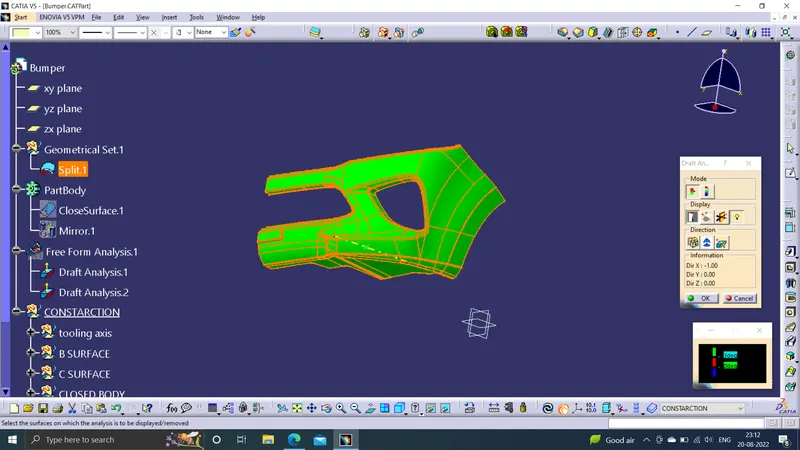
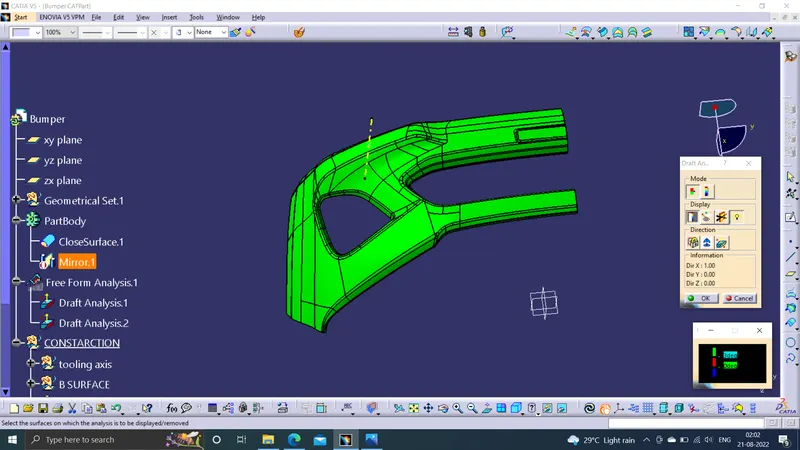
To create the tooling axis, I extracted a surface from class A and created a point in the middle of the surface by using the point command and created a line at that point through the x-axis. Now, I performed a draft analysis check from that line whether the created tooling axis is in the correct position or not. If, in the draft analysis check the surface highlighted with green colour on both sides of the surface the tooling axis is in the correct position and direction.
DRAFT ANALYSIS OF CLASS A
Now, I performed a draft analysis check from that line whether the created tooling axis is in the correct position or not. If, in the draft analysis check the surface highlighted with green colour on both sides of the surface the tooling axis is in the correct position and direction.
B SURFACE CREATION
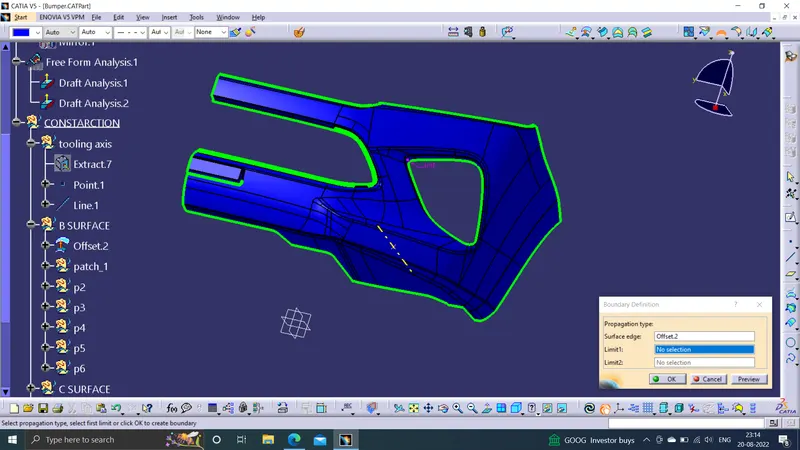
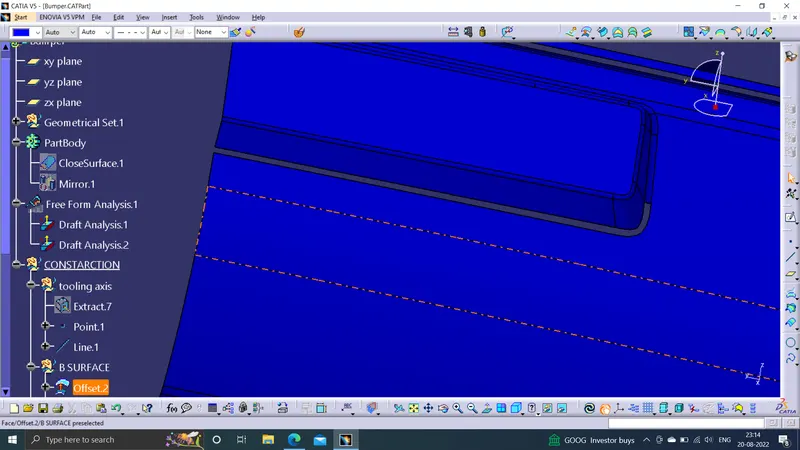
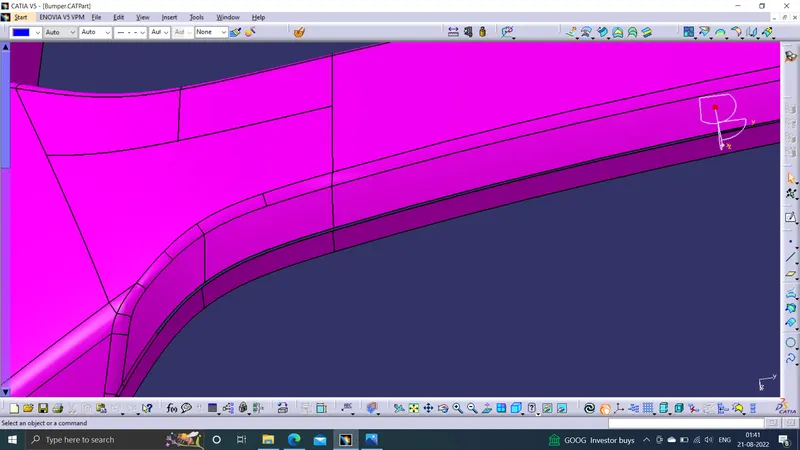
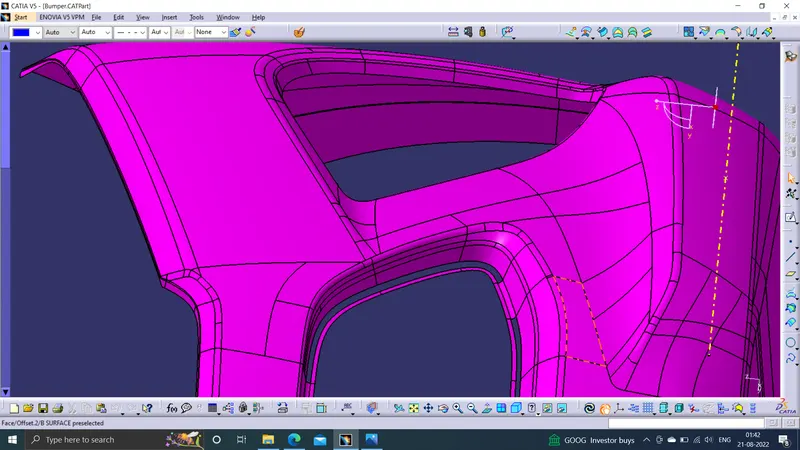
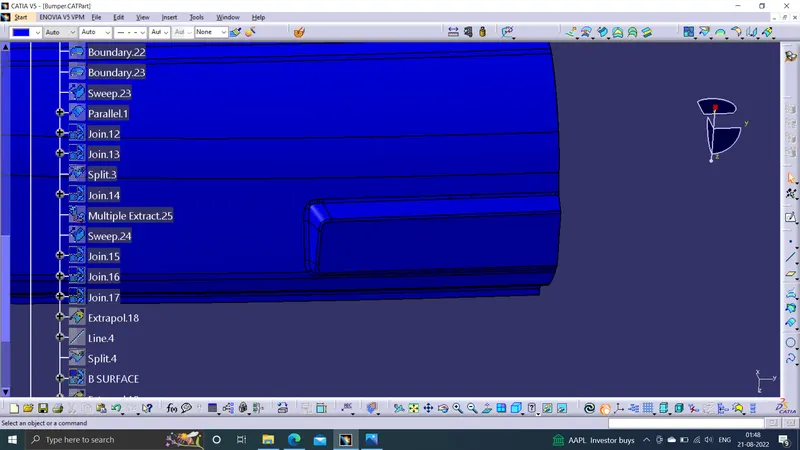
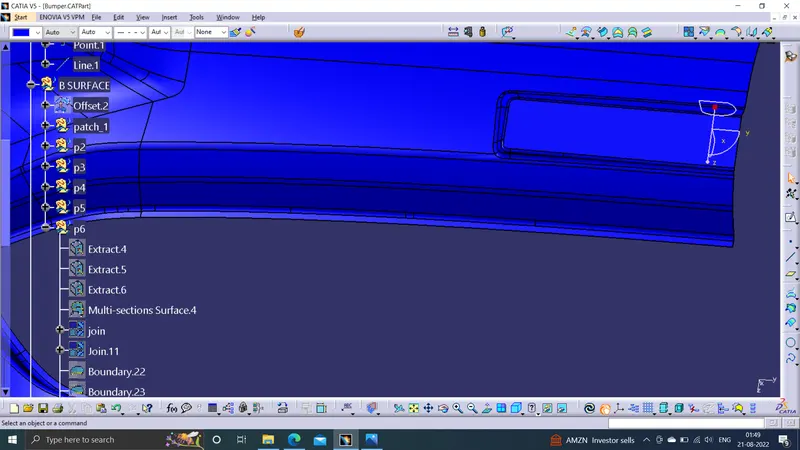
To create the class B surface, offset the class A surface inside by 3mm thickness. Once the offset is created, we can observe some patches on the offset surface, those patches are formed due to the fillets on the class A surface. We need to fill those patches with the help of the multi-section surfaces and sweep commands by extracting the patch boundaries. Once all the patches on the offset are covered properly join all the patches with the offset surface, to get the replicated surface of the class A surface.
Patches to be filled
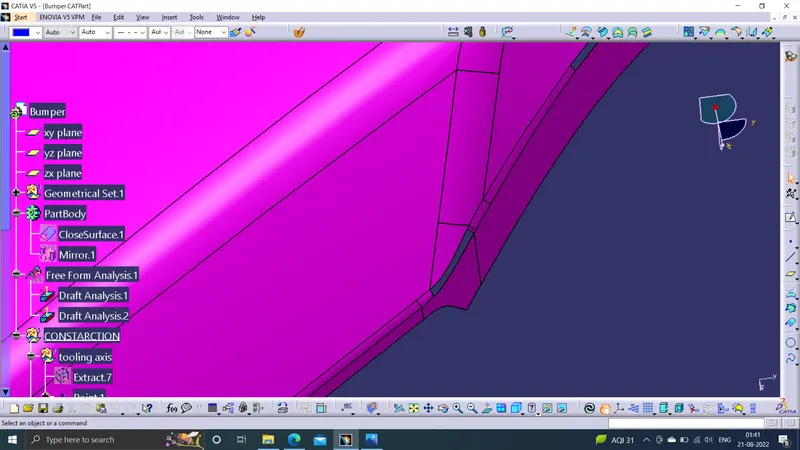
Filled patches
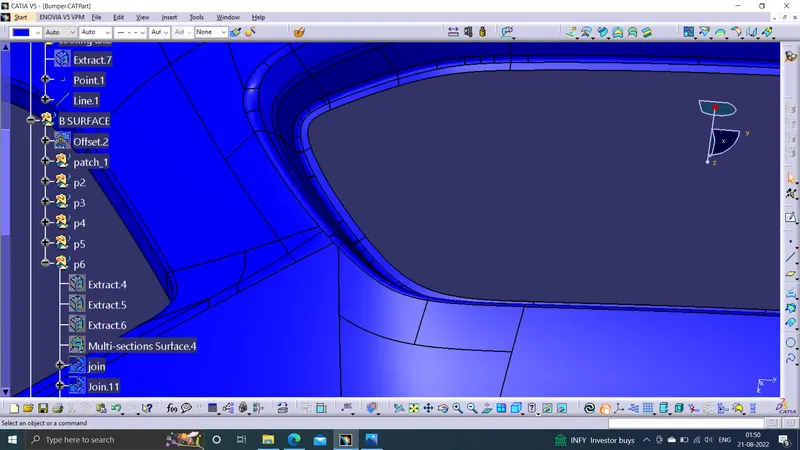
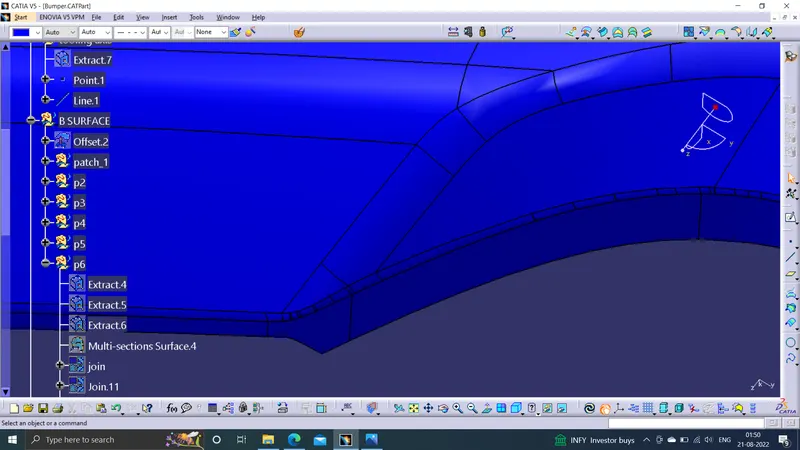
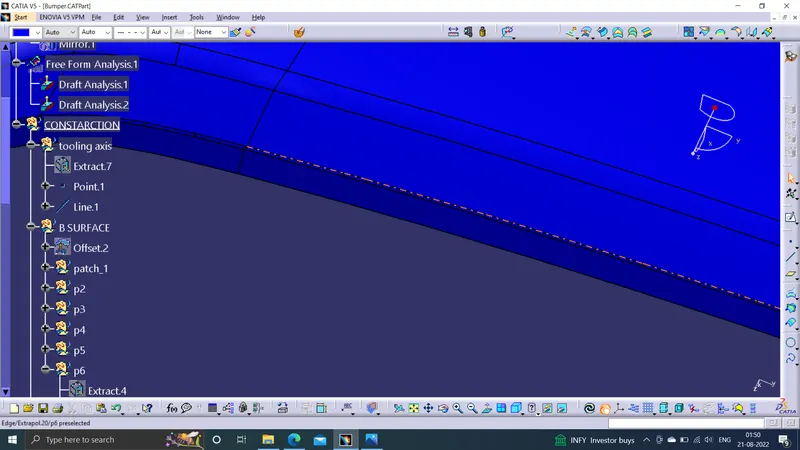
C SURFACE CREATION
Get the boundary lines of Class A surface separately.Smooth the curves with a smooth option as boundary lines have a lot of vertices.Sweep the curves with tooling axis as direction in Sweep option.As both lines do not intersect, extrapolate them with a certain distance.Trim the surfaces.
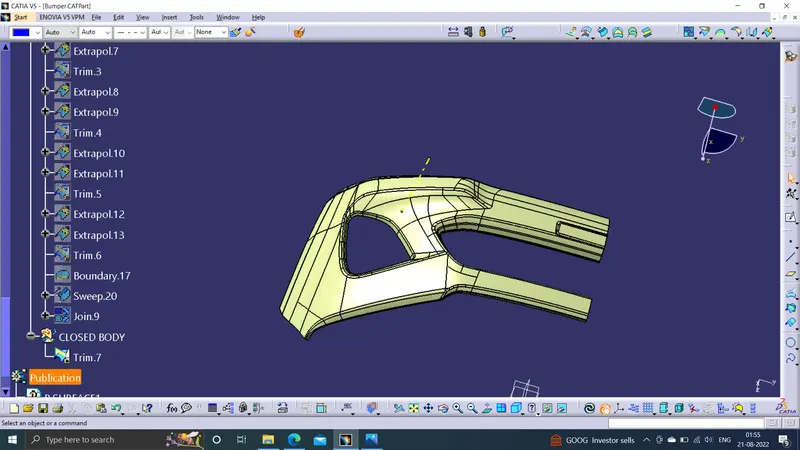
CLOSED SURFACE
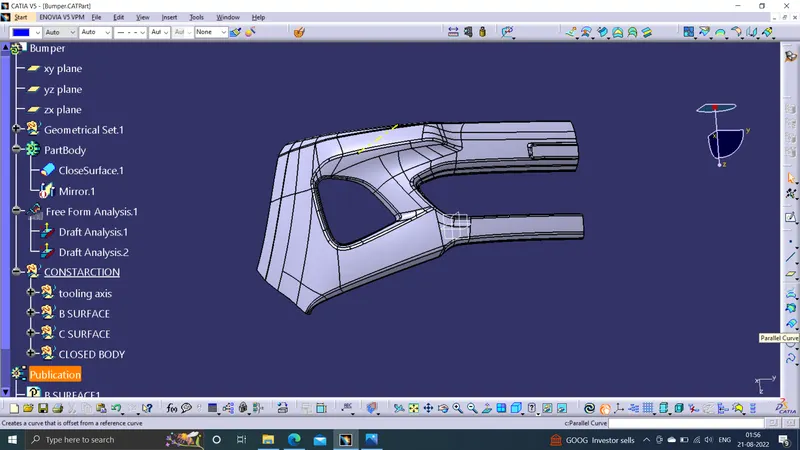
Join the Class A and Class C surfaces.Trim those joined surfaces with Class B surfaces.Go to Part Design and insert a Body and create a closed solid body from closed surface.
DRAFT ANALYSIS
Go to the Insert menu and select the Analysis option.Select Feature Draft Analysis.Select the Material option and select the surface.Drag the compass and place on tooling axis.Make sure that the top surface is in green colour as draft angle should not exceed 3deg.Click on Okay after confirm the model.
IMAGES OF BUMPER