Week 8 - Challenge 6 - Core & Cavity Design
Aim:
To create a core and cavity model for Switch bezel.
Procedure:
Creating Parting Surface:
- Create a solid model switch bezel from given input.
- Open the Surface A and extrapolate the surface to 5mm for all the boundaries.
- Now open the Class C surface and Trim Class A surface to the Class C surface.
- Then unhide the Class B surface now trim class B with the surface trimmed with Class A and C, then join it together.
- Now the output surface is the Parting surface.
Creating Core:
- First analysis the part weather it is flat or the part with projection. If it has projection is present then consider that side as the core.
- Now create a surface that covers entire component and trim it with the parting surface. Then make it as closed surface to create solid object.
- we can use fill option to close the empty space.
- now this part is called as core.
Creating Cavity:
- The opposite side of Core is called Cavity. to create cavity unhide class b surface and surface cover the cavity par
- Trim these two parts and close the opened surface with fill option.
- Here we don't need to worry about component profile.
- Open part workbench and form close object for core and cavity.
Parting Line Creation:
- The edge of class b and the body of class c and the whole body of Class A was take the intersection in ZX Plane.
- The layer form a Solid line is called Parting Line.
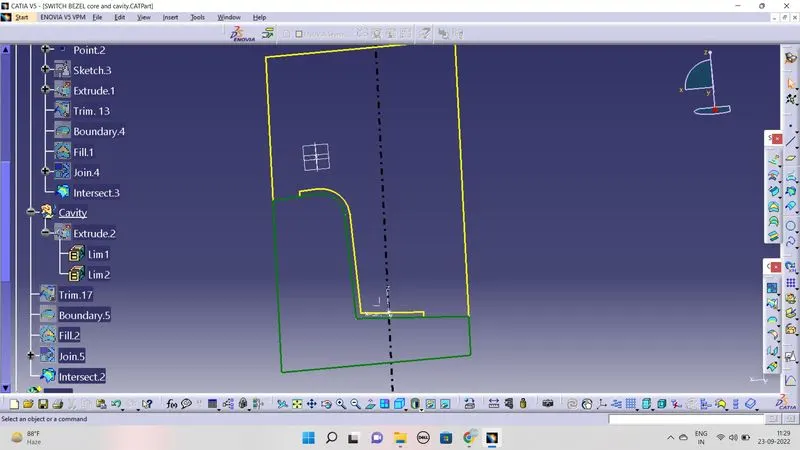
Core and Cavity Drawing:
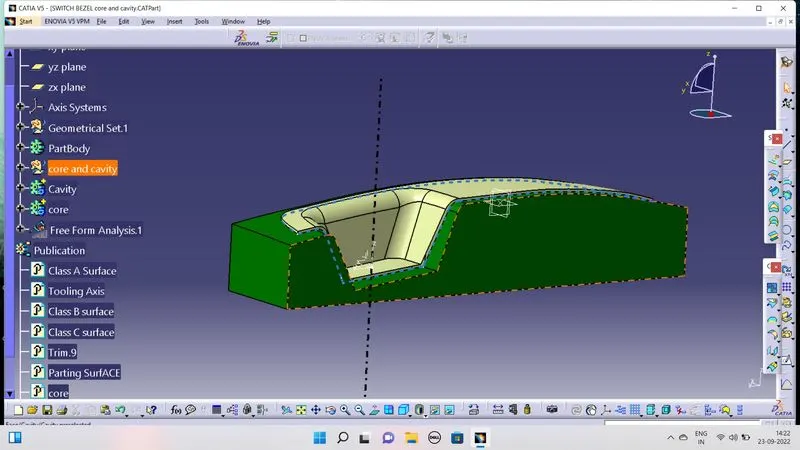
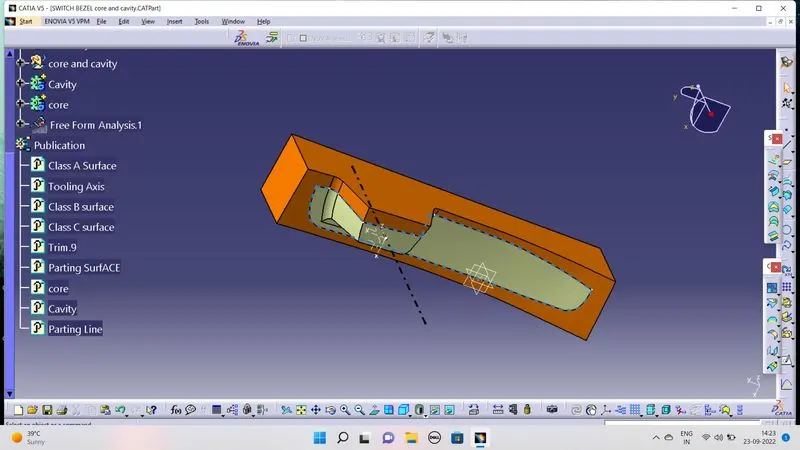
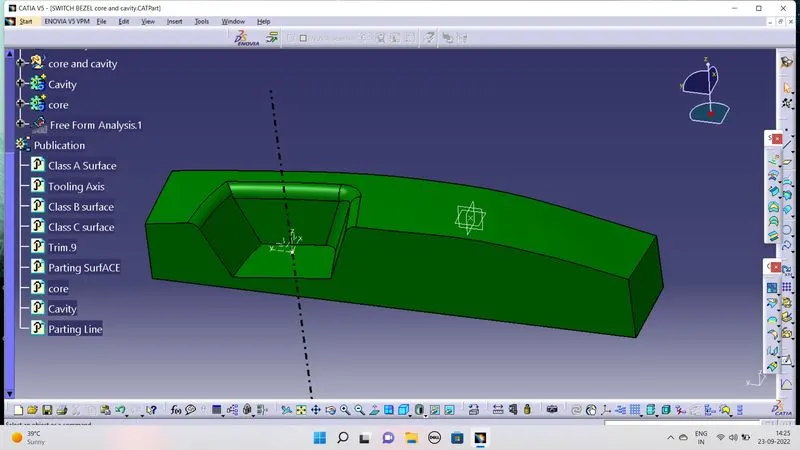
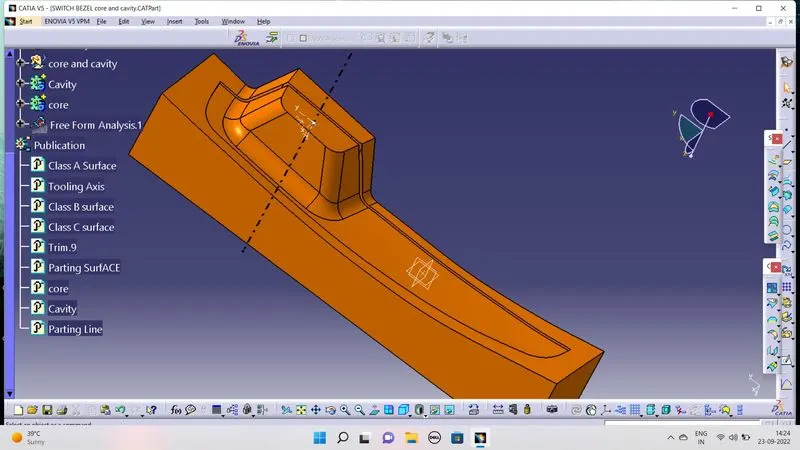
Result :
Thus the task has been complected.