Week 8 - Challenge 6 - Core & Cavity Design
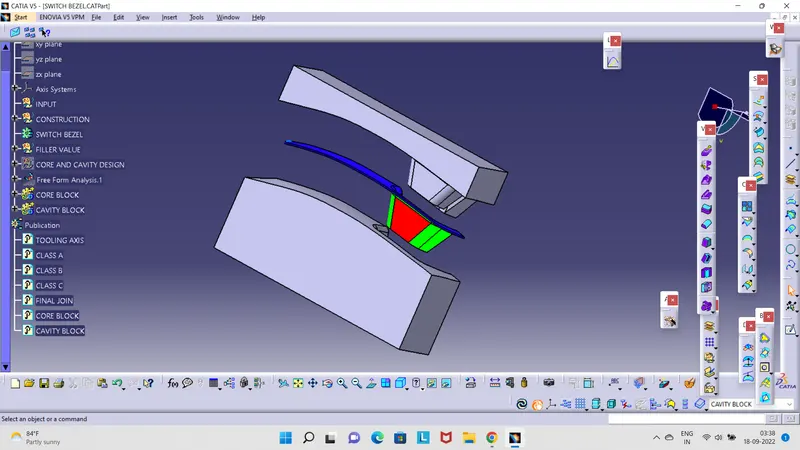
- AIM:- To Create the Core and cavity blocks for the switch bezel component.
- METHODOLOGY:-
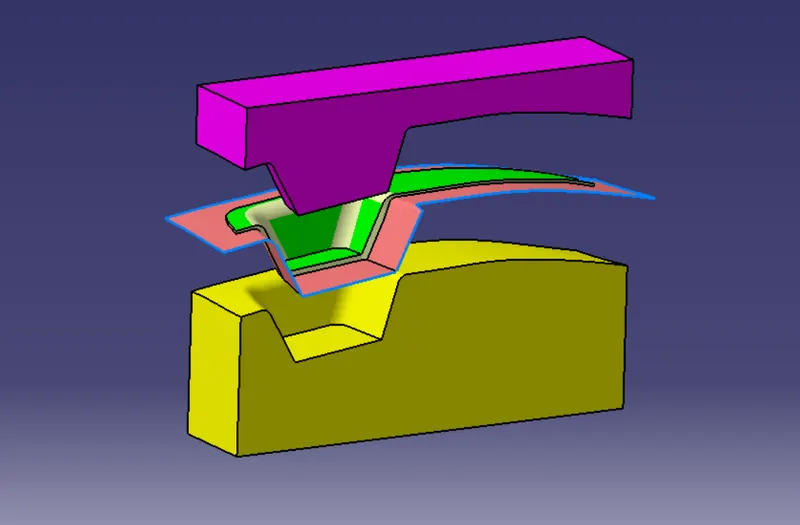
- The core is the part that forms the internal shape of the molding. The cavity is the part that forms the external shape of molding
- The core is the side of the tool where the plastic part is injected from; also known as the bottom half of the tool.
- The upper half of the mold is called CORE. A tool with one impression is often called a single impression (cavity) mold. A mold with two or more cavities of the same parts is usually called a multiple impression (cavity) molds.
- The outside of the enclosure will be a cavity on the A-side of the mold and the inside will be a core on the B-side.
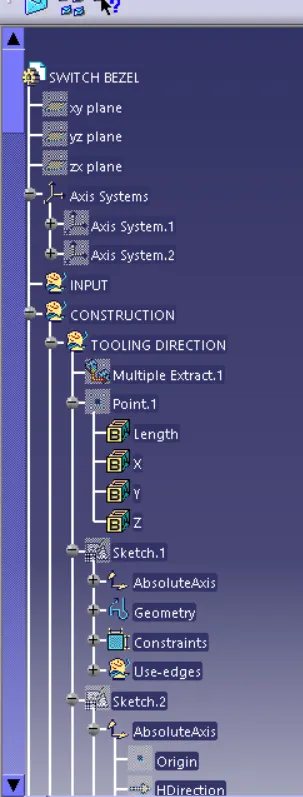
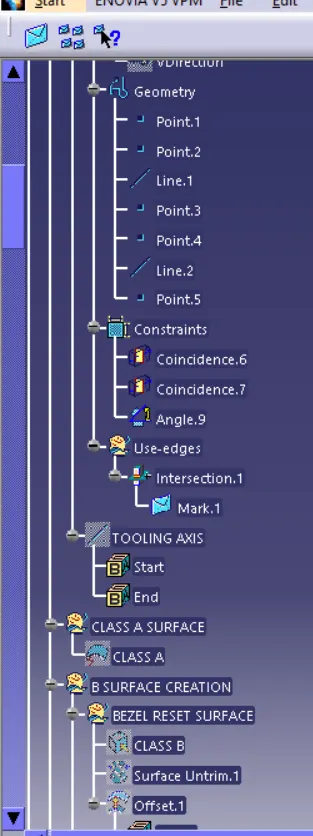
- TOOLING AXIS:- The Tooling Direction is basically the direction that the mold pulls apart. The mold is built in two separate pieces, basically. You have a Cavity side and you have the Core side. The Core pulls apart from the Cavity and that's the Dye line or the Tooling Direction.
- Open the given CAT part file.
- Check for gaps between surfaces for that click on join and then preview.
- f there's any gap between the surfaces join them with a maximum tolerance of 0.003 mm.
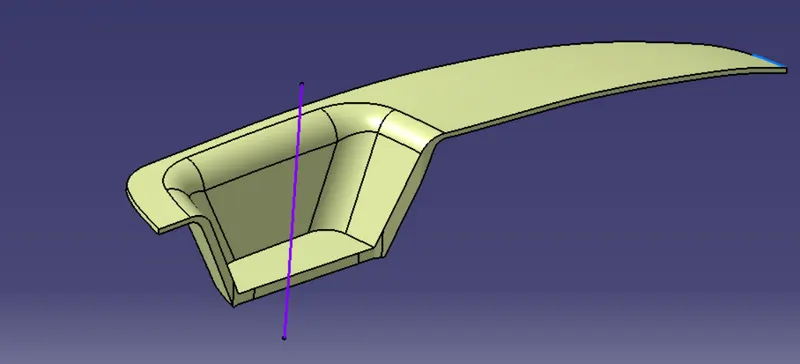
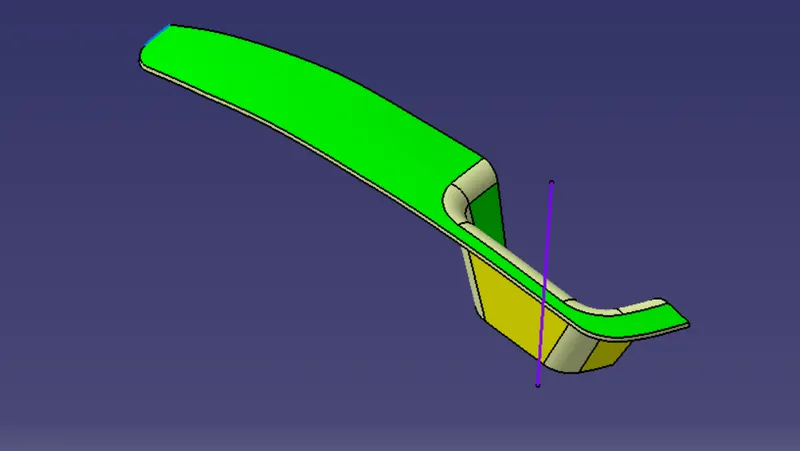
- Extract the boundary and dissemble the boundary.
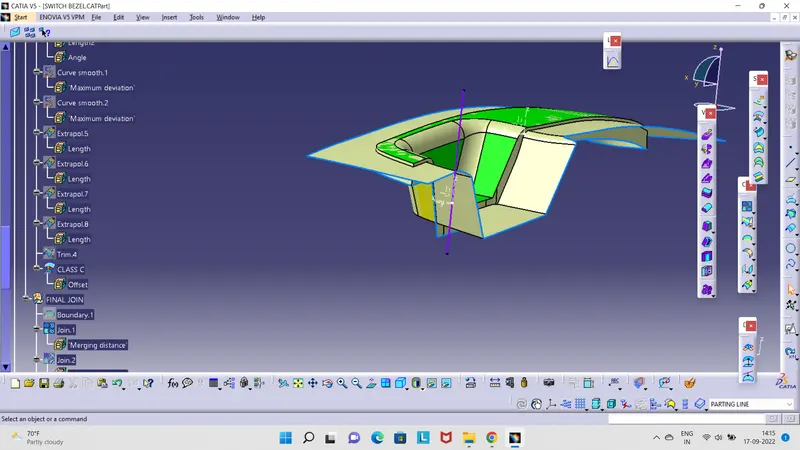
- Find the correct tooling axis where the material doesn't interfere with the tooling axis and all the elements can be created.
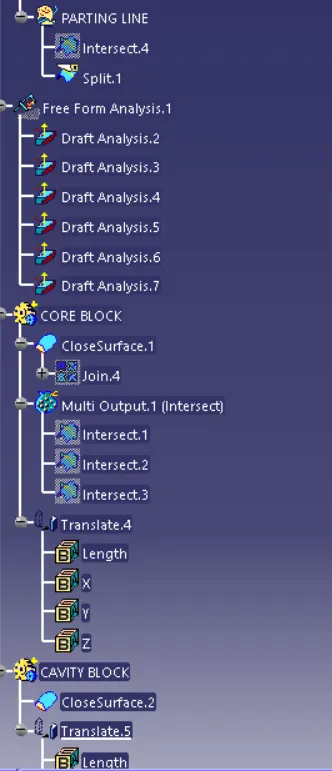
- Create an axis system using at the center of the switch Bezel.
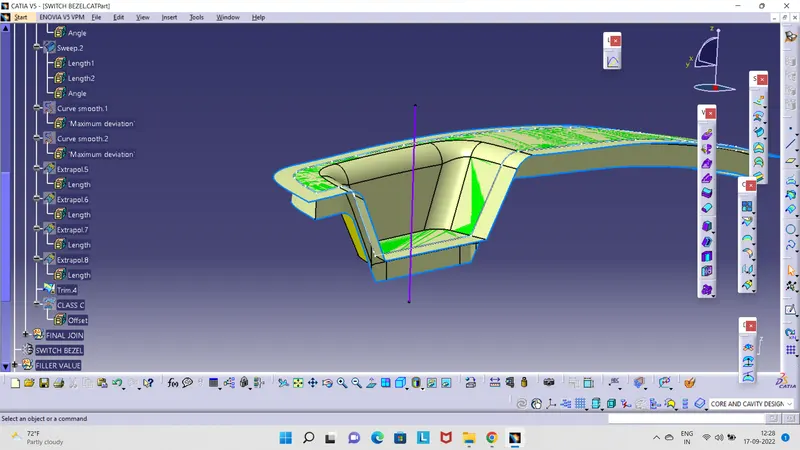
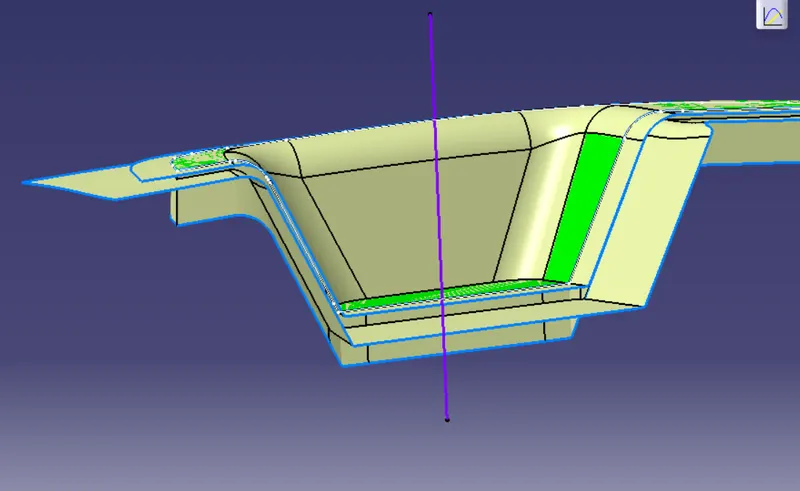
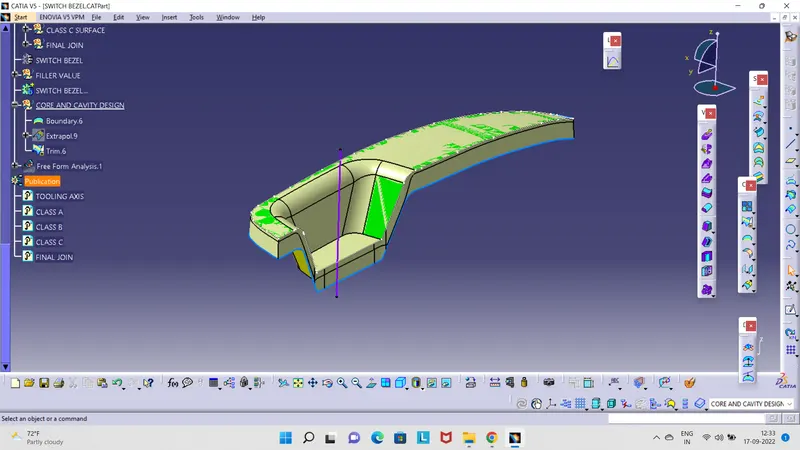
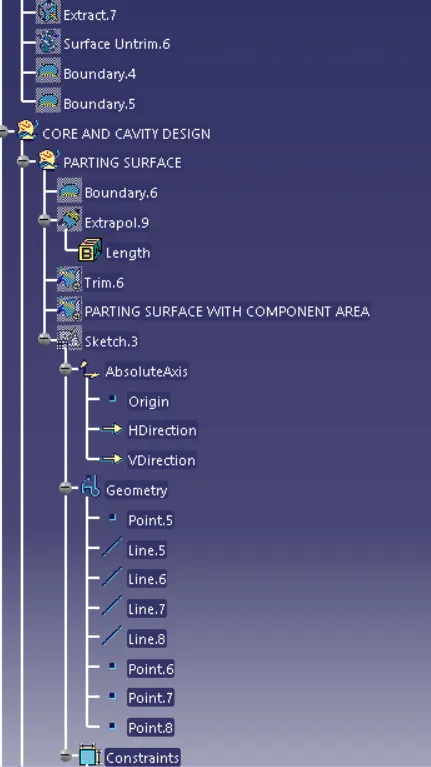
- Unhide the axis system. and sketch rectangular. ensure it is in the part. extrude the sketch .direction: tooling axis.ok.trim the extrude and parting line
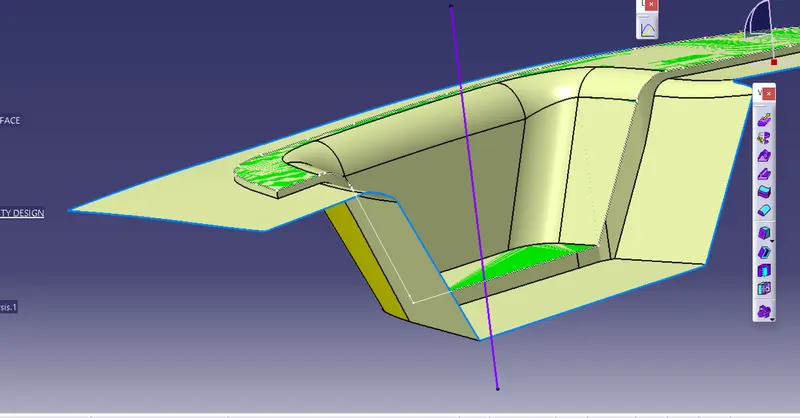
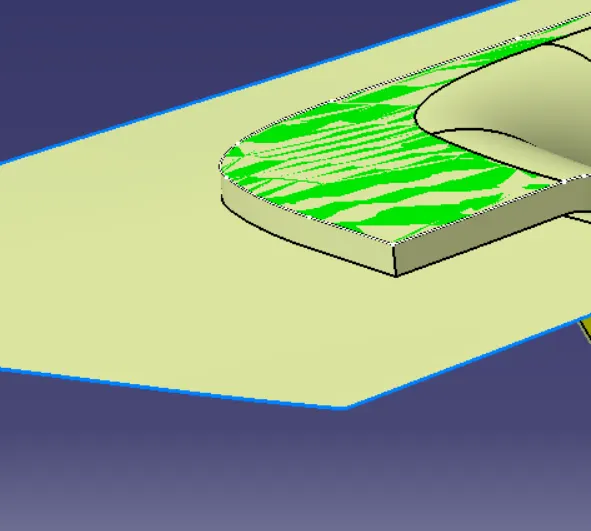
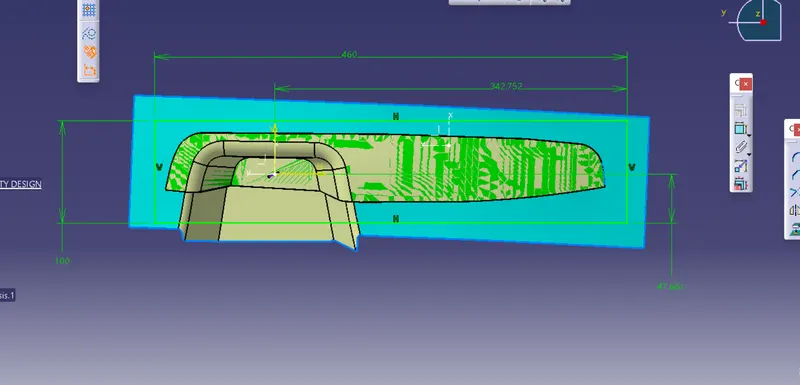
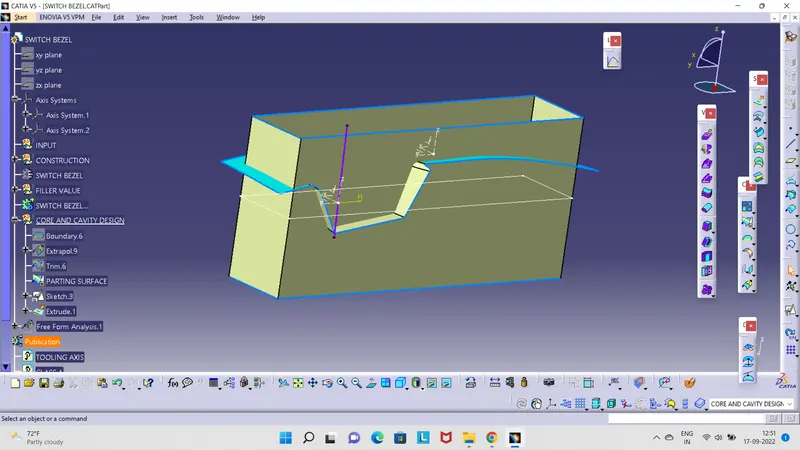
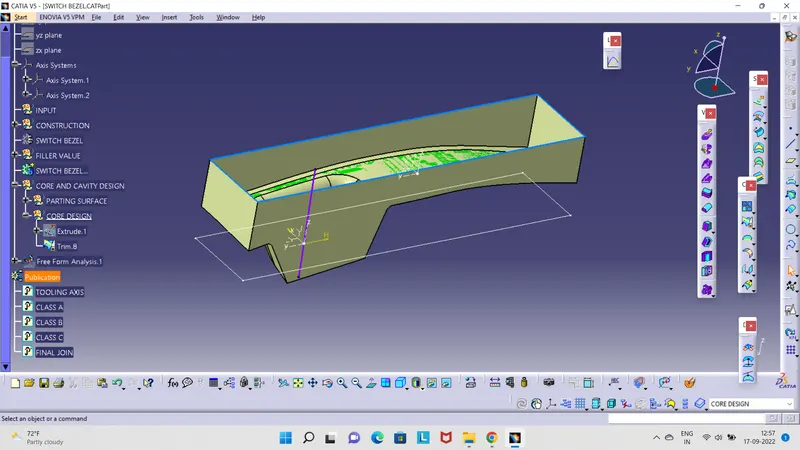
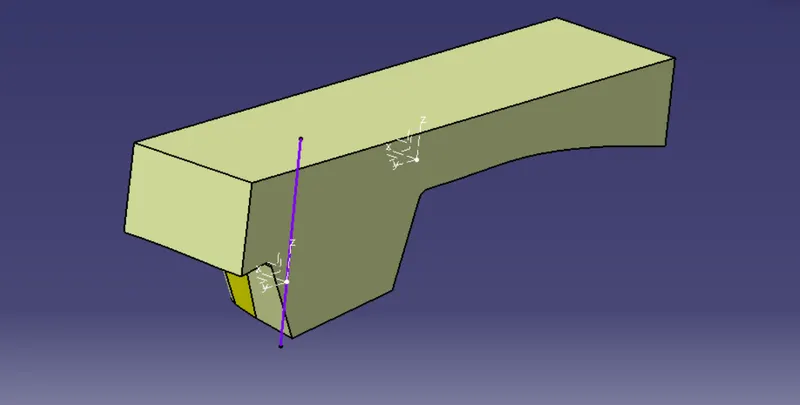
WITH CLOSED SURFACE
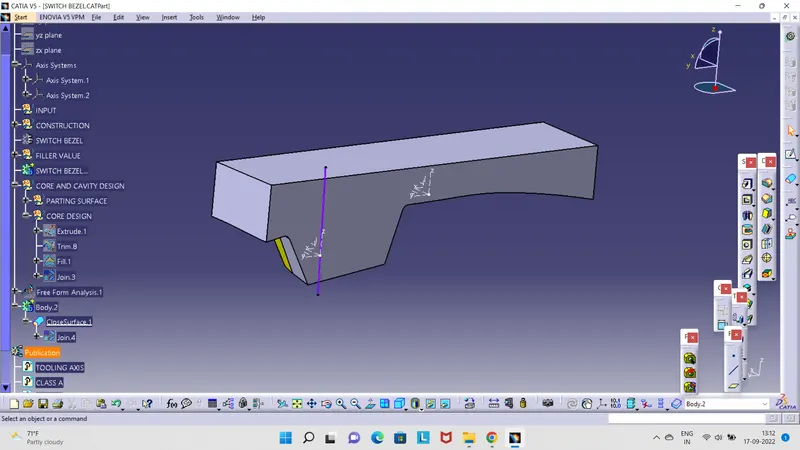
- intersect them1st element: Zx axis plane. second: closed surface plus parting line surface plus closed surface 1
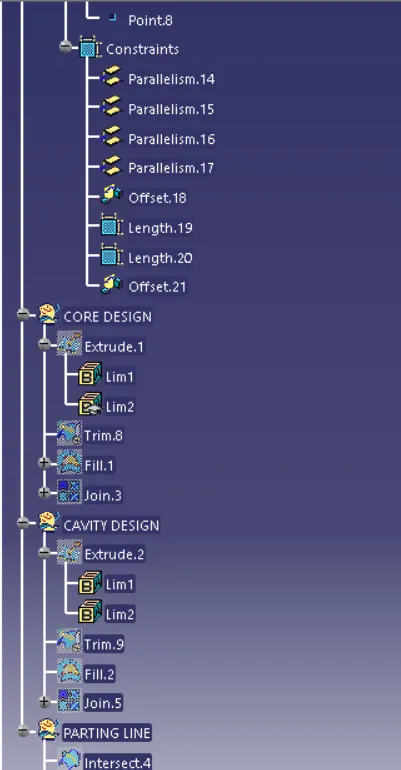
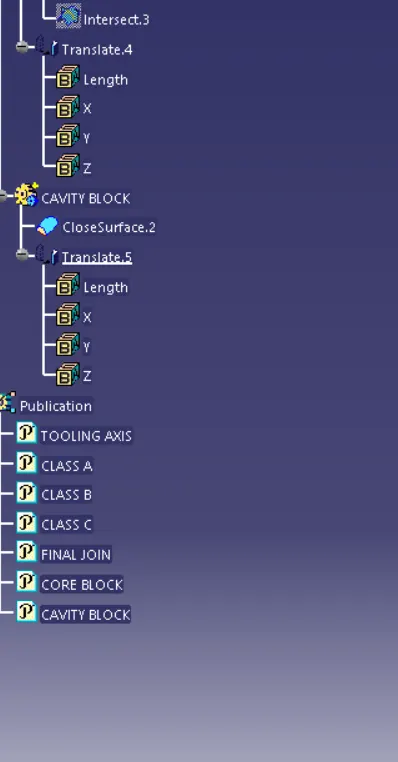
NOW cavity design extrudes it ----- parting the sketch----tooling direction. unhide the B surface trim and trim it--- extrude and b surface. go to fill--create a boundary. and fill the boundary. Insert a body and make a solid it. click the closed and right-click join. join the fill and trim. now this is the core closed block
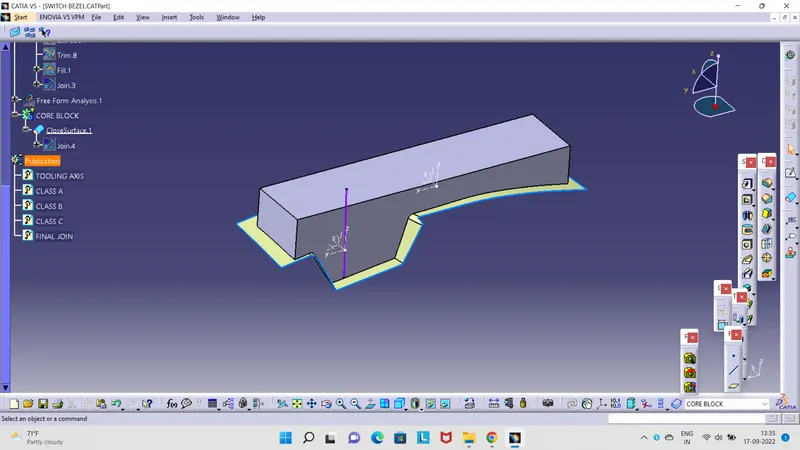
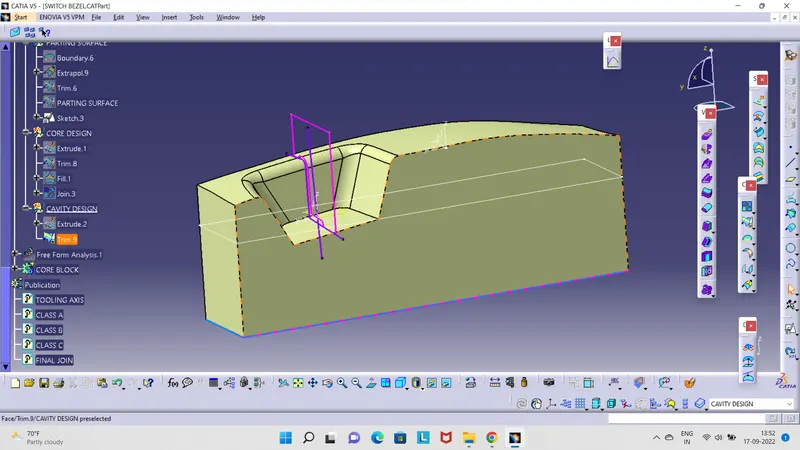
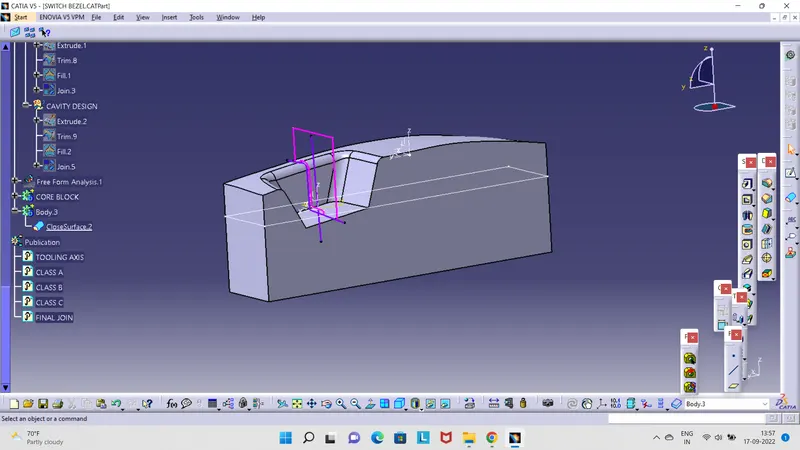
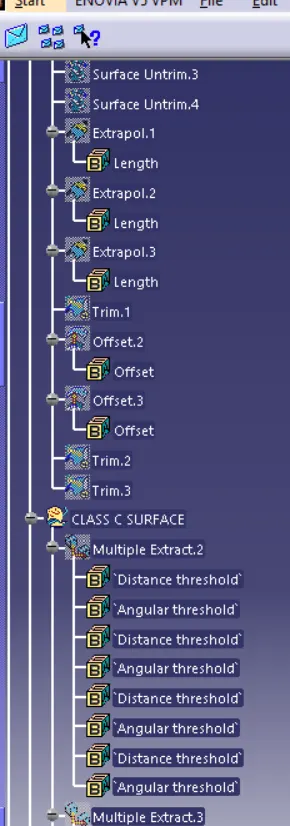
- NEXT, intersect the z-x plane. insert a geometric name as a parting line. should have a class A AND C which is gonna split with the B surface.INTERSECT WITH THE CLASS B AND JOIN.3
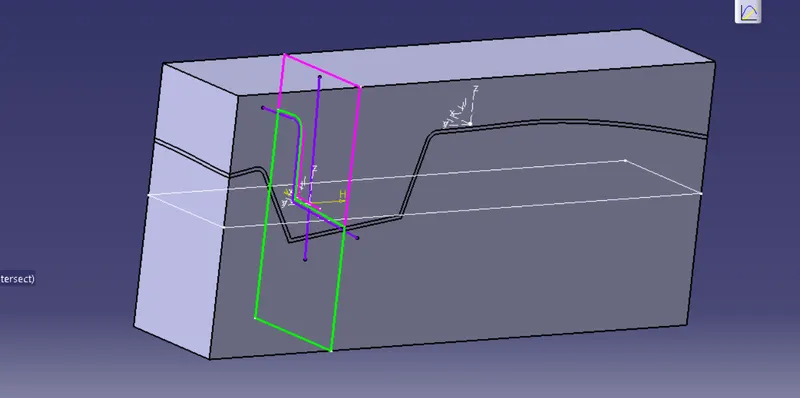
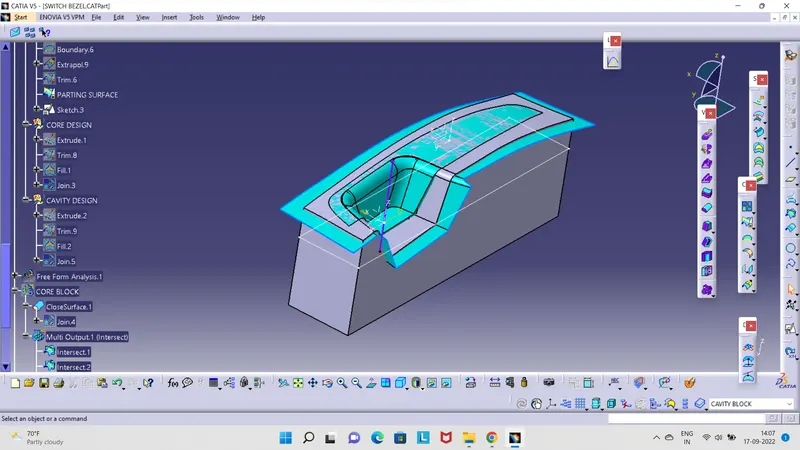
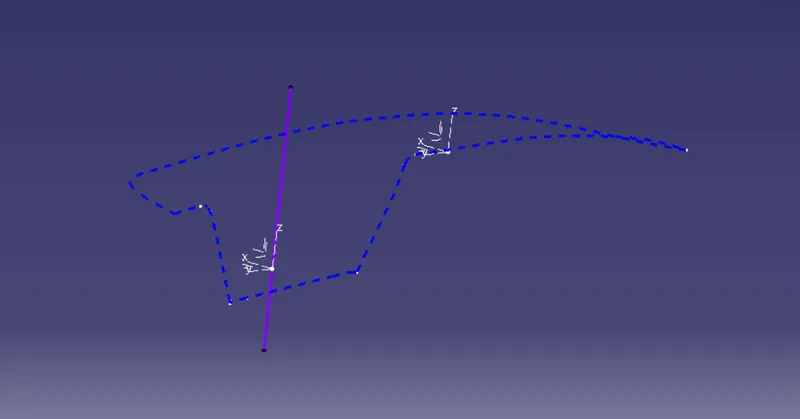
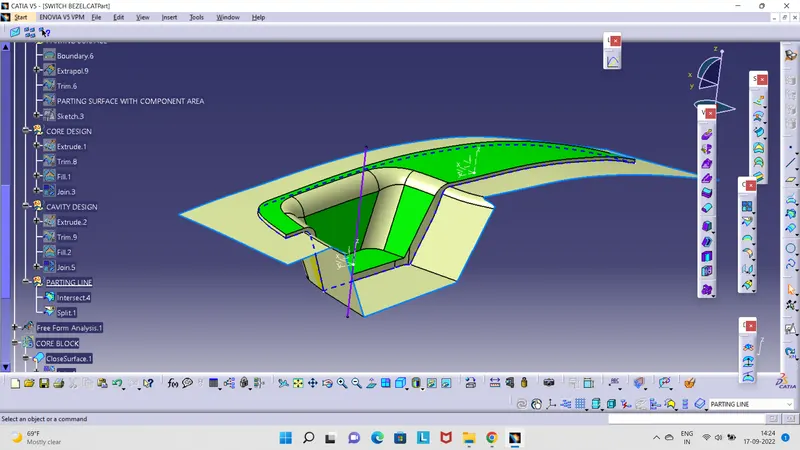
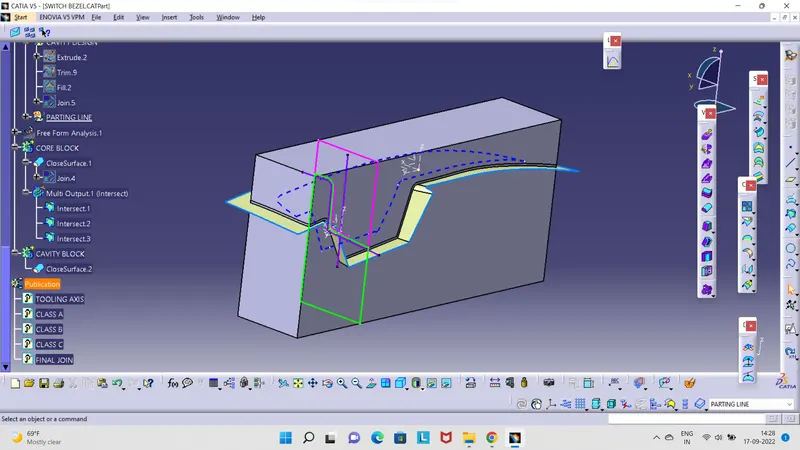
- NEXT, intersect the z-x plane. insert a geometric name as a parting line. should have a class A AND C which is gonna split with the surface.INTERSECT WITH THE CLASS B AND JOIN.3
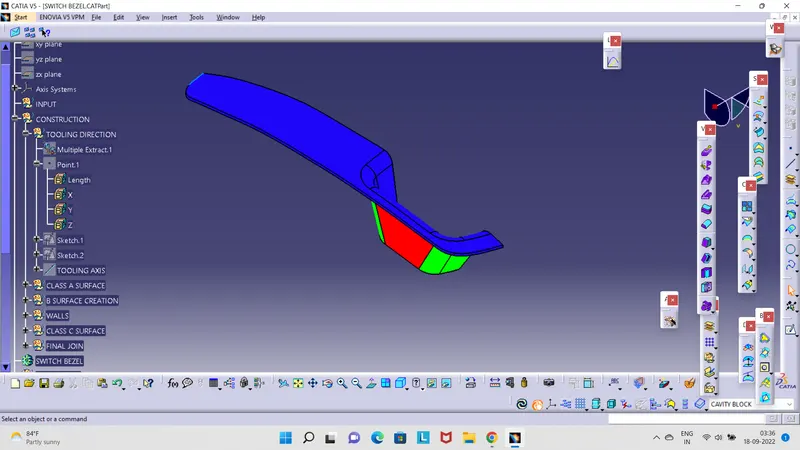
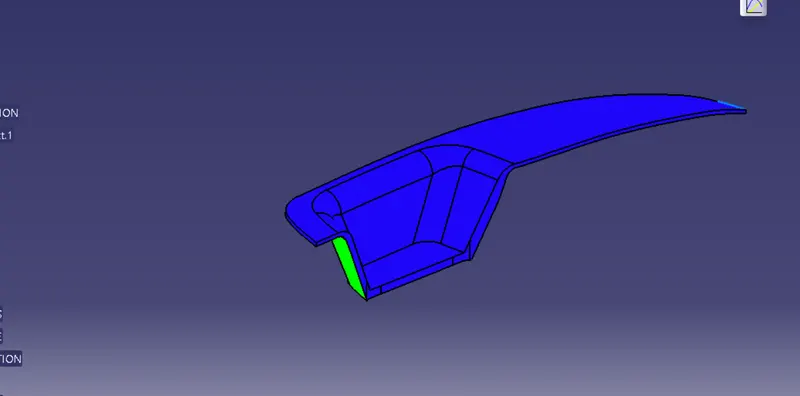
- core and cavity design are being parted!
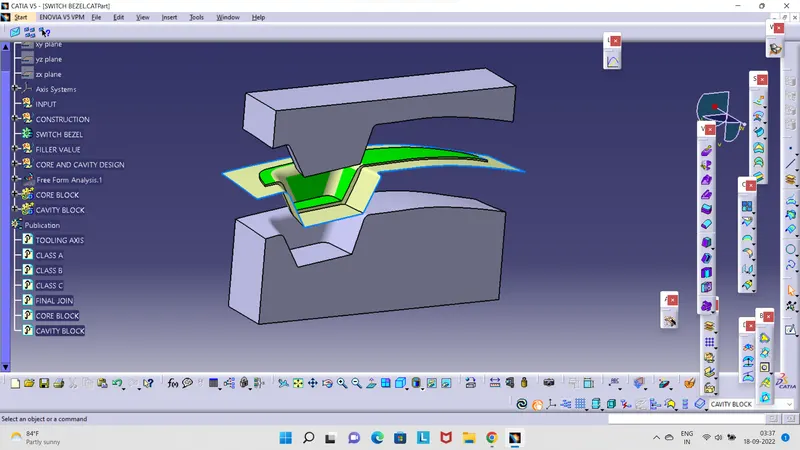
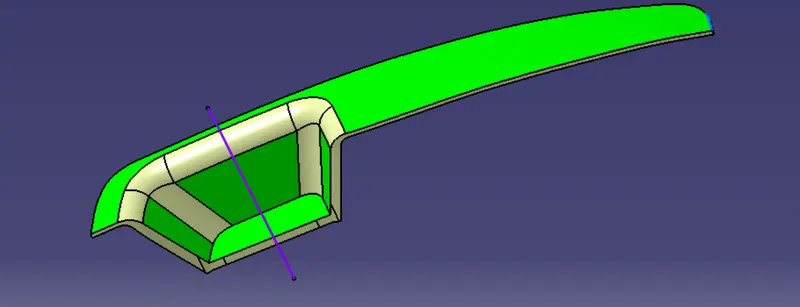
- DRAFT ANALYSIS
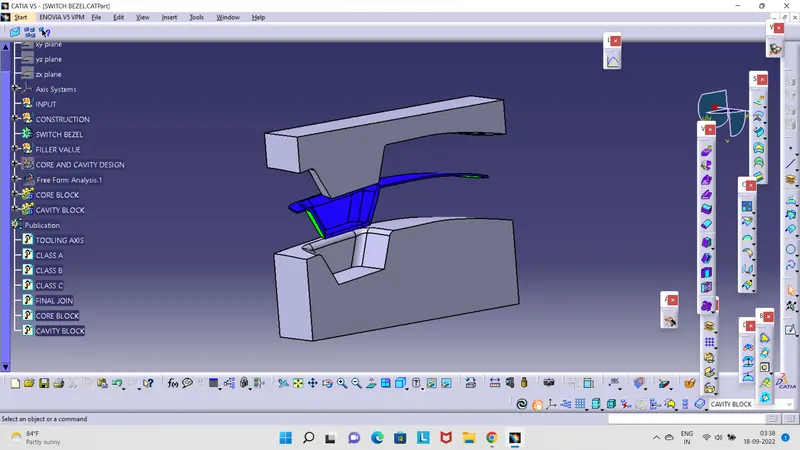
- WORKSPACE