Week 8 - Challenge 6 - Core & Cavity Design
AIM:-
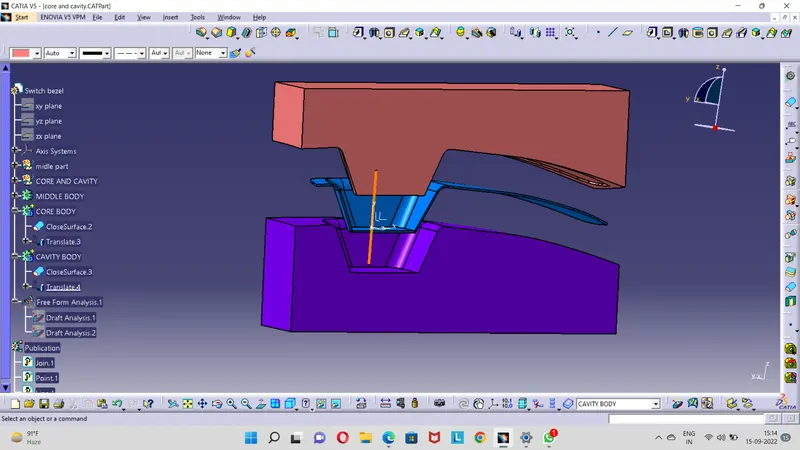
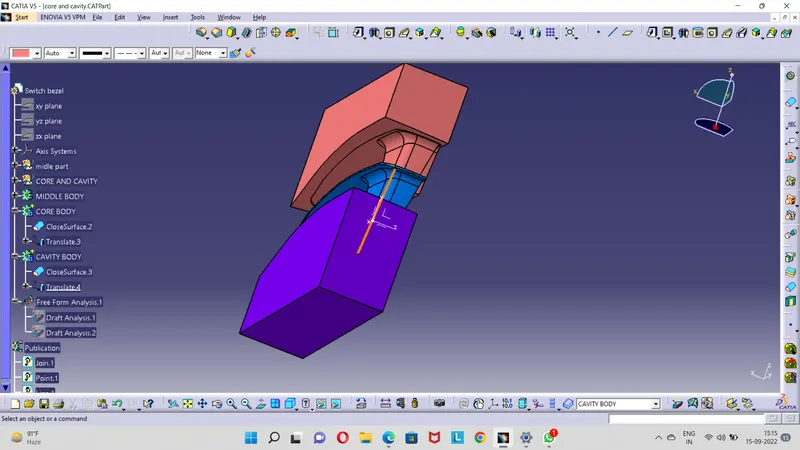
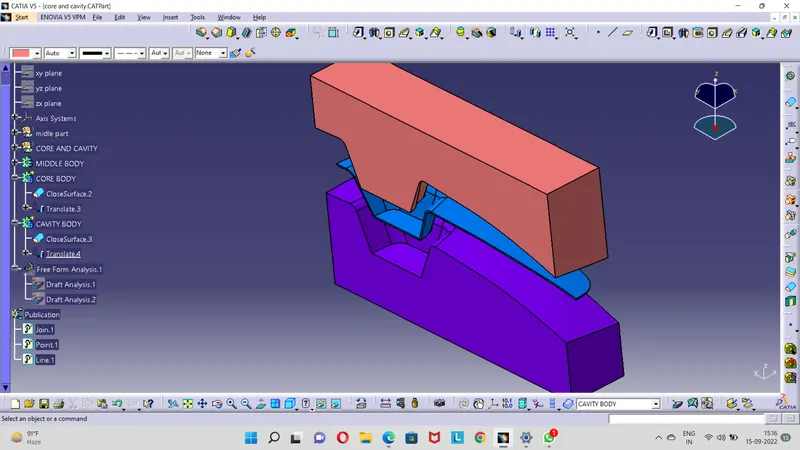
Create the core and cavity blocks for the switch bezel in CATIA.
CONCEPT:-
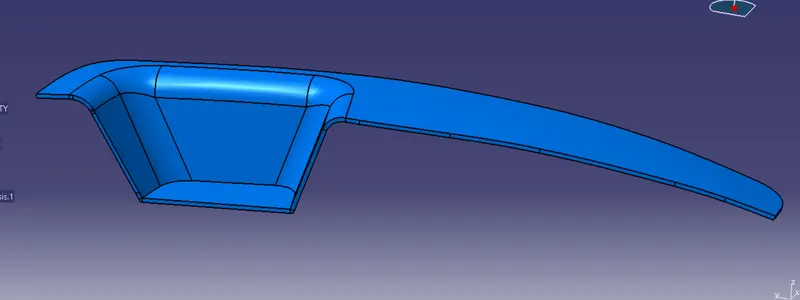
SWITCH BEZEL MIDDLE PART:-
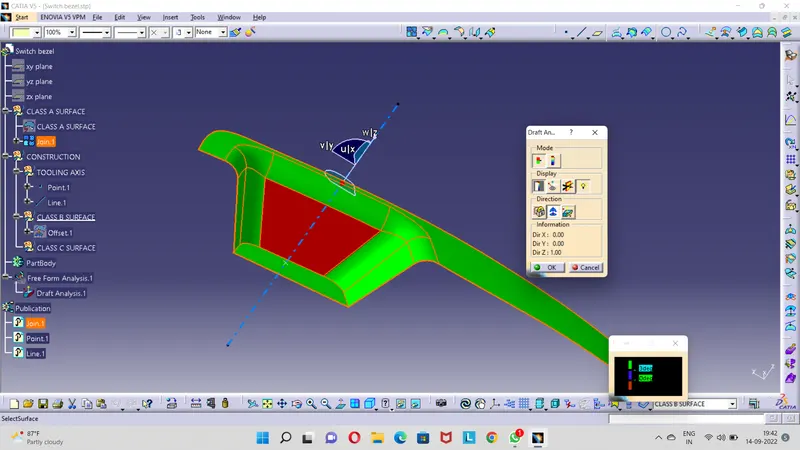
- In previous challange switch bezel setp file is downloaded.so it is class A surface.Then i do draft analysis for class A surface.
- After that i offset class A of 2.5mm for making class B surface.Then i extrapolate the class B surface of 15mm.so class B surface also ready.
- Then I create boundry for class A surface for making sweep of 10mm for making class C surface.
- After that i use trim option for making single surface of class A,B&C surfaceThe switch bezel midle part is ready.by using close surface option i made solid body od switch bezel
CORE BODY:-
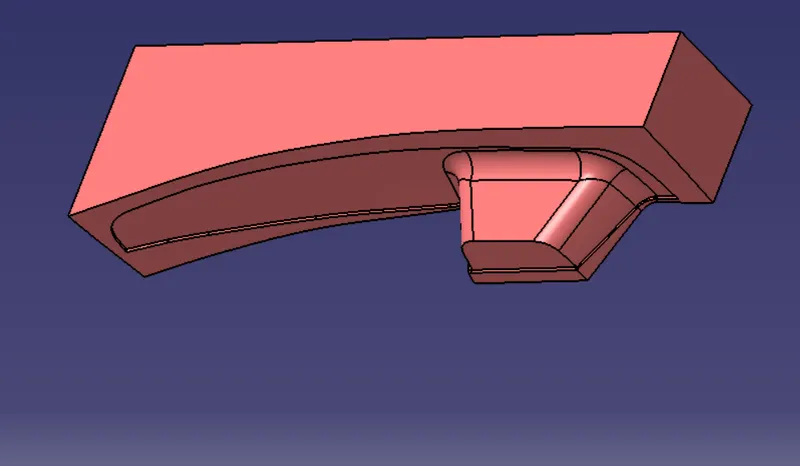
- For making core part of switch bezel model.make extrapolate for B surface and by using trim option trim the B surface previous side and c surface and A surface .
- So there make a profile of impression for switch bezel thickness 2.5mm.
- Then make rectangle and extract that both up and down direction.
- Trim the impression maked profile and extract profile.
- Result of that trim makes core part of the switch bezel.
- Using closed surfce option makes solid part for the core part.
CAVITY BODY:-
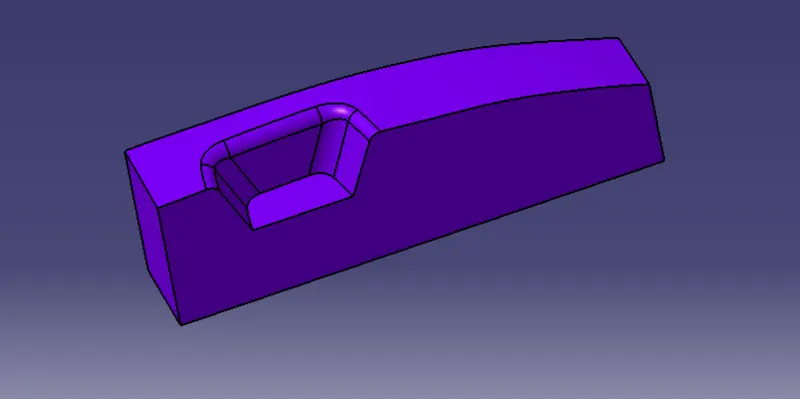
- For making the cavity part of switch bezel model.make extrapolate the B surface and by using trim option trim the B surface from extracted rectangle previous side of extracted surface
- Trim makes cavity body of exact type of what we need.
- using the close surface option and make cavity solid part.
RESULT:-