Week 8 - Challenge 6 - Core & Cavity Design
* Aim:
- The Aim is to create the Core And Cavity for the pre-designed switch bezel model to make a mold.
REPORT-
* Draft Analysis:
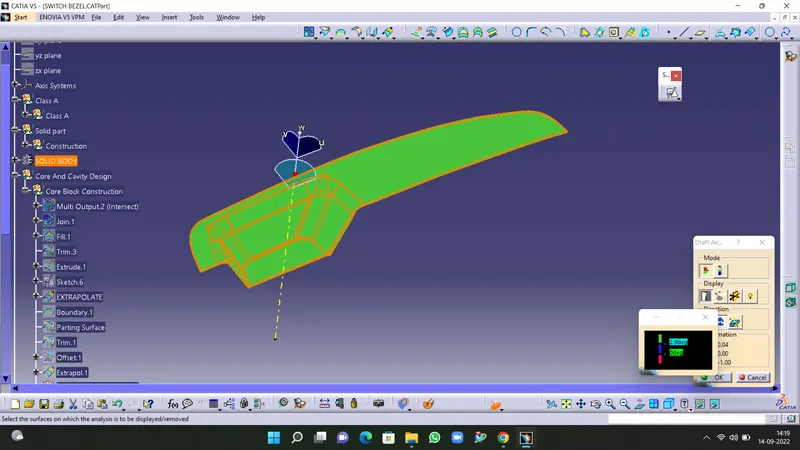
- First We have to take A draft analysis to check which sides are Covered with the previous tooling Axis.
- And if needed make the changes in the draft analysis.
- As it covers A Surface And C Surface With The Same tooling Axis.
* Creating Core:
- Now, take a class A Surface to create a core and offset it to get the B Surface As Shown in the following picture.
- Then Etrapolate The Sides Using Boundry command and then extrapolate.
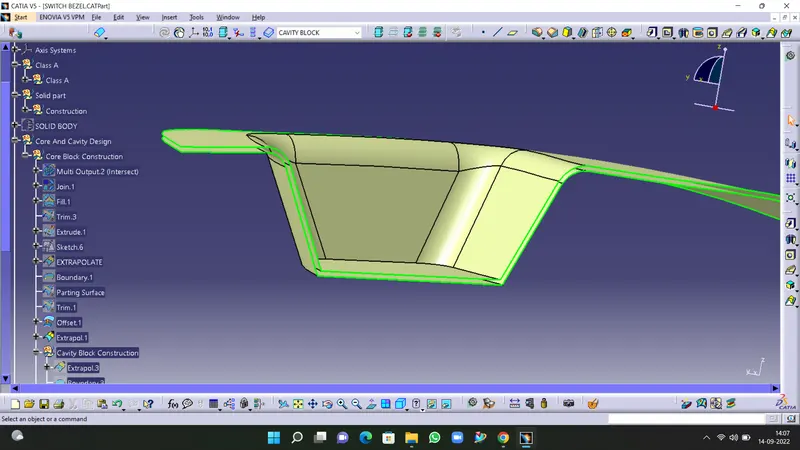
- Unhide the class C Surface And join class A and Class C And extrapolate the class B Surface.
- Now make A trim between class A, B, And C Surface and make A trim as another side so that We get a parting surface.
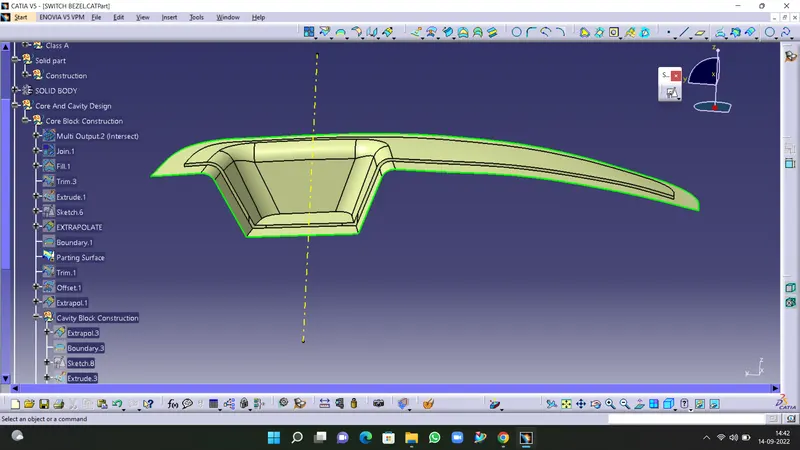
- Now Make rectangle sketch on the parting Surface And Etrude It As shown if screen shot.
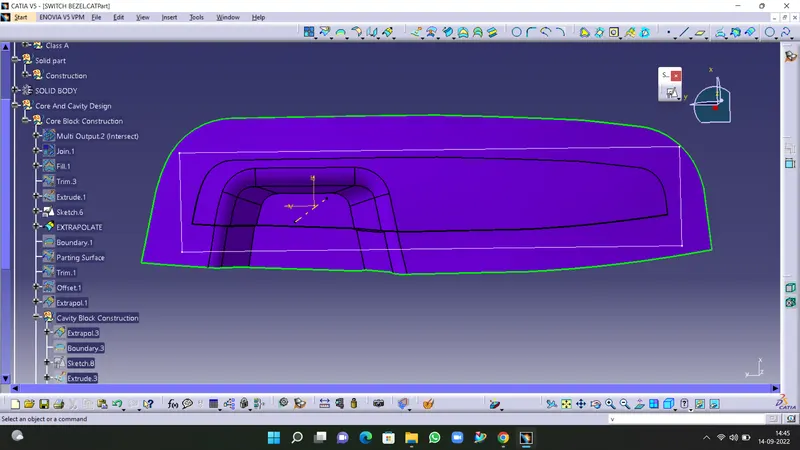
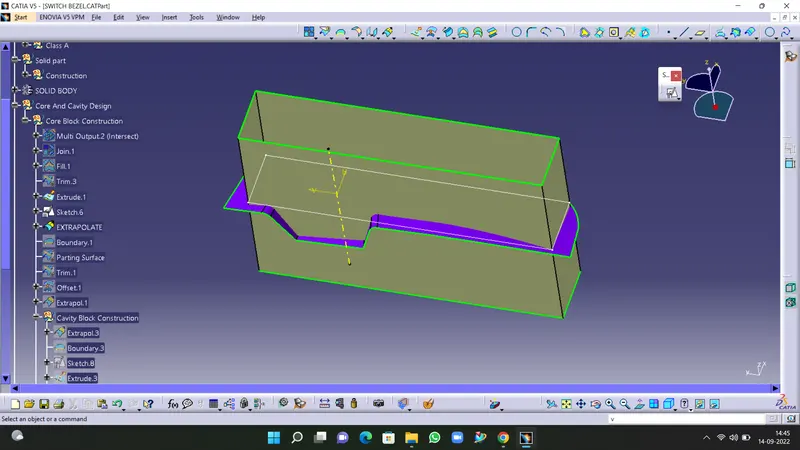
- Now trim it with the parting line.
- And Fill the upper surface using fill command.
- And make the the core Solid Using close Surface Command.
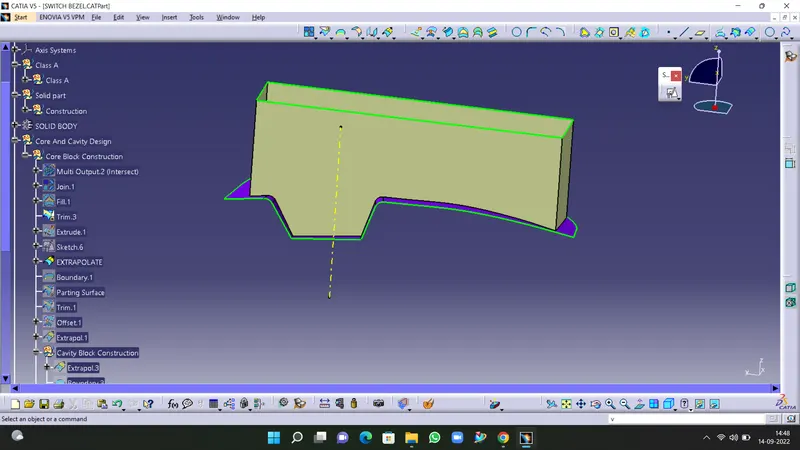
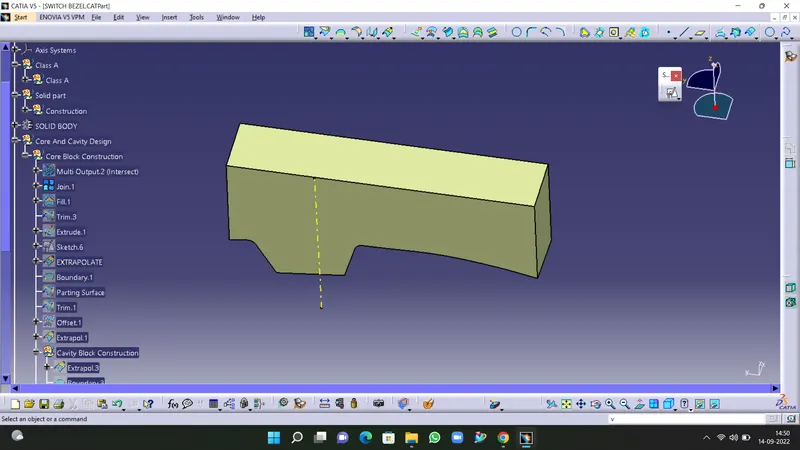
- This is the Solid Core Model.
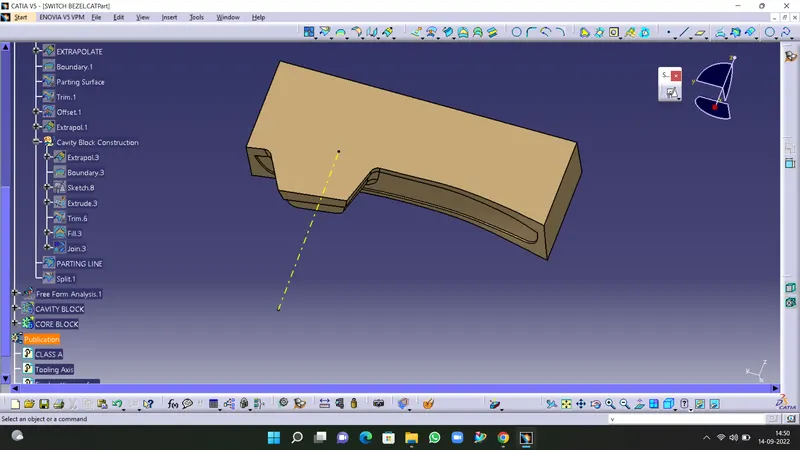
* Creating Cavity-
- Now unhide the offsetted B Surface.
- And extrapolate it on all sides.
- Copy the previous rectangular sketch And extrude it.
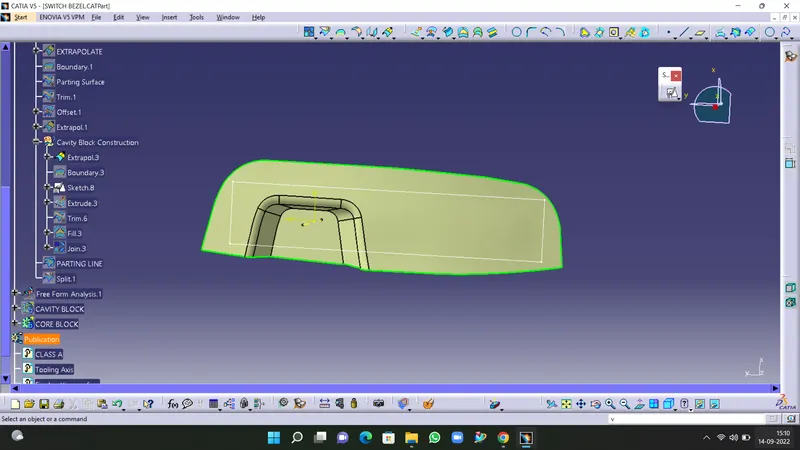
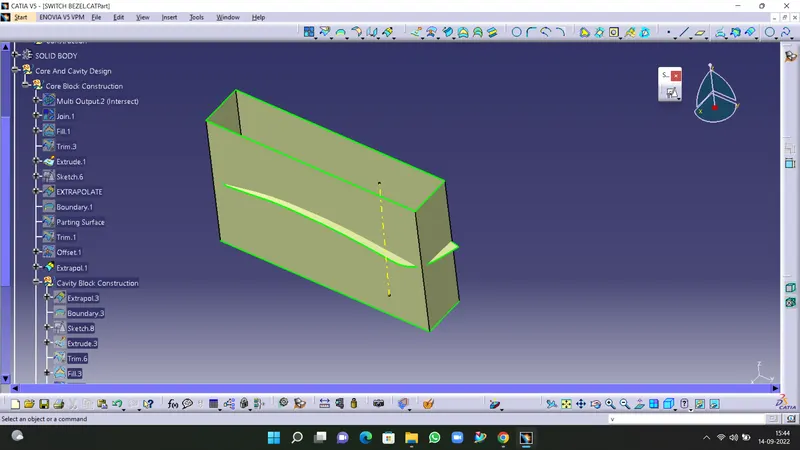
- Now trimed it with Extrapolated class B And By using Fill Command Fill its lower side.
- then By using close surface command Make the cavity part as a solid part.
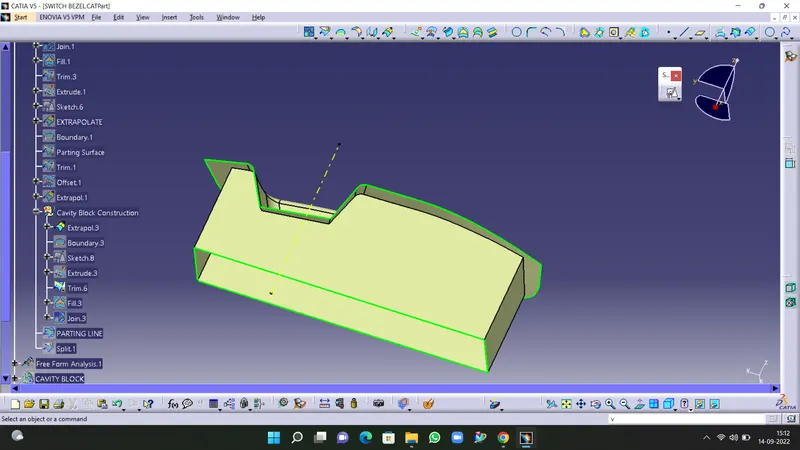
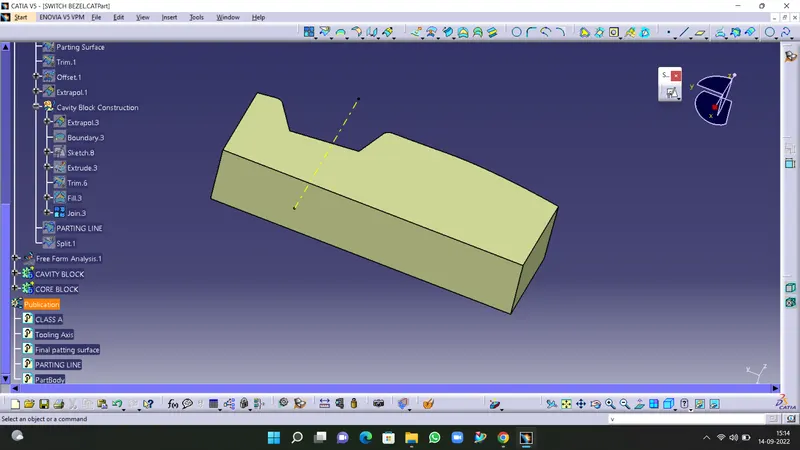
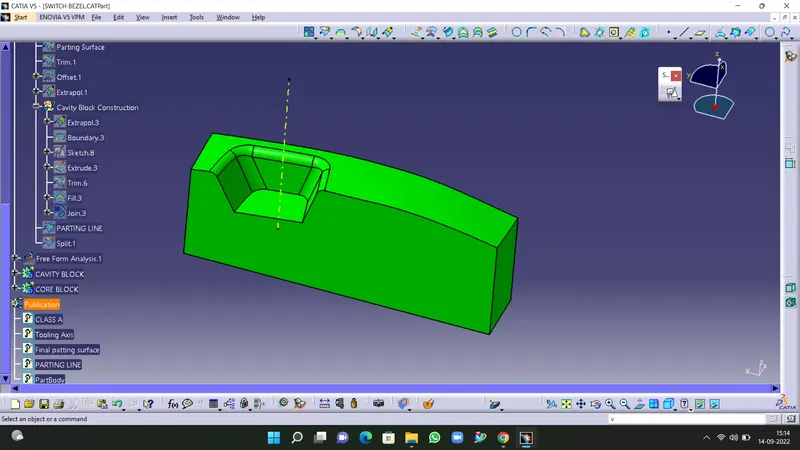
- By using intersect command we can see that the intersecting lines which gives more clearity about core and cavity of the mould.
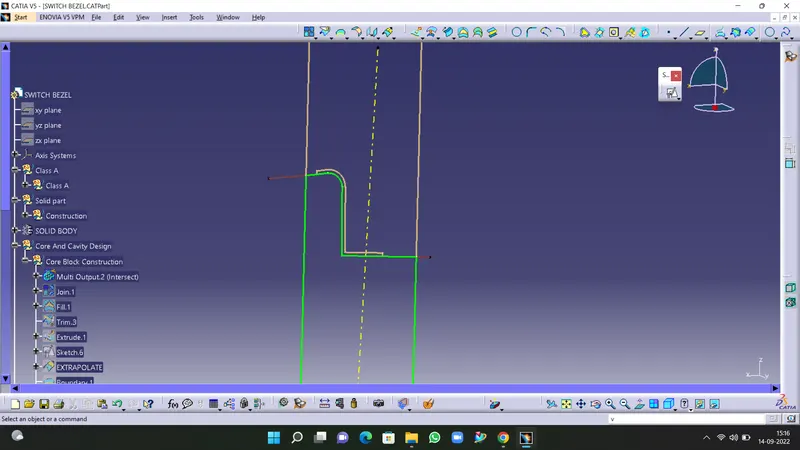
- Placed the solid model of switch bezel inside the core and cavity.
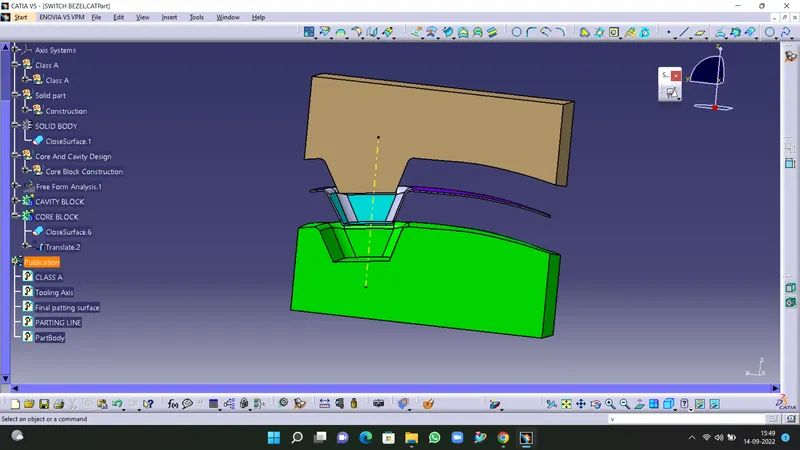
- now by using the Translate command Give the distance between the Core And cavity and we can see the moulded part simpy in between core and cavity.
- hence our mold is completely designed.
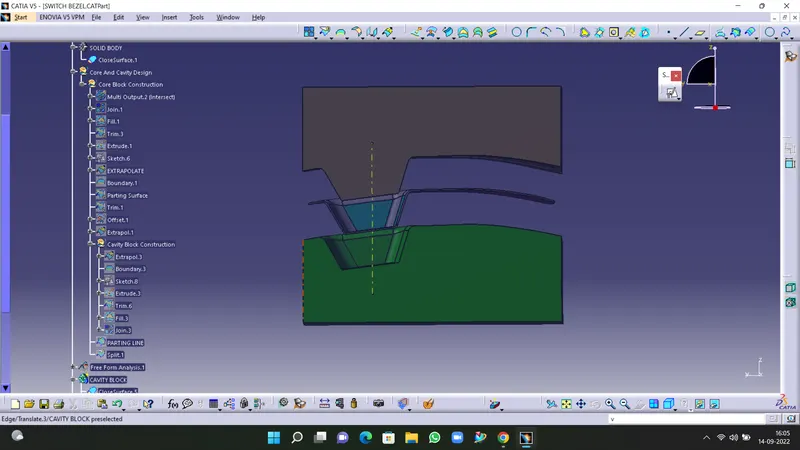
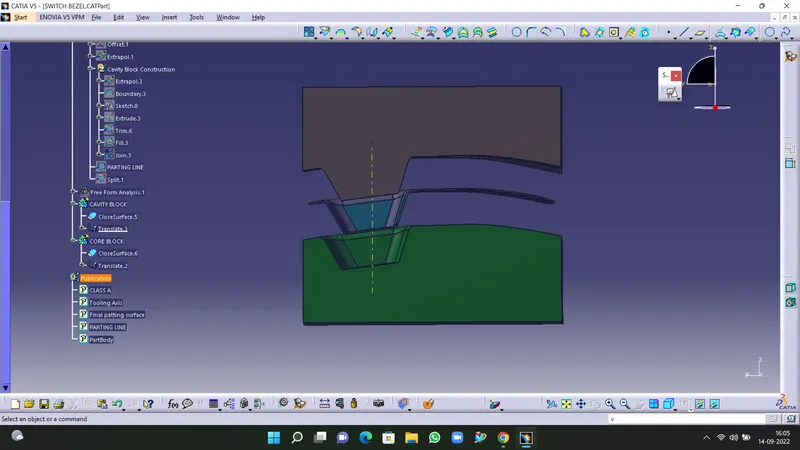
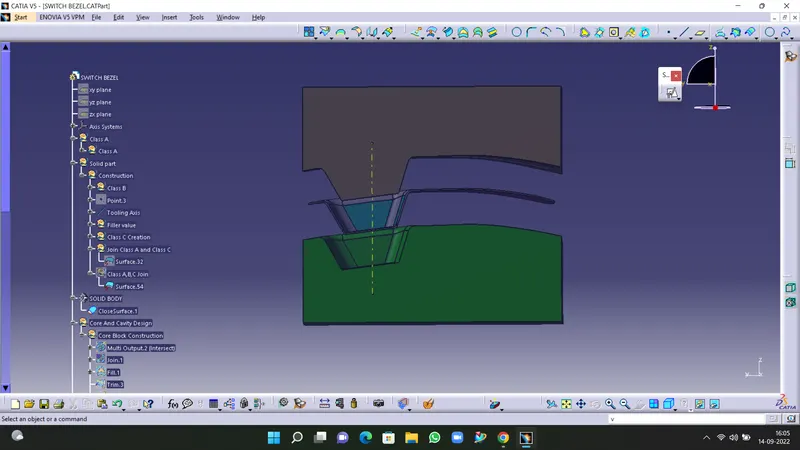
* Tree Structure:
* Conclusion
Plastic compponent Switch Bezel is created from given Class A surface in CATIA V5. The Tooling Axis created for the Class A surface, meets the requirement of Draft angle. And Draft analysis is performed on Solid Plastic Component too. Mold Core and Cavity Block, Parting line and Parting Surface are successfully created.