Week 8 - Challenge 5 - Door Trim Lower
AIM : To create the class B surface, C surface and tooling axis also publish it as well as close surface the given door trims
INTENT :
Firtsly we have to Create the Door Trim Plastic component through the given Class-A surface and the tooling axis for the given Class-A Surface should be created meeting the requirements of the draft angle and at the end of the complection we should perform the Draft analysis on the model
simillarly Take the Thickness of the component to be 2.5 mm
Class A :
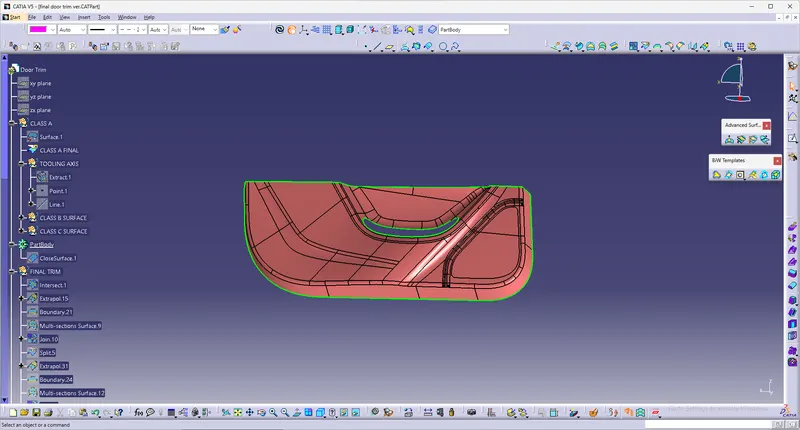
By making use of the give catia file rename it as class A we got the catia part file which is having the A class surface we only change their name and color before that look all body is pefectly close as well as no any impurity in surface
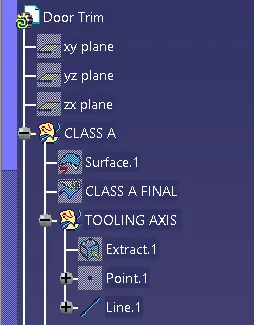
CREATION OF TOOLING AXIS :
Here first we extract the surface of class A and than create point on it use this point we create the line by using line command for proper direction which want to the draft analysis and this line knows as the tooling axis. tooling axis is works as provided to direction for injection moulding as well as direction of draft angle where is check it right or wrong.
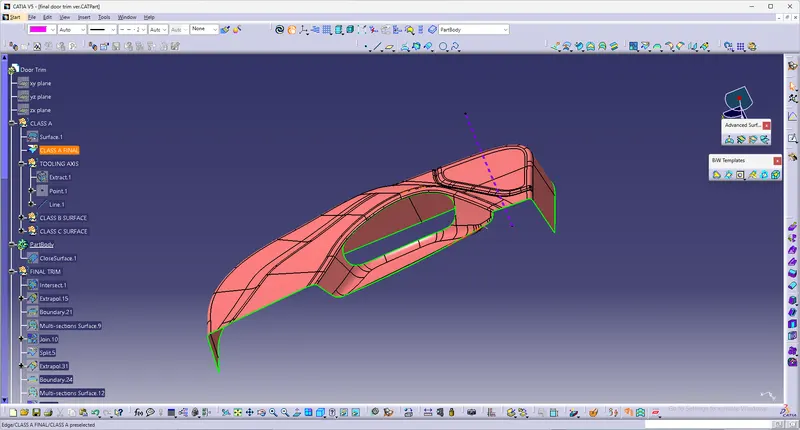
B surface :
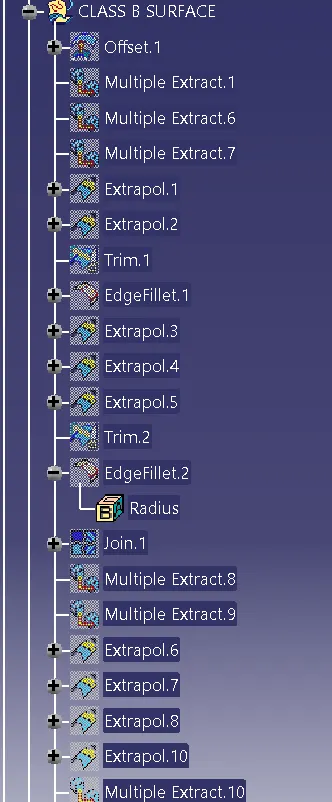
we just need to offset the Class A surface and get the B surface body here we offeset the 2.5mm value so we get the thickness is 2.5mm is mention in above so we offset the A surface for 2.5mm
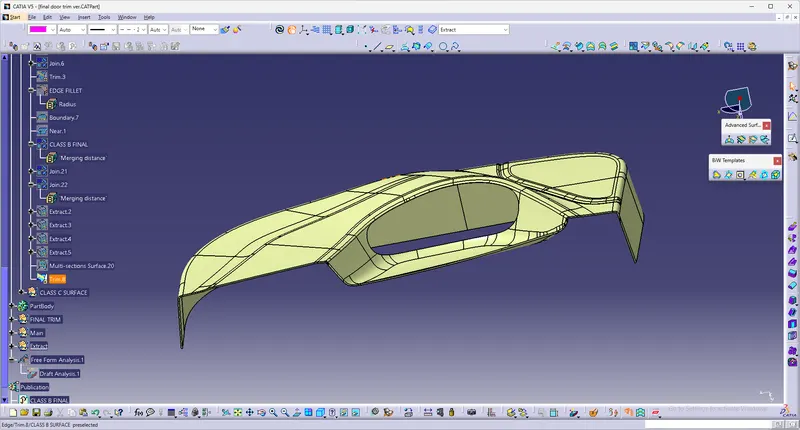
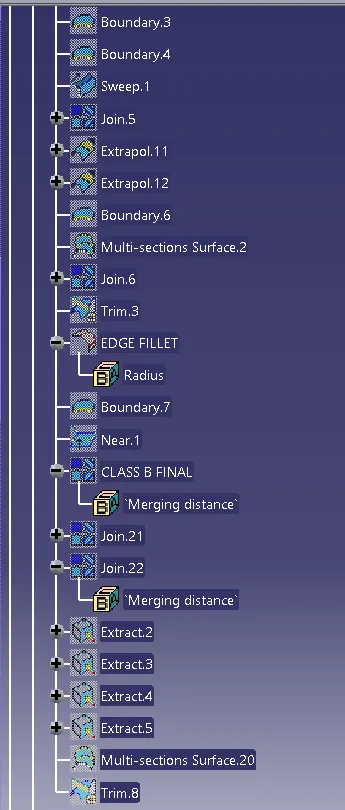
after the offset we get the surface but in that some impurities some portion not offset so we required to solve it so used explore, multiple extract, fill curve conect, join command and get desire output mobel no any discontinuty than color it so we get B surfaces
C surface :
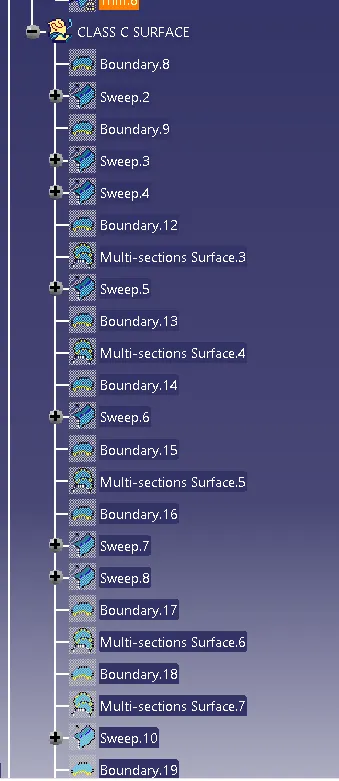
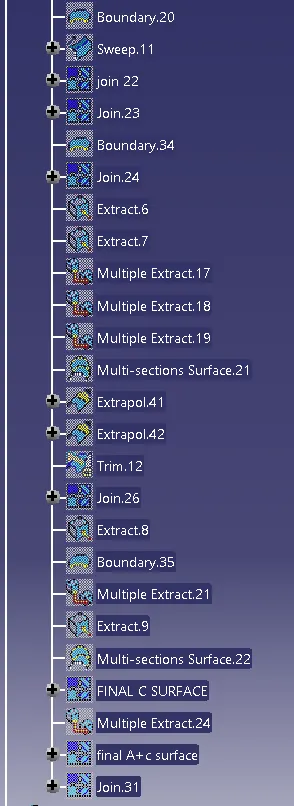
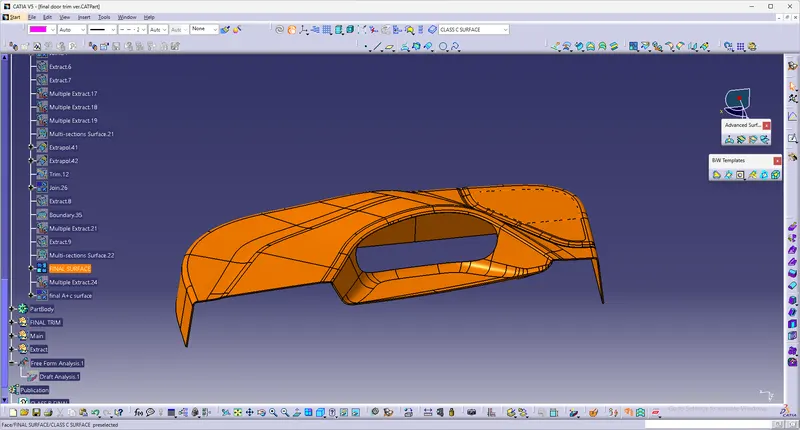
By making use of sweep command so first we need to create a boundary and disassemble it get two curves first out-side surfaces than second is in-side surfaces after that we used sweep commad in that go to draft section on choose surface reference option and sweep it similar think done inner curve than we get c surface
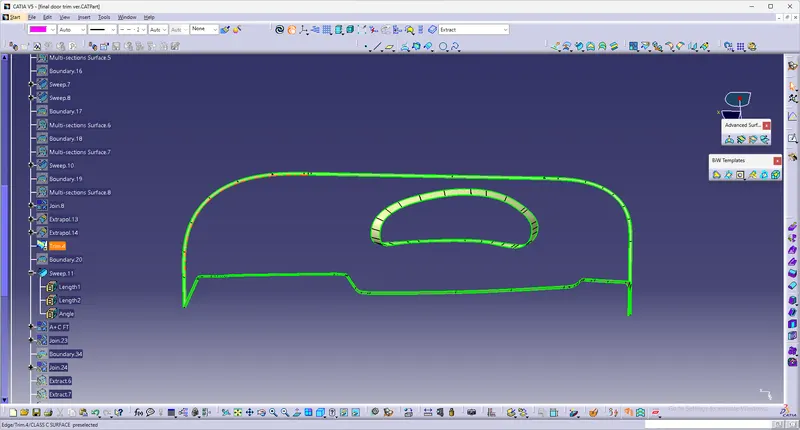
By joining with class A surface we get final output of C-surfaces as shown in below
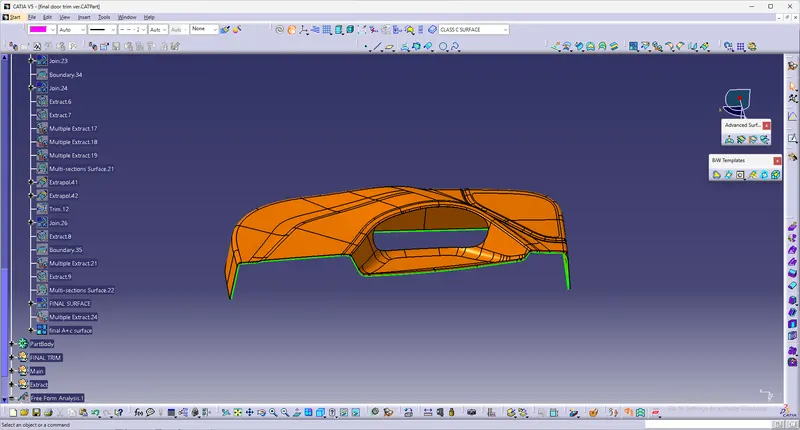
Closed Surface :
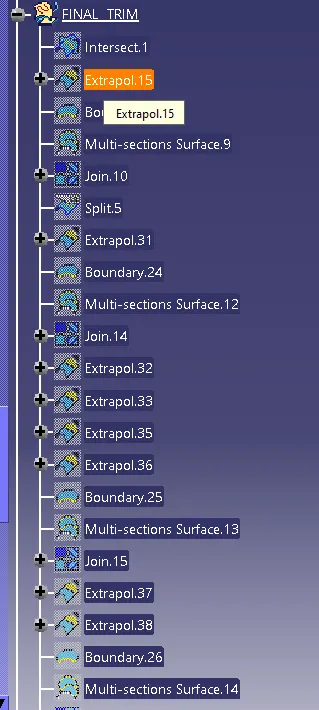
The close surface get by the final trim surface of c class shown in above image with the b class surface in that we required condition to properly trim it so we used exploer command and exploer B surface required dimension same think done both inner and outer curve than trim it get close surface
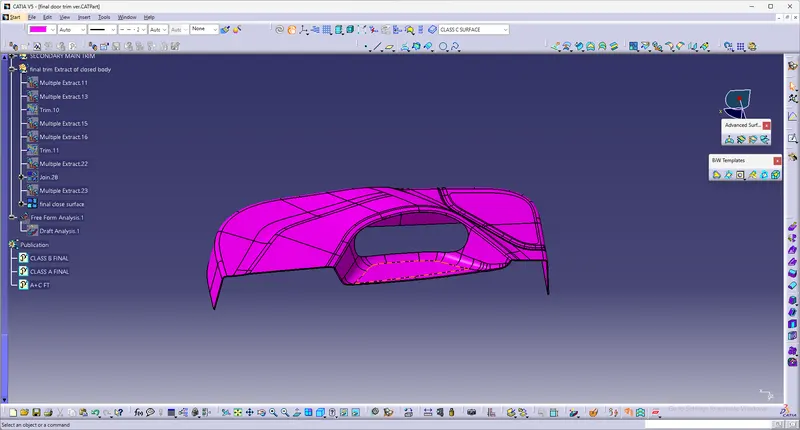
after that we get solid body by using close surface command on part design section
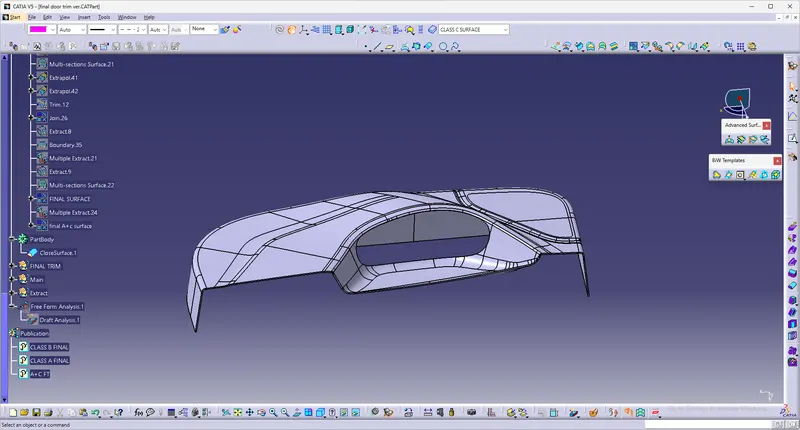
Creation and procedure of draft analysis :
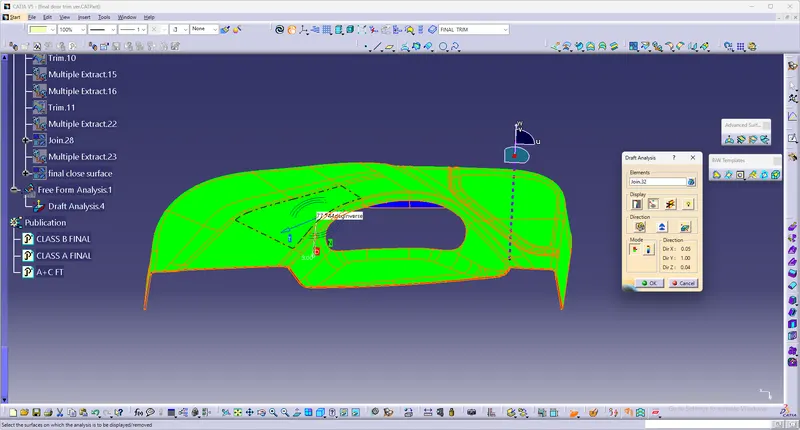
we goto the draft ananlysis and first we required ceratain direction so used tooling axis and we need to drag the compass and mount on tooling axis than fix it after that goto analysis and get the results here we see that green means draft angle greater than the required angle value and above figure shows the draft analysis results
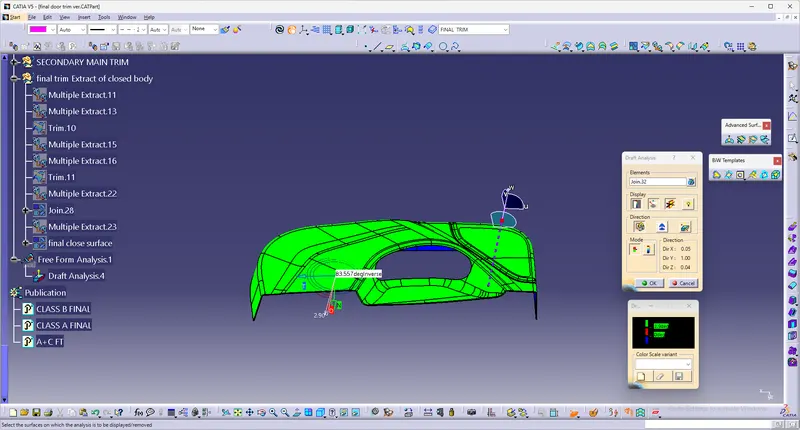
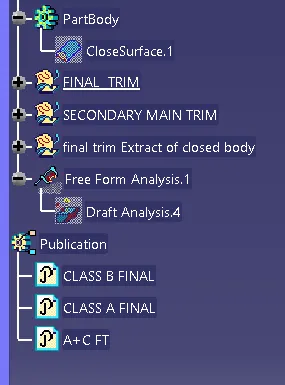
FINAL TREE STRUCTURE AS SHOWN BELOW :