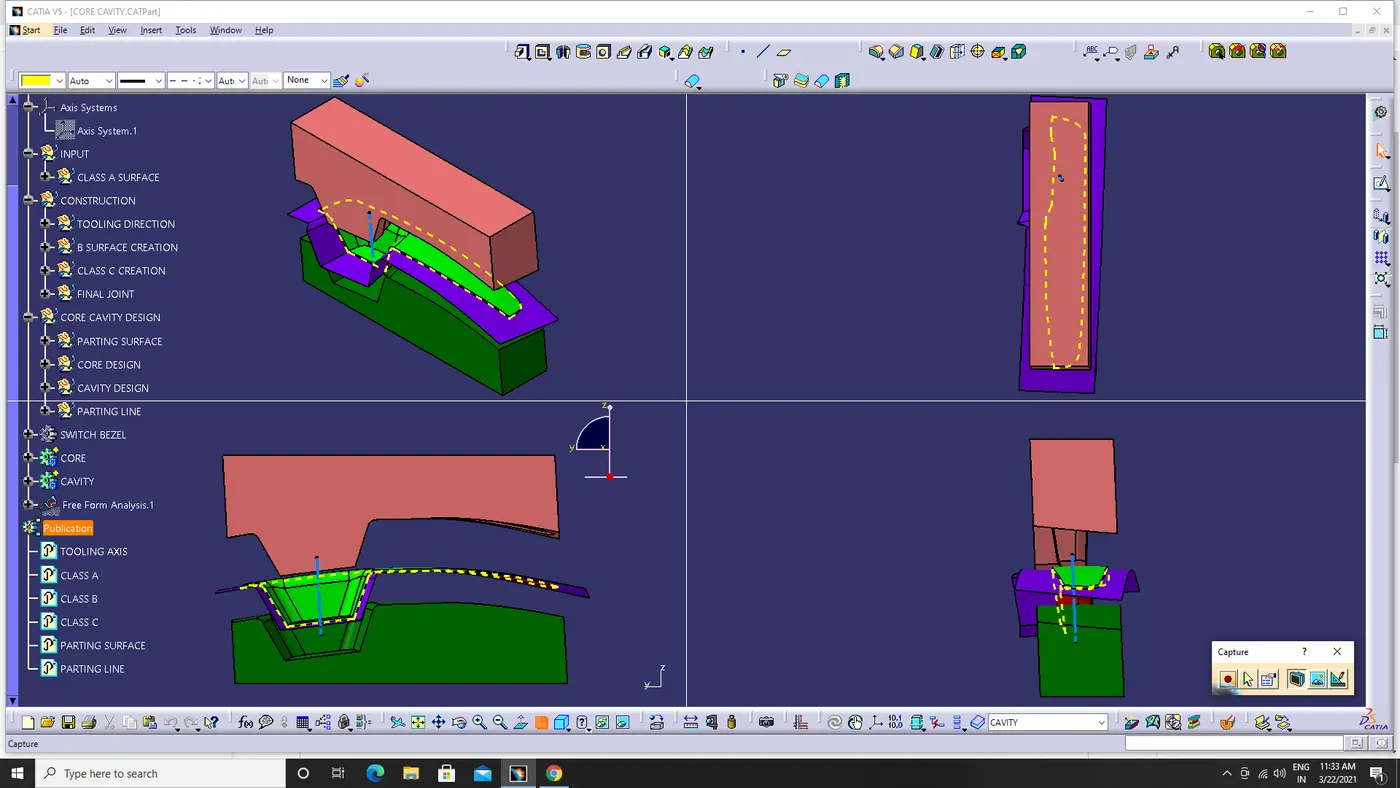
Week 8 - Challenge 5 - Core & Cavity Design
REPORT:
Tooling Axis Creation
Created a dummy axis before creating the tooling axis.The y direction intersection of body is taken for creat the tooling clearing in y axis direction.Create the line in the difficult area in this switch bezel there is two inclinde lines is created.Then creat bisecting line by that two inclinde lines.The simple line created in some angle for tooling clearing x direction. The bisecting line is created(TOOLING AXIS) by the tooling clearing in y direction and tooling clearing in x direction.
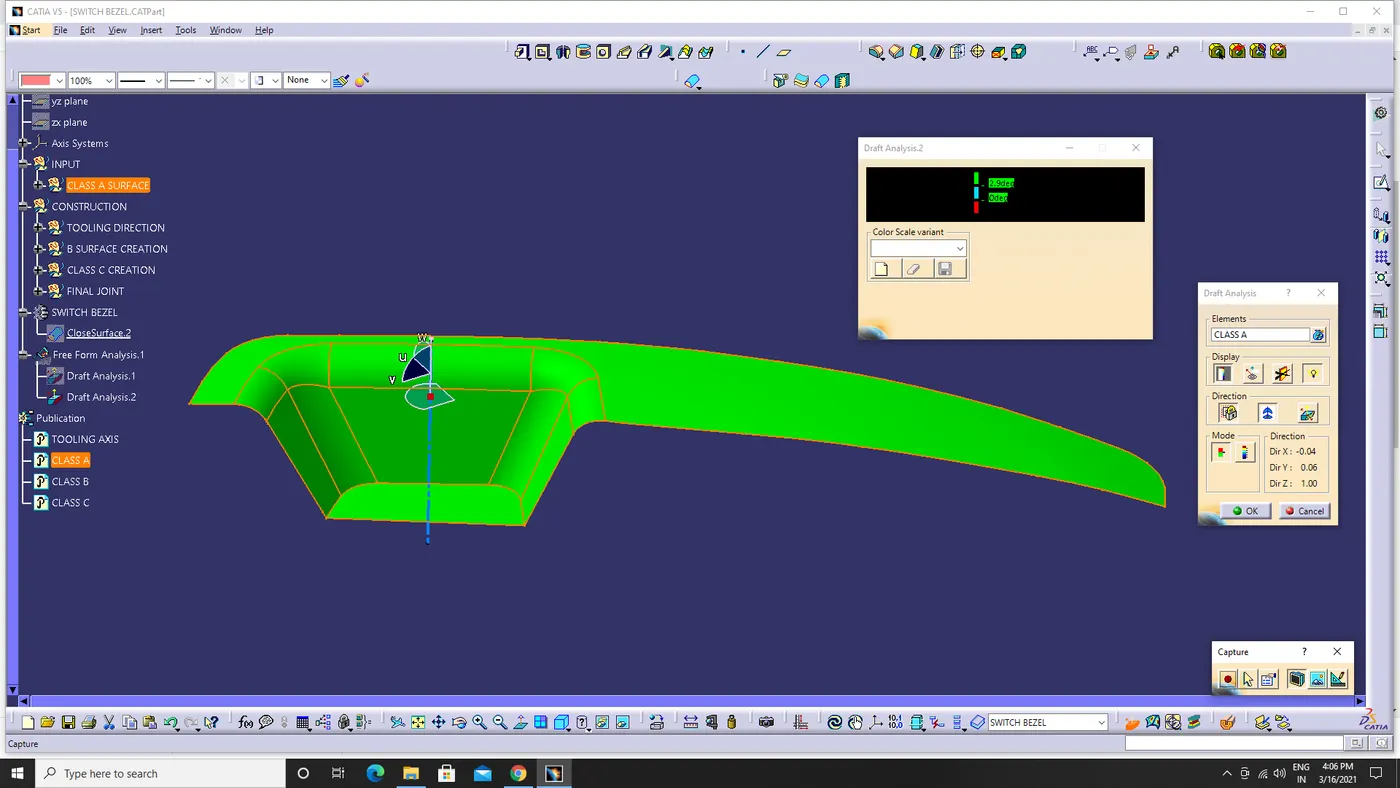
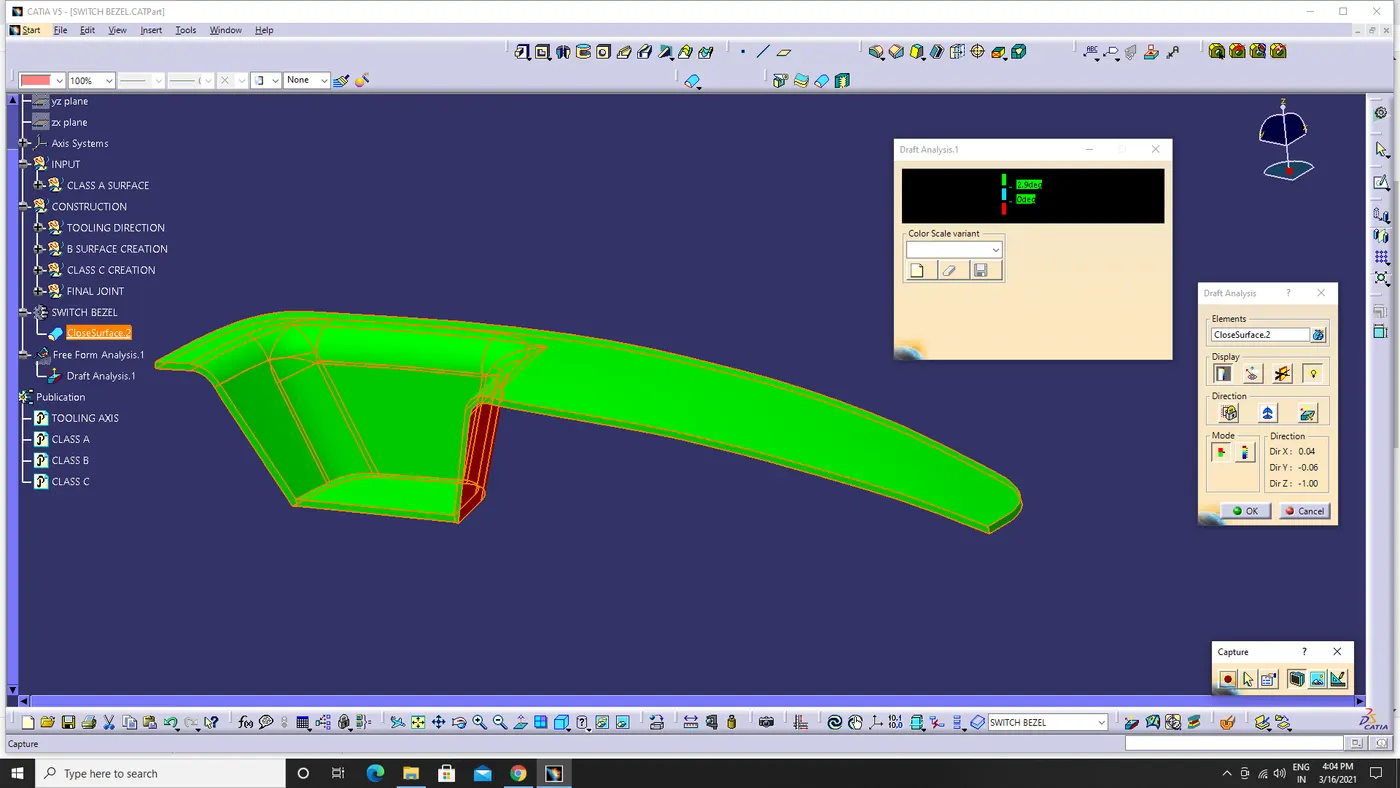
Draft analysis
The draft analysis shows the draft angle in the body.The draft angle allow the part to release or eject from the mold.The colour scale show the draft degrees in the body.The green indicate the body is in miminum draft angle and the red indicate the negetive draft angles.
SCREENSHOTS: