Week 8 - Challenge 5 - Core & Cavity Design
In this challenge, we will be creating the Core, Cavity, Parting line, and Parting surface for the Switch bezel component modeled earlier.
DRAFT ANALYSIS
Draft analysis is a method used in design to check whether the component created in CAD is manufacturable based on the draft condition applied. The main reason behind the draft analysis is the part manufactured should be easily removed from the mold. It also gives an idea of the draft angle from the tooling direction. here we are giving a tooling direction in order to eject the component easily from the tool. The ideal draft angle given in automotive industries for plastic components is 3 degrees.
Some of the components where draft analysis is done are hood, fenders, roof, side doors, etc.
To perform the draft analysis we have to find the tooling axis.
Creation of tooling axis
The tooling axis plays an important role in the manufacturing of plastic products. The axis decides in which direction the mould will work while production of the component.
The main focus while deciding the tooling axis is clearing the component in the molding in the same axis with the minimum use of the side core for producing the component.
For particular component X, Y & Z can be the possible tooling axis.
In this component, Z direction will be the axis where most of the parts are cleared. Therefore, we choose Z direction for tooling.
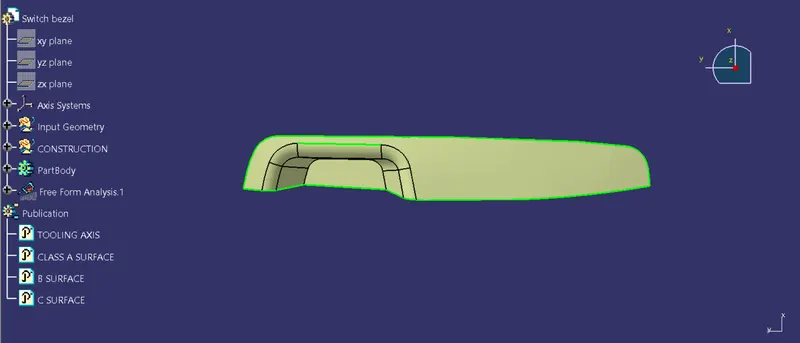
Next, we have created two lines to find the bisecting line between them.
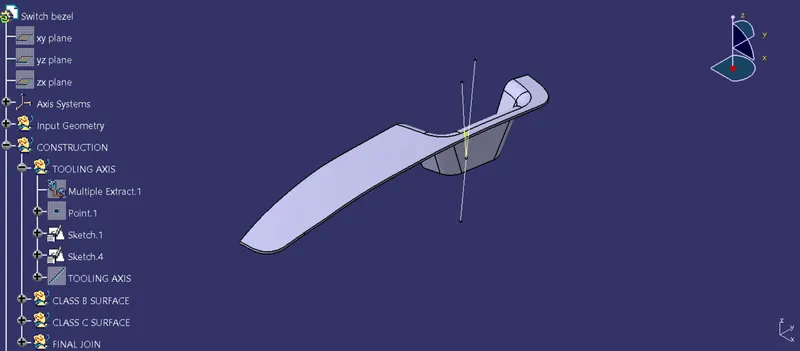
Now, bisecting both the line we get a new line which is our main Tooling axis.
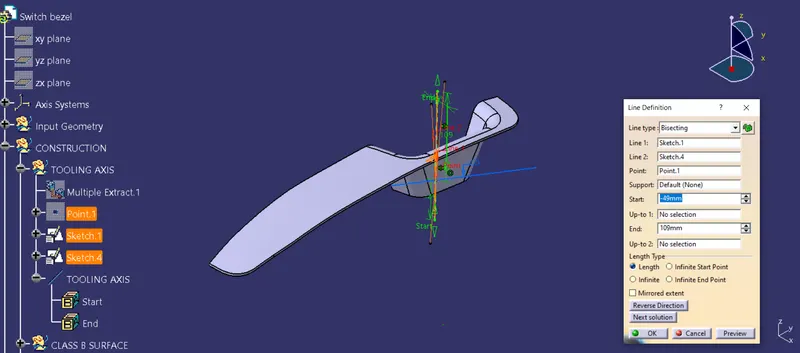
Hence the tooling line is created.
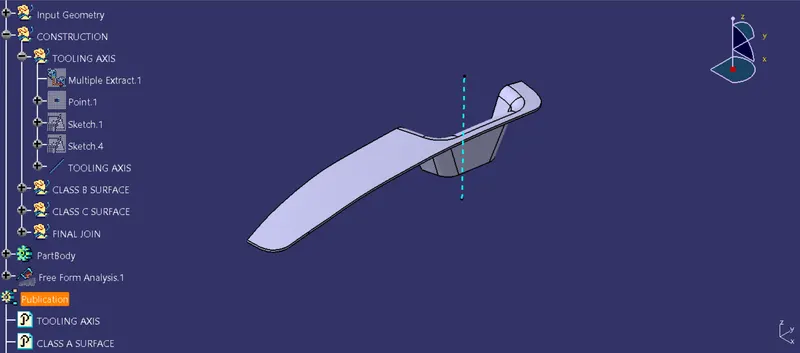
Performing Draft analysis
Once the tooling axis is created, the Draft analysis is performed on the switch bezel component using the Tooling axis.
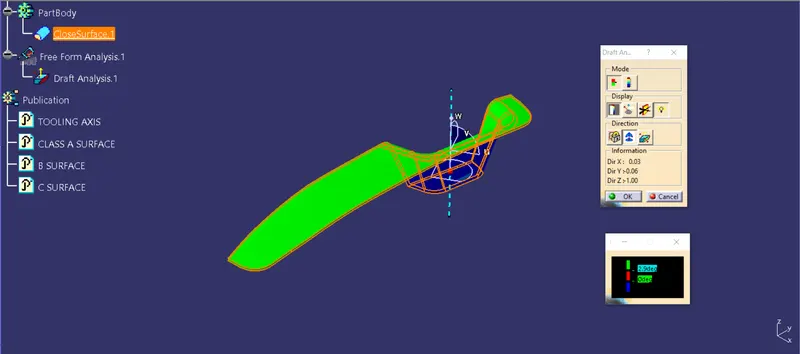
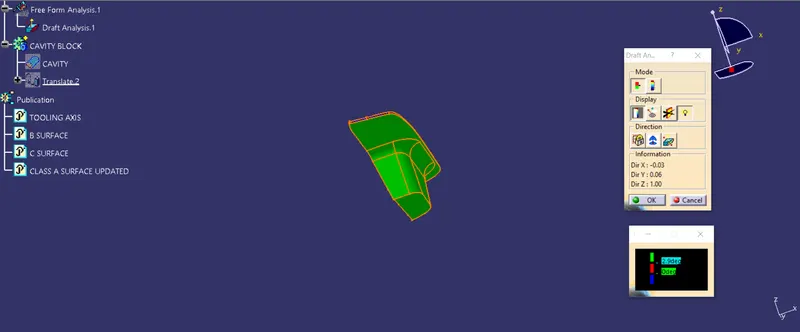
From the above images, we can observe that the component is cleared on both sides by using the Tooling axis created.
PARTING SURFACE
A parting surface is a surface that separates the mold block into two parts i.e. the core and the cavity. The parting surface is created by extrapolating the Class A surface by 10 mm and trimming it with the Class C surface. The output is again trimmed with the Class B suface. Hence we get the parting surface.
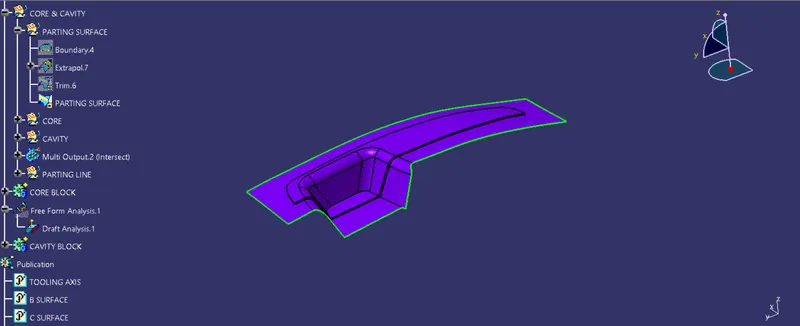
CORE & CAVITY
(i) Core
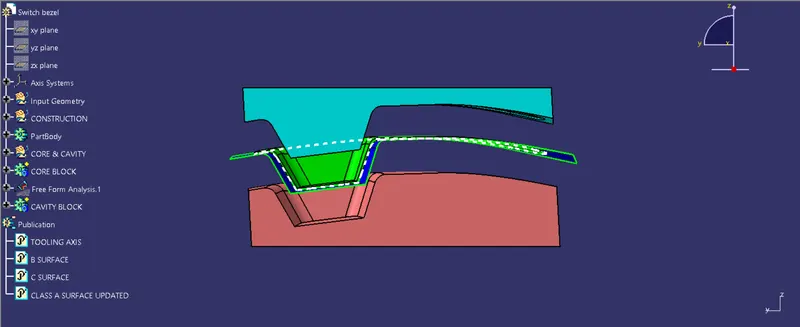
The core & cavity are the shaped sections in either half of the mold tool which give the plastic product its final shape. The hot molten material is injected into the core & cavity and then sets hard into shape. The design of the core & cavity is essential in the correct formation of the product. In other words, the core is the male part which forms the internal shape of the molding. The cavity is the female part that forms the external shape of the molding.
For creating the core and cavity, we need to draw a rectangle in the XY plane. So that we can extrude and create the Core & cavity.
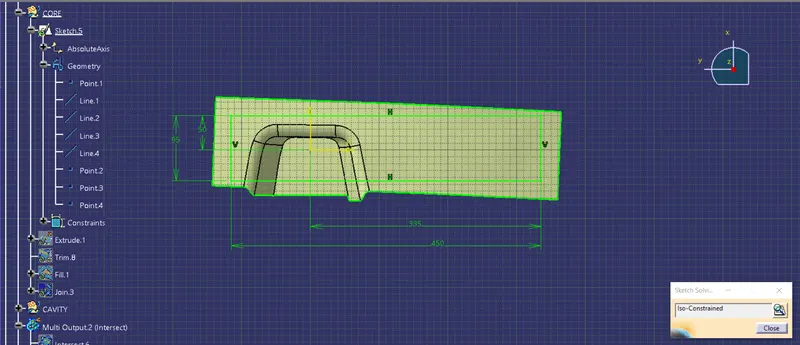
As far as the core is concern, it is created by trimming the parting surface, and the Rectangular extrude. The lower part is trimmed and the upper part will be our core. The output surface is closed by using the Fill command. Then it is made into a solid using Close surface command.
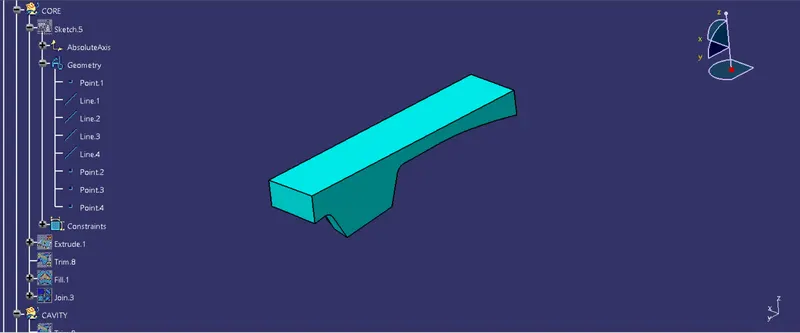
Hence the core is made.
(ii) Cavity
In the same way, the Cavity is also created by trimming the Rectangular extrude with the Class B surface and made into a solid.
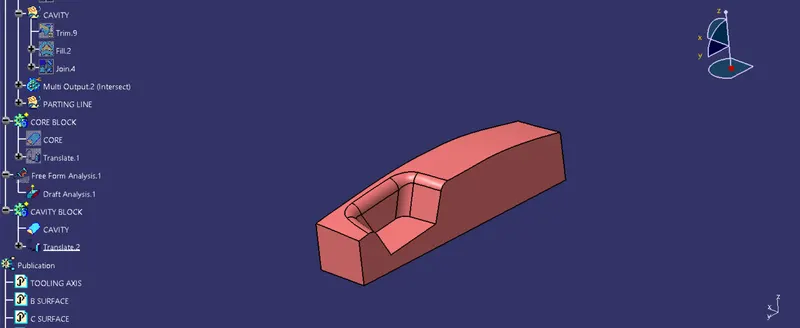
Hence the cavity is made.
PARTING LINE
The parting line is the line of separation on the plastic part where the two halves of the plastic injection mold meet. In other words, it is a junction between the core, cavity, and component.
It is created by taking the intersection between ZX plane and the following components, which are the Core, Cavity, Parting surface, and the Class A surface.
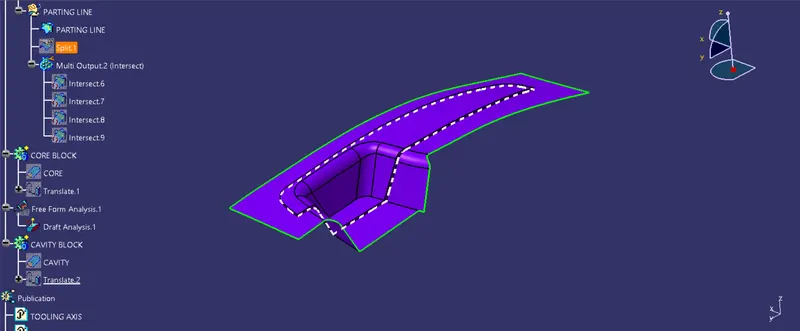
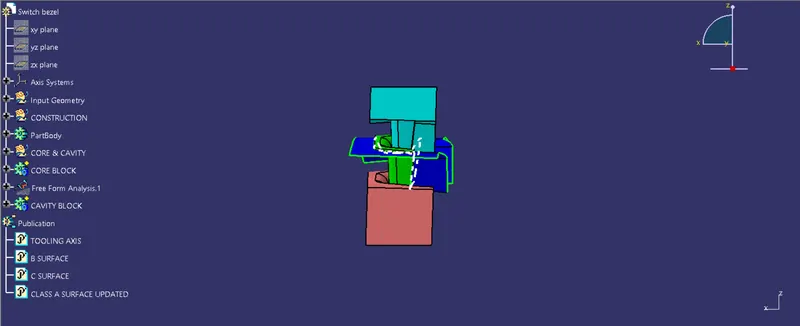
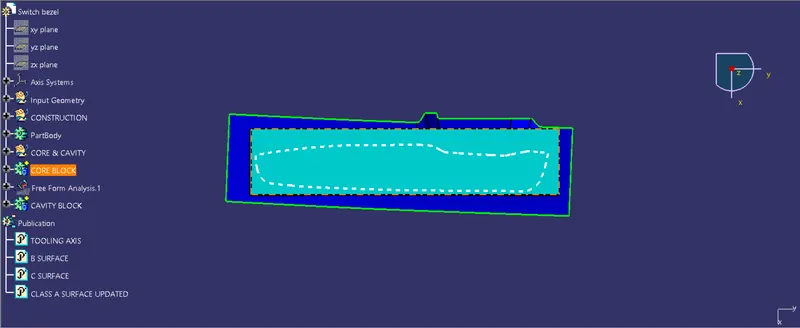
Once, the Core, Cavity, and Parting surfaces are created the core and cavity are translated to 50 mm above and below. Because this will give a realistic look like mounted in an injection molding machine.
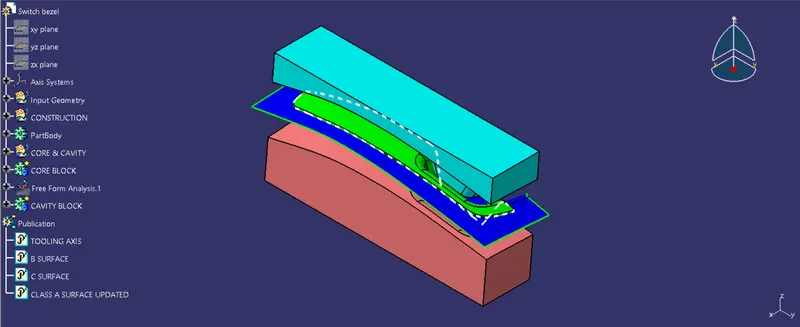
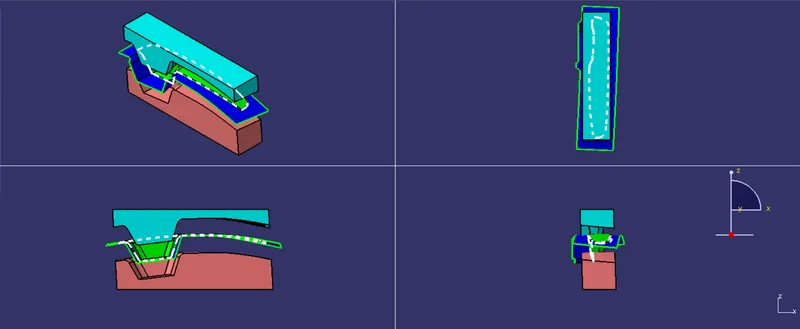
Core and cavity blocks in different views
Isometric view
Front view
Side view
Top view
Multi-view