Week 8 - Challenge 5 - Core & Cavity Design
Project Title : CORE AND CAVITY DESIGN
OBJECTIVE :
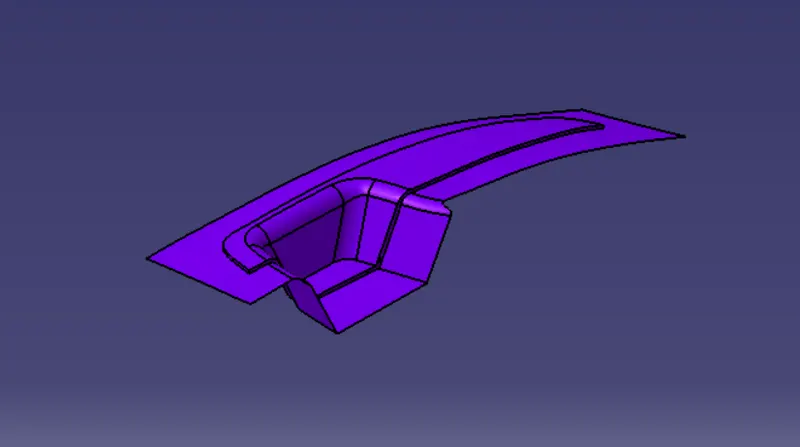
The main objective of the project is to design the core and cavity for switch bazel plastic component Through the give class-A surface and at the end performing the draft analysis on the model.
TOOLING AXIS CREATION :
The tooling axis is the direction of drawing a sheet metal where the finished component is easily ejected on a particular direction and axis. The tooling axis is important for removing the material when finished.
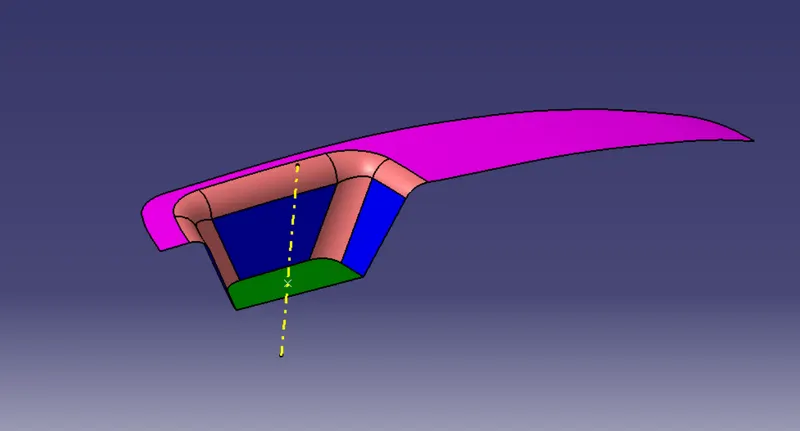
The tooling axis is created for the given class-A surface.
Creation of tooling Axis (Bisection method) :-
- Extract the base surface of the given Class-A Surface and create the center point of the Extracted surface.
- Then create two sketches on two planes by taking the cross section of the given surface in the particular plane.
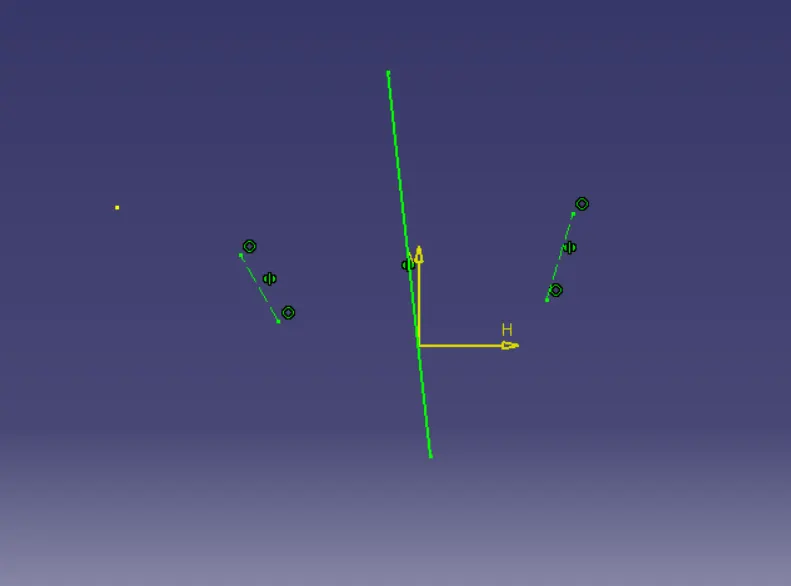
- Tooling axis created from the two lines using the cross section and also creating one with the help of cross section line of the surface on X plane as bisecting line.
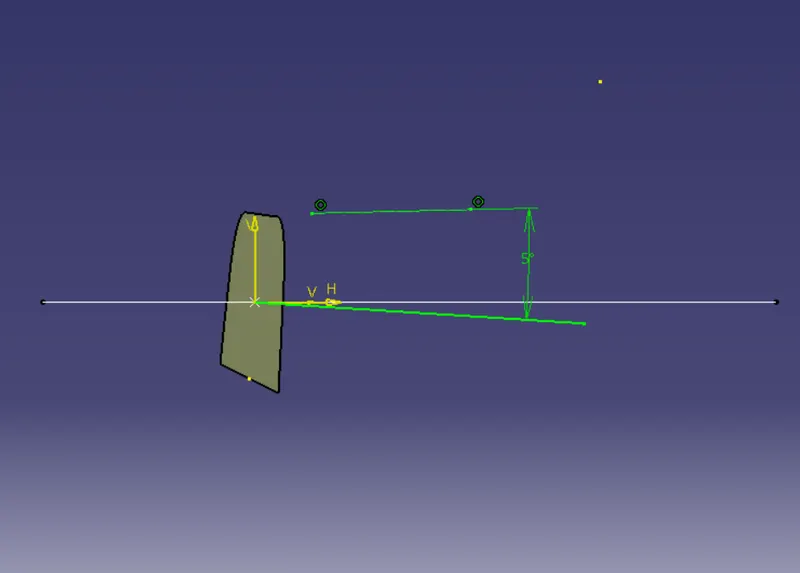
- And now by creating another bisecting line using those two plane sketches is the tooling axis for this particular Class-A surface.
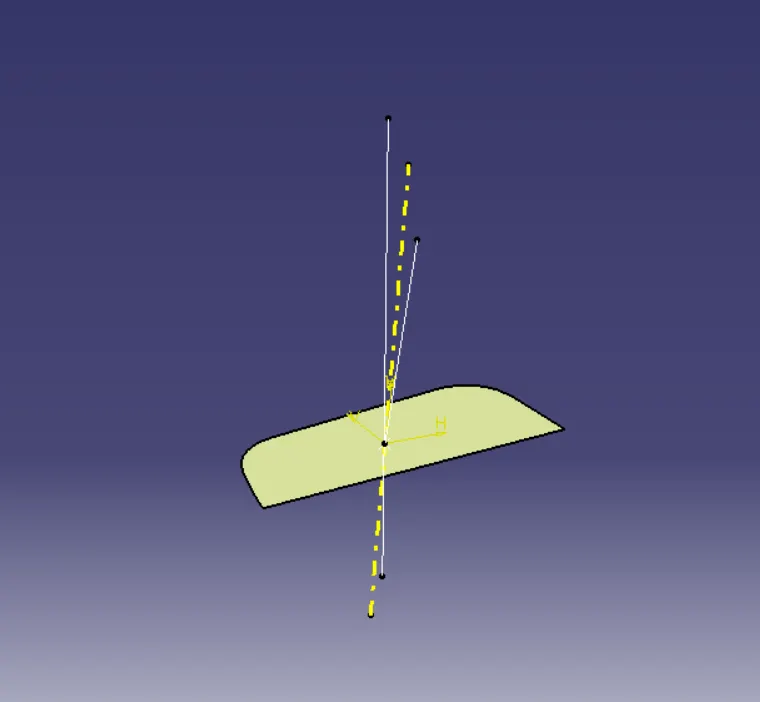
DRAFT ANALYSIS ON FINAL SURFACE :
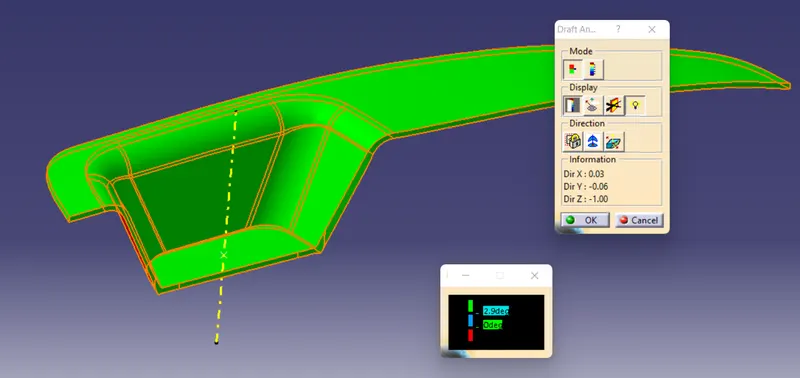
- Now drag the red-coloured point on the compass to match the tooling axis which we have created.
- Click on the lock icon under the display command and a point will appear on your screen and tap the point on surface of the Switch Bezel.
- Change the angle from 2 degrees to 3 degrees on draft analysis.2 dialogue box and on draft analysis dialogue box click ok. The below image shows the enlarged draft analysis dialogue box.
- Now go back to lock icon and ok. And see how the object appearance. If is in green colour we can say that the object is fine and we can proceed with that if it is showing in any other colour such as blue or red we have to modify our design.
SOLID BODY :-
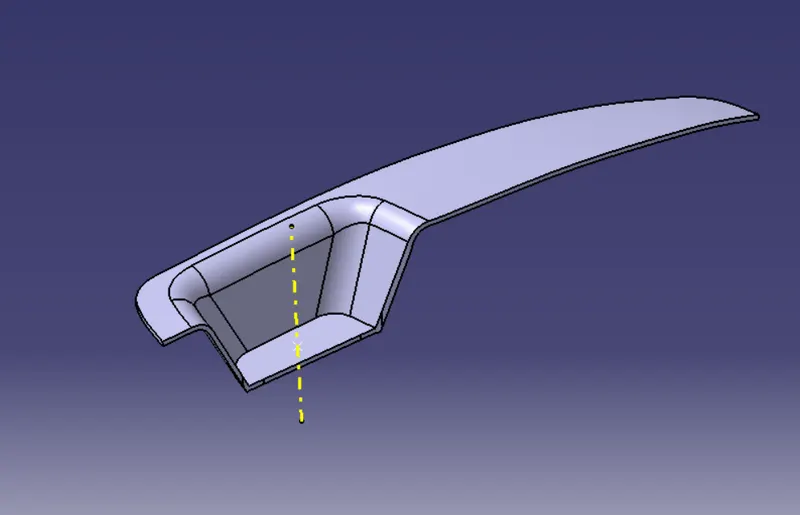
- Change to Part workbench.
- Create Body.
- Surface Base Feature – Close Surface – Select last Join.
CORE AND CAVITY :
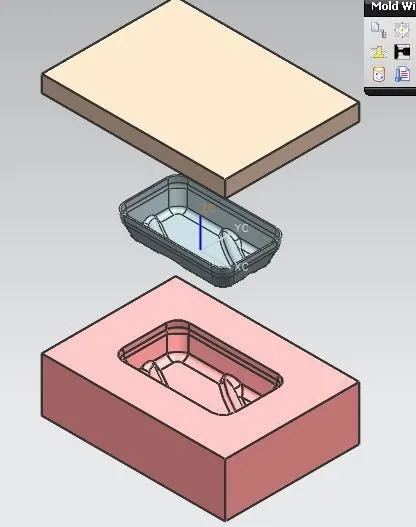
The core is the male part which forms the internal shape of molding. The cavity is the female part which forms external shape of molding.
Disign of Core Block :-
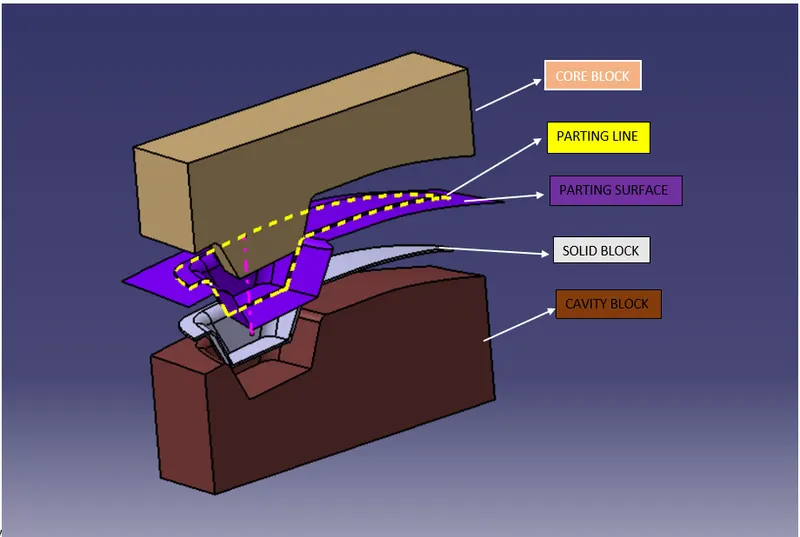
- The core design is extracting the parting surface that becomes the datum for the core and cavity. The parting surface in most of the case is kept at the B class surface to avoid close and tight contact between the core and cavity.
- At first the A-class surface is extrapolated with some length and later it is trimmed with a C surface.
- A & B class surfaces again Trimmed with class-c Surface to form the core face.
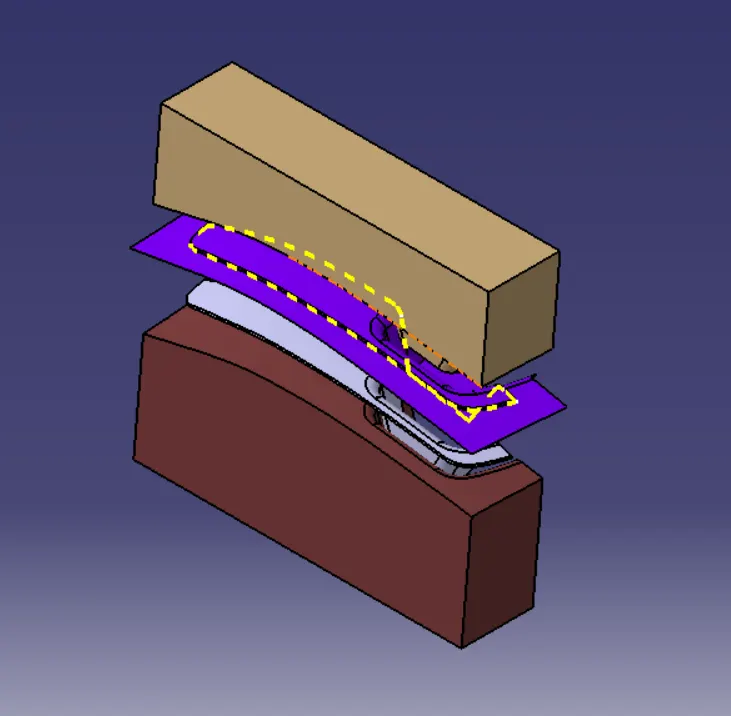
- Now the final block core block is made by drawing the boundary sketch and extruding it along the tooling axis direction followed by the filling and thickening.
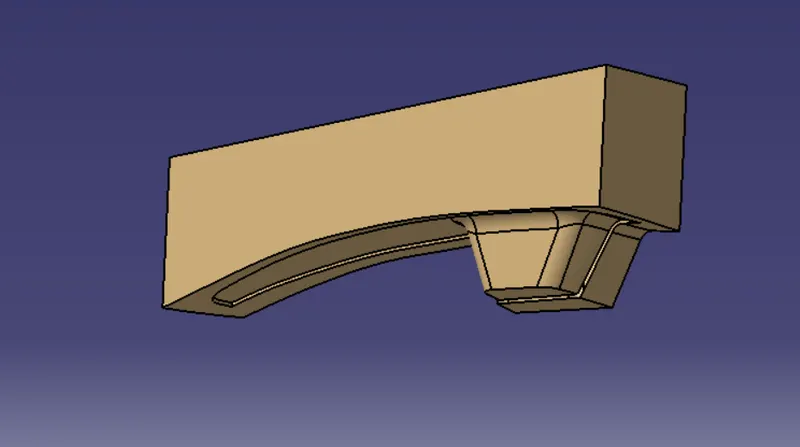
Design of Cavity Block :-
The cavity is the part where the injector and filling of the molten plastic happens. The cavity block is prepared by the first extruding the outer boundary along the tooling direction.
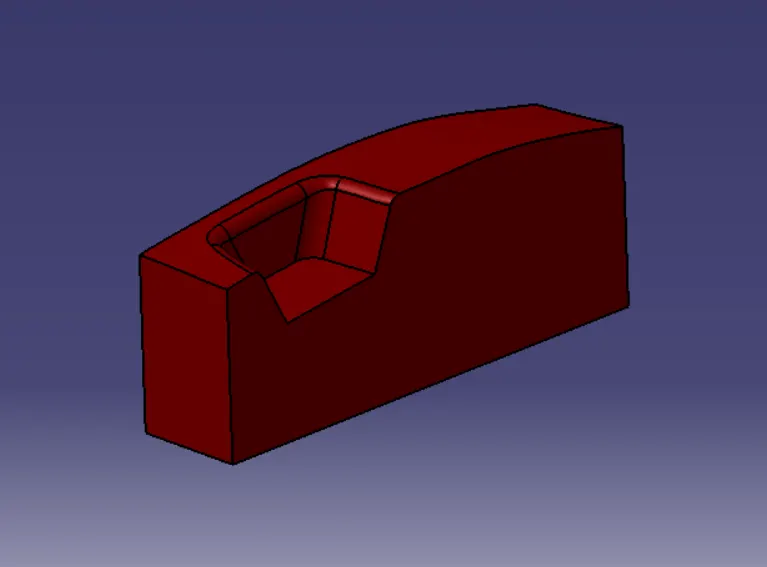
The outer surface is trimmed with the B Class Surface and then it is filled and thickened.
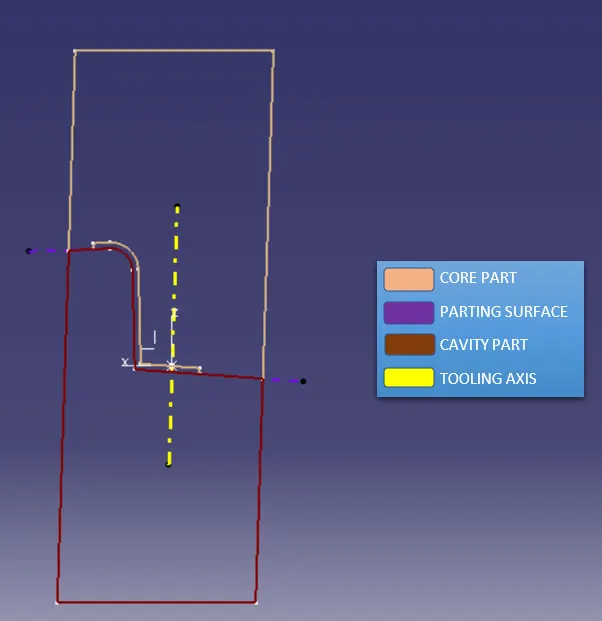
PARTING SURFACE & PARTING SURFACE :
A parting line in the industrial casting of molds is the borderline in which draft angle change direction. That is the dividing line that splits the core and cavity halves of molded part. Its somtimes a starting point for the mold parting surface.
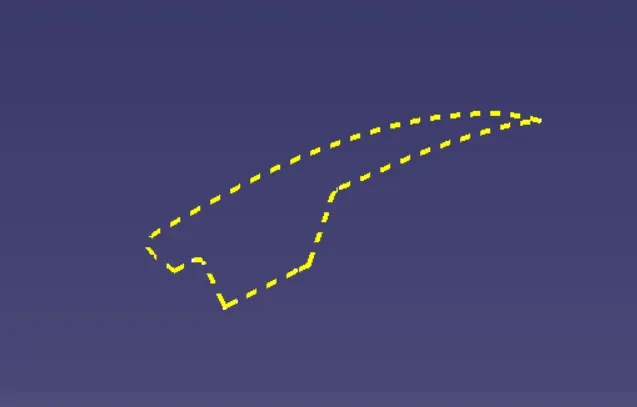
The parting surface of a mould are those surface of both mould plates adjecent to the impressions which both together to form a seal and prevent the loss of plastic material from the impression.
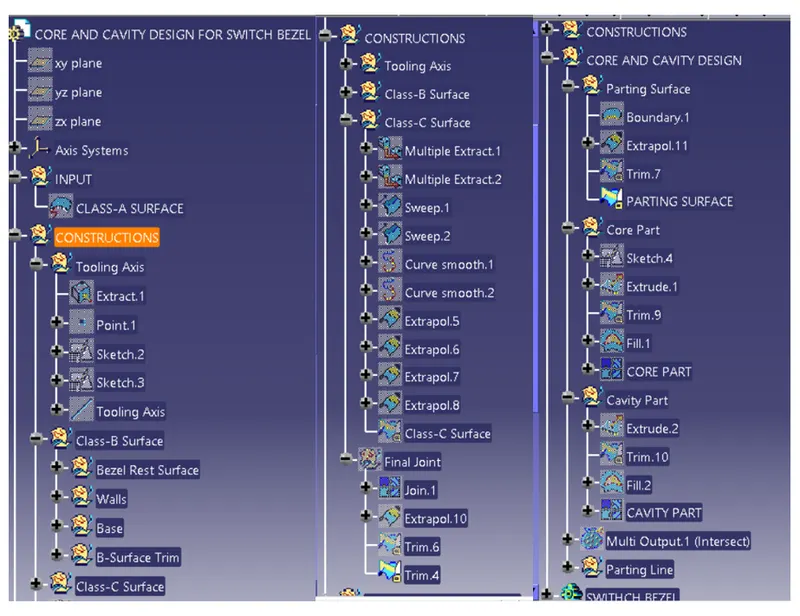
TREE STRUCTURE :
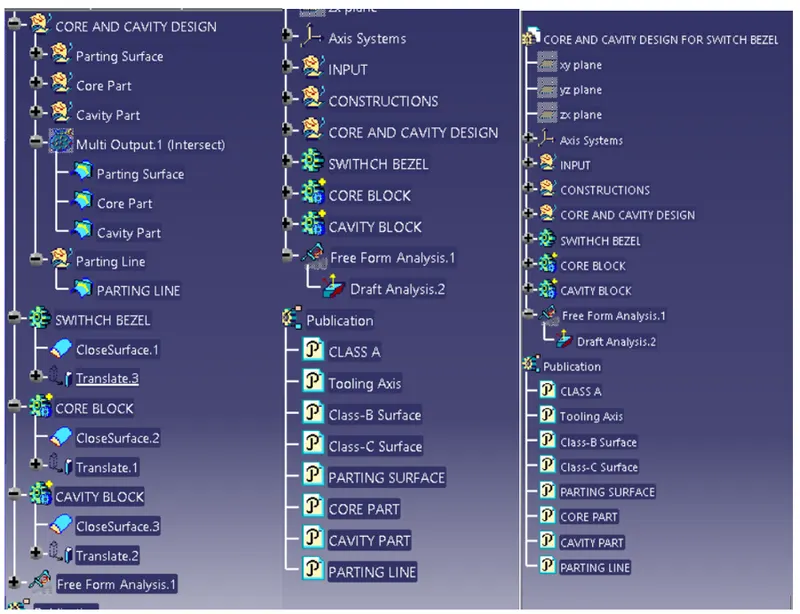
VIEWS OF SWITCH BEZEL AFTER DRAFT ANALYSIS :
- Front View
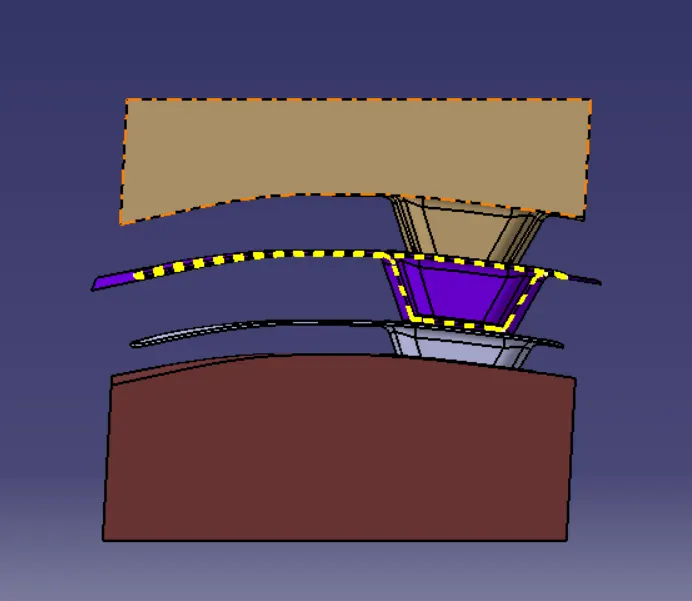
- Back View
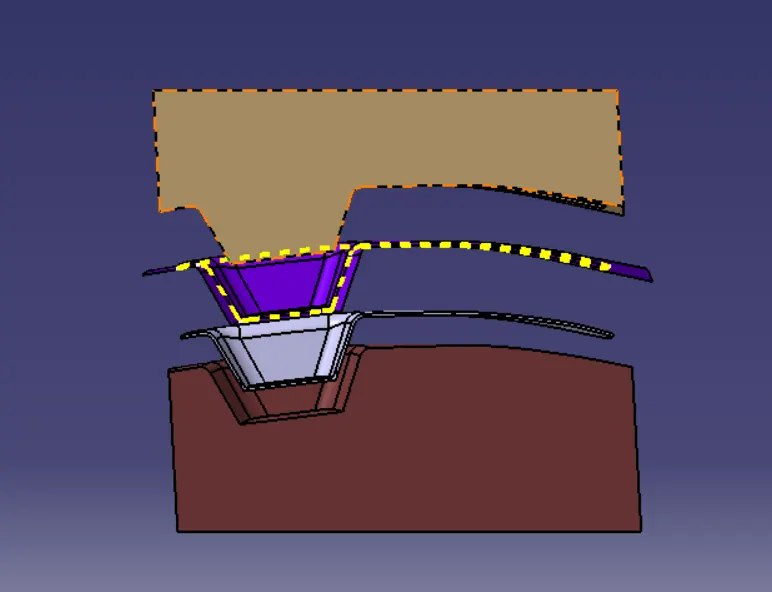
- Left View
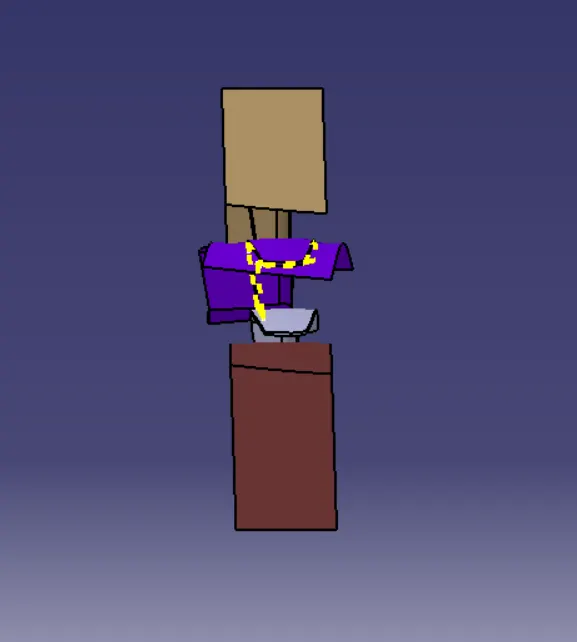
- Right View
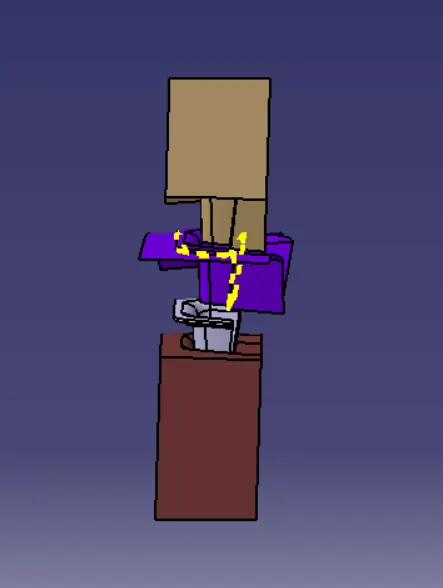
- Top View
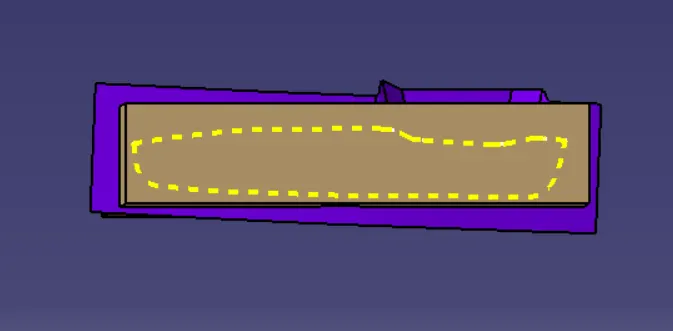
- Bottom View
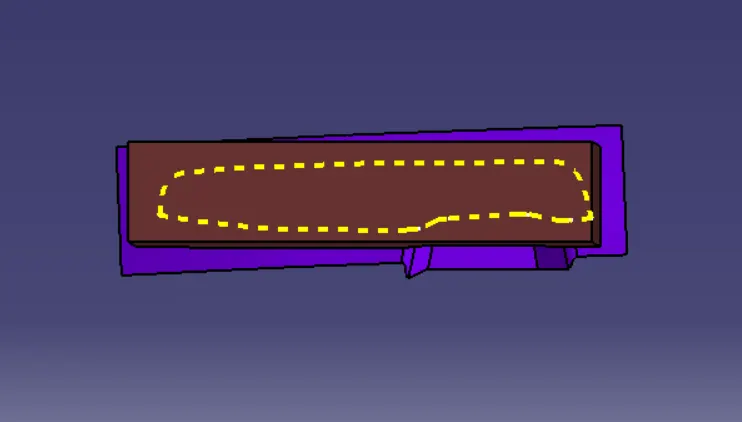
- Isometric View
CONCLUSION :
Here I am concluding that Designed Core & Cavity Blocks and the draft analysis on a Switch Bezel has been performed successfully.