Week 8 - Challenge 5 - Core & Cavity Design
SWITCH BEZEL CORE AND CAVITY
AIM :- To Create core and cavity for switch bezel component.
PROCEDURE : -
- With the help of Class C surface, create core and cavity for given component.
- Select the top view of the component.
- Draw a rectangular plane surrounding the component.
- Unhide the Class B surface, extract the boundary of class B surface.
- With the reference of class B surface. And the boundary plane extrudes the surface from top to bottom.
- Select the command translate and give the distance of the upper surface.
- Select the command translate and give the distance of the lower surface.
- Trim the surface of Class B extruded surface and upper layer and lower layer.
- Trim the extra surface of the present in the component.
- Unhide the body part.
- Add partline with the help of class C surface.
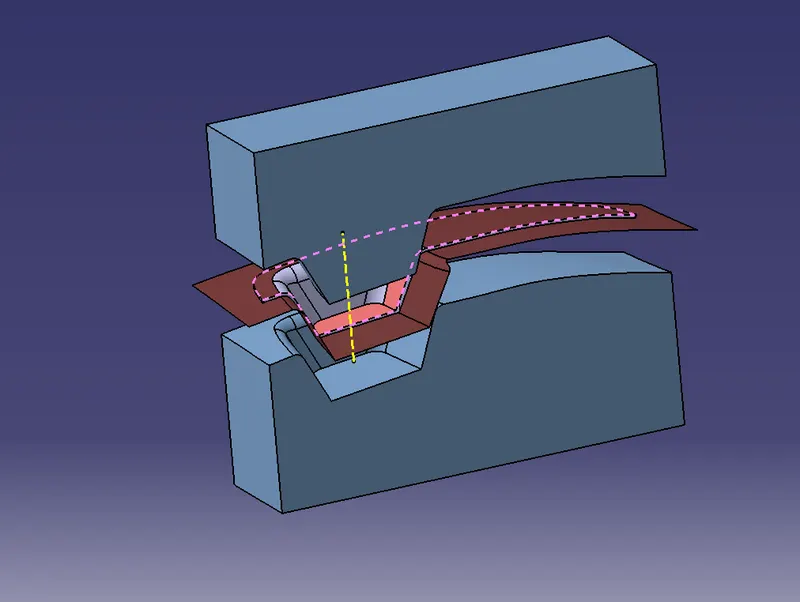
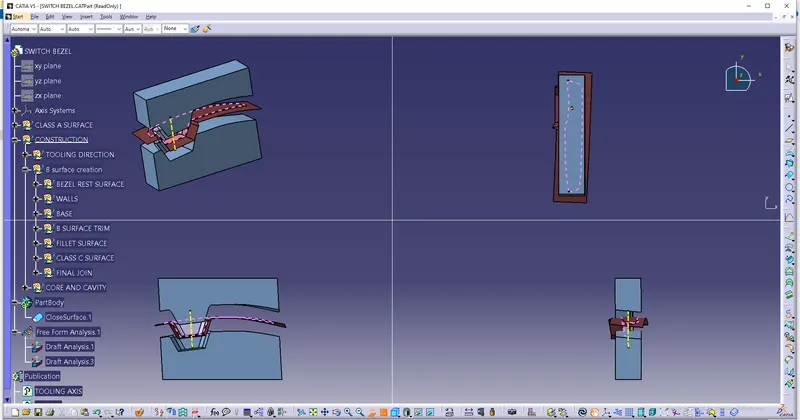
RESULT :- Created the core and cavity of switch bezel.