Week 8 - Challenge 1 - Draft Analysis on a Fan Cover
Draft Analysis on a Fan Cover
Aim :- The main objective is to perform a draft analysis on the given CAD model.
Procedure :-
- Open the CAT part, for doing the operation of draft analysis.
- Select file click ok, and open the CAT part.
- Before doing the drafting analysis, make sure that the whole part is joined or not.
- If it's not joined properly. First join it properly.
- After the whole part is joined, then start the draft analysis.
- Take the center point of the circle.
- Take the line and draw the line with the help of circle intersection and point with reference.
- Drag the line in z - axis.
- Click on the intersection icon and take the xz- axis and press enter button.
- Then the xz planes will be shown very properly.
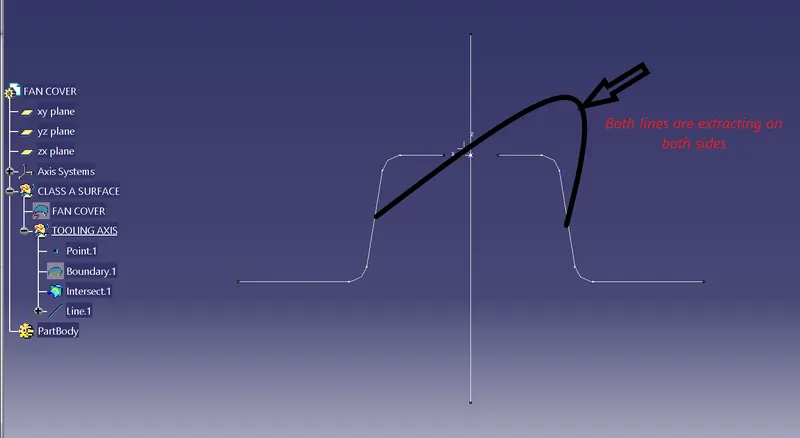
- Extract the both lines on either side.
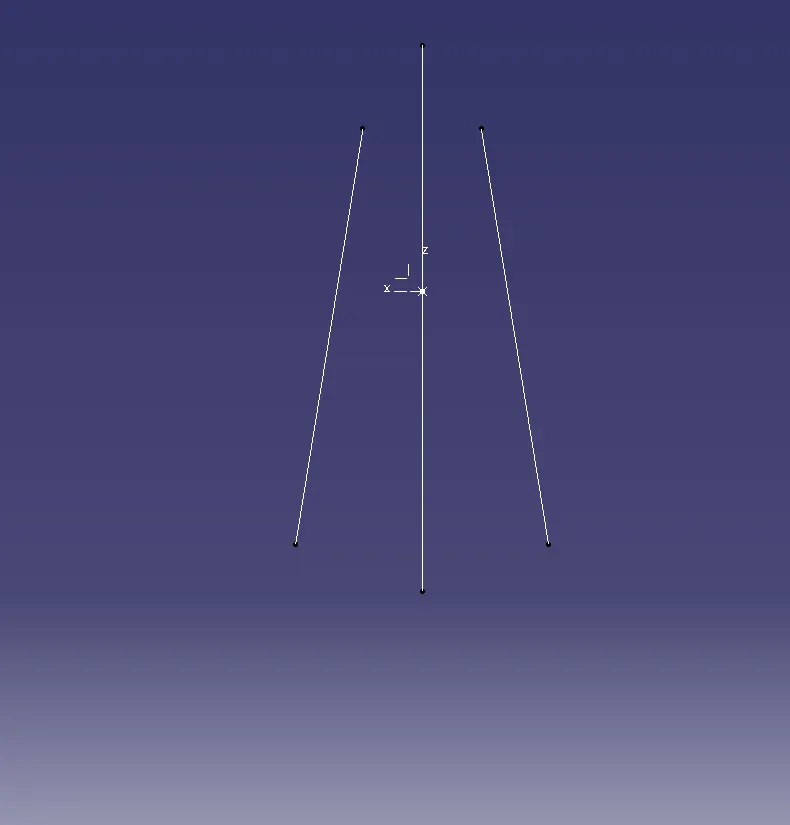
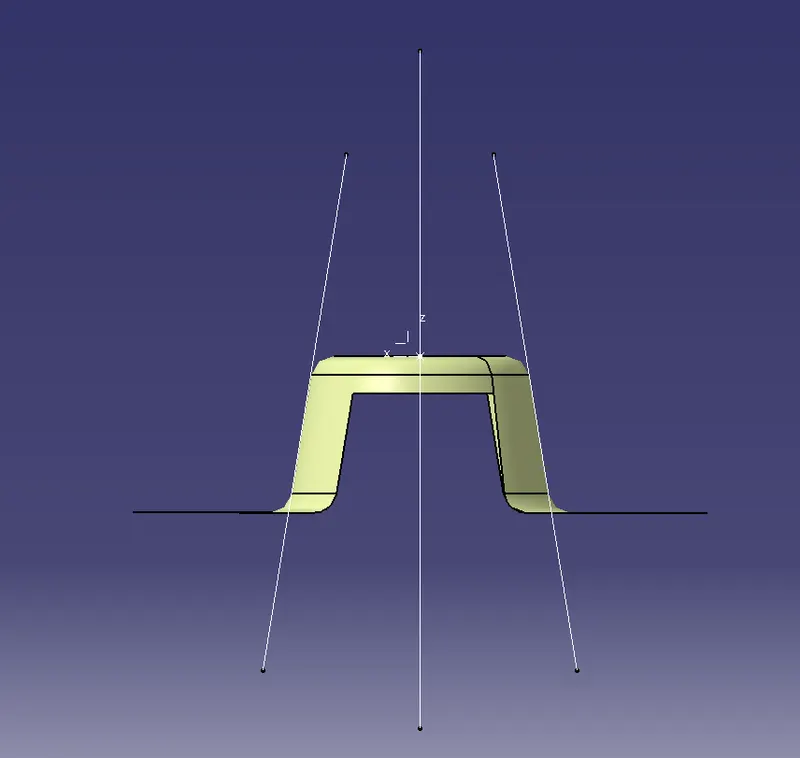
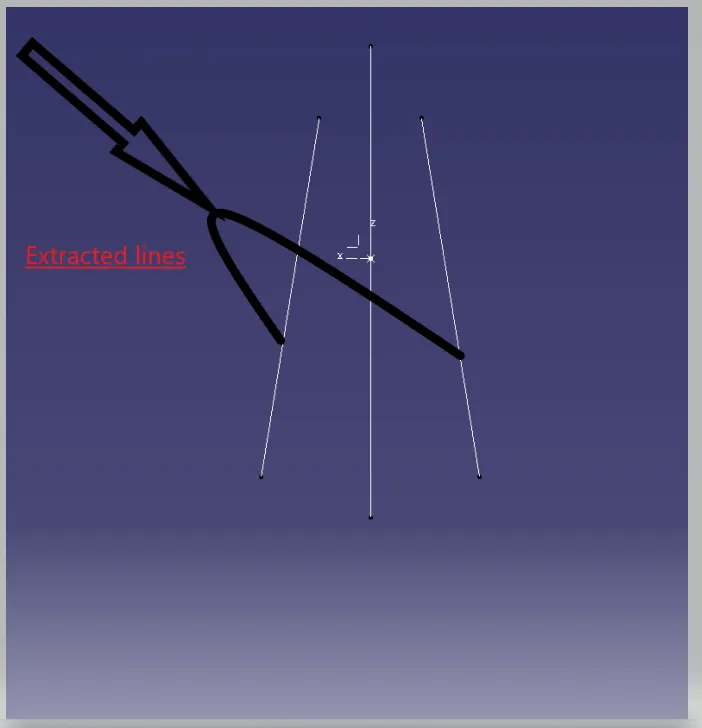
- After extracting the lines, bisecting the extracted lines to make a single line.
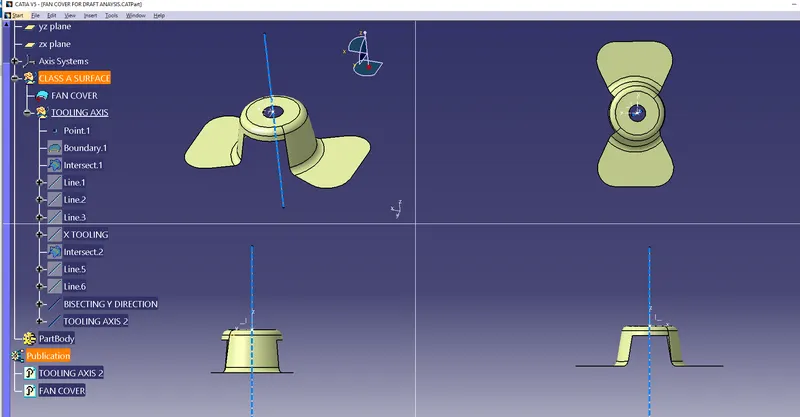
- Bisecting line is called the Tooling axis.
- After completing the xz axis then take the yz axis to planes to check the axis lines.
- After taking the yz lines the images are shown in figure.
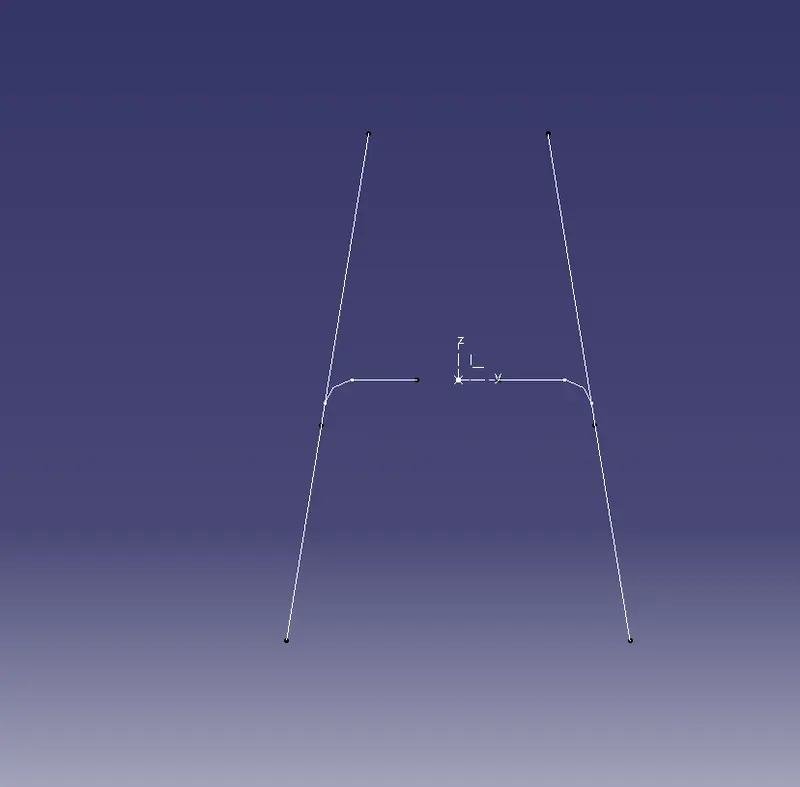
- With the help of both lines, we create the bisecting line.
- After bisecting the center plane called as tooling axis 2.
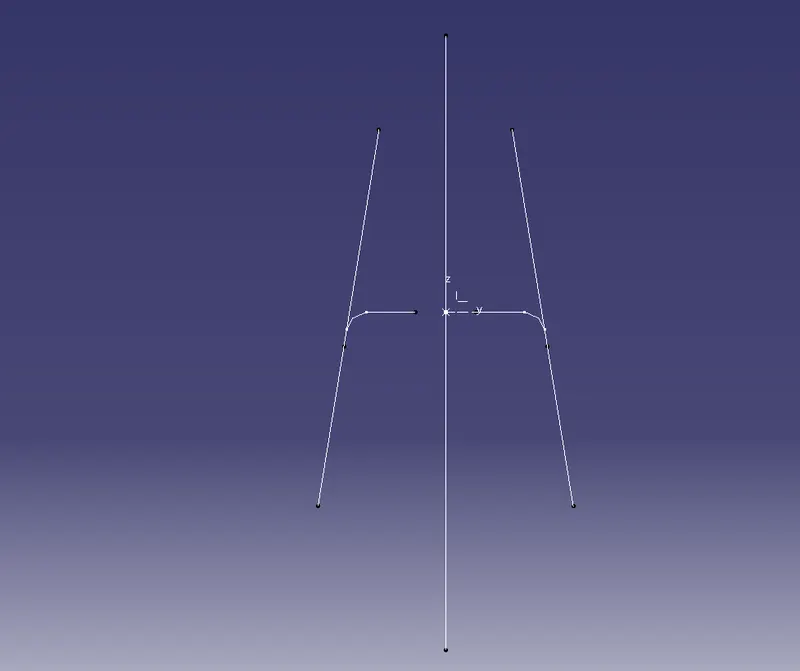
- With the help of both tooling axis line 1 and tooling axis line 2 combine to form an axis plane.
- After that we have to click on customize view property icon to select the material.
- After selecting the material then only open the draft analysis.
- For opening the draft analysis, press select > tools>analysis>draft analysis.click on ok button.
- After opening the draft analysis, we have the check the draft allowance is less than 3 which is in red color. In blue color zero value is to be the correct value.
Draft analysis : -
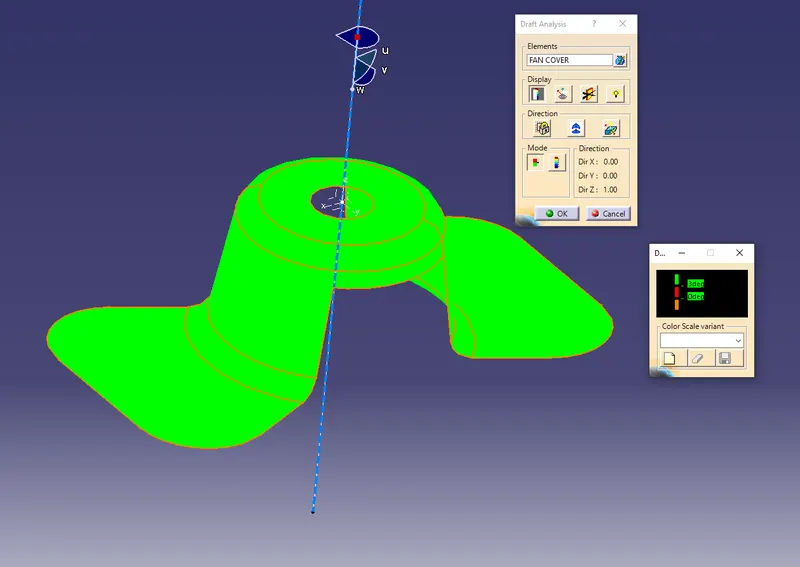
- changed the color in draft analysis.
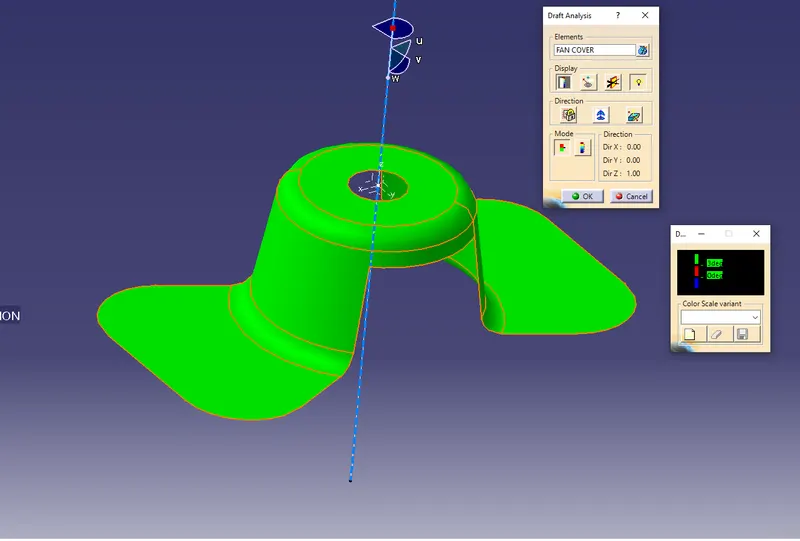
Result :-
The draft analysis and toolin axis is created and the model is checked, there are no errors in the model.