Week 8 - Challenge 5 - Core & Cavity Design
The Core and cavity blocks for the switch bezel:
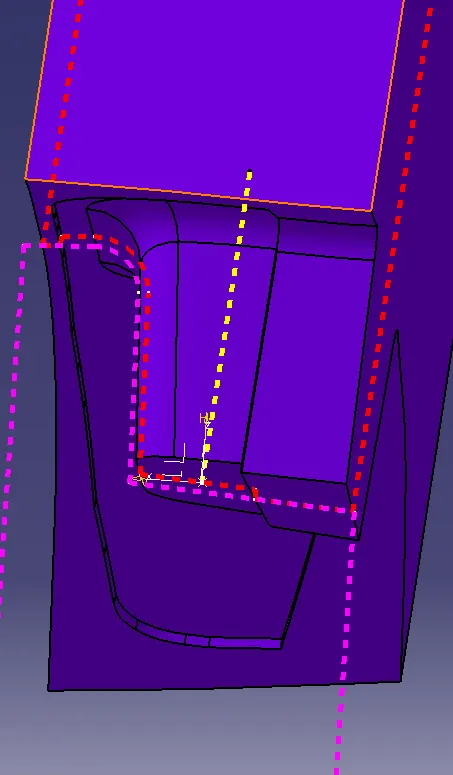
To create the core and cavity for the switch bezel component we have to create a parting surface using a surface . the parting surface seperates the the core and the cavity. between the both the plastic componet mold will form.
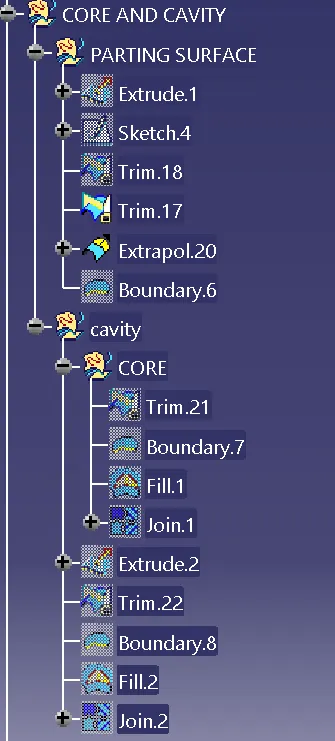
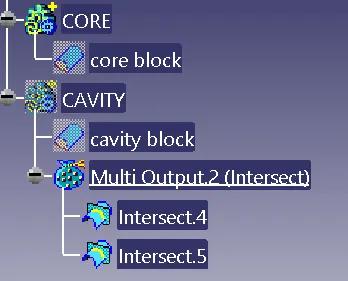
TREE STRUCTURE:
bezel switch design tooling axis :
the tooling axis of the switch bezel component is created using a class a surface and then we have to take multiple extract of class a surface and then we have to insert a point on the base surface of the switch bezel component using the on surface option in the type menu bar using the point insert a axis system on the point and then take a intersection of the class a and draw two line on yz plane and then get a bisecting plane form those two lines 1 & 2 and get line 3
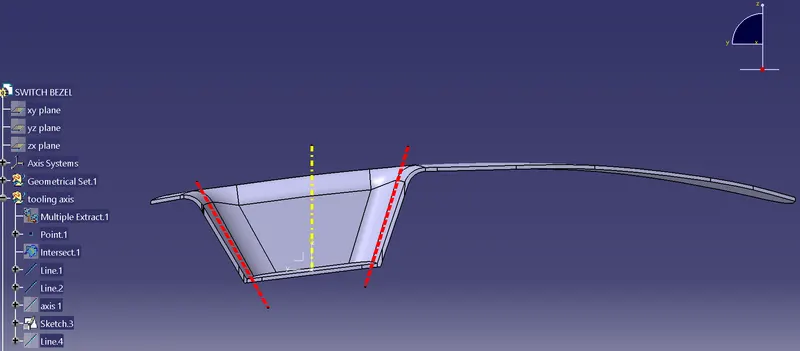
Then take a intersection of the class a and draw two line on zx plane since we have only one line from intersecting we create line from the center axis and give 4deg and then get a bisecting plane form those two lines 4 & 5 and get line 6
take line 6 and line 3 and create a bisecting line 7 and name it TOOLING AXIS
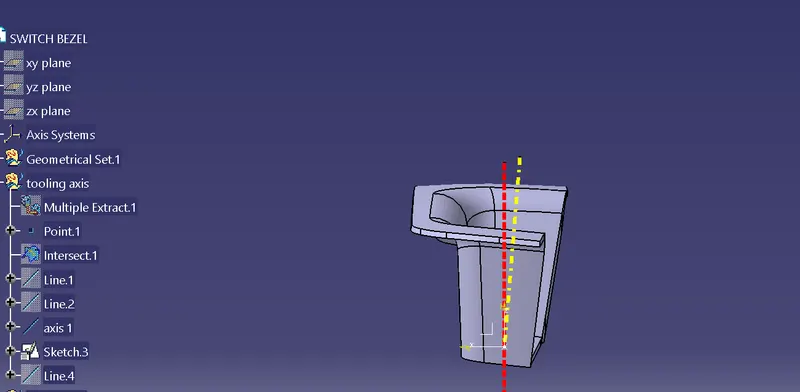
CHANGE THE THICKNESS AND COLOUR .
DRAFT ANAYLSIS SWITCH BEZEL :
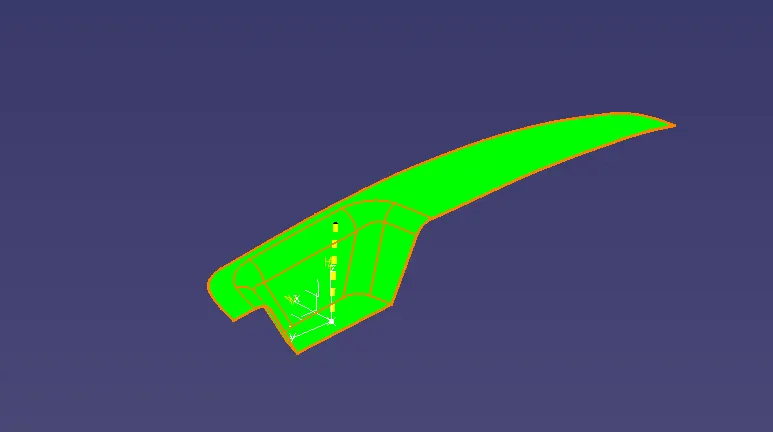
PARTING SURFACE:
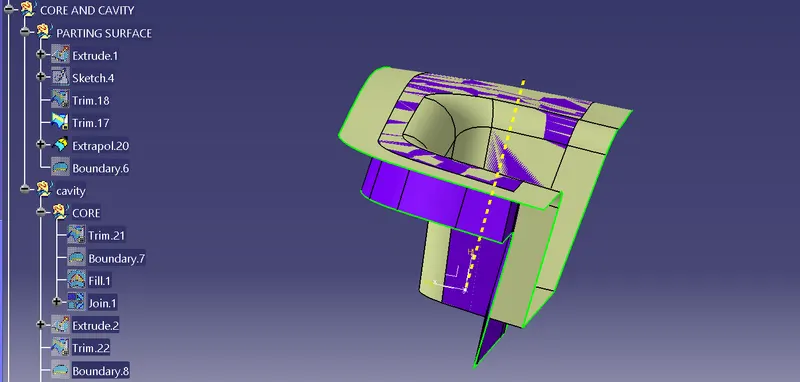
Core ( SURFACE):
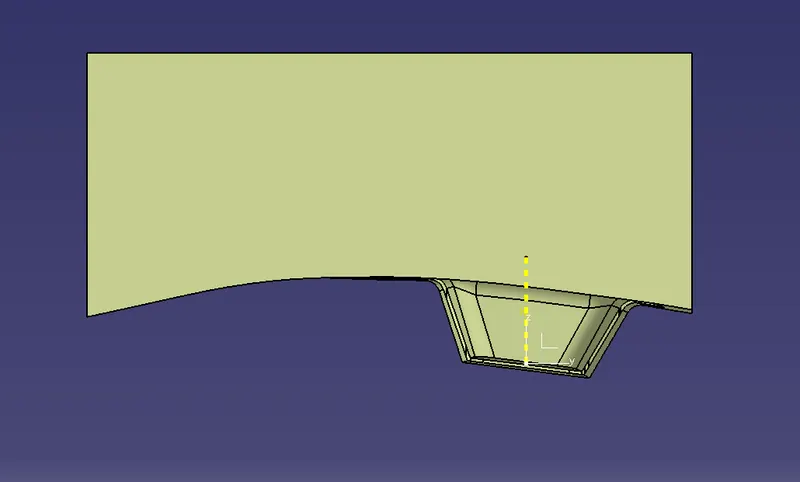
Core (CLOSED SURFACE) :
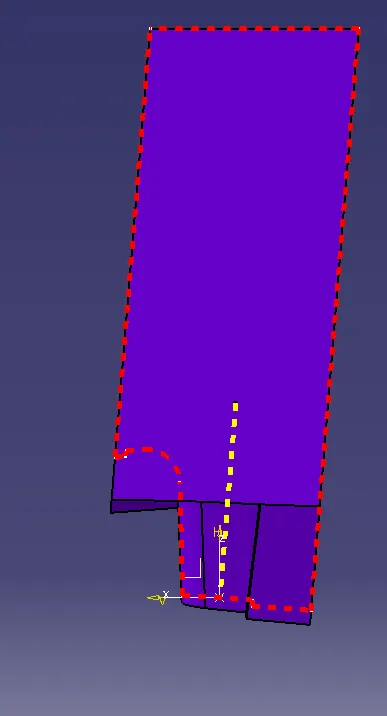
CAVITY (SURFACE):
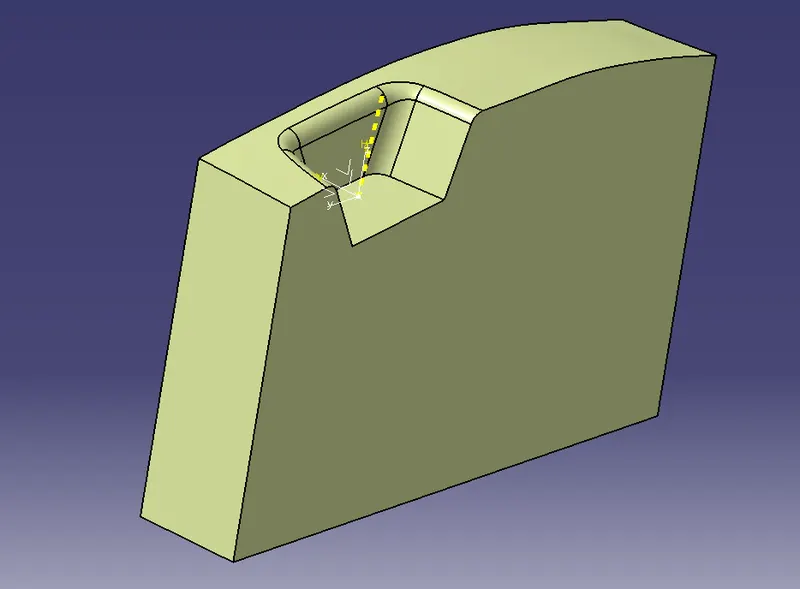
CAVITY (CLOSED SURFACE):
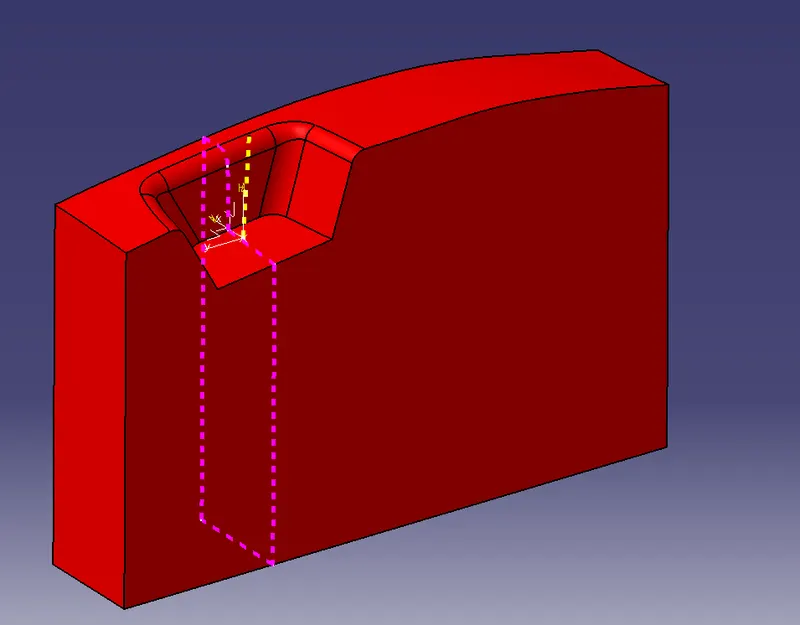
PARTING LINE INTERSECTION:
The red colour denotes core
the purple colour denotes cavity