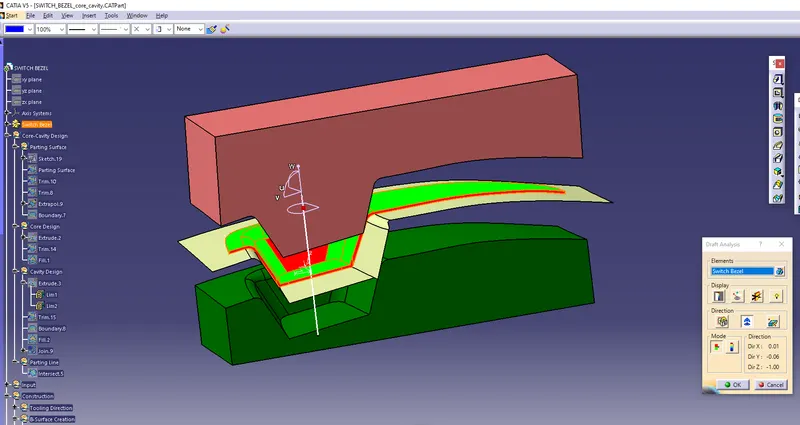
Week 8 - Challenge 5 - Core & Cavity Design
Aim:
To Create the Core and cavity blocks for the switch bezel which is designed already.
Procedure:
* Open the Switch Bezel model which is already created.
* Unhide the Parting Surface.
* Create the Geometric Set, and Make a sketch below the bottom part.
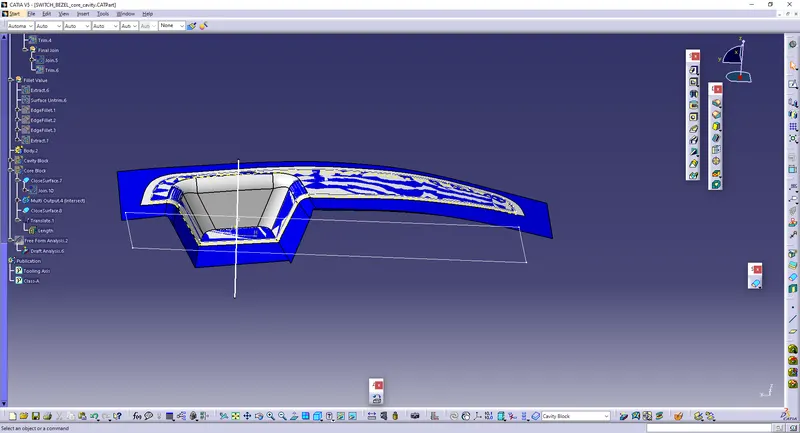
* Extrude the sketch and the sketch will come like this, and fill the gaps.
* Trim the extruded surface with the Parting Surface.
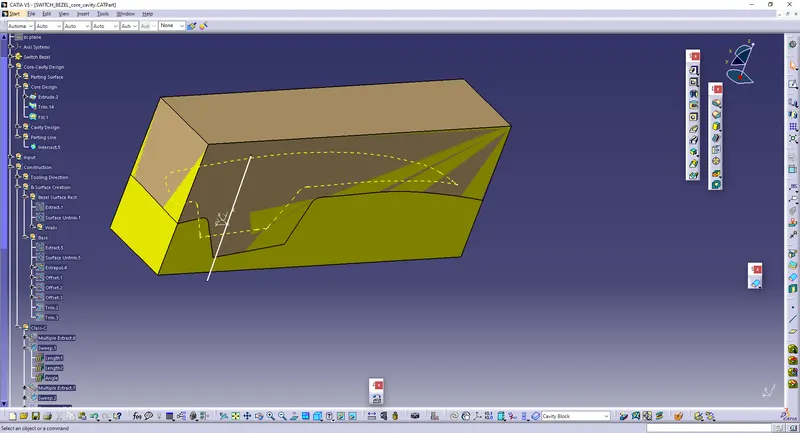
* Take the Intersect between the Parting element and The surface.
* Create the geometrical set For Cavity, create the sketch and extrude as done in Core Surface.
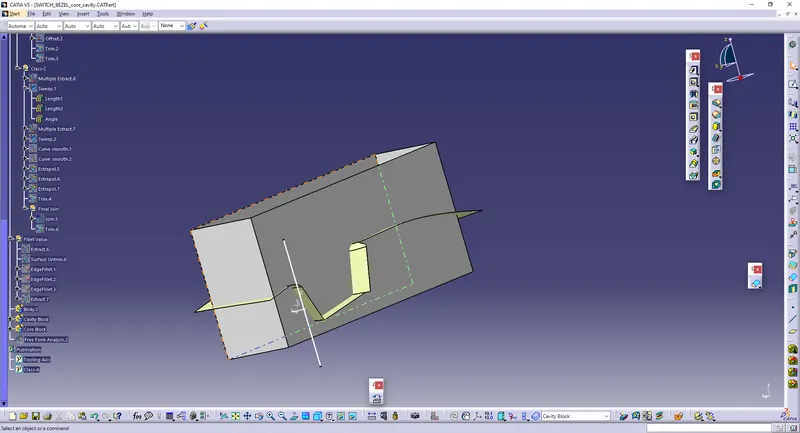
* Trim the extruded element along with the parting surface.
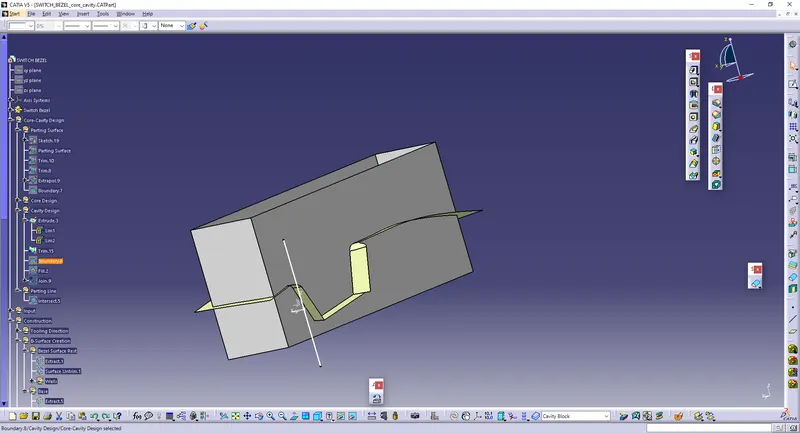
* Then, Close the surfaces using Fill option and then Join those surfaces in cavity.
* Like that, Close the Surfaces in the Core Part also.
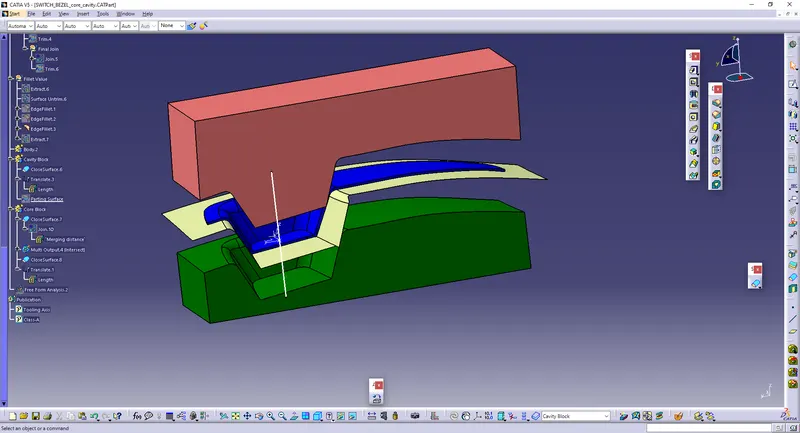
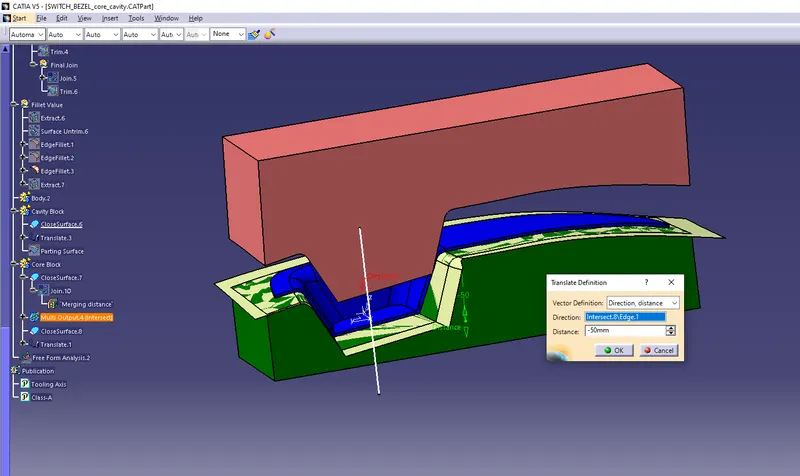
* Then, Convert The Core surfaces into Part, and then Translate to 50 mm.
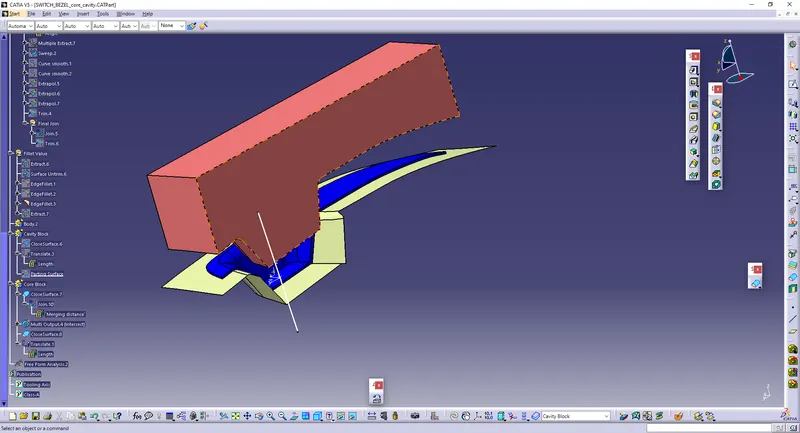
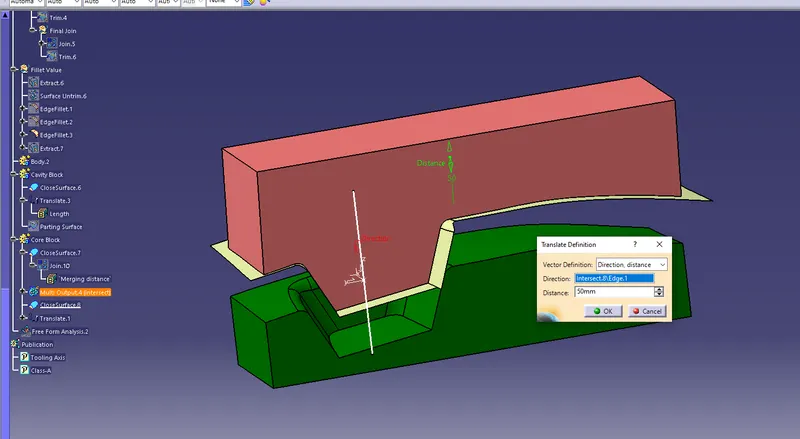
* Like That, Make the cavity surface into part, and then, Translate the cavity to 50 mm in reverse direction.
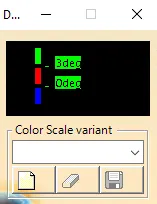
* The Draft Analysis is being Performed.