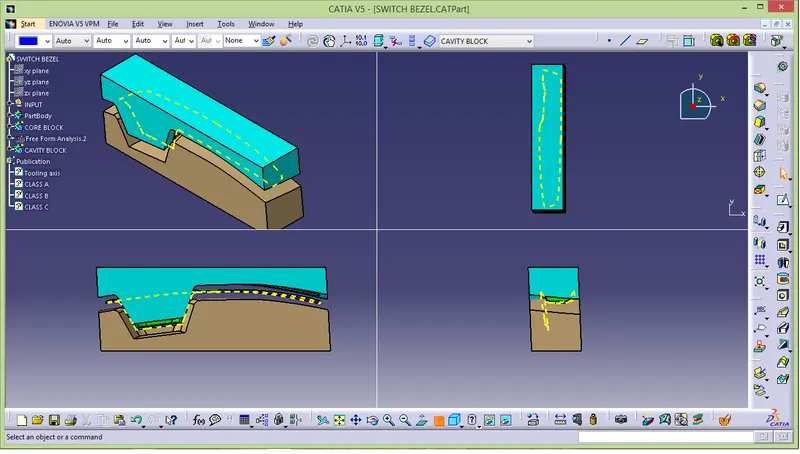
Week 8 - Challenge 5 - Core & Cavity Design
AIM :
To create core and cavity design for SWITCH PANEL BEZEL.
SOFTWARE USED : CATIA v5
PROCEDURE :
- Take boundary by using class A surface and then extrapolate .
- Join extrapolate surface with class c and trim it off.with the trim surface join class B surface and create parting surface.
- After creating parting surface create core part and then cavity part at last create parting line.
SHORT NOTE ABOUT CORE & CAVITY :
There are two part which play major role in injection moulding process they are core and cavity.The core is a part which form internal shape of molding and cavity forms external shape of the moulding.for class A one which is below is core and above cavity.
PARTING SURFACE :
INJECTION MOLD PAPARTING SURFACE :
Generally injection mold has two major components the movable halve and the fixed halve,during injection moulding process the two halve pressed tightly and form a sealed hollow to avoid the melt folow leakage and maintain certain pressure ,the pressed surface are called parting surface,usually parting surface are biggest projection outline of the part.
PARTING SURFACE PRINCIPLES :
Parting surface design directly affect the production quality, ease of comstruction and operation of the injection mold,the mold design is one of the key factore to sucess.
- Take boundary in class A surface.
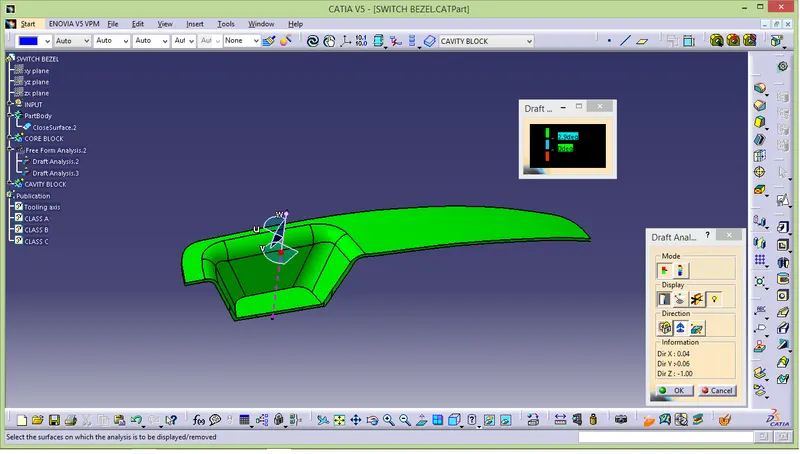
DRAFT ANALYSIS IN SWITCH BEZEL :
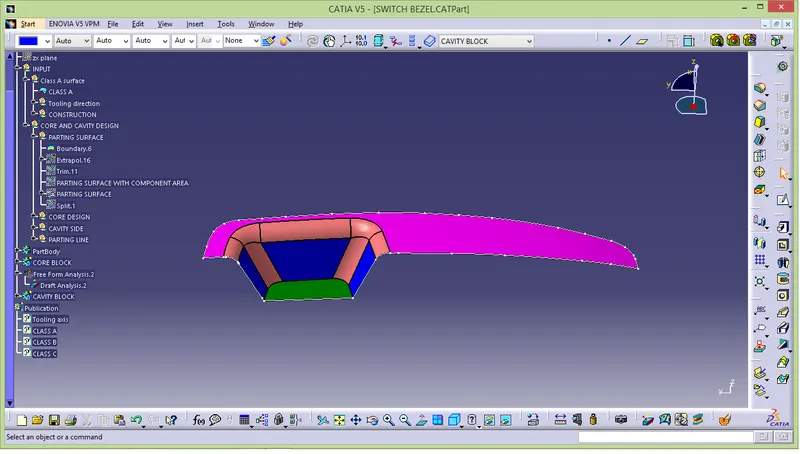
- To extrapolate class A surface for 15mm.
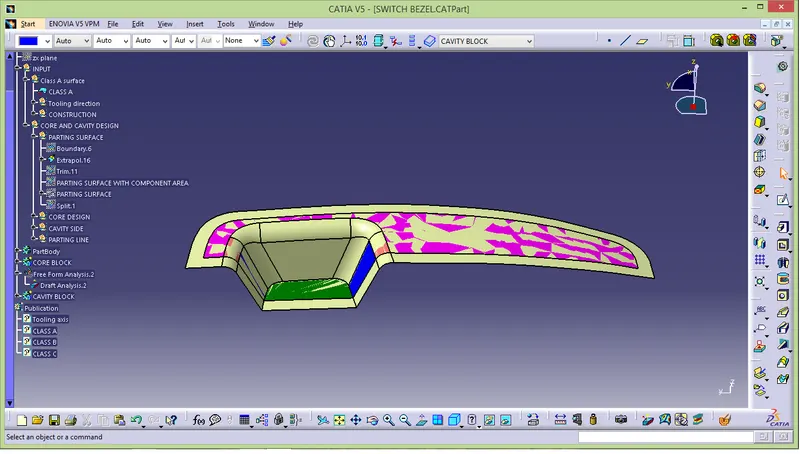
- Along with extrapolate surface join class c surface.
- by triming this two surface we get inside portion.
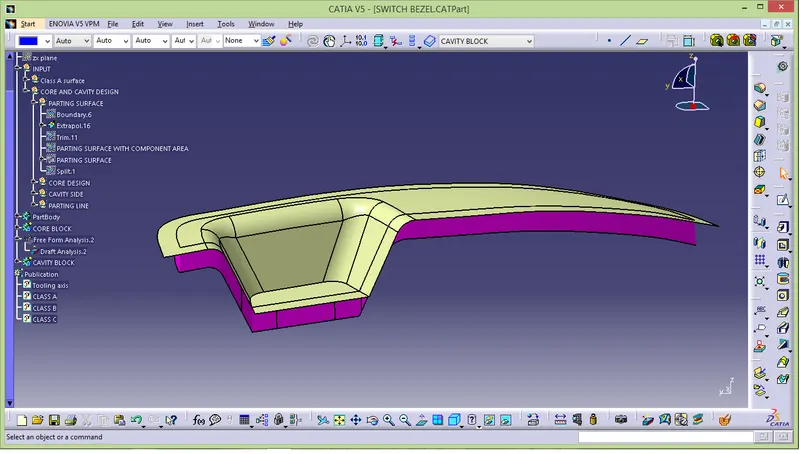
- Now trim B surface with the output of class A and c that will be output of parting surface with component area.
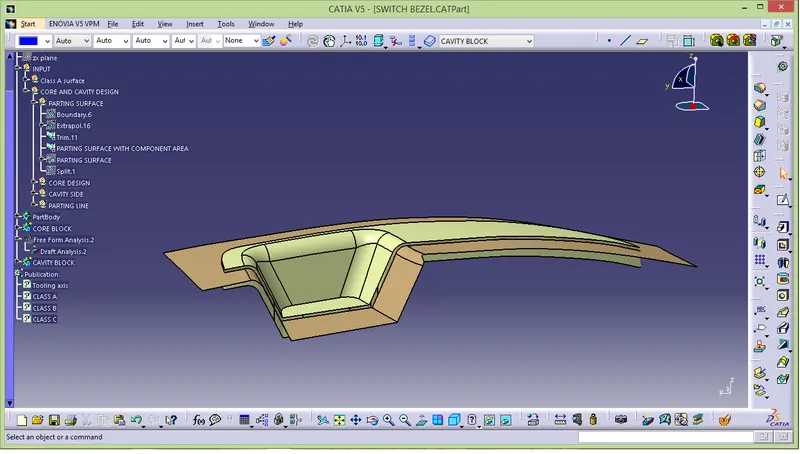
- Unhide the axis system and draw parting line by using positioned sketch.
- Make sure the parting should draw in surface only.
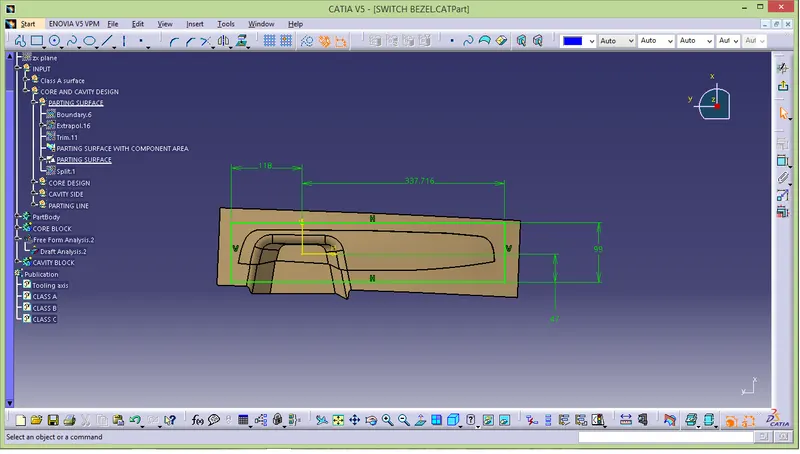
- Extrude the parting line through tooling direction and trim it with parting surface.
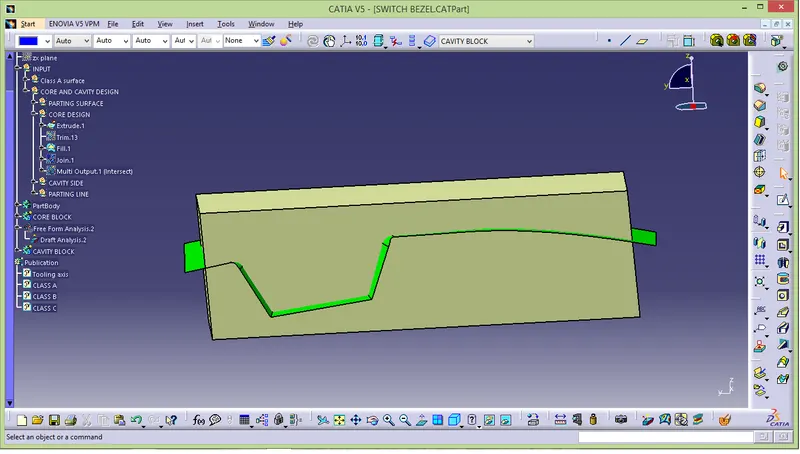
- Fill the surface and join it.
- After joining a surface make it into close part body ( Part design->close partbody).
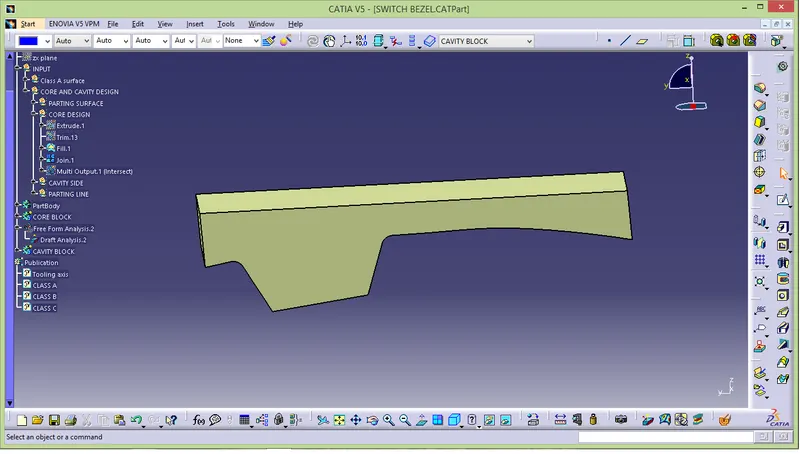
- Final output of core design.
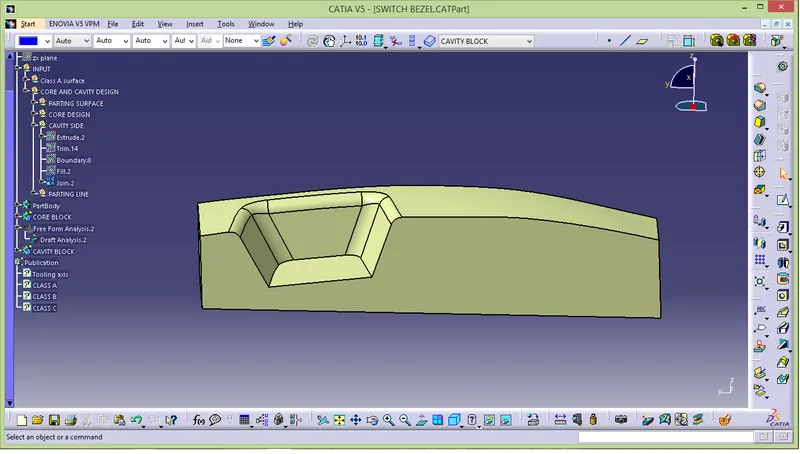
- Repeat same steps which we follow in core design
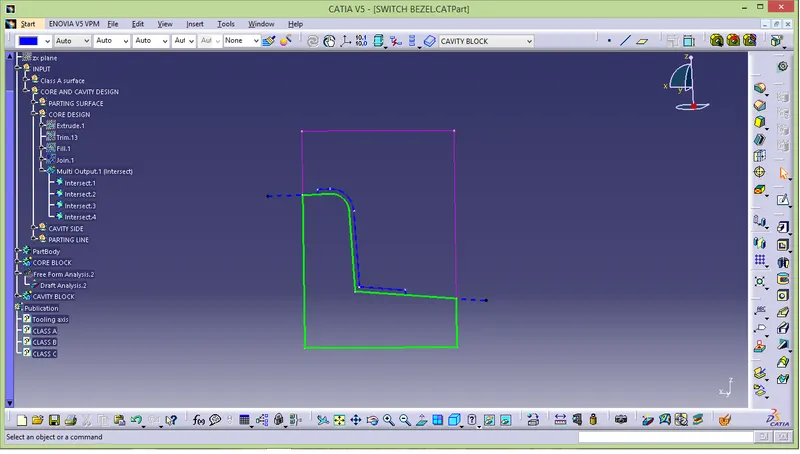
Intersection of parting body
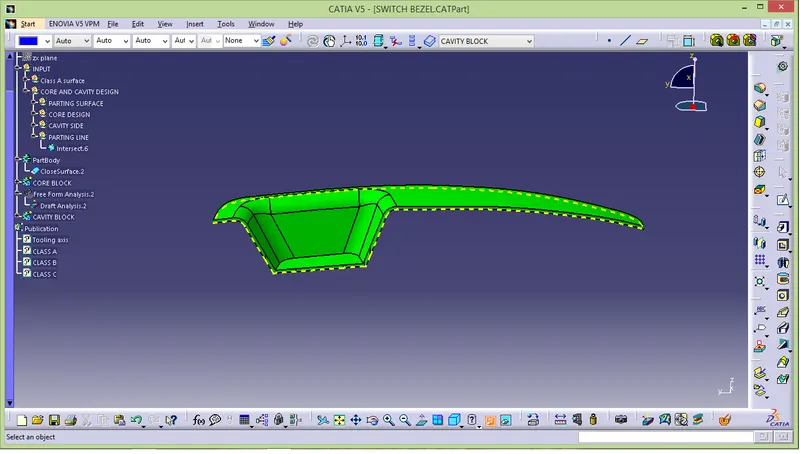
Parting line with component
- Translate the core and cavity about 15mm.
- To ensure the moving direction double click the translate and move.
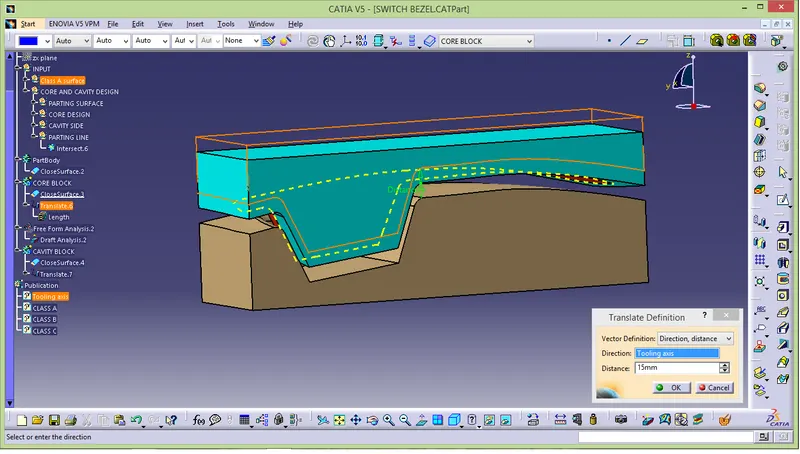
MULTI-VIEW OF CORE & CAVITY DESIGN :