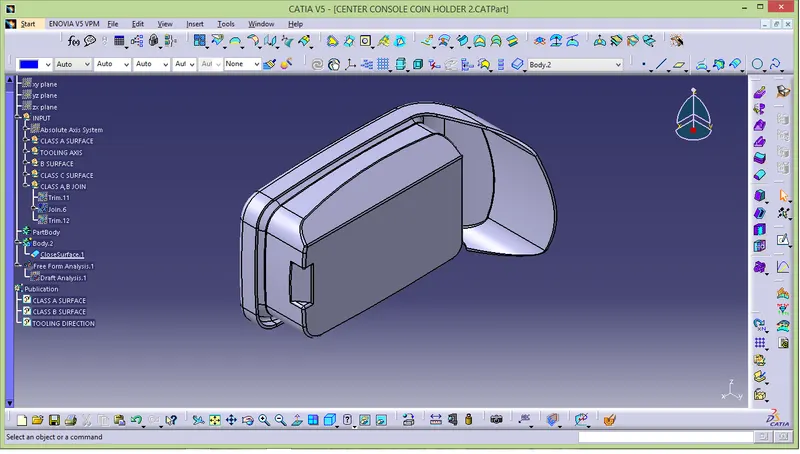
Week 8 - Challenge 4 - Coin Holder Design
AIM:
Create coin holder design through class A surface.
PROCEDURE :
- First create tooling direction by using class A surface.
- Keep class A as a reference to create class B and class C surface.
- Join class A and c together and class B surface and trim it.
- Finally analysis tooling direction by draft analysis tool.
CLASS A SURFACE :
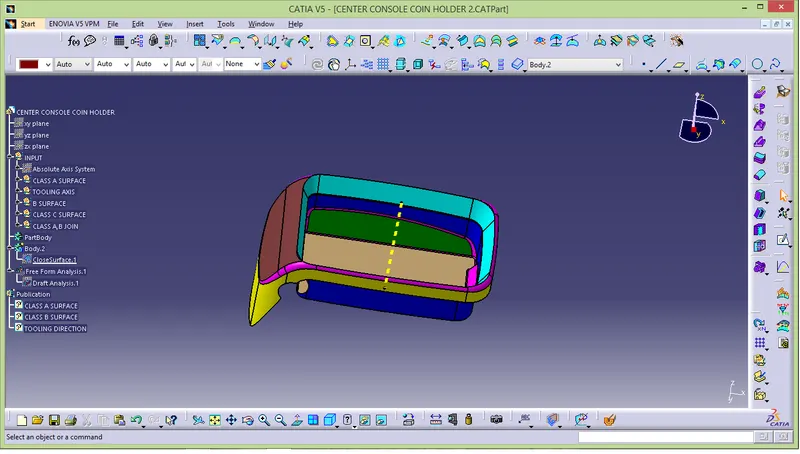
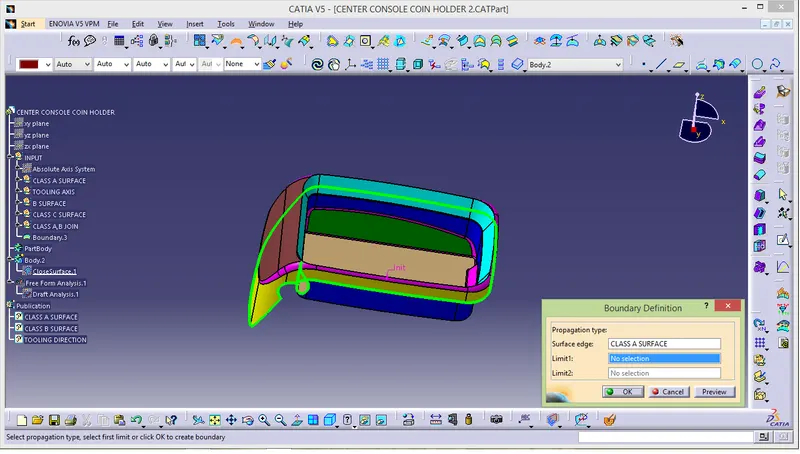
- Ensure class A is properly join or not by using boundary option
TOOLING DIRECTION :
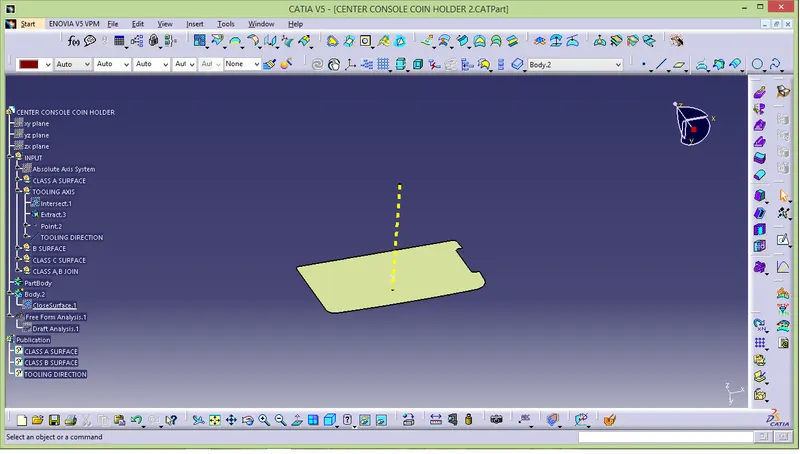
- Extract base in class A and insert point in surface and then create a line.
CLASS B SURFACE :
- Class B surface create by using class A surface.
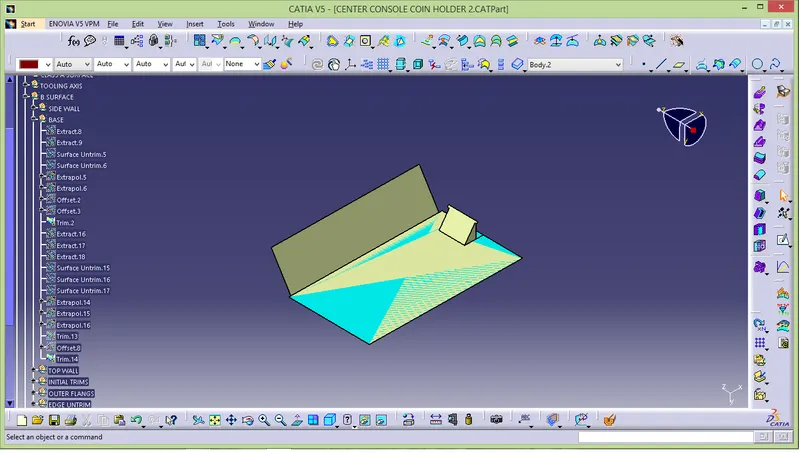
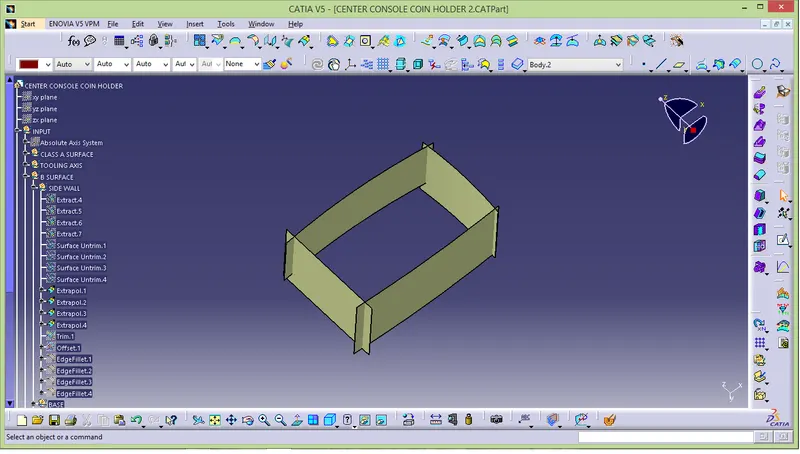
- first extract side wall and base and then extract one by one.
- after exteract done extrapolate with point continuity.
- And trim the extrapolate surfce.
- At final offset to distance of 2.5mm respectively.
SIDE WALL:
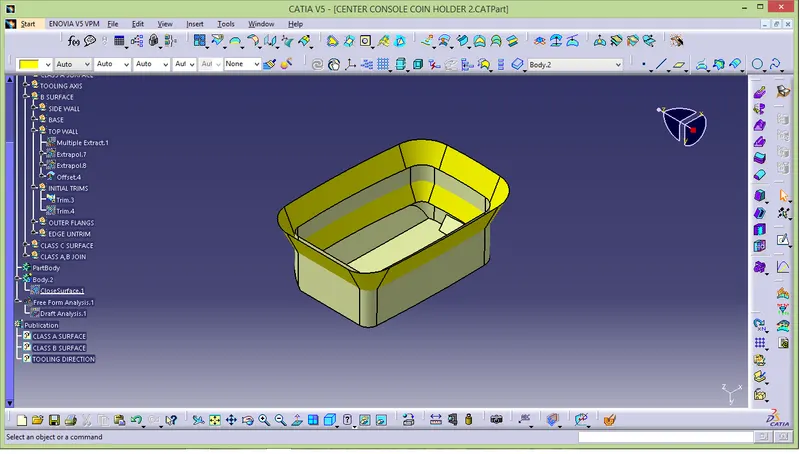
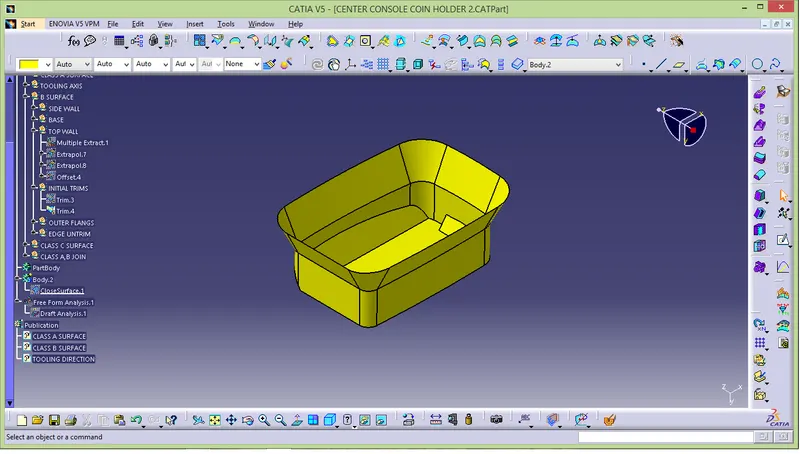
COMBAINE UPPER WALL AND BASE :
- Combaine upper wall,side wall and base togather.
- And trim it off.
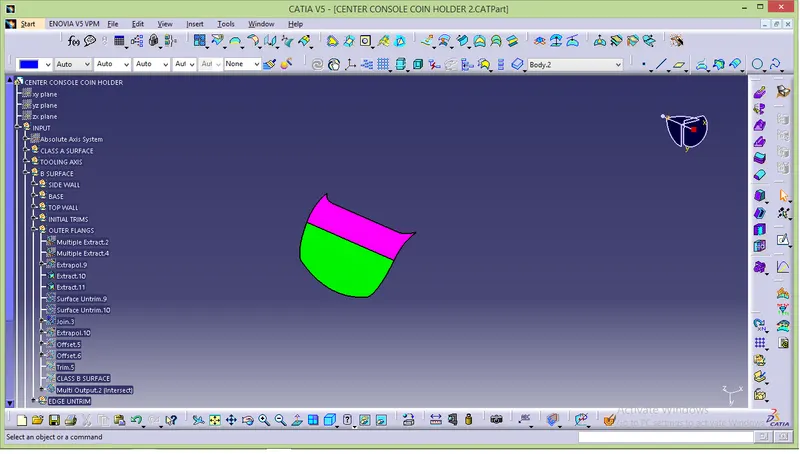
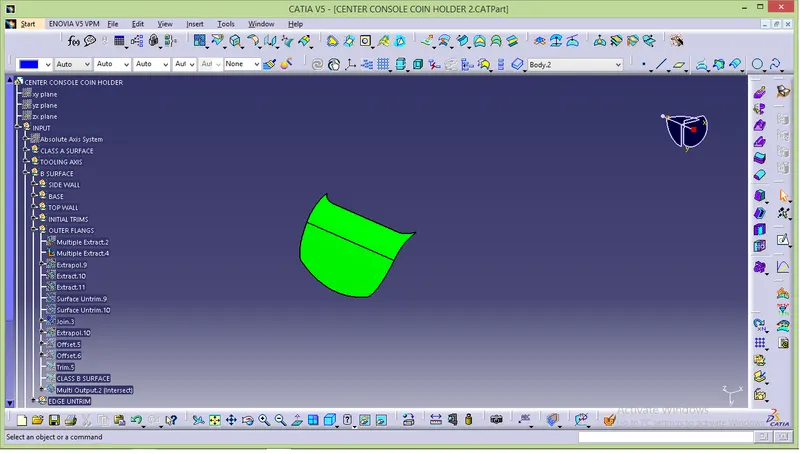
OUTER FLANGE :
- In outer flange there are two steps to extract.
- first extract enclosing surface and then extract above surface.
- finally offset and trim it.
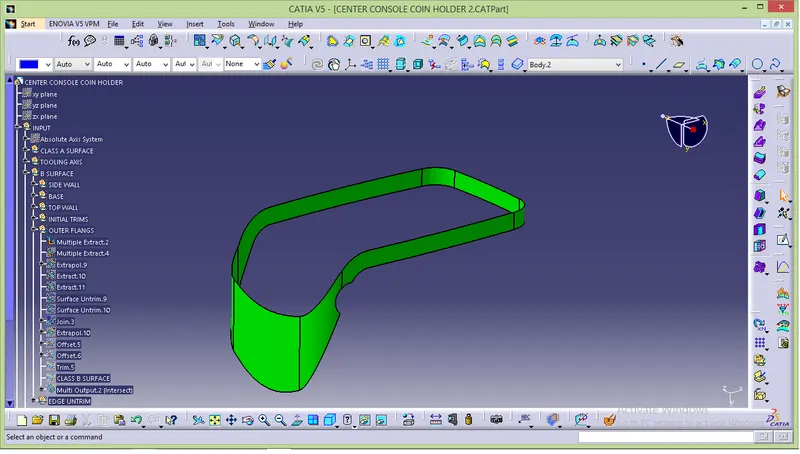
- In above surfce extract there are two surface are there.
- untrim one by one and join togather.
- extrapolate the surface and offset into 2.5mm.
- Finally trim it .
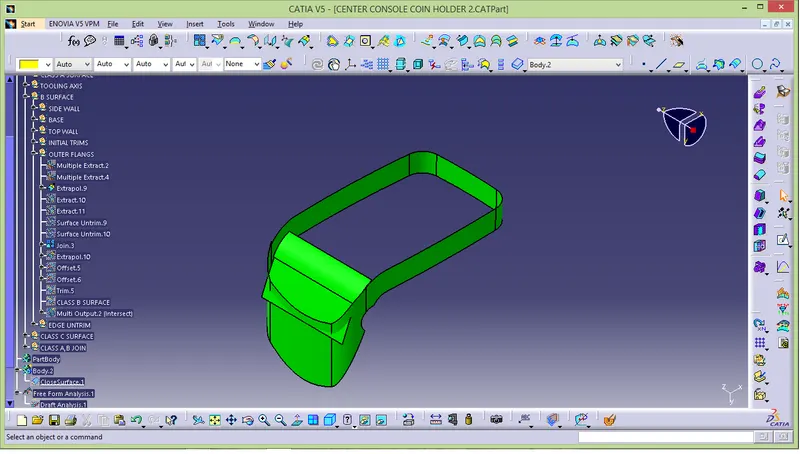
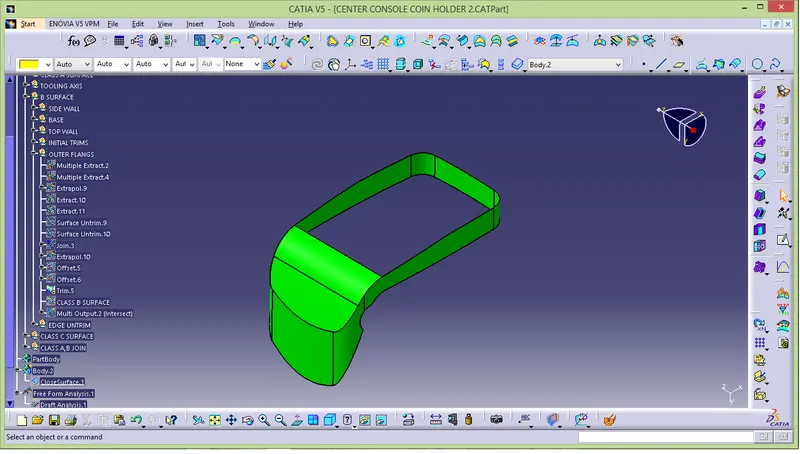
COMBAIN LAST EXTRACT WITH OUTER FLANGE :
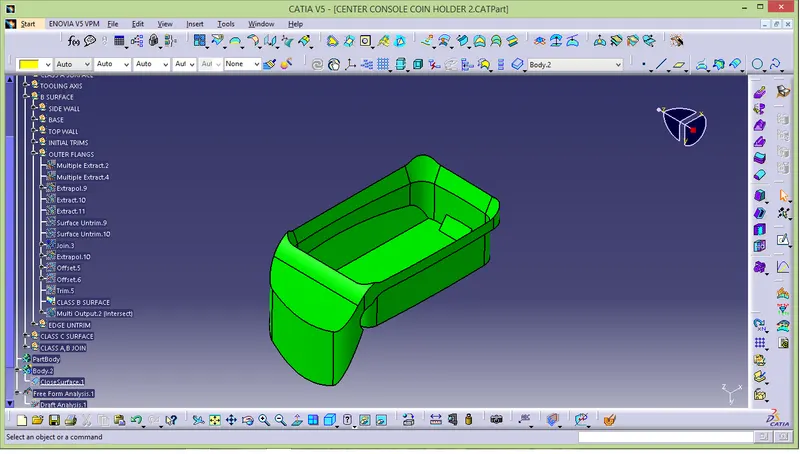
CORNER EXTRACT:
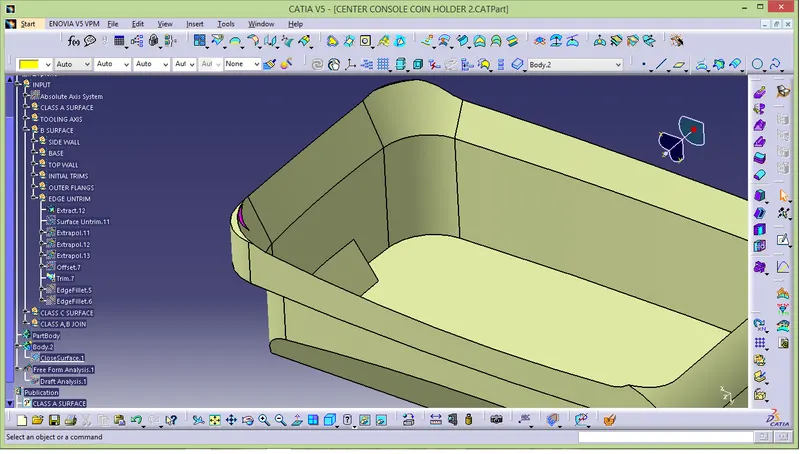
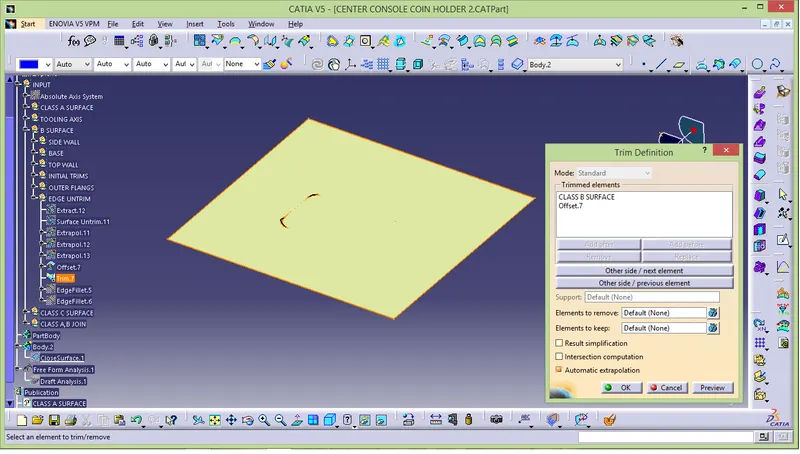
- Fillet it sharp edge with the respective value.
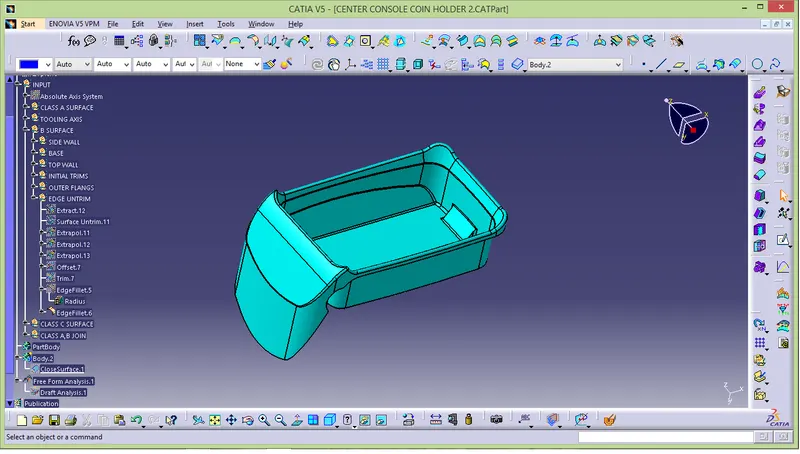
CLASS C SURFACE :
- Create c surface by using class A surface.
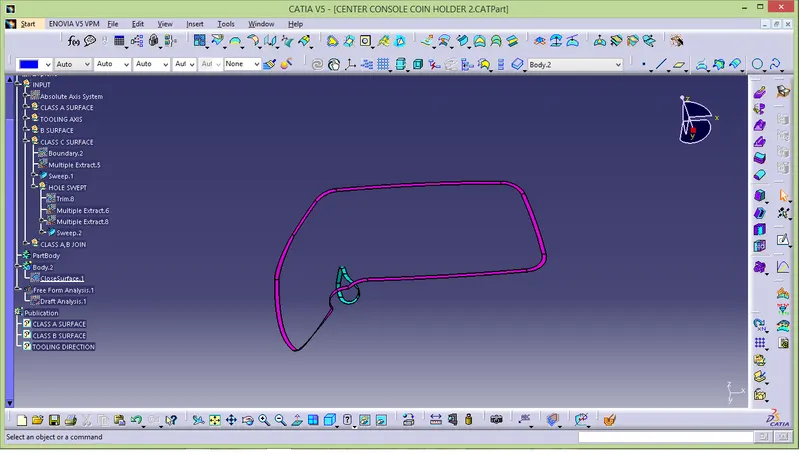
- Extracte boundary in class A surface.
- Use sweep option in subtype choose 'with reference surface',choose the guide curve select the extracted boundary,and reference surface select the above extracted surface.
- Choose angle as 90degree.
COMBAIN CLASS A,B AND C SURFACE:
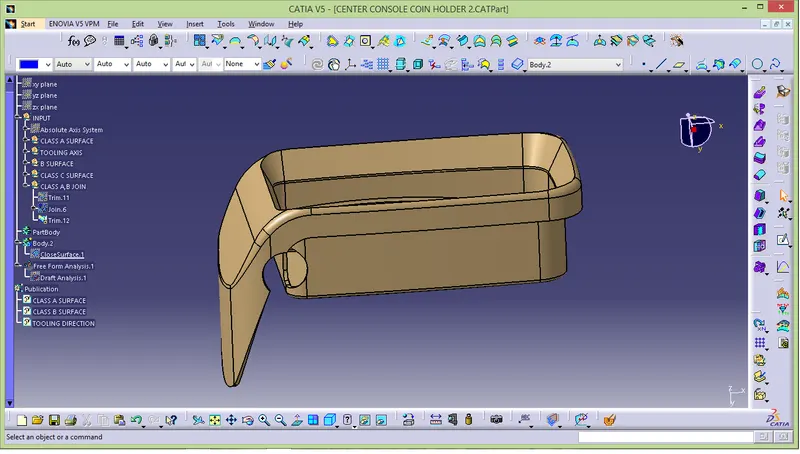
- First combain class A and c surface.
- After A and c surface gets trim join B surface together.
- Insert fillet in corner and sharp edges.
CLOSER SURFACE :
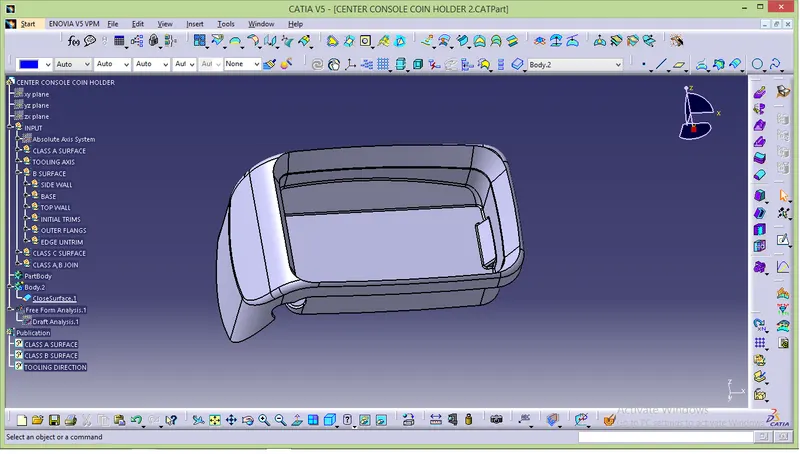
- Select->part design->close surface
DRAFT ANALYSIS:
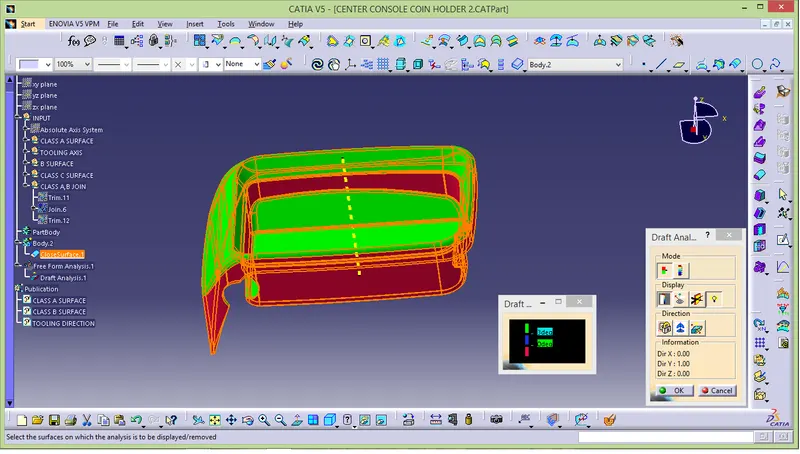
- Insert ->analysis->feature draft analysis.
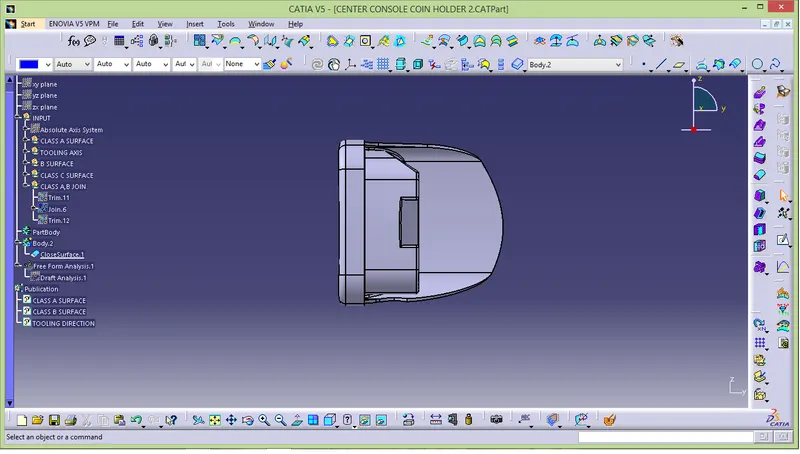
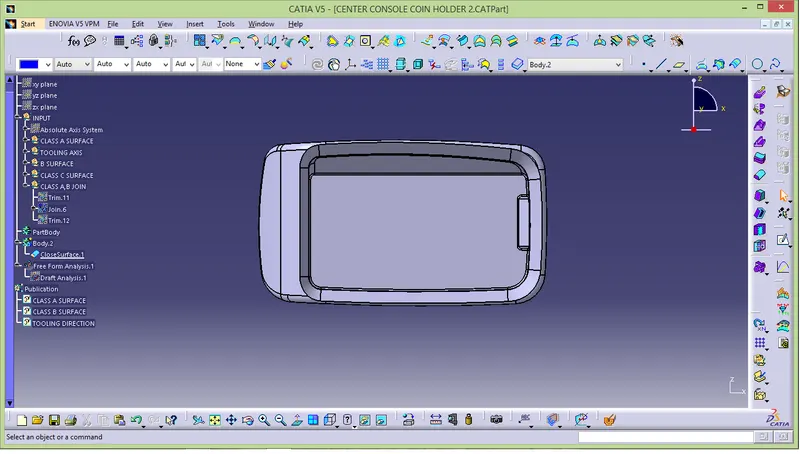
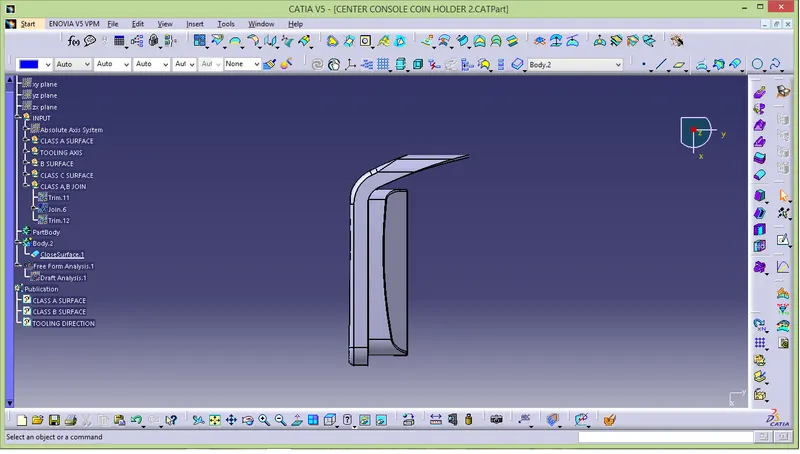
MULTI VIEW: