Week 8 - Challenge 4 - Coin Holder Design
Automotive Plastic Design using CATIA V5
AIM: To Create the Coin Holder Plastic component through the given Class-A surface. To begin with, the tooling axis for the given Class-A Surface should be created to meet the requirements of the draft angle and perform the Draft analysis on the model. Take the Thickness of the component to be 2.5 mm.
PROCEDURE:
- Open CATIA V5 and import the given class-A surface.
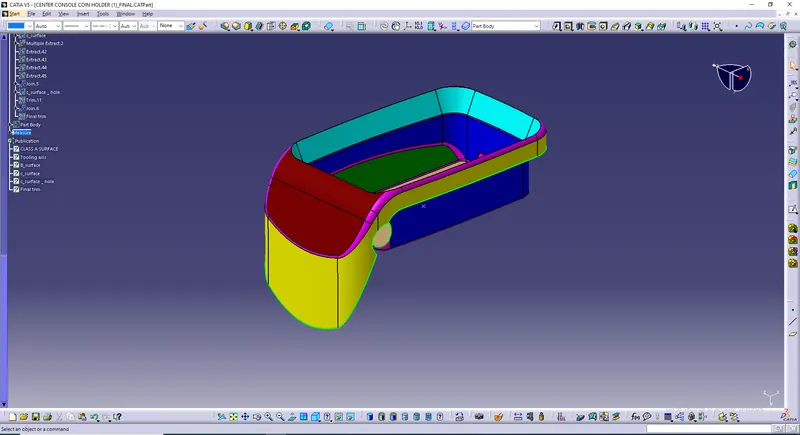
- Use the publication tool to publish class A surface , which helps the user to find the class A surface faster.
- Now, we have to create the tooling axis for the class A surface.
- For creating the Tooling axis we have extracted the surface by using extract tool then un trimmed the ectracted surfaces and created a point using surface and the created a line normal to the surface.
- Use the publication tool to publish Tooling axis , which helps the user to find tooling axis faster.
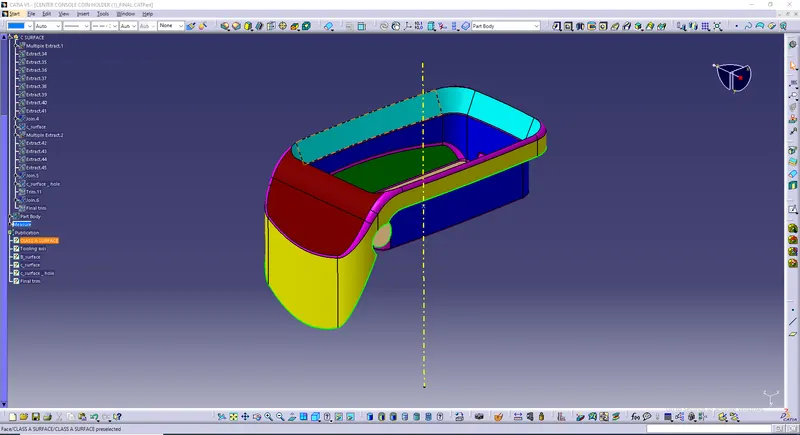
- Now we have to create the Class B surface.By using then class A surface we have to create the b surface by using commands like extract,un trim, and extrapolate
- Finally, apply the fillets to the B surface by measuring the fillets on the class A surface. and the class B surface is obtained.
- Use the publication tool to publish class B surface , which helps the user to find the class B surface faster.
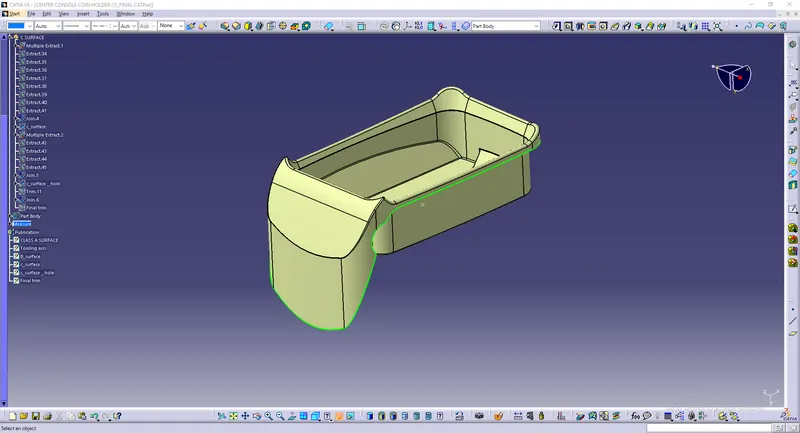
- Now we have to create the Class C surface
- Use Multi extract command and select the edges from class A surface.Extract the surfaces.
- Use sweep command and select with reference to surface.Give the angle as 90 and select the correct direction.
- Finally we will have the C surface.
- Use the publication tool to publish class C surface , which helps the user to find the class C surface faster.
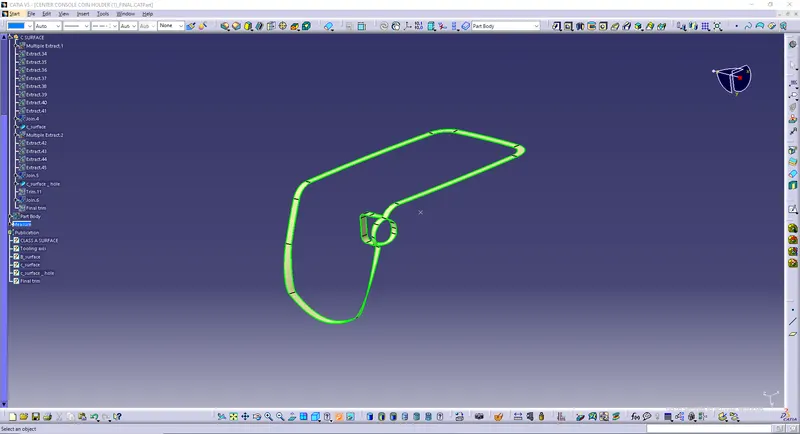
- Now use the join and trim commands and attach the class A, Class B and Class C surface.
- Finally we will have the surface model. ensure that all the boundries are closed.
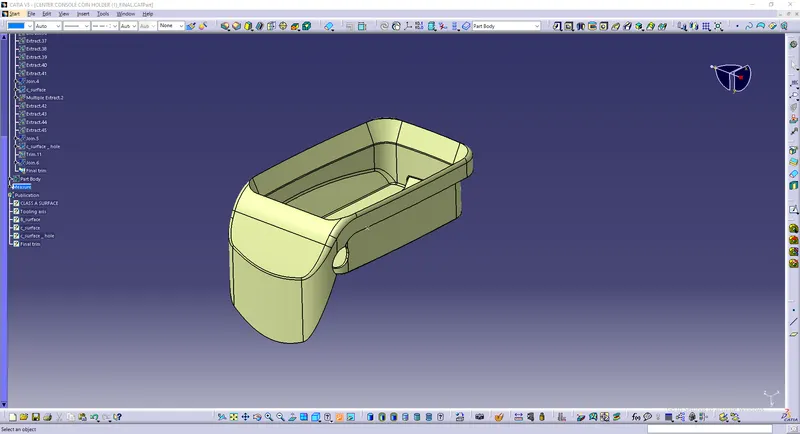
- Now, using the surface model we have to create the solid model by using close surface option in the part design.
- Finally, we will have the solid model.
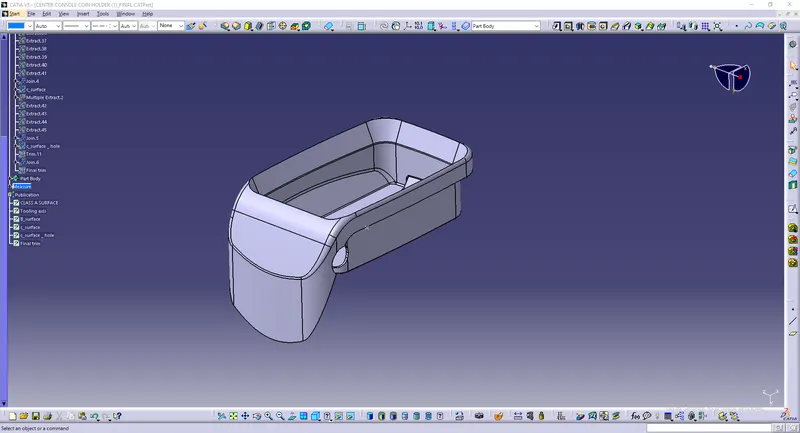
- Now we have to do the draft analysis on the model but before that set the viewing mood to material mood.
- Now, go to draft analysis,click in the compass option in direction and bring it to the tooling axis and lock the compass.
- Give the draft angle mim and max).
- Finally the draft analysis is performed on the model.
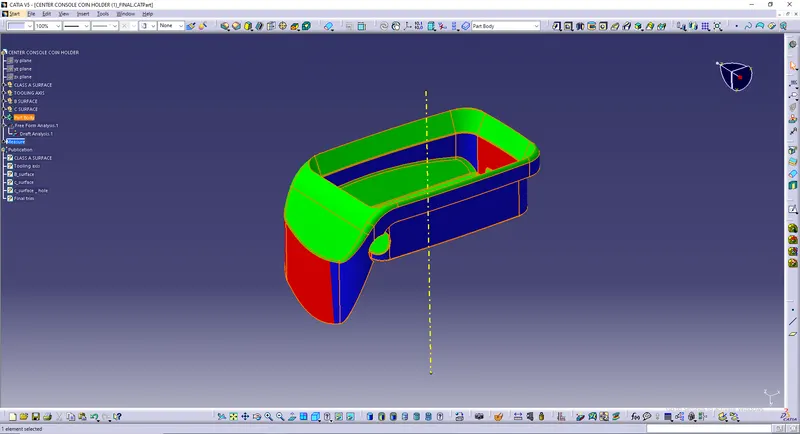
WHOLE MODEL:
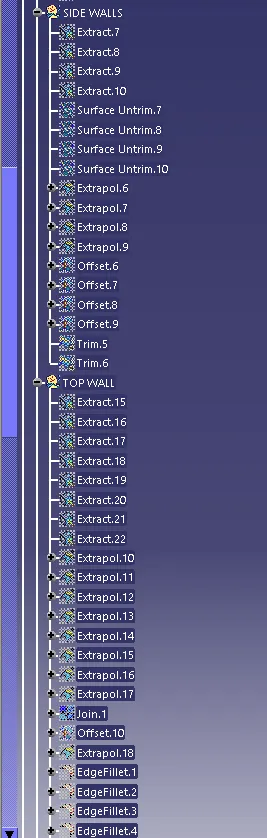
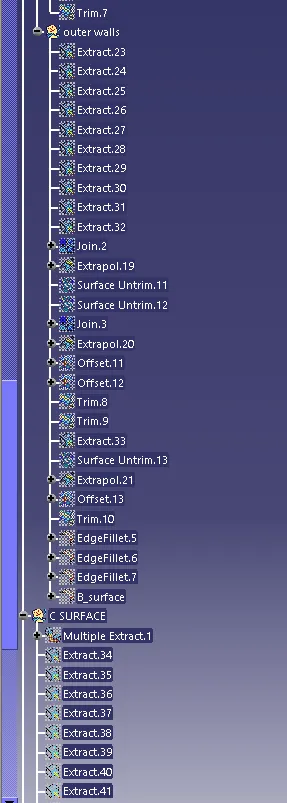
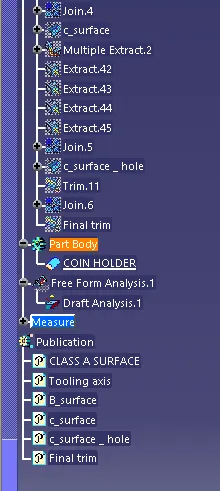
TREES:
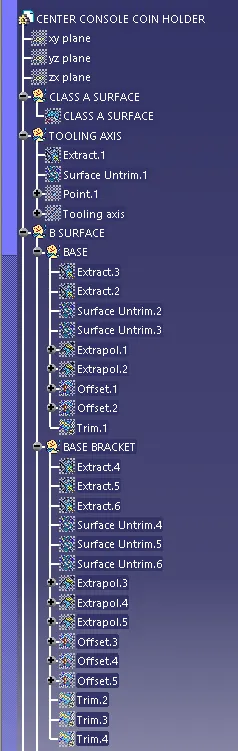
VIEWS:
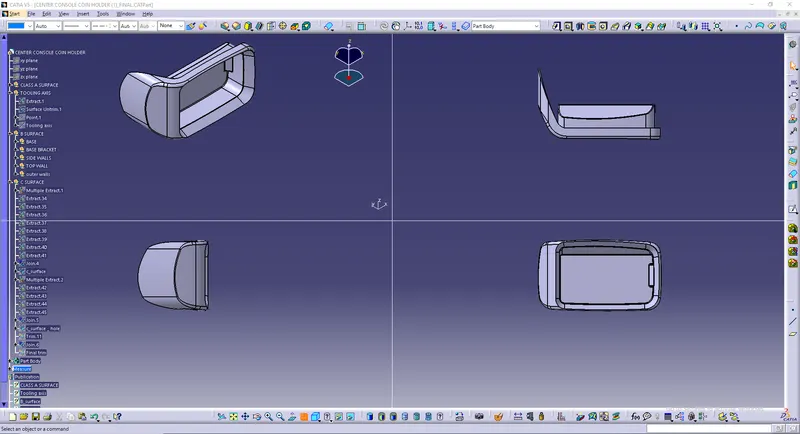
CONCLUSION: Finally ,we have Create the Coin Holder Plastic component through the given Class-A surface. To begin with, the tooling axis for the given Class-A Surface should be created to meet the requirements of the draft angle and perform the Draft analysis on the model. We took the Thickness of the component as 2.5 mm.