Week 8 - Challenge 4 - Coin Holder Design
Challenge - COIN HOLDER
Objectives: Create the coin holder Plastic component through the given Class-A surface. To begin with, the tooling axis for the given Class-A Surface should be created CLASS B & CLASS C SURFACES and to make a solid body from the surface
CLASS A SURFACE coin holder Design
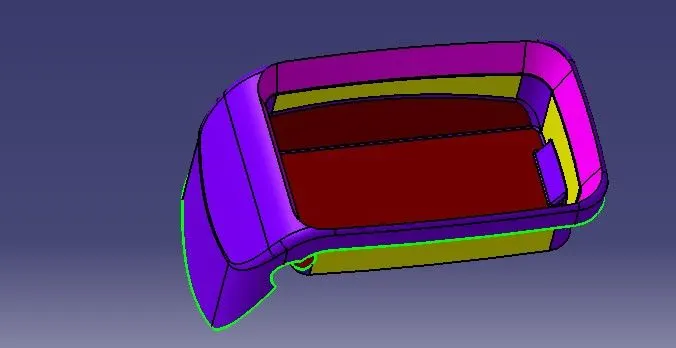
Tooling axis on a coin holder Design
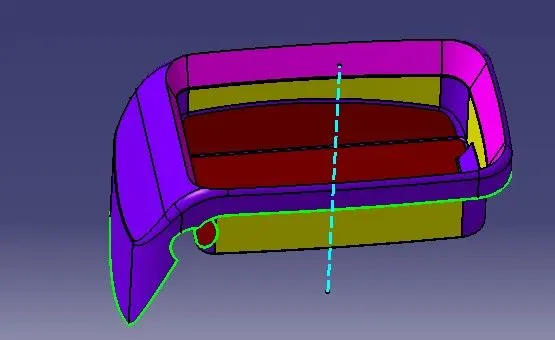
Input the class A surface of the coin holder model in CATIA
First, create the point (reference point) on the Base extracted surface and create a dummy tooling direction in the Z direction
Create two sketches (one sketch in the YZ plane and another sketch in the XZ plane)
Draw two lines as shown in the below fig and these lines help to bisect the midline and create a real TOOLING AXIS
CLASS B SURFACE
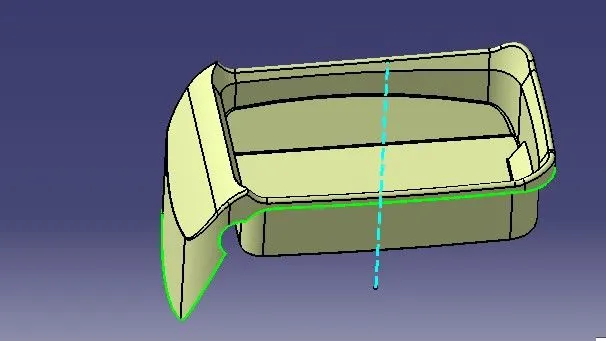
For creating a Class B surface extract the class A surface of Walls & base (individual surfaces) considers offsetting the thickness of the component as 2.5mm. Offsetting the extracted surfaces UNTRIM the Extracted offset surface using the UNTRIM tool. Extrapolate the untrimmed surface for trimming the Ribs and Base surface. The final output of Class b surface as shown in below fig
The final output of Door Arm Rest B surface
CLASS C SURFACE
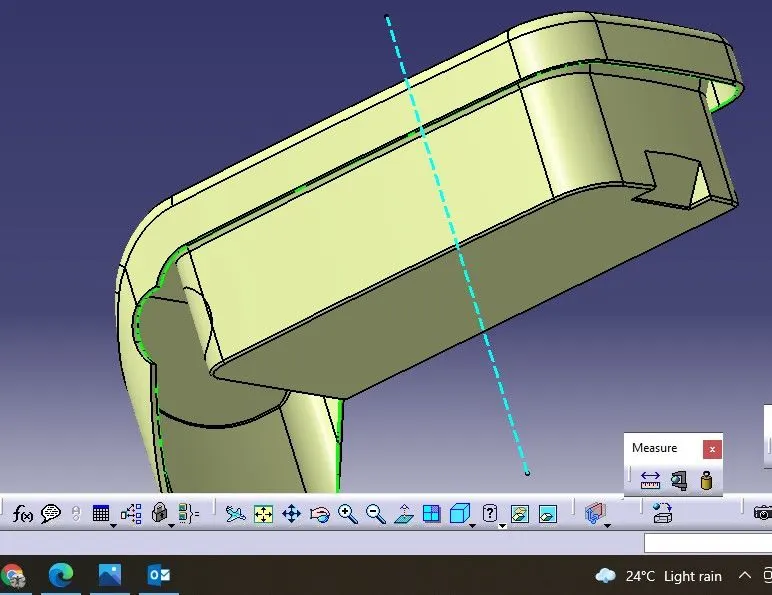
To create a Class C surface, extract the Boundaries of a Class A surface as shown in figure
Create the surface using the sweep tool
For the sweep, tool Go to the tool bar>sweep>profile type> line >subtype>with draft direction select the guide curve (Extract boundaries)
SOLID PART BODY OF COIN HOLDER Design
Finally using Close surface tool form part workbench for converting surface body to solid body
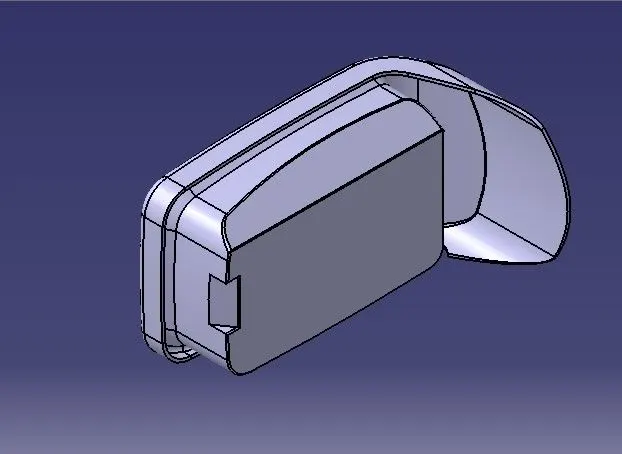
ISOMETRIC VIEW
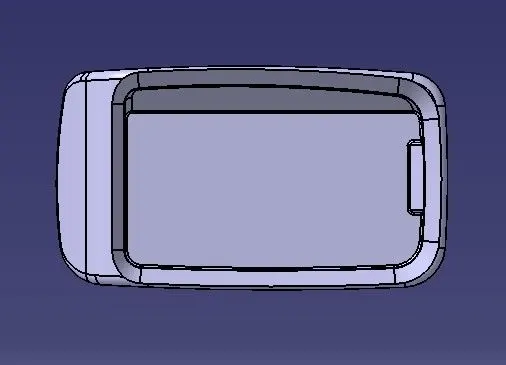
Top view
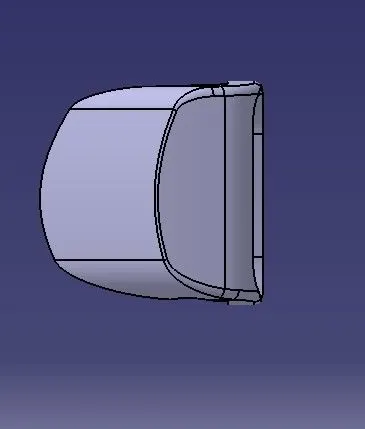
Right side view
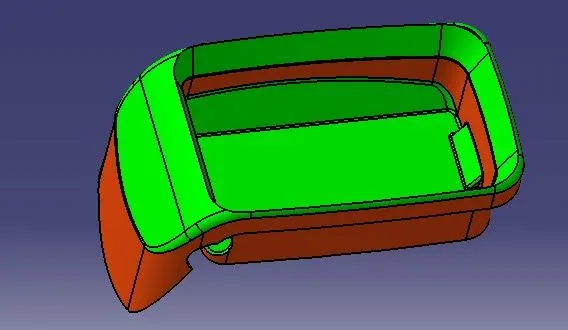
Draft Analysis on a solid body of coin holder
Tree images of coin holder Design
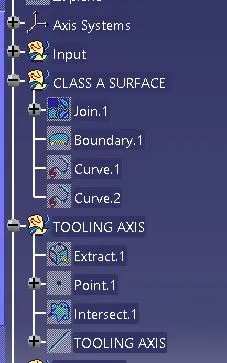
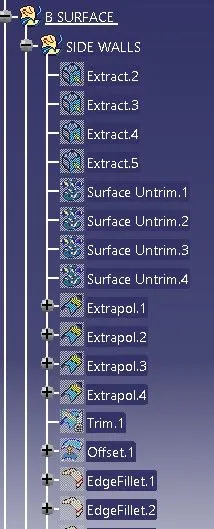
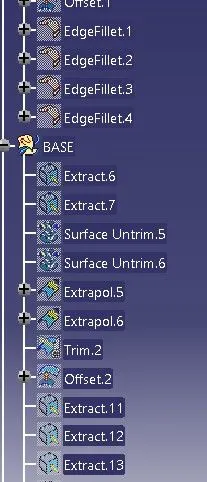
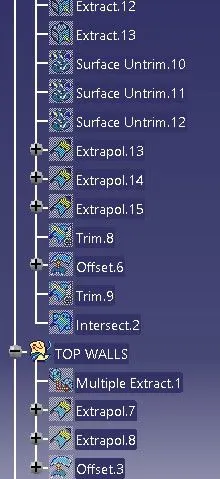
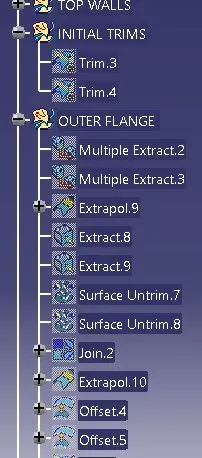
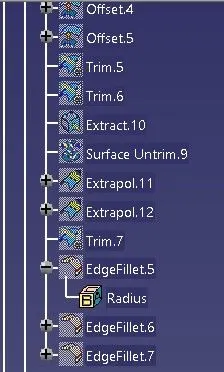
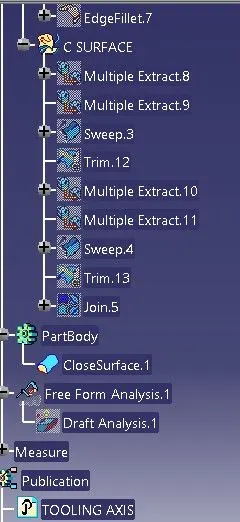
Conclusion: Hence successfully created CLASS B&C surfaces and successful design a solid part body from surface body