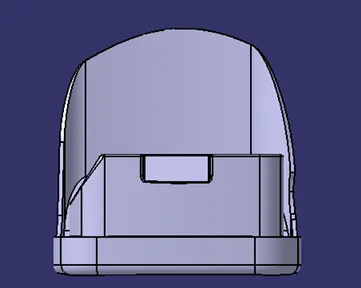
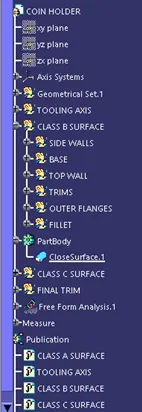
Week 8 - Challenge 4 - Coin Holder Design
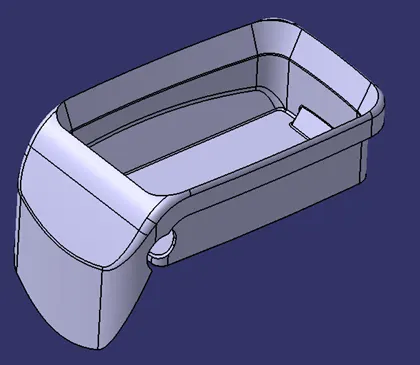
AIM: To Create the Coin Holder Plastic component through the given Class-A surface.
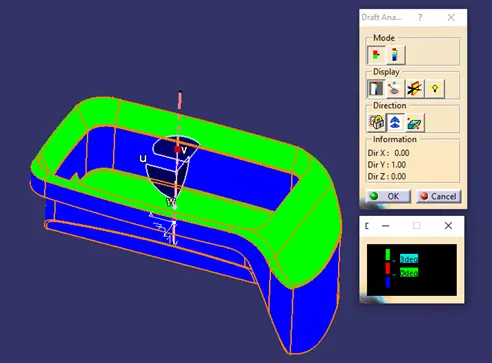
FOR DRAFT ANALYSIS:
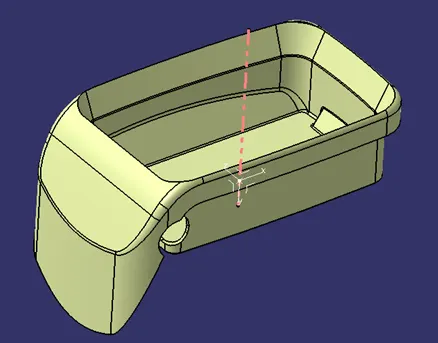
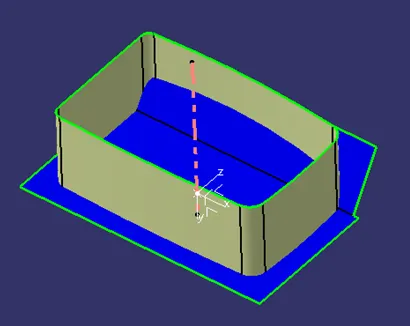
To draft analysis the model we have to create dummy axis.
The side walls of the model are perpendicular and do not give any draft. Hence the axis is normal to the base surface and parallel to side walls.
As class-A surface is made by other designer only he is authorized to make changes, so we look over this to complete the coin holder for practice.
To analyse insert< analysis< draft analysis and follow usual procedure.
Align the compass and click on the surface.
To correct it to as best as we can we moved the compass a bit till we got most of the surfaces in green and lock that position.
FOR CLASS-B SURFACES
The entire model is divided into base, side walls, inside side walls and outer flange and worked on them one by one.
The procedure followed is extract, un-trim, extrapolate, trim and offset.
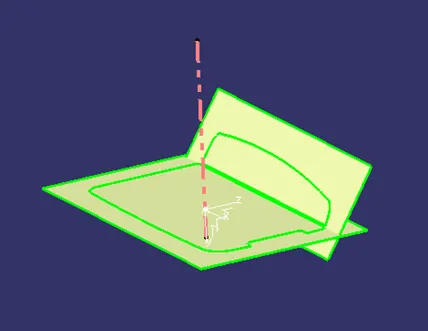
The base is first then the side walls which are then trimmed together and made them one.
Then inside flange are worked on. The inside flanges are extracted using multi-extract and then extrapolated.
For the outside flange same procedure is followed.
By trimming the whole is made one.
After measuring various fillets, the surface is filleted. Remember to keep minimum fillet value as 1mm.
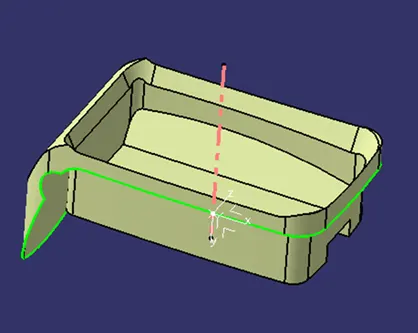
FOR CLASS-C SURFACES
In this model parallel tooling axis is used. Hence, ‘with draft direction’ option under sweep cannot be used. The C surfaces will mostly be created like shown below.
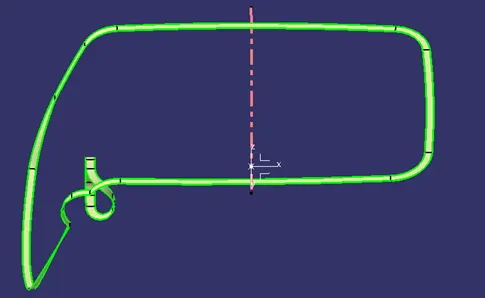
First get the boundary of the class-A surface and sweep it with reference surface option.
Similarly, it is done to get the C surface for the hole to close it.
FOR FINAL MODEL
Join class-A and class-C surfaces together.
Then join class-B surface to them.
Go to the part design and close the feature.
Run draft analysis on the model.