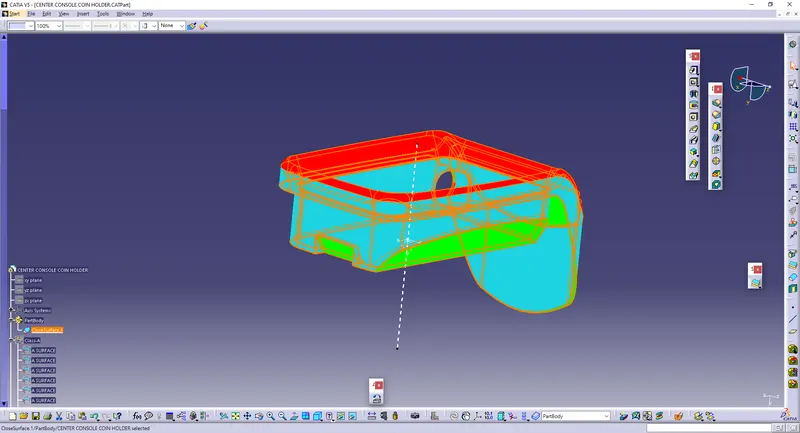
Week 8 - Challenge 4 - Coin Holder Design
Aim:
To Create the Coin Holder Plastic component through the given Class-A surface. To begin with, the tooling axis for the given Class-A Surface should be created meeting the requirements of the draft angle and at the end perform the Draft analysis on the model.
Procedure:
* First download the Coin Holder IGES part
* After downloading the IGES part, Join the Class A surfaces to make into an entire component.
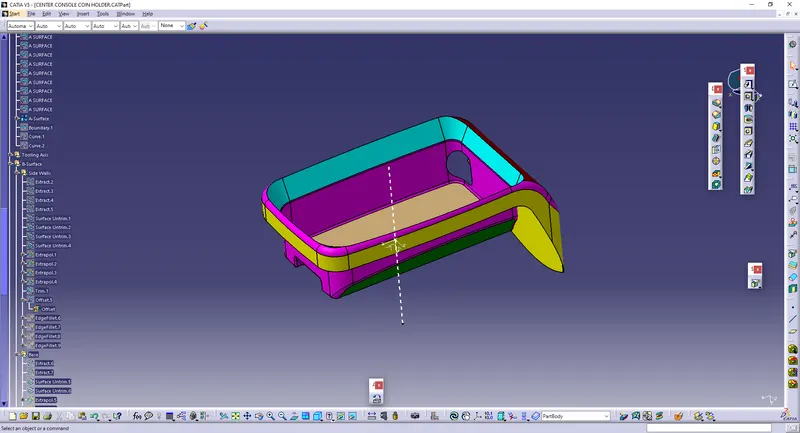
* In order to Create the Tooling axis, First, we need to extract the base part.
* After extracting, create the point at the centre, and give the INTERSECT lines.
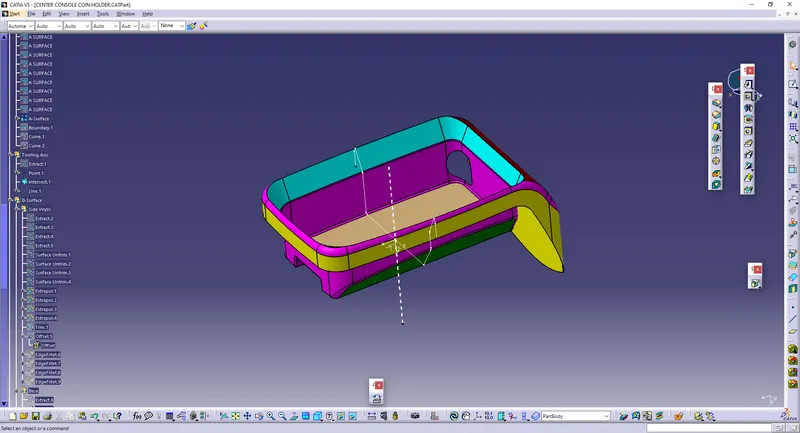
* Then, Using BISECTING option in Line properties, We can create the Tooling axis.
* Then Create the Geometrical set to create the Class-B, so that we can go for creating it.
* Give Extracts on Side walls, where the fillets should not be there.
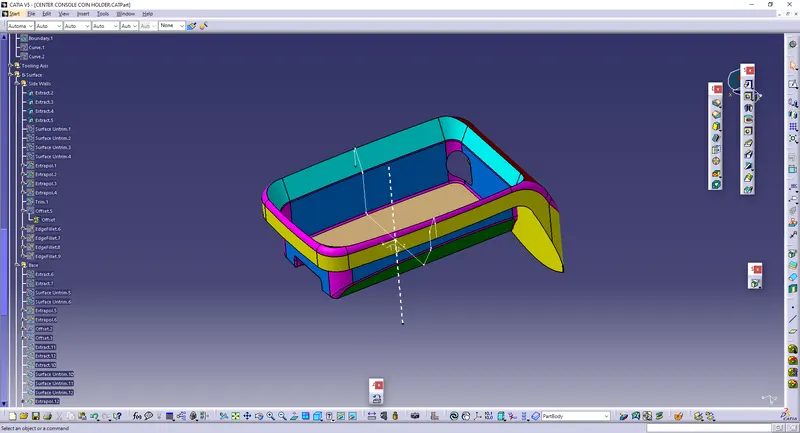
* Give the UNTRIM to Remove the filled faces.
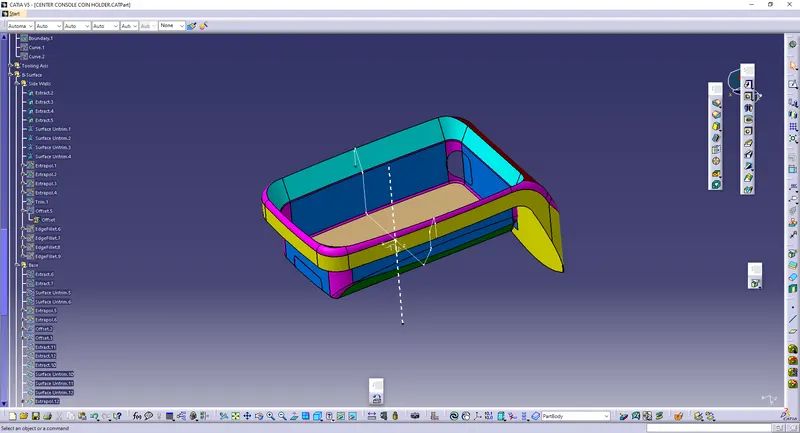
* Use Extrapolate to increase the Surface area, so that the surfaces can be trimmed.
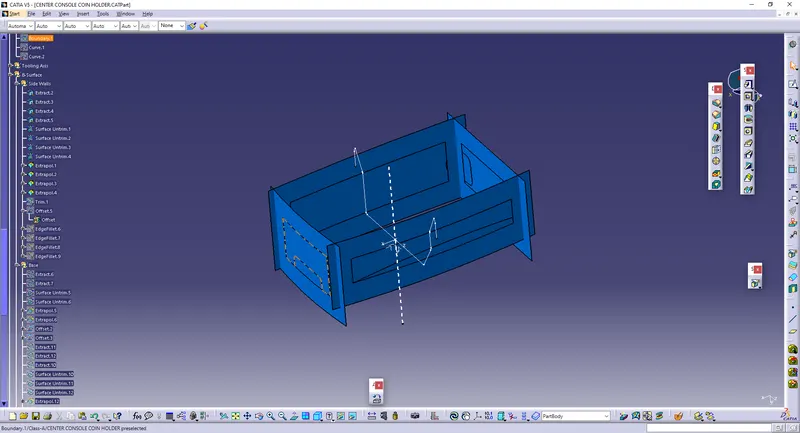
* Trim those surfaces.
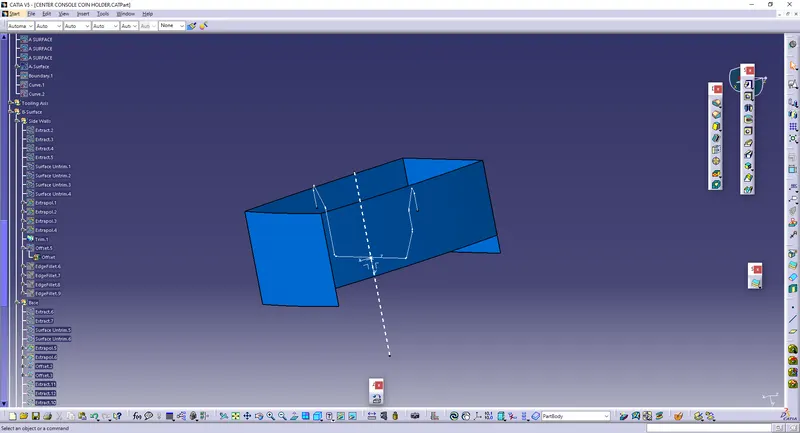
* Offset those surfaces upto 2.5 mm.
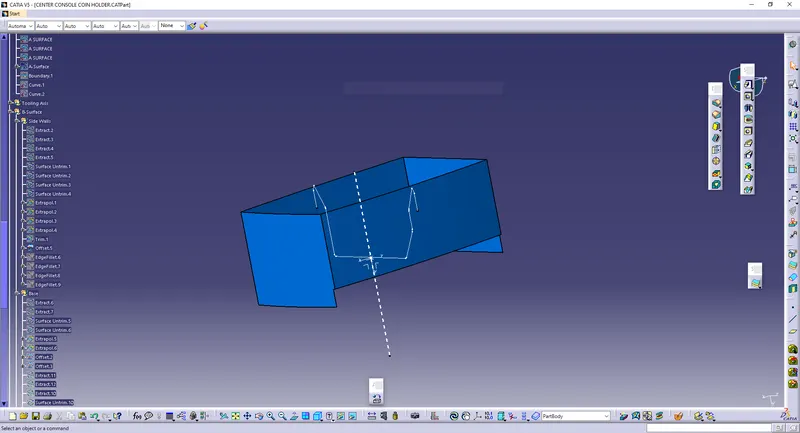
* Give Edge Fillet to the surfaces.
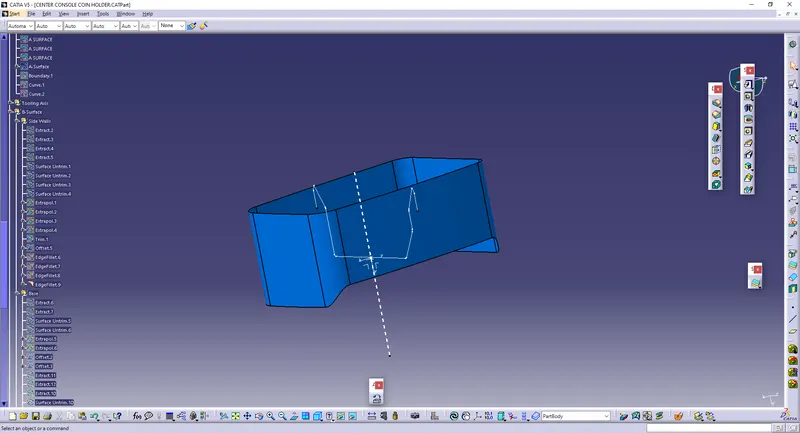
* Create the Geometrical set to extract the base.
* Repeat the same process to obtain the Class-B surface for the base as it is done in Walls portion.
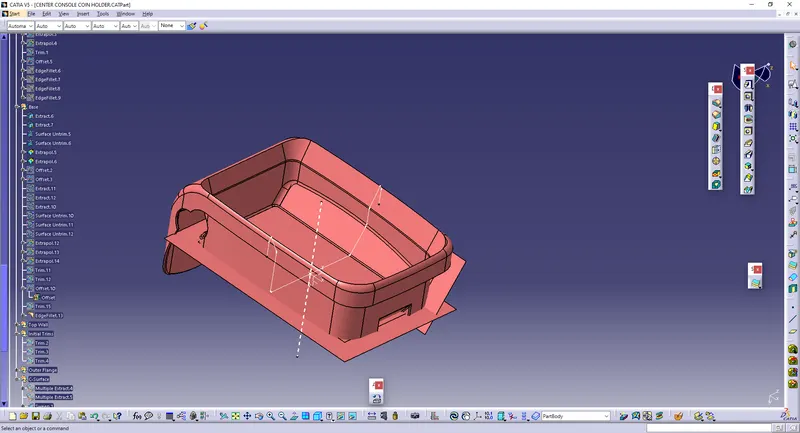
* Hence, The Class-B surface is formed.
* Create the Geometric Set and Do the same process on the upper Walls.
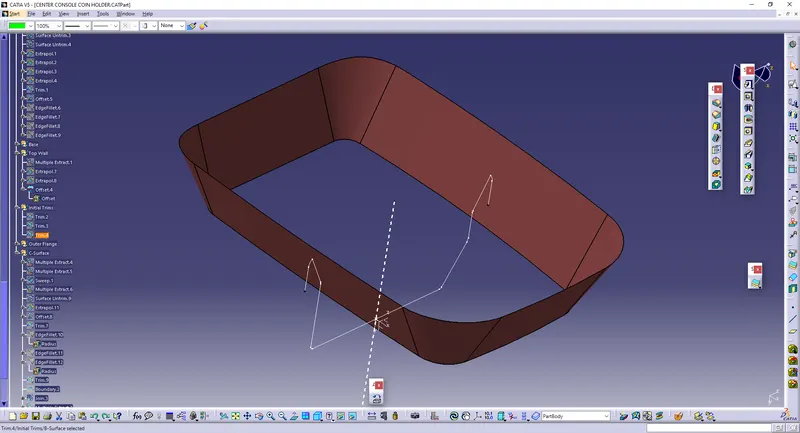
* Give Trim in both Upper walls and Side walls.
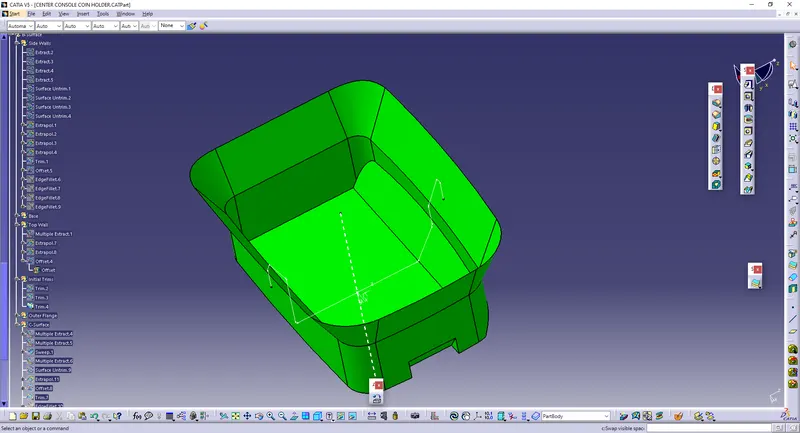
* Create the geometric Set and Untrim, Extrapolate and trim the Outer flange and join them together.
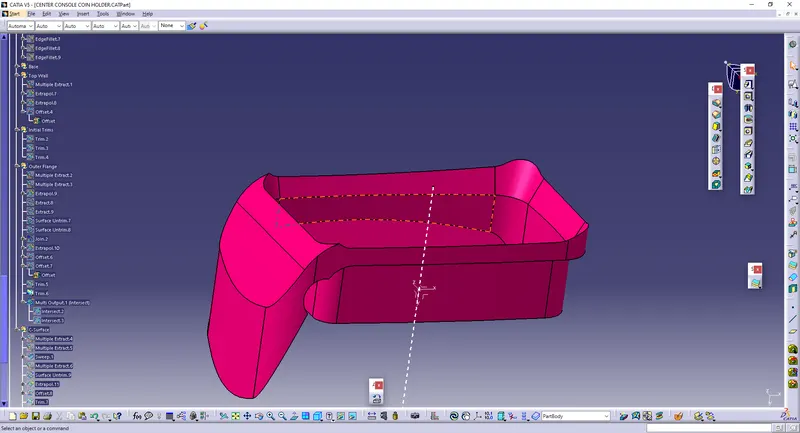
* Now, to take the C-surface, Use Multiple extract to create the outer boundaries, and use another extract to create the extract.
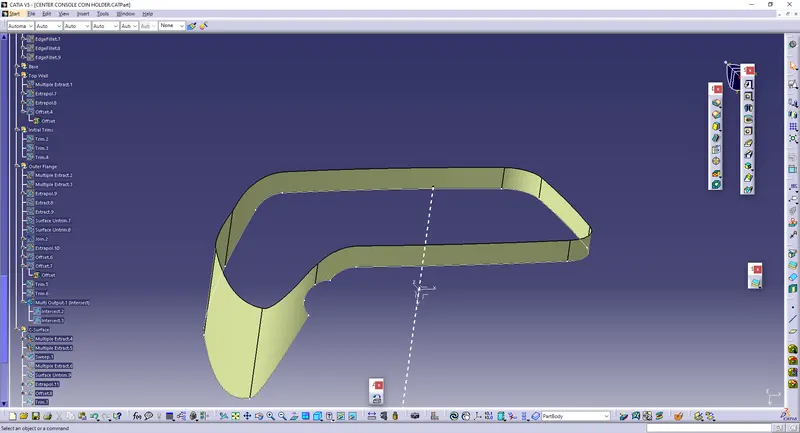
* Before that, Use INTERSECT to create the intersecting lines for making a sweep.
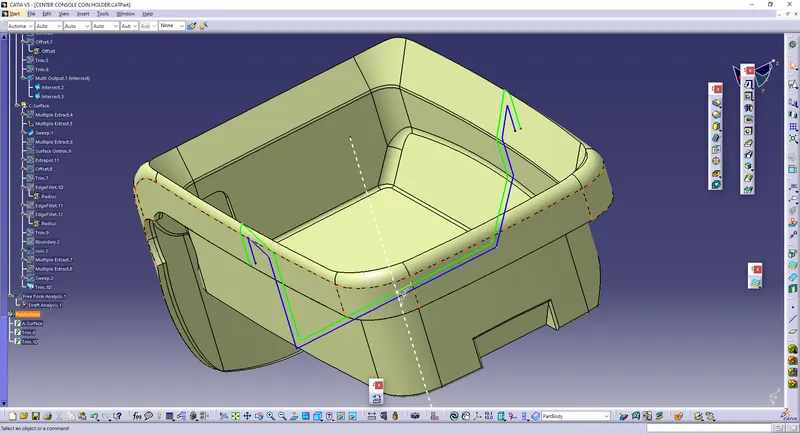
* Use Sweep to create the thickness along with the extracts.
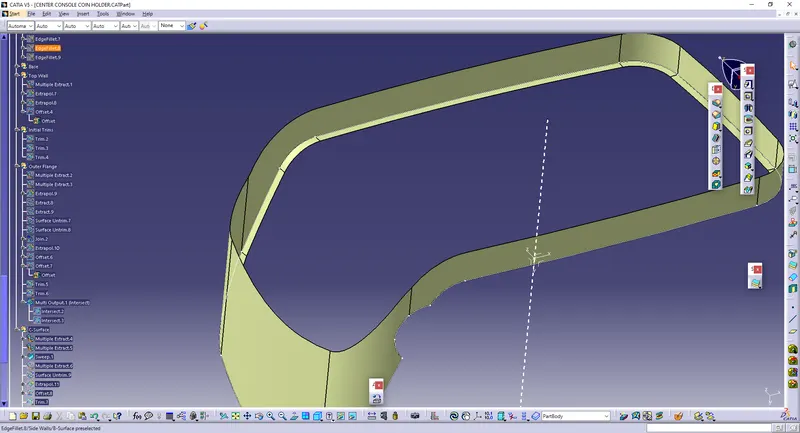
* Use sweep, and then Use Untrim, extrapolate and Trim the objects.
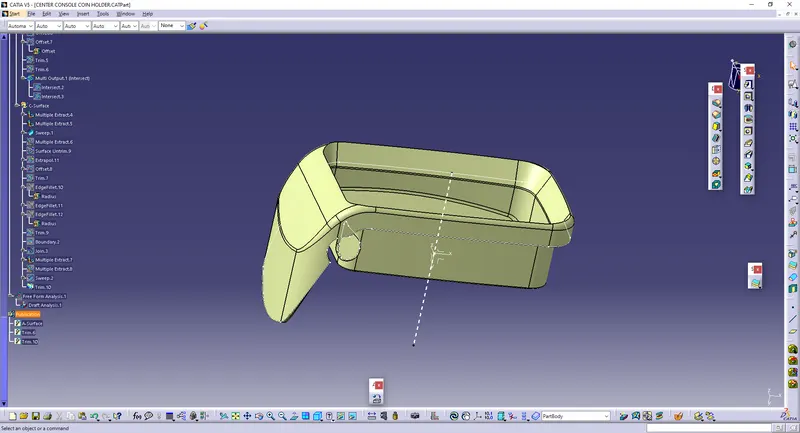
* Repeat the same process for making hole and also do it in the top surface.
* The final output surface is then obtained, and it is converted into part body.
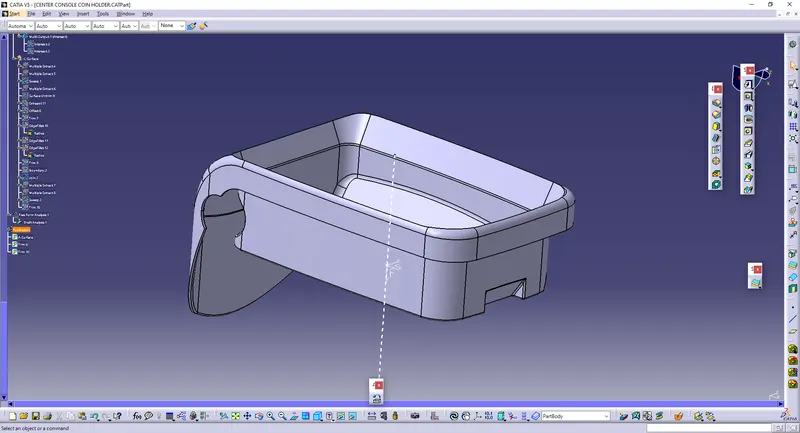
* Draft Analysis is performed.