Week 8 - Challenge 4 - Bumper
Bumper
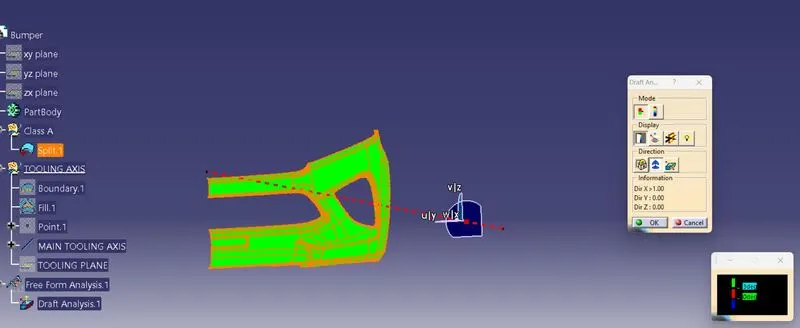
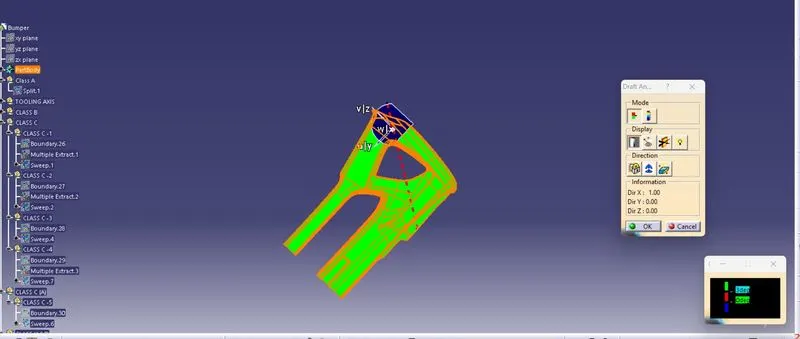
FOR DRAFT ANALYSIS First we analysis the model and then choose a dummy axis in the x and y directions.
As we intersected to proceed we observed that the side walls are not given any draft. Hence we assume the axis normal to the base surface and parallel to the side walls. This surely will create problems because a minimum draft has to be provided.
As the class-A surface is made by another designer only he is authorized to make changes, so we look over this to complete the coin holder for practice. Now we go to insert< analysis< draft analysis and follow the usual procedure to do the analysis.
Align the compass and click on the surface and as expected the model is mostly in red i.e. negative draft concerning the axis.
To correct it as best as we can we moved the compass a bit till we got most of the surfaces in green and lock that position.
After hitting ok, we change the direction of the line from z-axis to the compass direction. The axis will align itself accordingly.
NOTE: as the side wall does not have a draft, this result was expected and a few areas need correction. But still, we are moving forward to
complete the modelFOR CLASS-B SURFACESWe have divided the entire model into the base, side walls, inside side walls, and outer flange and worked on them one by everywhere we follow the same procedure i.e. extract, un-trim, extrapolate, trim, and offset.
First base, then side walls. To avoid confusion, we trimmed both together and made them one. Also, the fillet was given. FOR CLASS-C SURFACESIn this model, unlike the earlier models, we have used a parallel tooling axis. Hence we cannot use the ‘with draft direction’ option under sweep. The C surfaces will mostly be created as shown below. FOR FINAL MODEL Join class-A and class-C surfaces together. Then Trim the class-B surface to them.
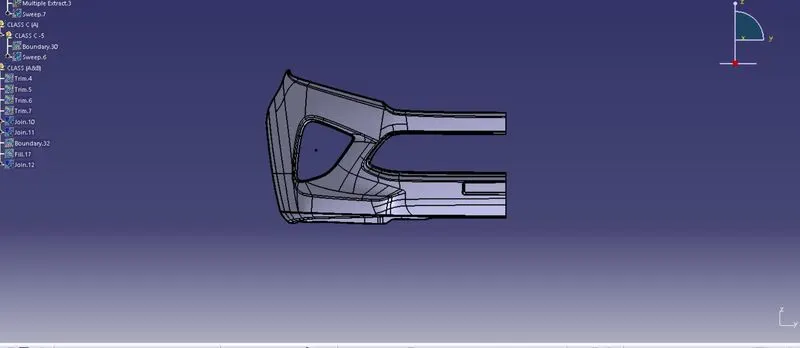
CLASS A SURFACE
FRONT VIEW
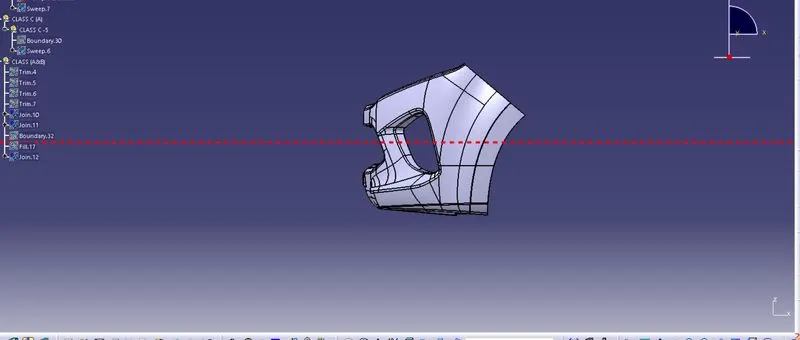
SIDE VIEW
DRAFT ANALYSIS OF PART
catia v5 connect checker