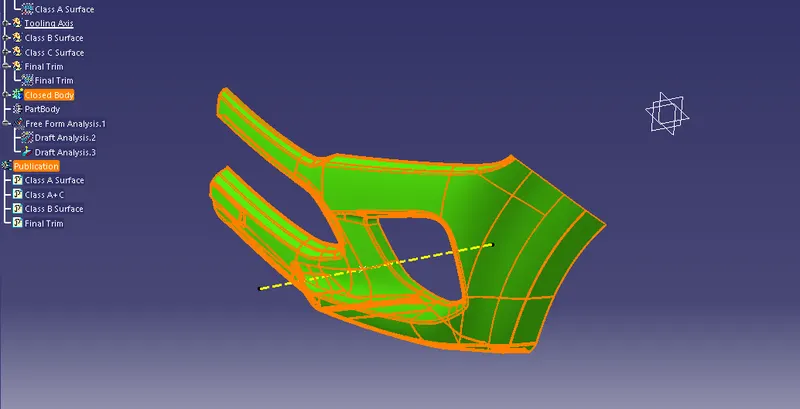
Week 8 - Challenge 4 - Bumper
Tooling Axis:
For creating the tooling axis here we use the tool measuring inertia which able to create point on the centre and a axis system. Then take the intersection point along the x axis, So that create a bysecting lines with reference to this line and thus the tooling axis is created. Change the colour and thickness of the tooling axis .
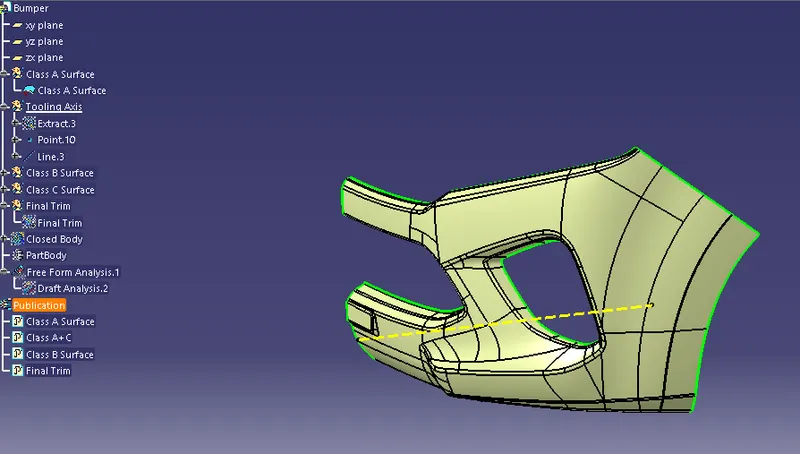
Draft Analysis Class A Surface :
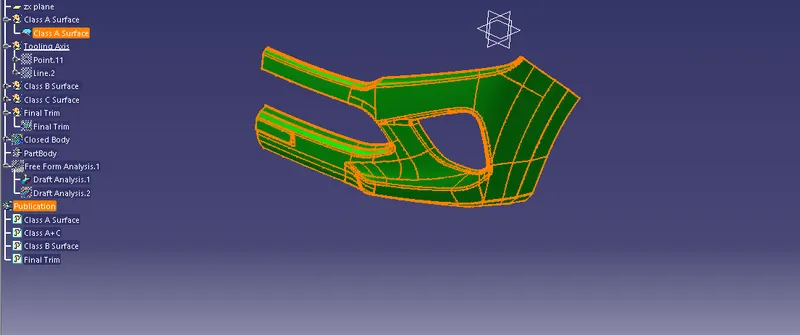
Select the draft analysis then select the quick analysis mode then select the compass to the tooling axis, after that click anywhere on the Class A surface. A colour variation ca observes there its means that we have given a draft angle of 3 degree.
Class B Surface : Offset the class A surface for 3mm and use fill, blend extrapol option to create a complete class B surface.
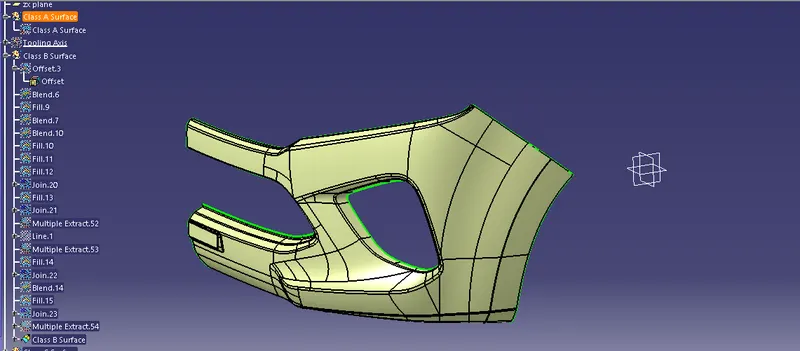
Class C Surface: Extract the boundry in class A surface and use sweep oftion normal to the surface to form class C surface
Class A+C
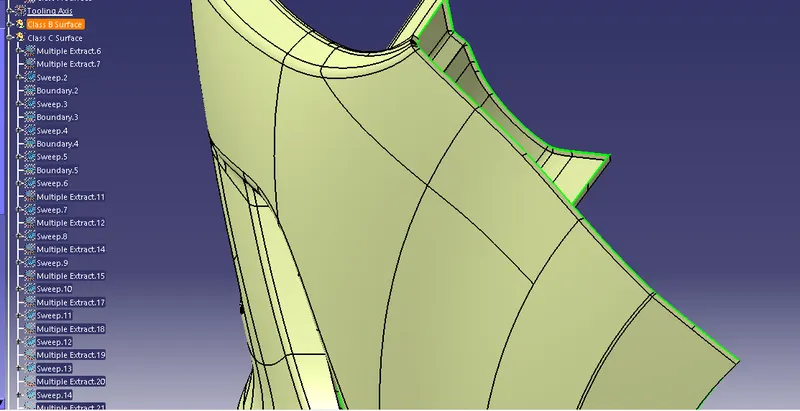
Final Trim: Trim Class A+C surface and Class B Surface
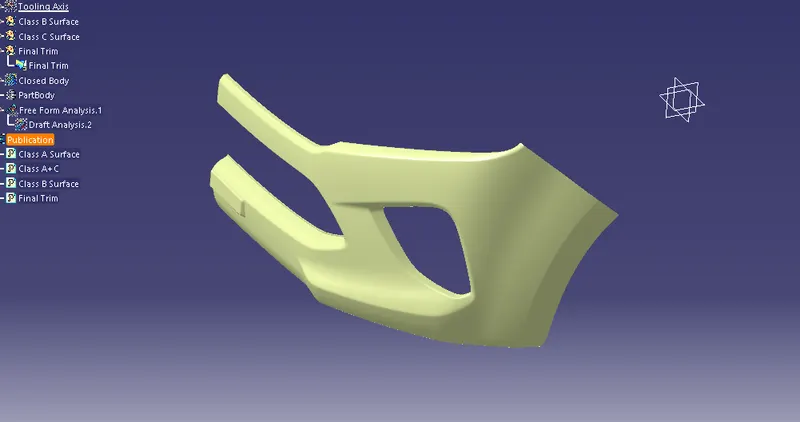
Closed Body:
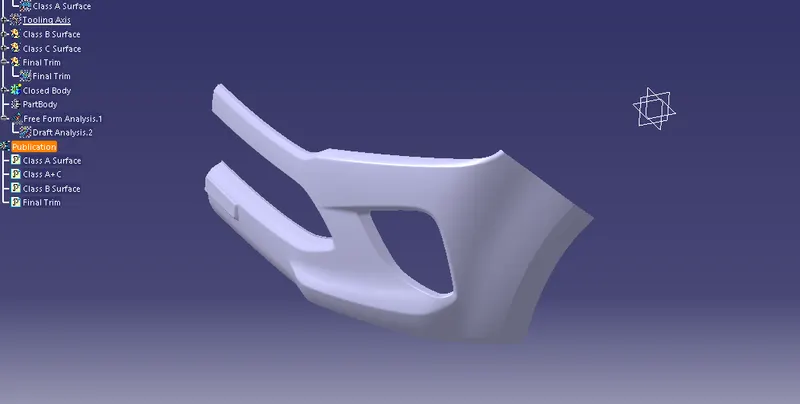
Draft Analysis for closed body: