Week 8 - Challenge 4 - Bumper
DRAFT ANALYSIS
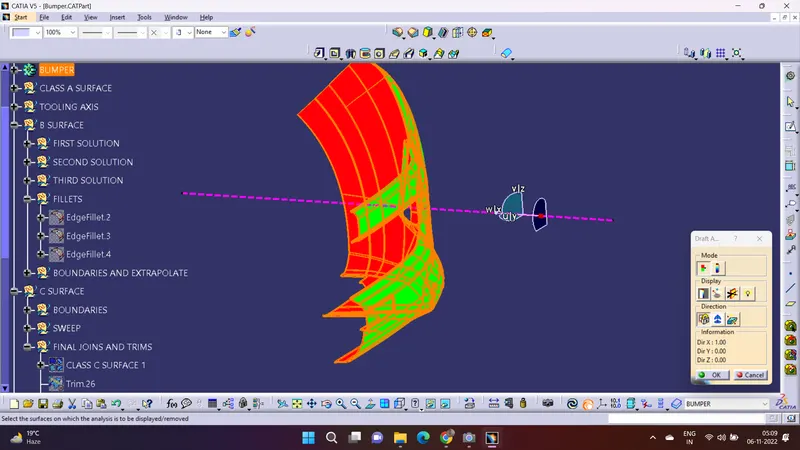
First we analyze the model and then choose dummy tooling axis in all the the directions.
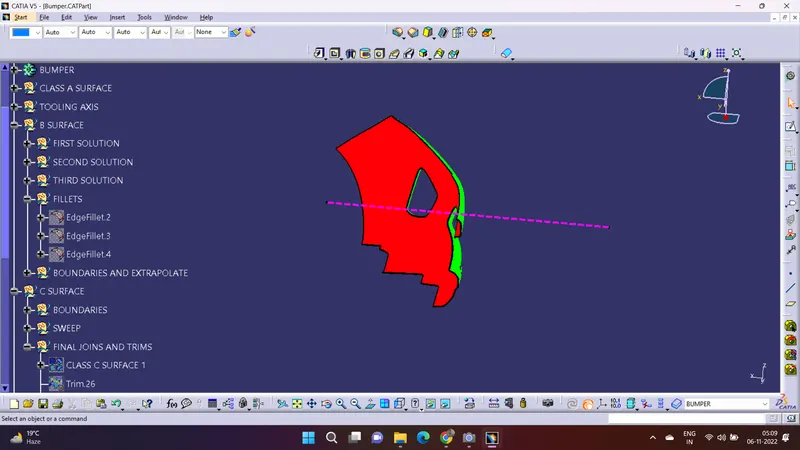
As we proceed we observe that the side walls are not given to any draft. Hence we assume the axis normal to the base surface and parallel to side walls. This surely will create problems because a minimum draft has to be proided.
As class A surface is made by other designer only he is authorized to make changes in it.
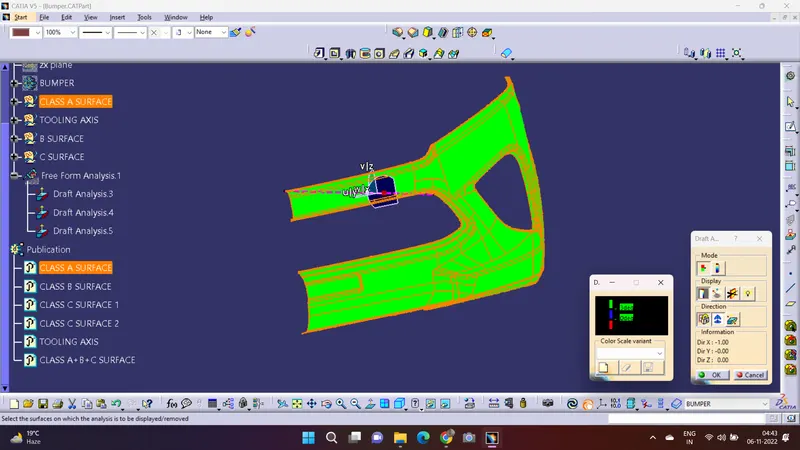
Now we go to Insert>analysis>draft analysis then we place our compass on the tooling axis and then lock the compass so it doesn't move anywhere, then we see to it that our given angle is between 3 to 0 degrees then after that we simply click on the class A and then measure the draft if it turns into red then we should reverse the class A by reversing it, it should turn into green and then we should know that the angle is between 3 to 0 degree as required. And then we can move to making the B surface out of A surface
CLASS - B SURFACE
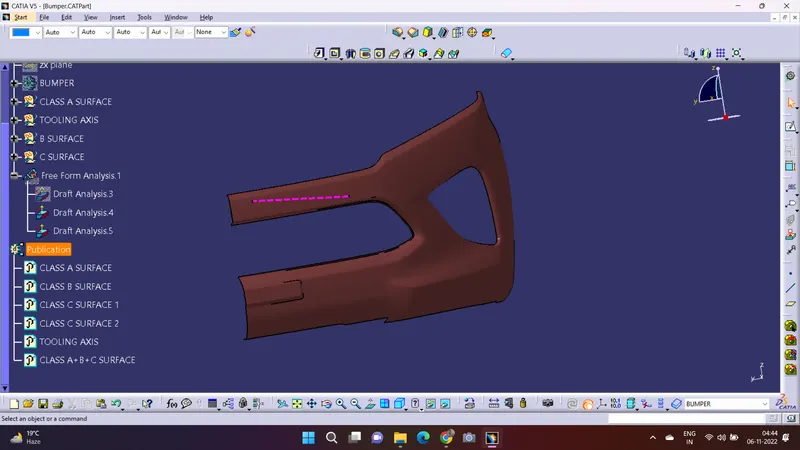
for creating the class B surface of the bumper we simply offset the whole component to required thickness, As we perform the offset command on class A surface for creating class B surface there will be few components missing, so after that we use Join, Extrapolate, trim commands like these and then work out all of them one by one.
Firstly we work on the base then on the side walls to avoid confusions, we trim both of them together and made them one, then we use fillet as given.
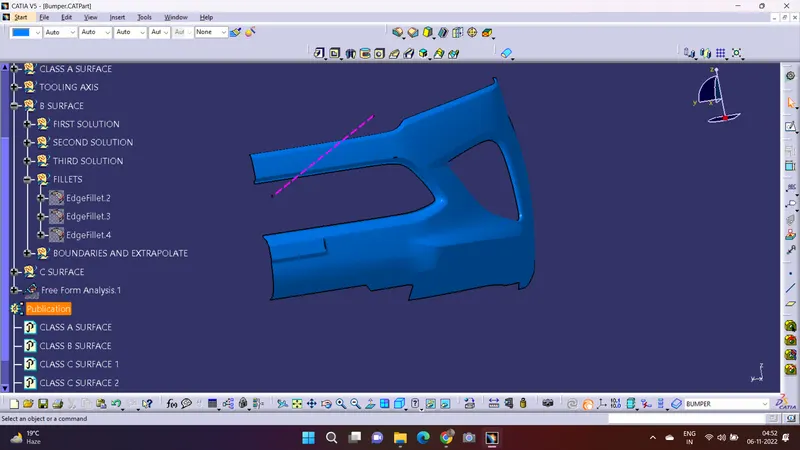
CLASS - C SURFACE
In this exercise, we can't use the option ' with draft direction' option under sweep in this model for creating C surface we will use 'with reference surface' and in bumper model we can't create the whole C surface in one action so we have to divide the C according to our convince and then perform sweep command separately and after that we join all of the sweeps together.
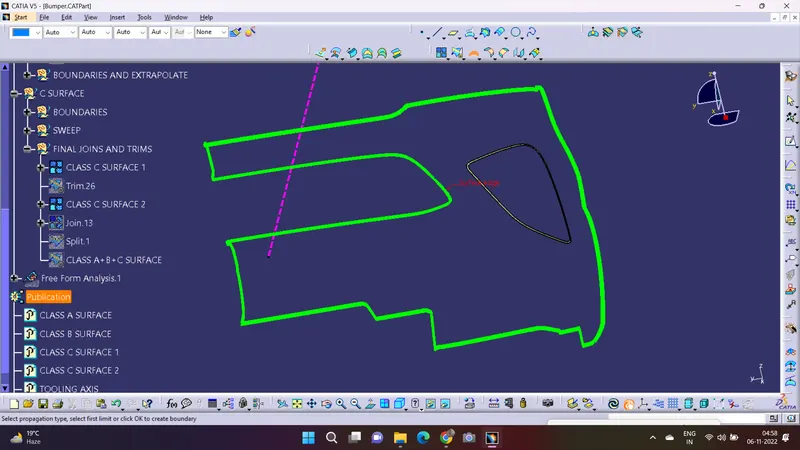
FINAL TRIMS AND JOIN
In this firstly we join the C surface with the A surface.
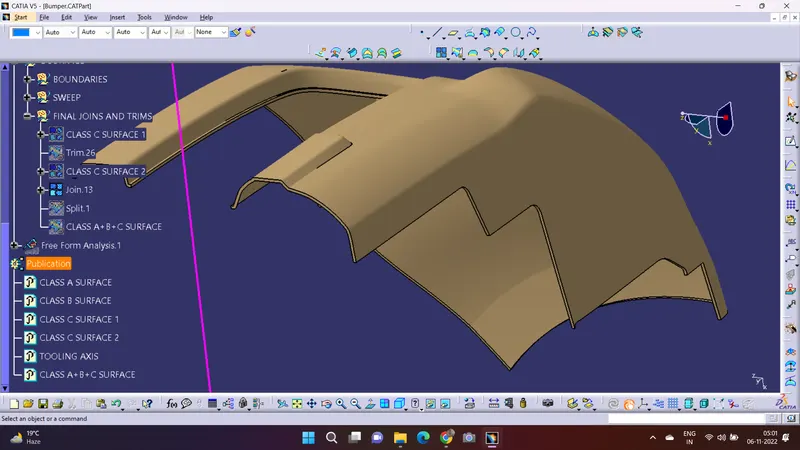
Then trim B surface with them.
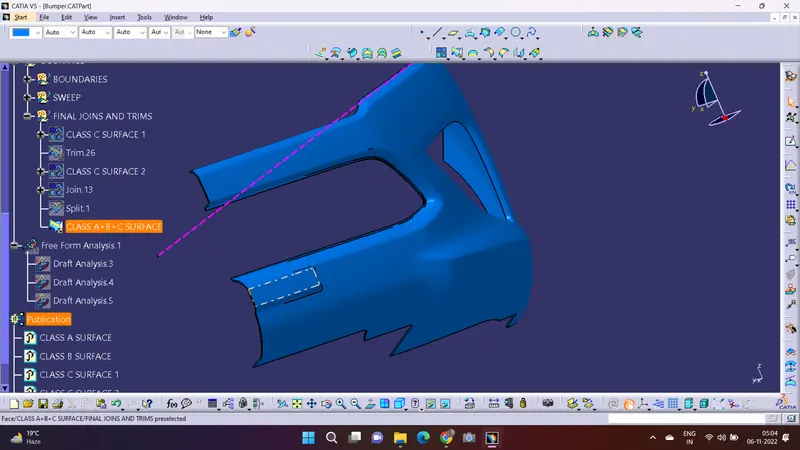
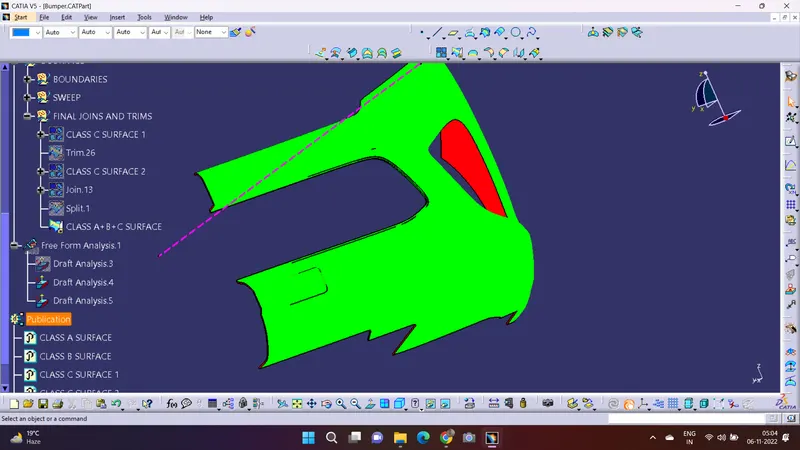
For solid body.
Then after that we go to the part body and then use the close surface command to make the solid body.
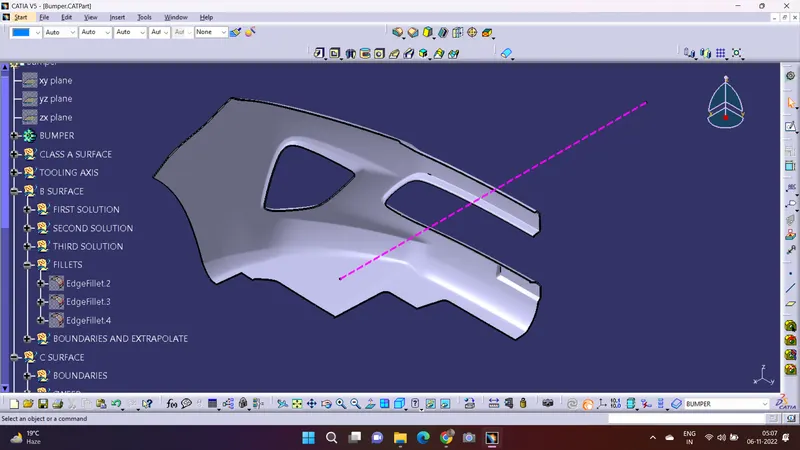
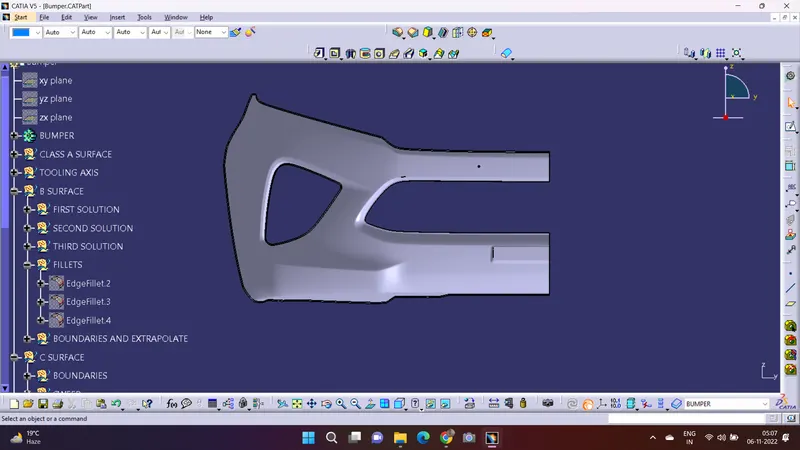
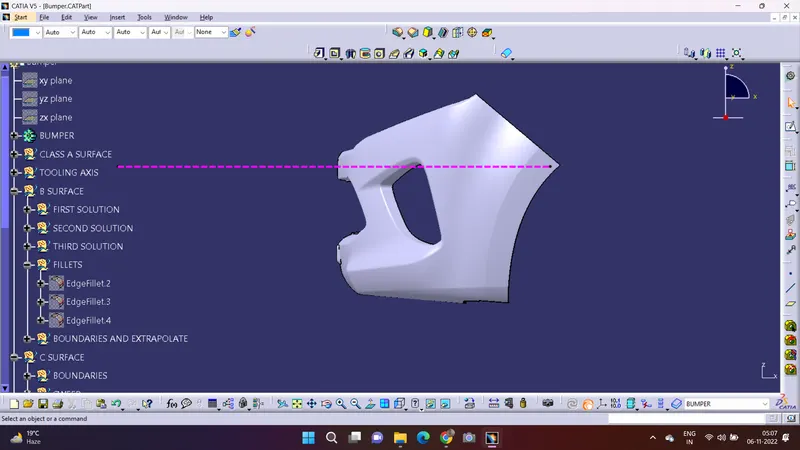
And then after all that run the draft analysis on the bumper.