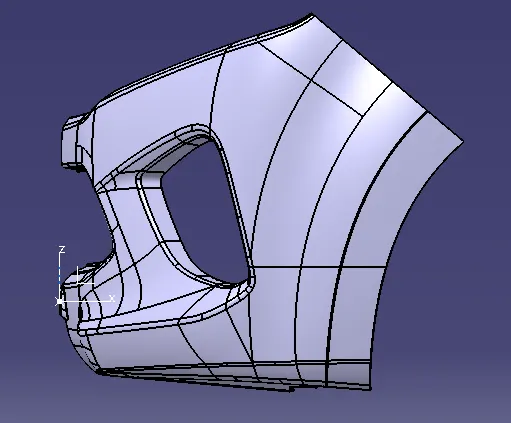
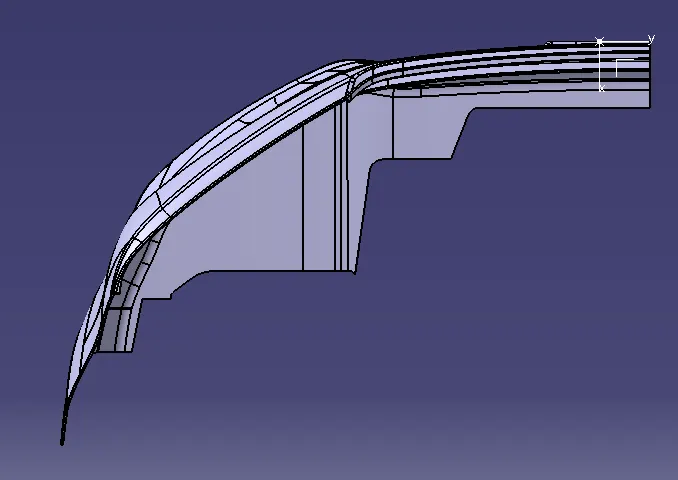
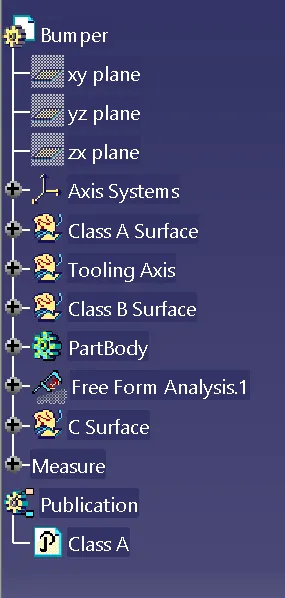
Week 8 - Challenge 4 - Bumper
Objective:
To create a Solid body of "Bumper" with thw help of the closed surface method by using the "Generative shape design" workbench in CATIA V5.
Tooling Axis:
To create an tooling axis have to extract a surface from class A surface and create a point in the middle of the surface by using point command and create a line at the point throungh the axis. Now to check the draft analysis with reference of tooling axis must highlighted with the green colour on both the sides of the surface of its correct position and direction.
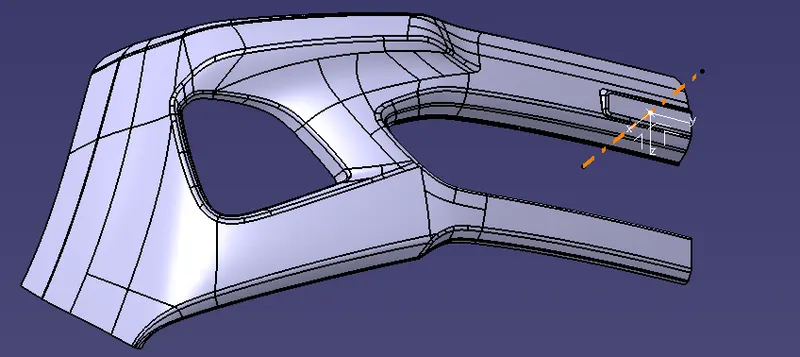
Class B Surface
To create the Class B Surface, offset with the class A surface inside as given thickness of 3mm, Once its is created we can observe some patches on the offet surface, we can cover the patches with multi-section surface by extracting the patch boundary.
Once the patches are closed properly join all the patches with offset surface.to get the replicated surface of the Class A surface.
Front View Isometric View
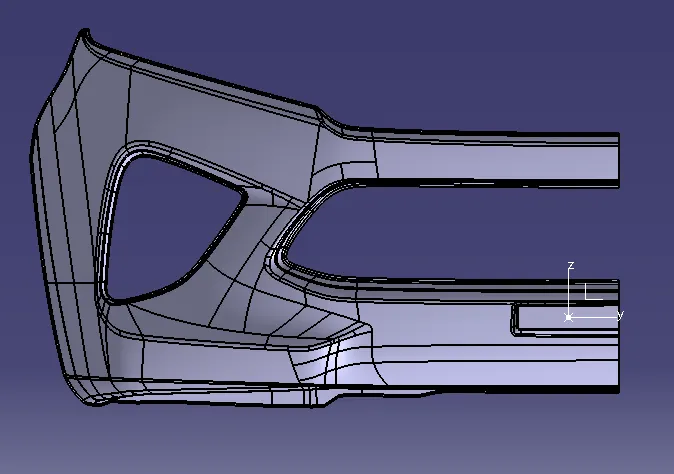
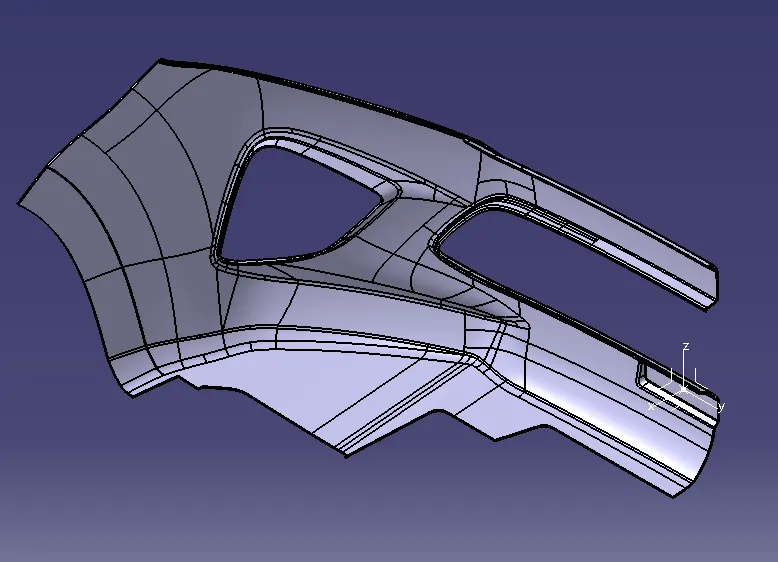
Side View Top View