Week 8 - Challenge 3 - Switch Bezel Design
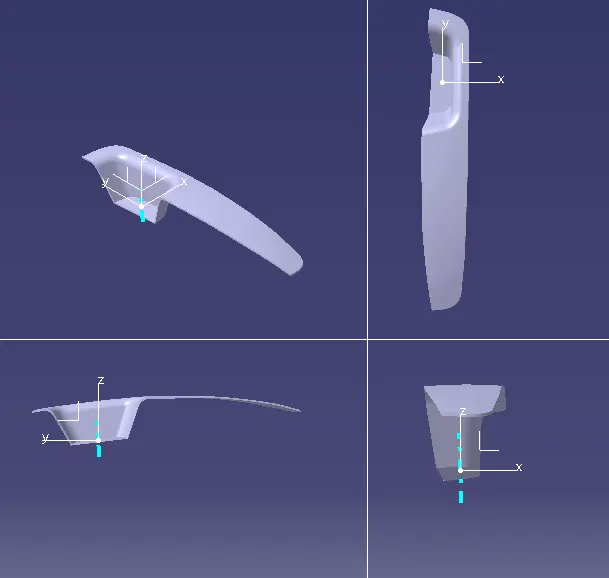
After importing and joining the input switch bezel creation of tooling axis which clears the x direction by using the intersetions of the zx plane and fan cover
creation of tooling axis in x direction by crating line at some angle to extended line from the intersection
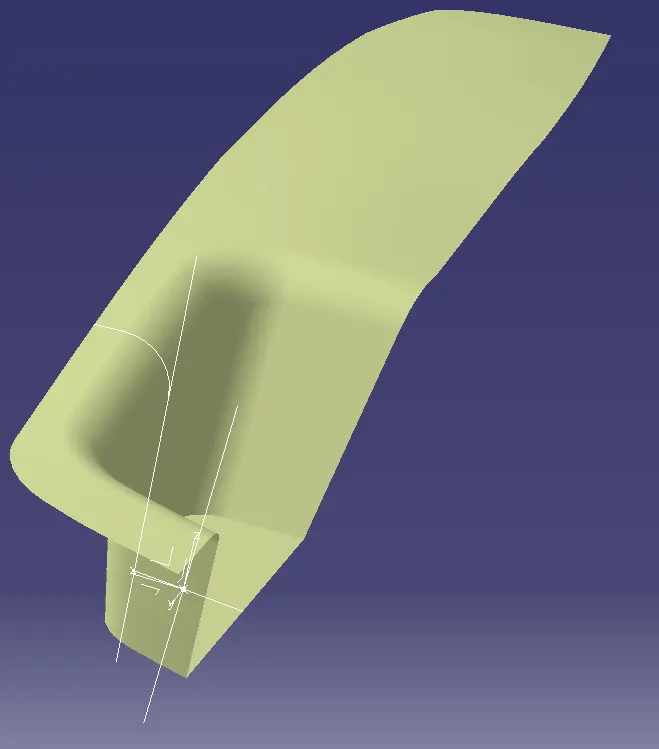
creation of tooling axis which clears the y direction by using the intersetions of the zy plane and switch bezel
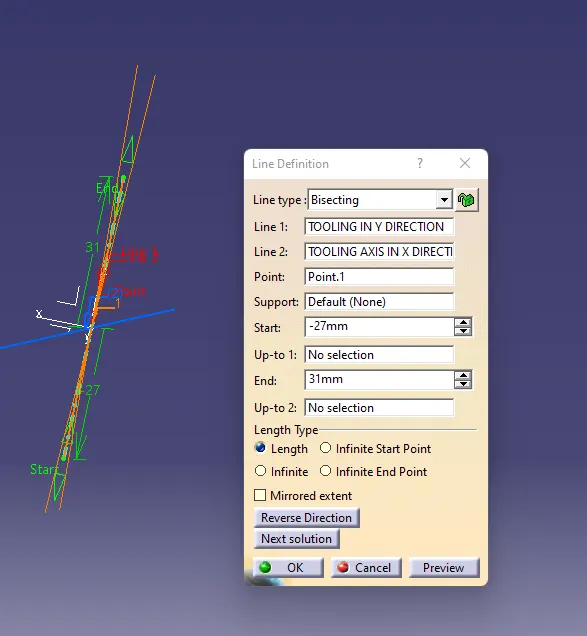
creation of tooling axis in y direction by bisecting the extended line of intersection lines of previous oparetion
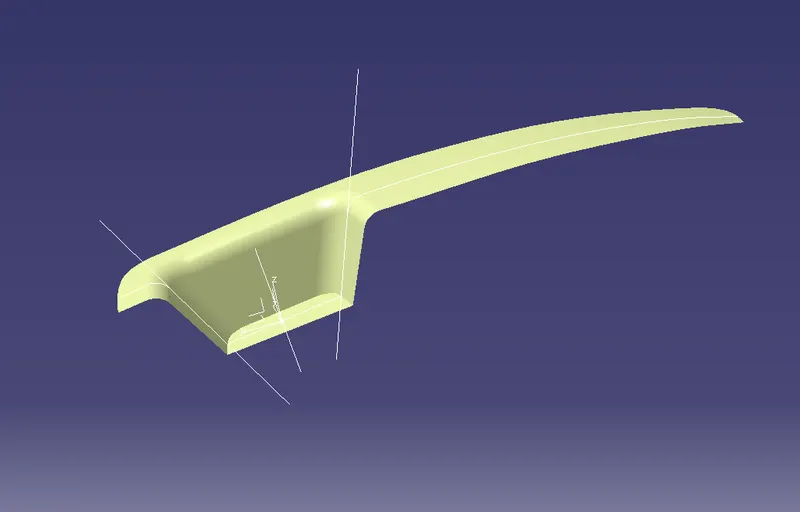
creation of of main tooling axis in by bisecting the both tooling axis lines
creation of b-surface by extracting the a surfces and untrim ,extrapolating them to require for trim with the other surfaces
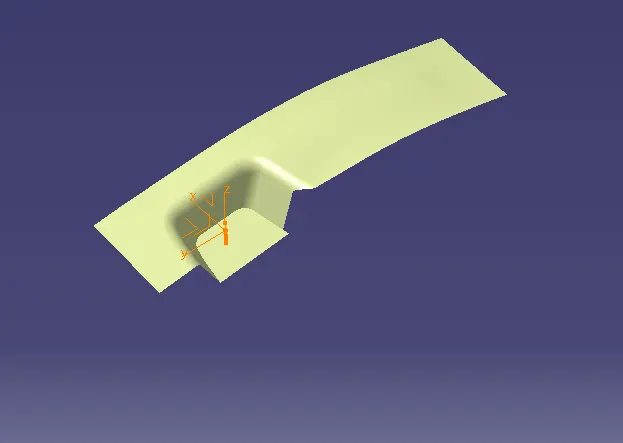
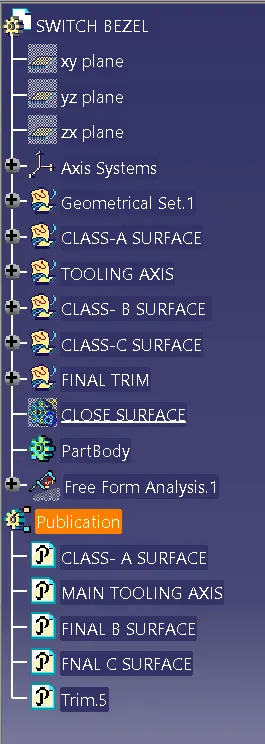
c suface creation by using the multiple extract , smooth curve, sweep , extrapolate and trim commands
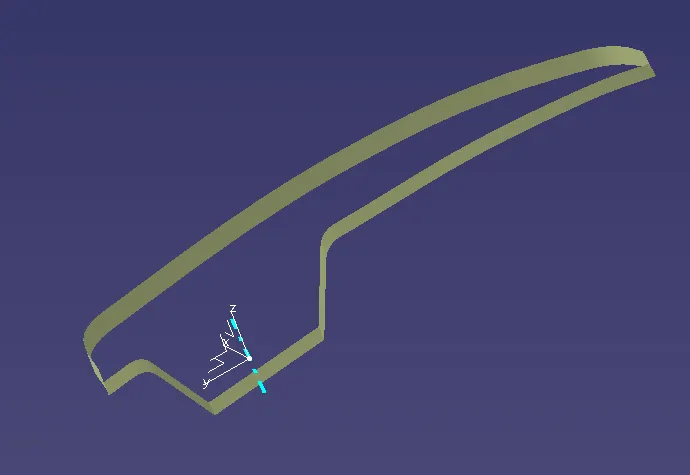
final plastic product creation by using the some trims
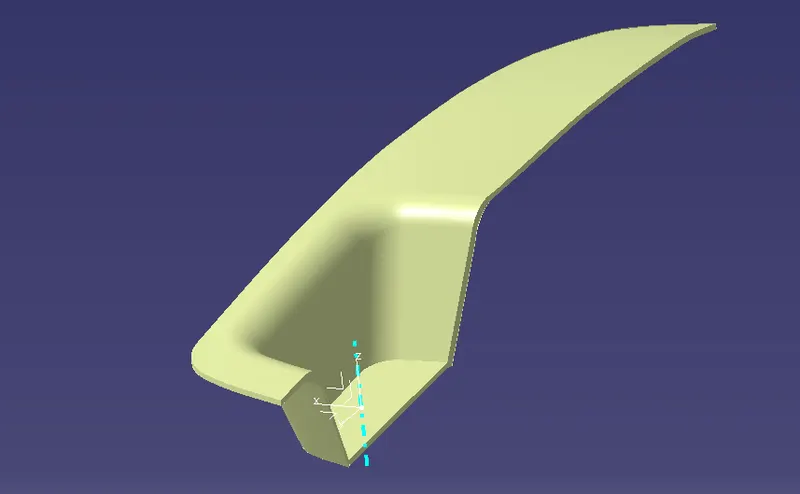
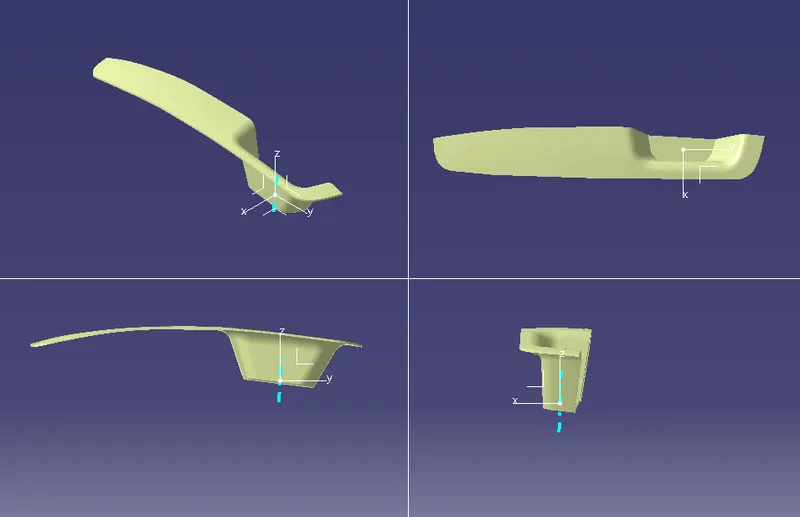
part body creation by using the close surface
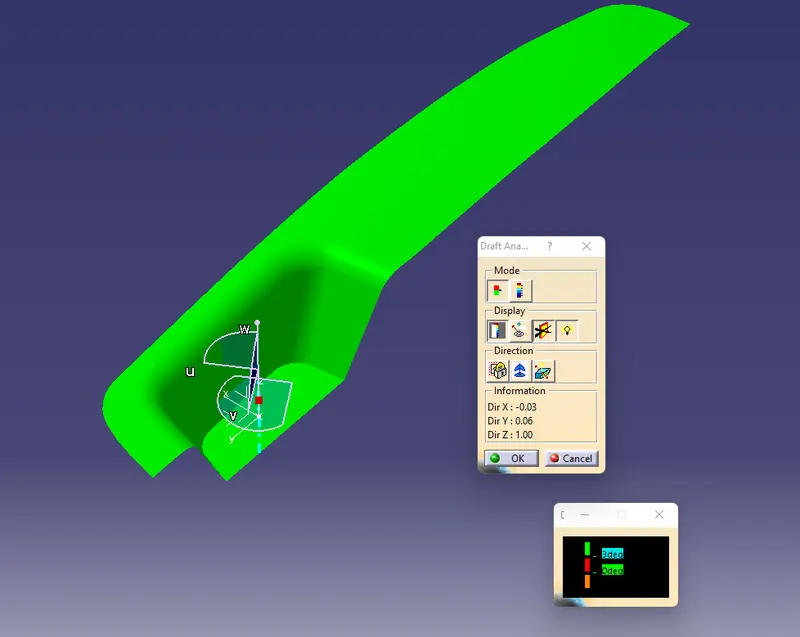
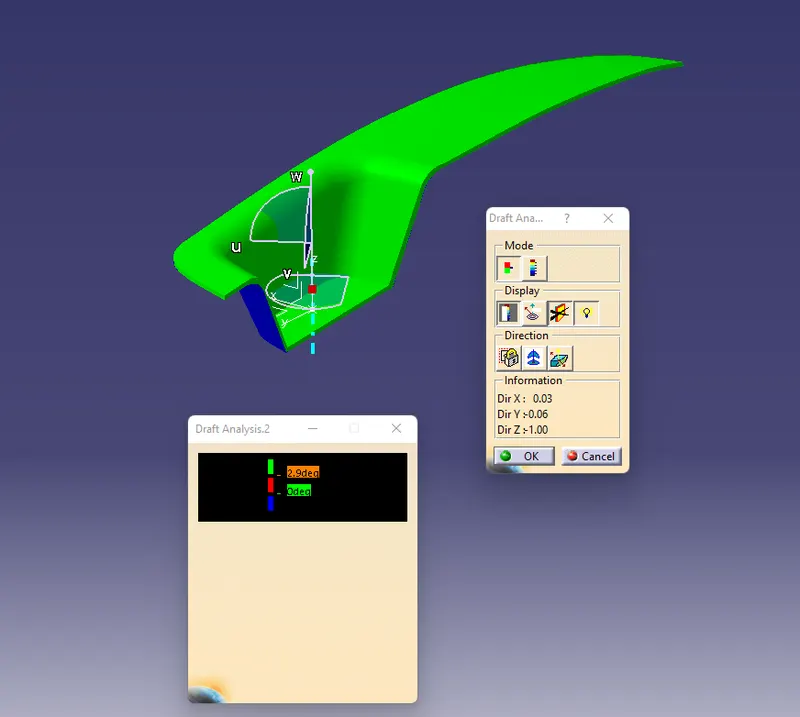
draft analysis is made class a surface amd final plastic product by using main tool axis by locking the compass in toolling direction to clear all surface of class-a and final plastic product surfaces if not changing the tooling direction angle and checking draft analysis to clear surfaces.
by using the publication command creation of link to final products
tree structure