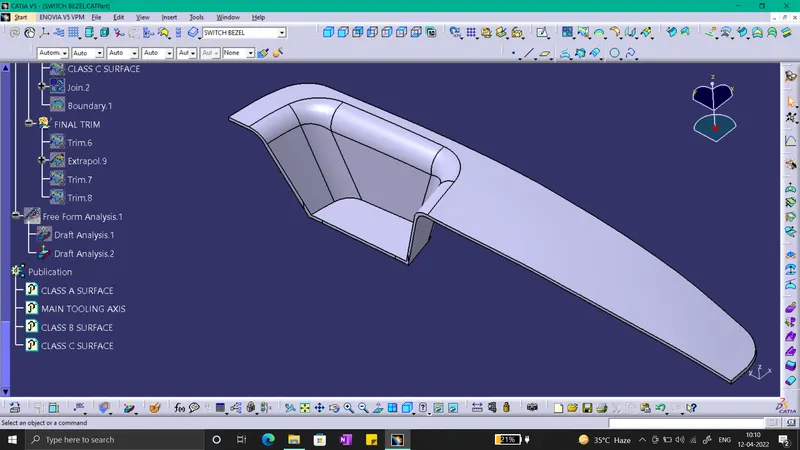
Week 8 - Challenge 3 - Switch Bezel Design
REPORT :-
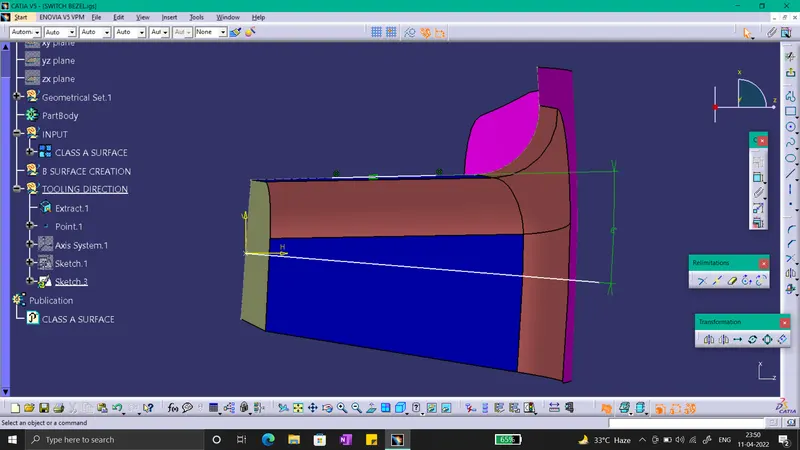
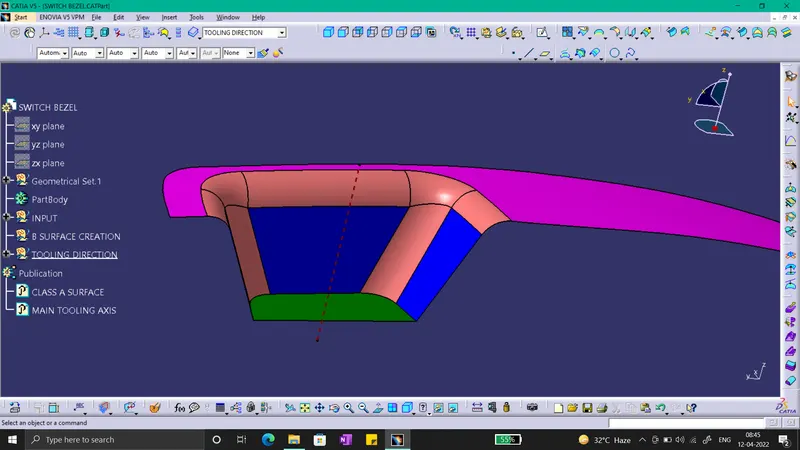
For draft Analysis, 1st we have to create a Tooling Axis. For that extract the base surface and create a mid-point on it and insert a Axis system.Then for creation of tooling Axis in Y-direation Sketch on the y-z plane. In sketcher workbench as shown in fig, Intersect the class A with the plane. Use this intersection line to draw two lines and then bisect it from the commands in sketcher. For creation of tooling axis in X-direction, Sketch on x-z plane. In sketcher workbench, take section cut and intersect the class a with plane. By using the intersection draw two line, one line on the intersection and other at some degree on the origin from it as shown in fig. Now we got the tooling axis in two direction. By bisecting it we will get our main tooling axis, as shown in fig.
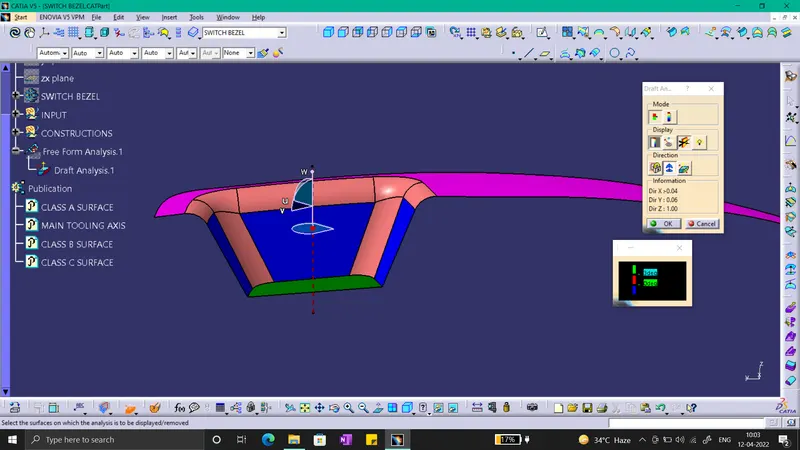
Now Draft Analysis, click on the feature draft analysis option and 1st perform the draft analysis on the Class A surface. Insert the Compass on the tooling axis and lock it, then click on the surface we will get the draft analyis in required color. Repeat same for the close part.
Below are the Images for forming tooling axis and placing the compass on the tooling axis :-
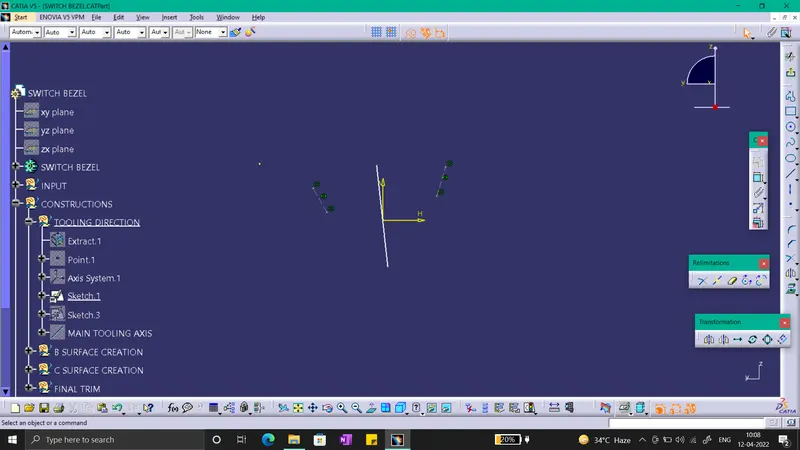
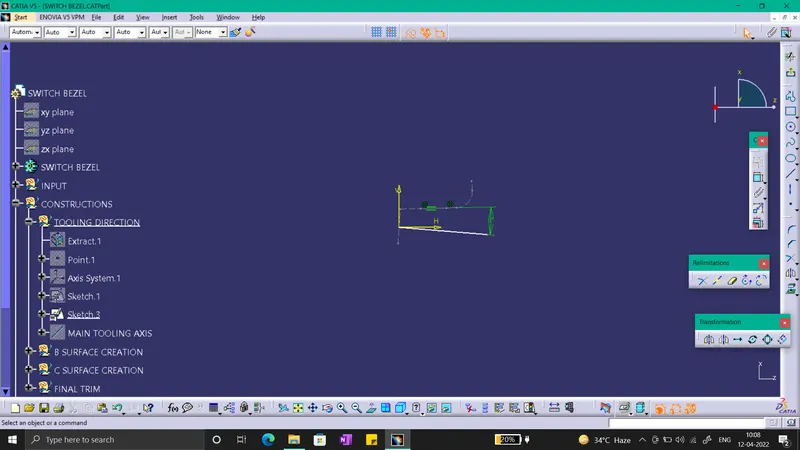
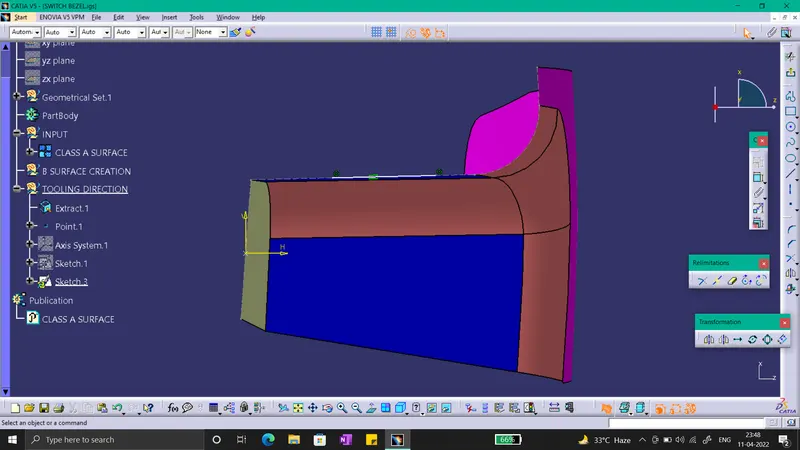
Below are the Images required,
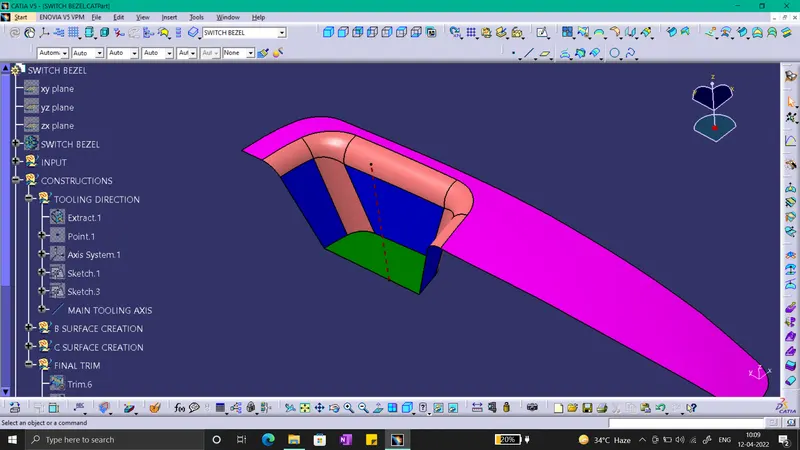
1) SS of the Draft analysis report for both the given Class-A surface and the final plastic component.
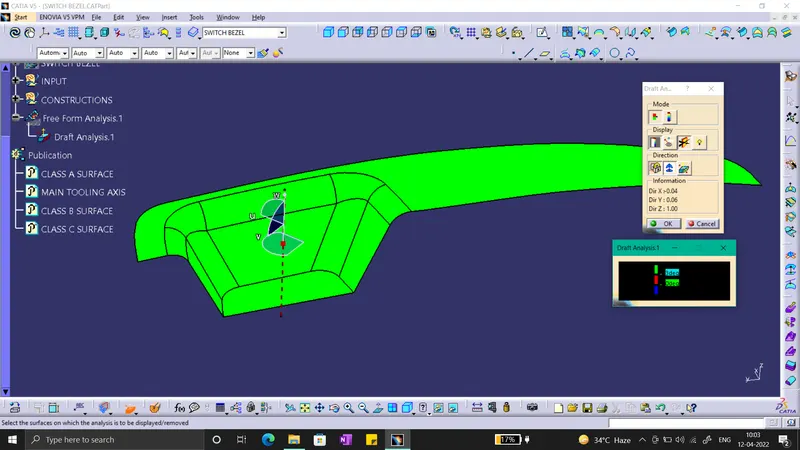
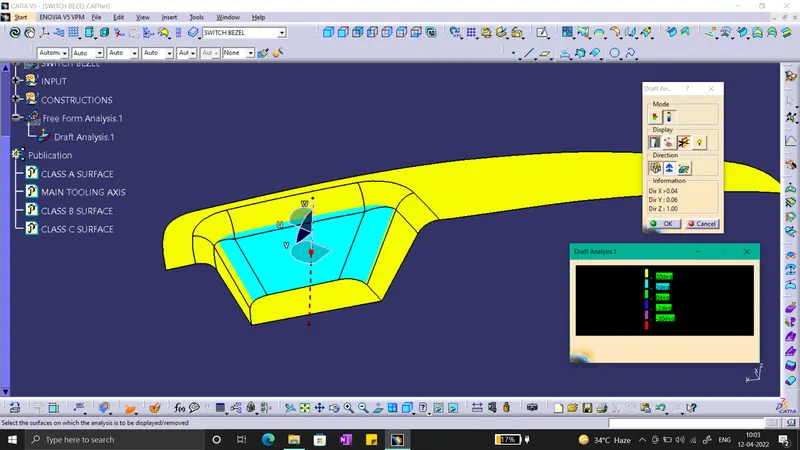
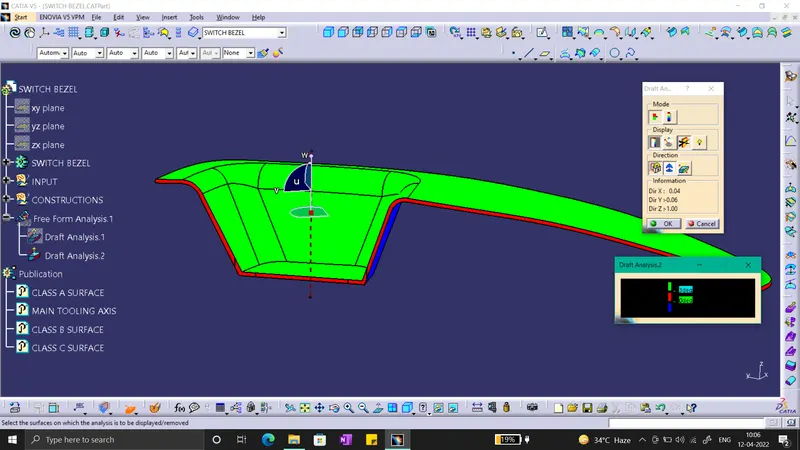
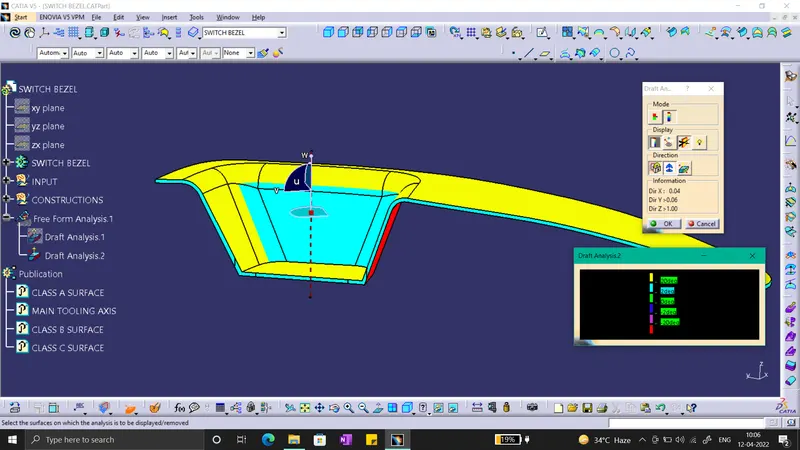
2) SS of the solid model with the proper color code of the draft angle in various orientations (Isometric, Front, Side, and Top View).
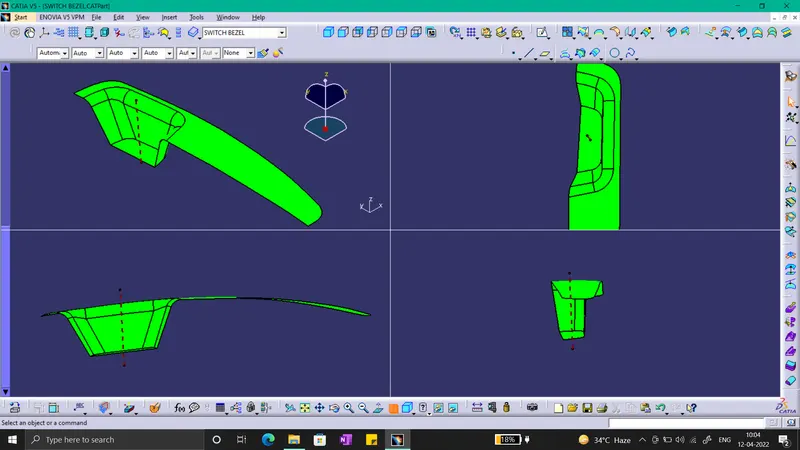
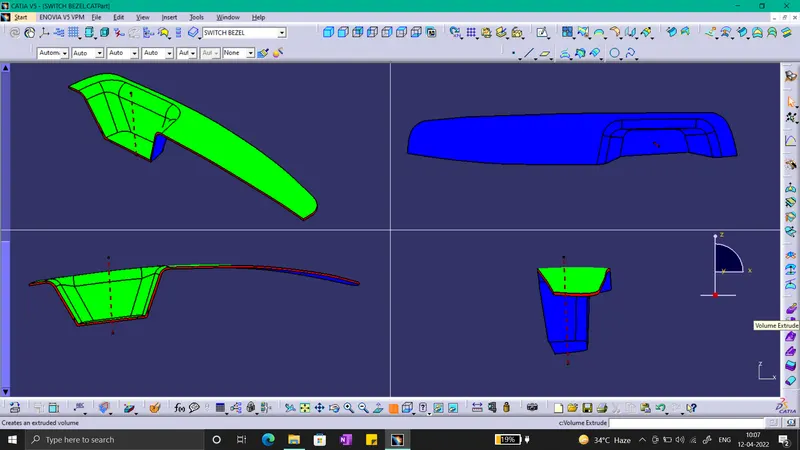
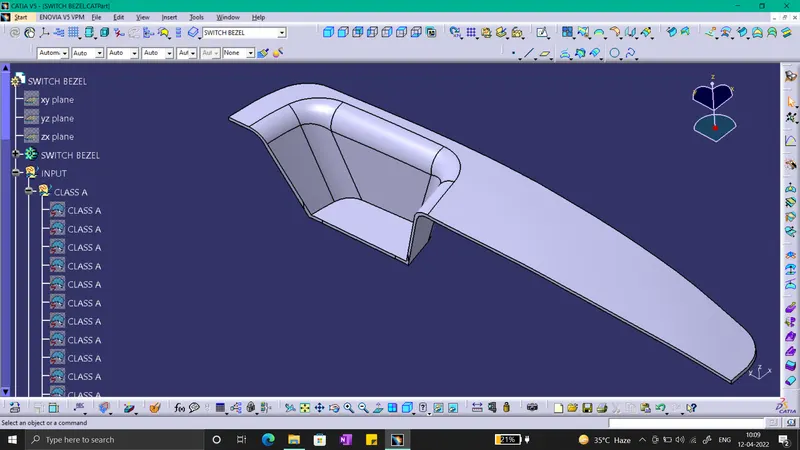
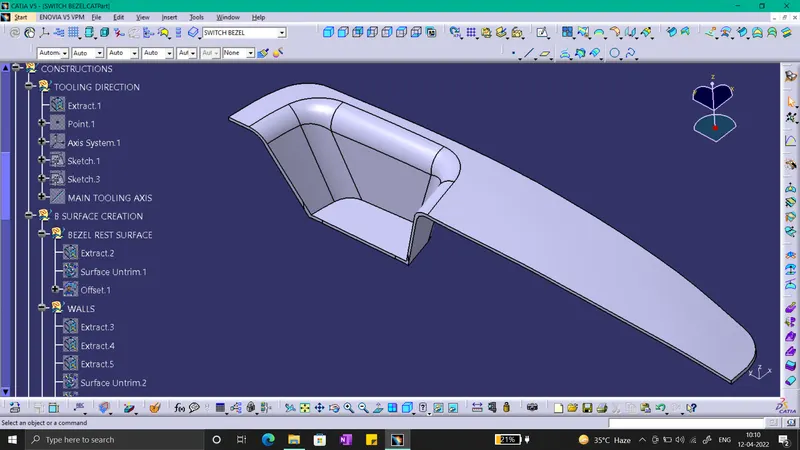
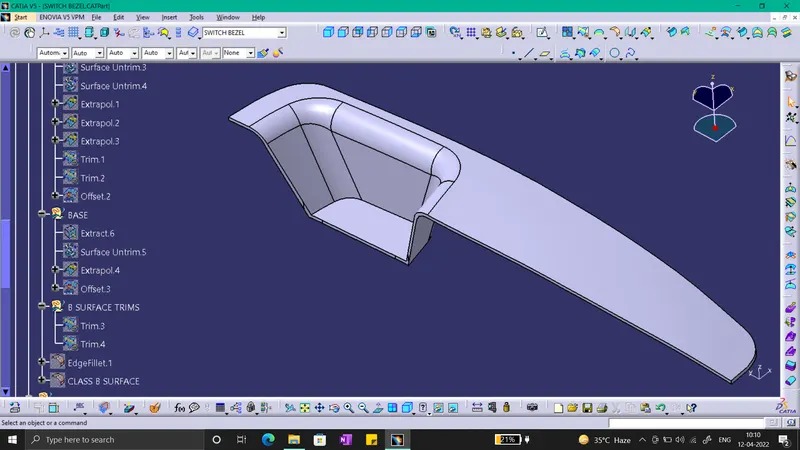
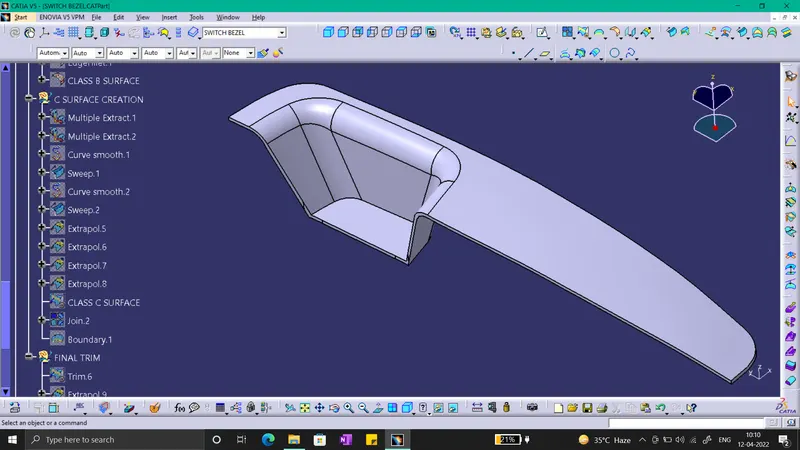
3) Tree Structure :-