Week 8 - Challenge 2 - Base Bracket Design
REPORT :-
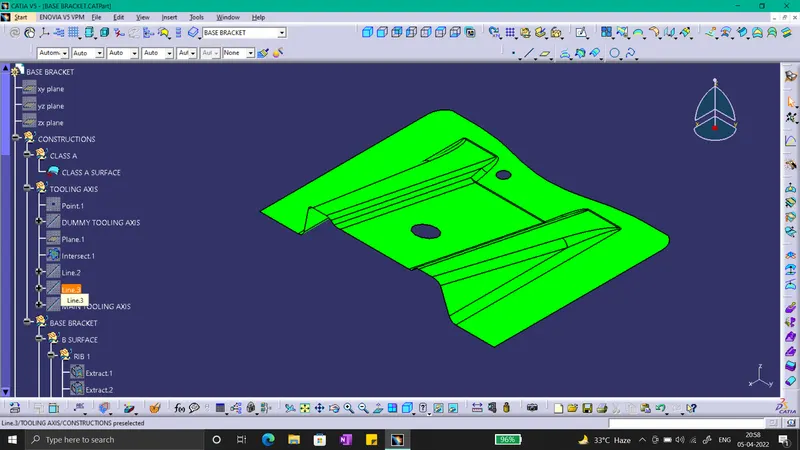
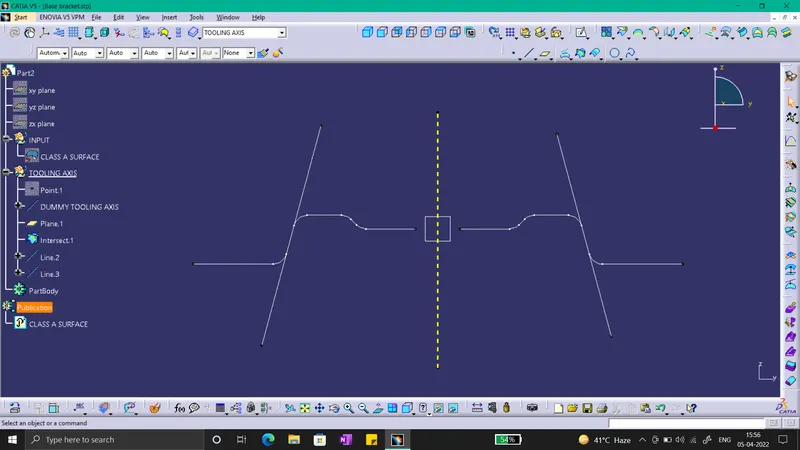
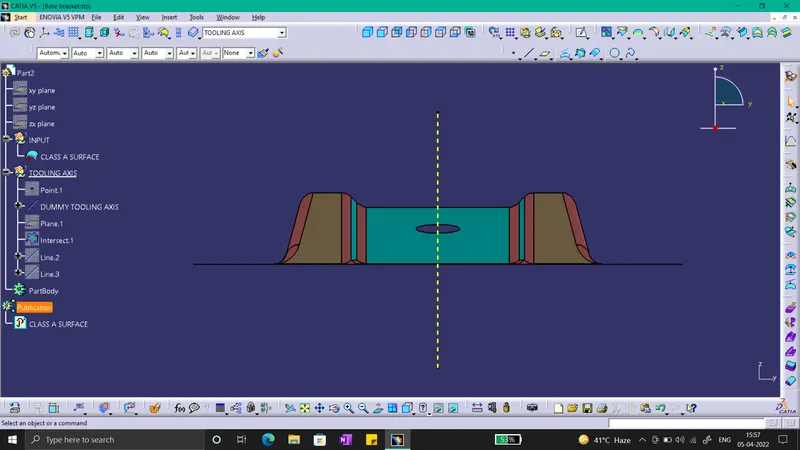
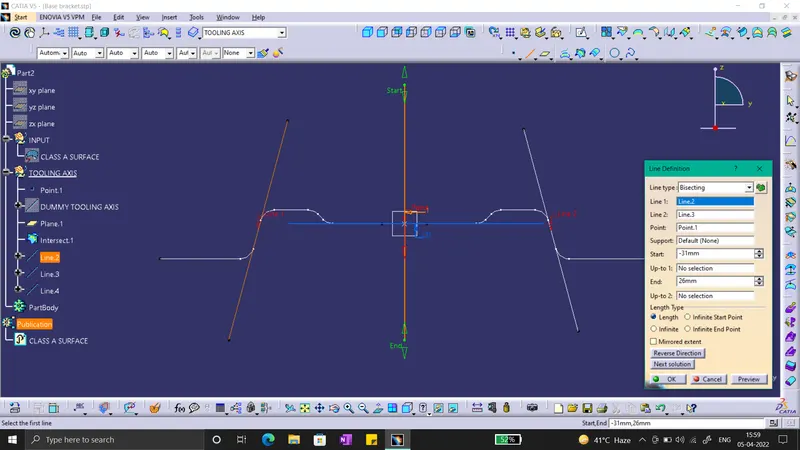
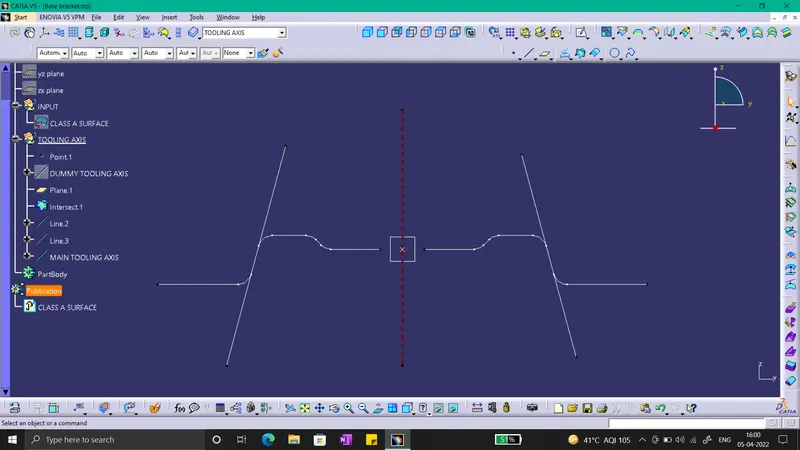
For the Draft Analysis of a Base Bracket, 1st see the direction for making the Tooling Axis. So fixing the Z-direction as the Tooling Axis, then create a Dummy Tooling Axis for reference on the middle circle as shown in figure. Insert offet of y-z plane, then intersect this plane with Base Bracket. We get the intersection, then extend the lines which will create a problem, as shown in figure. Then bisect the two lines with the bisecting command, as shown in figure. Then we willl get the Main Toolinng Axis, color it with different color then dummy Tooling Axis. We will use this Tooling Axis for Draft Analysis.
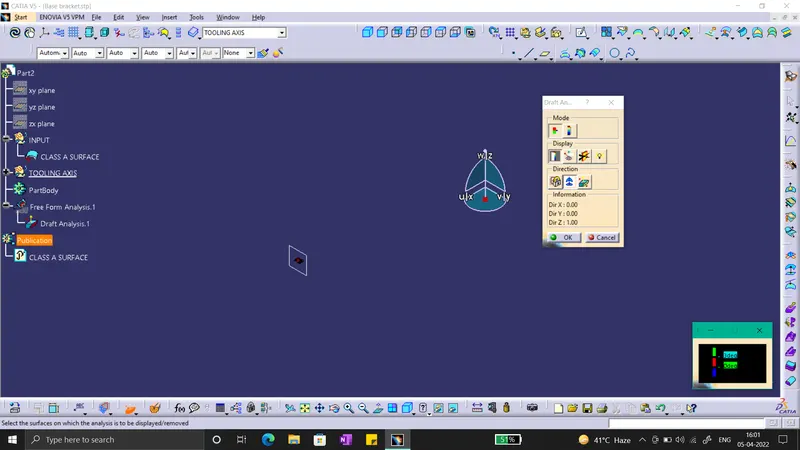
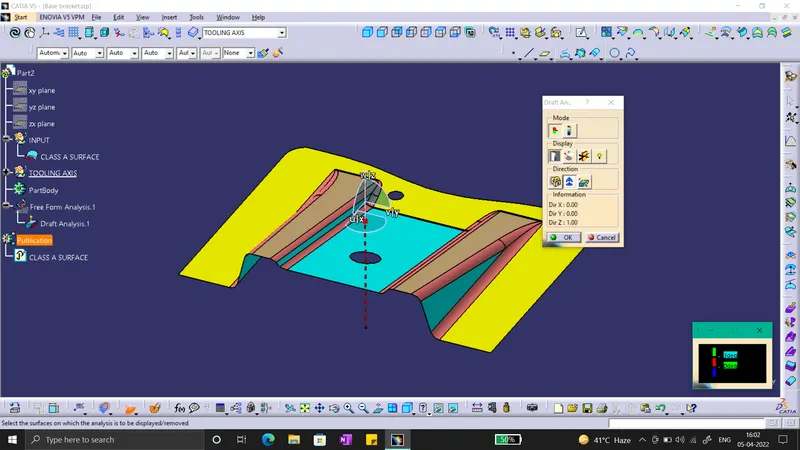
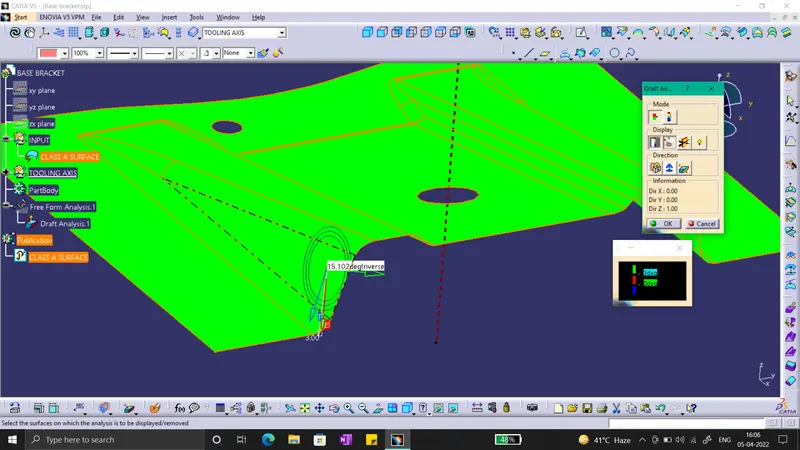
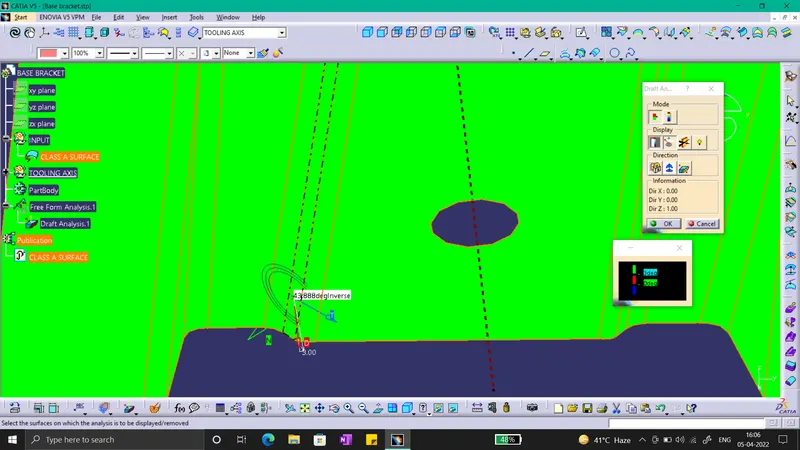
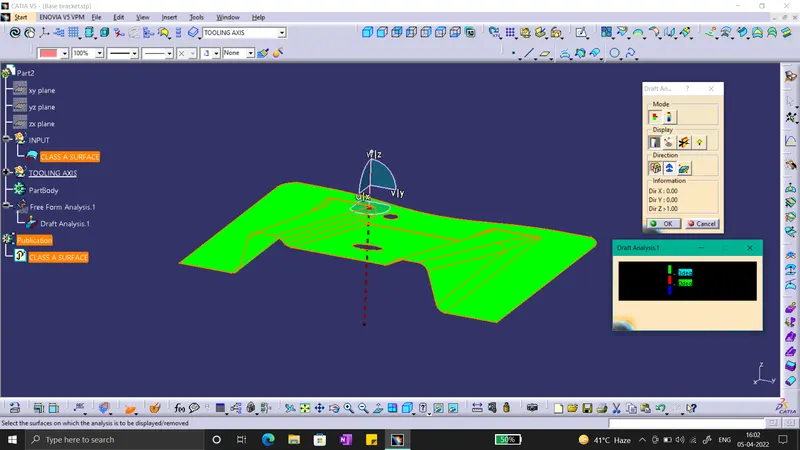
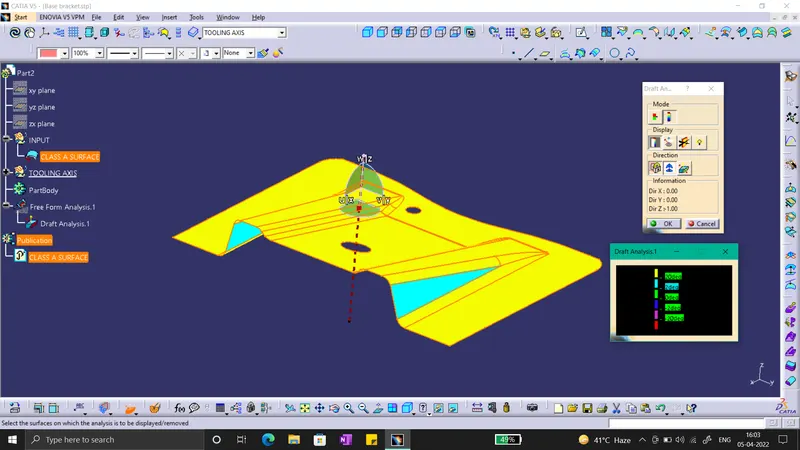
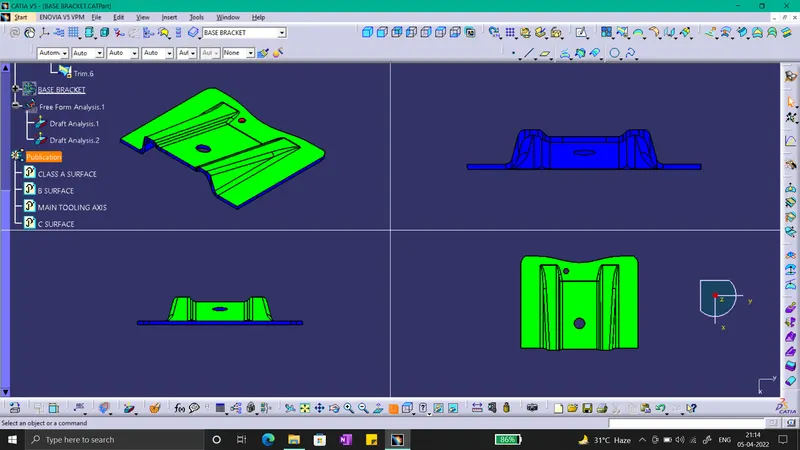
Select the Analysis -> Featured Draft Analysis option. Then a diagloue box will appear, click on the compass and place the axis as shown in figure. After placing it, Lock it there. Then we will notice a red cross on the part click anywhere the draft analysis will be shown in the required color. The color scale will give us clear idea of the draft. We can use the angle option to see the angle on the steep section on the bracket as shown in figure.Then for the final plastic component, repeat the draft anylsis and it will be obtained.
Below are the Images Required :-
1) SS of the Draft analysis report for both the given Class-A surface and the final plastic component.
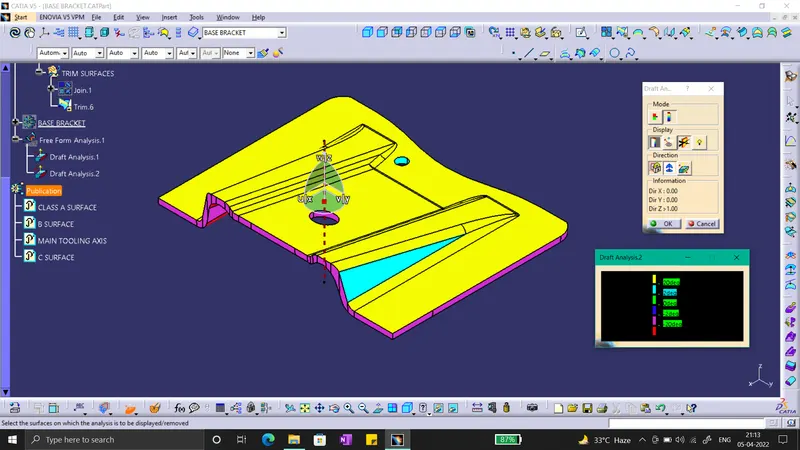
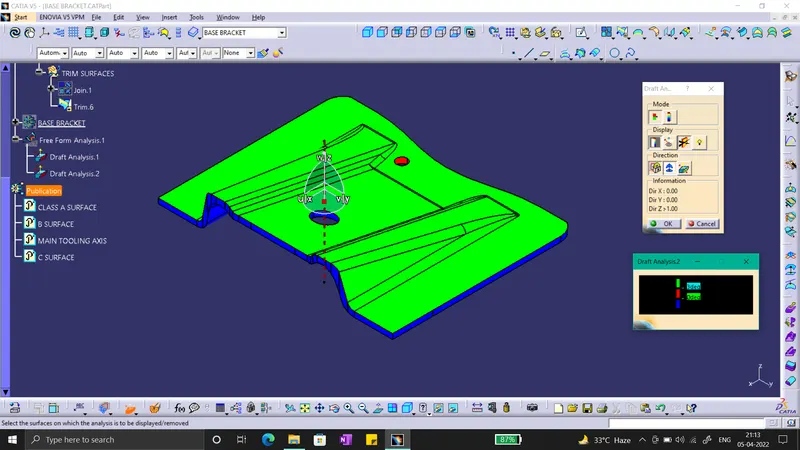
2) SS of the solid model with the proper color code of the draft angle in various orientations (Isometric, Front, Side, and Top View).
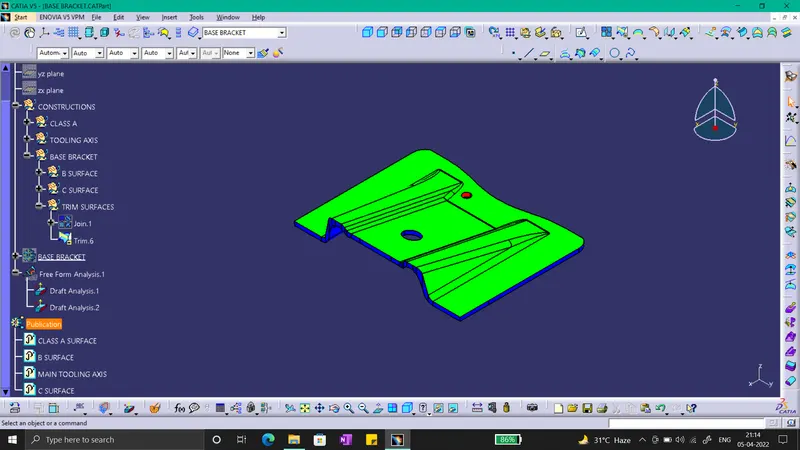
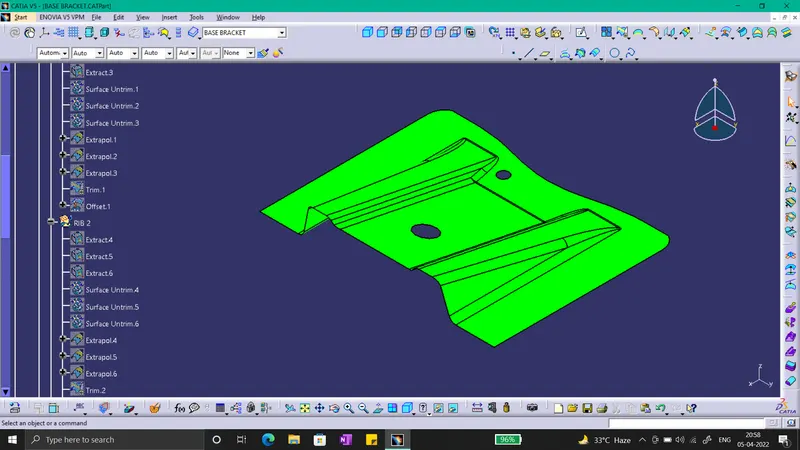
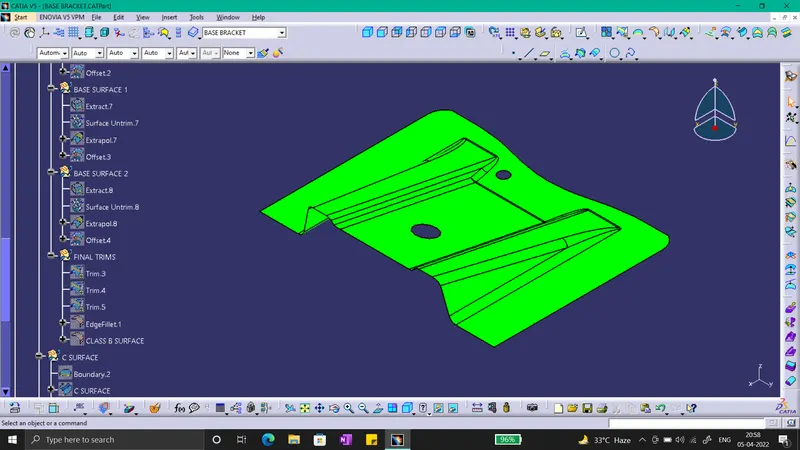
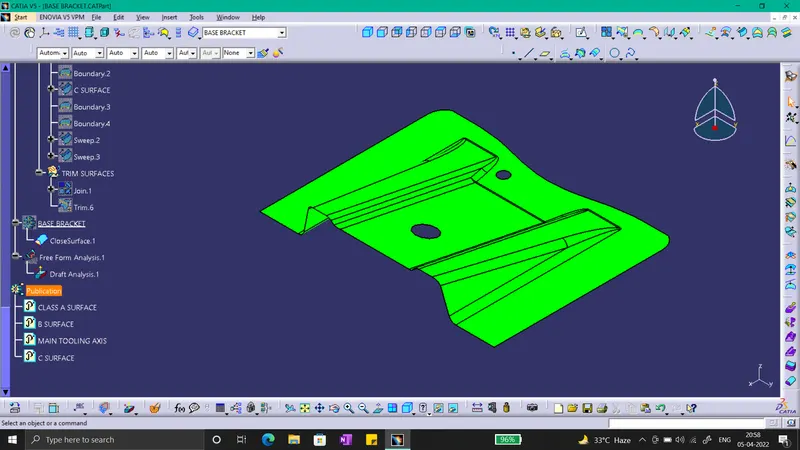
3) Tree Structure.