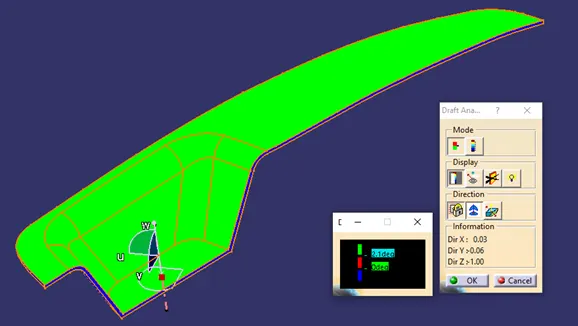
Week 8 - Challenge 3 - Switch Bezel Design
Aim: To Create the Switch Bezel Plastic component through the given Class-A surface.
Procedure: The first step is to create a tooling axis for the bezel.
- Extracting the surface of the switch bezel and creating a point over the surface.
- At the point we have to place axis system and project the intersection.

- Create the tooling axis using the intersections and bisecting the tooling axis of each surface.
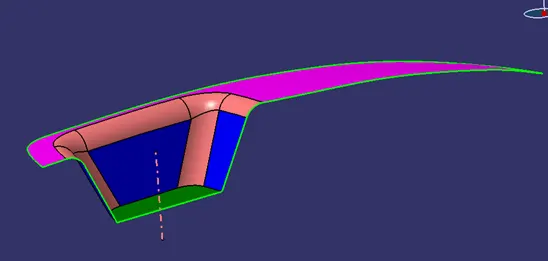
- Next step is to construct class b surface and to create B surface, extract the class-A surfaces, untrim and extrapolate it.
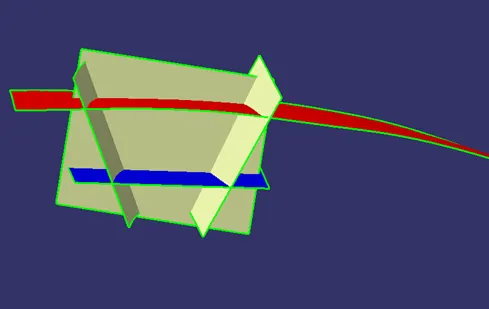
- After extrapolating, trim the wall attached surfaces.
- Now, offset the surfaces at a value of 2.5mm below.
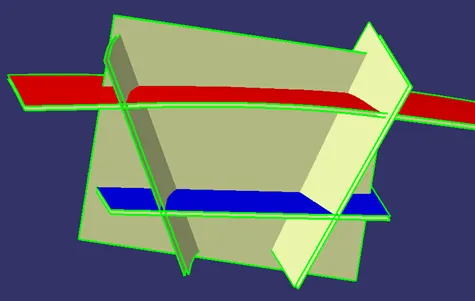
- After offsetting the surface trim, the B-surface.
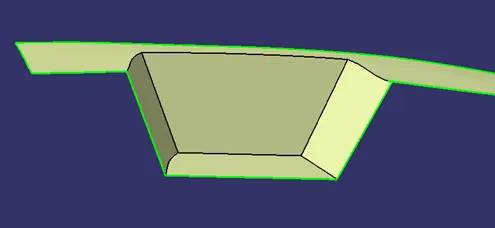
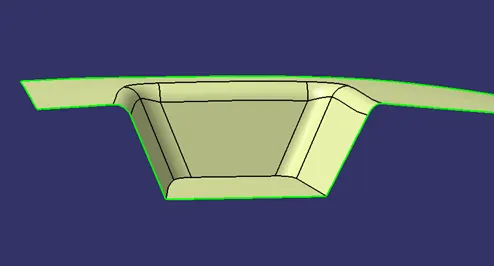
- Carry on with edge fillet and class b surface is created.
- To create Class-C surface, use multi extract command and extract the boundaries and use curve smooth to get smooth curves.

- Then use sweep command to create a surface and trim it.
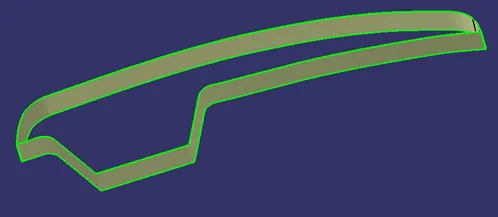
After all the surfaces are created join the Class-A and Class-C surfaces
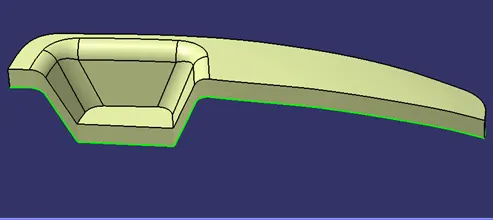
- Now, trim it with Class-B surface.
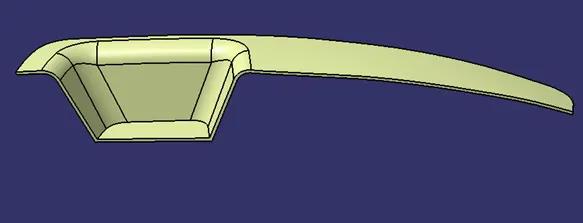
- Create a part body and use close surface.
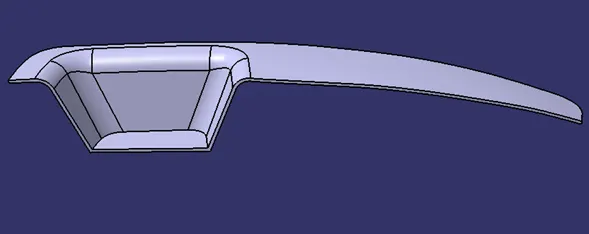
- Draft analysis is done on the surface.