Week 8 - Challenge 3 - Switch Bezel Design
Draft Analysis Creation:-
Introduction
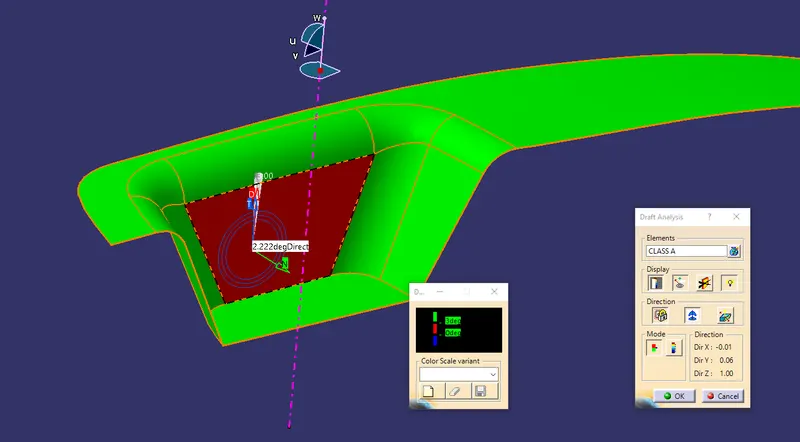
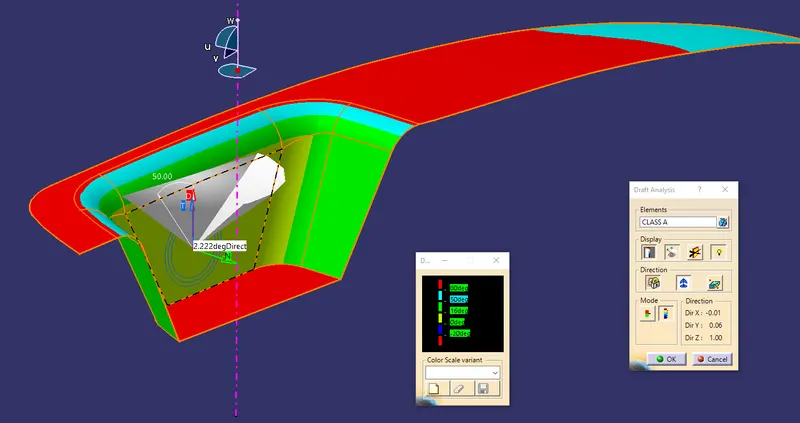
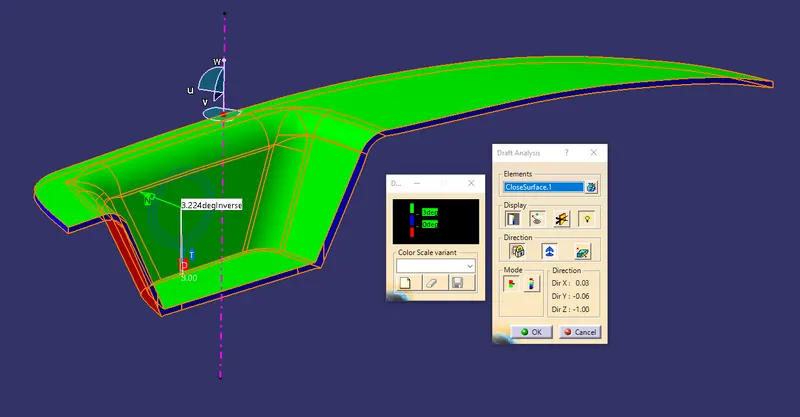
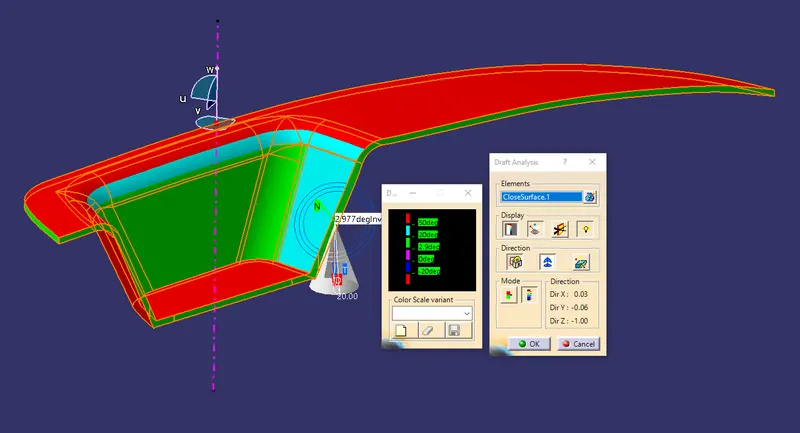
Draft analysis is done after completing the design before starting the production. For plastic parts easy to eject from mold, to reach high productivity the draft angle is an important role in this production. so we did the draft analysis after completing the design. In this draft analysis, we check whether the draft angle for all the surfaces is suitable for production or not.
Tooling Axis:-
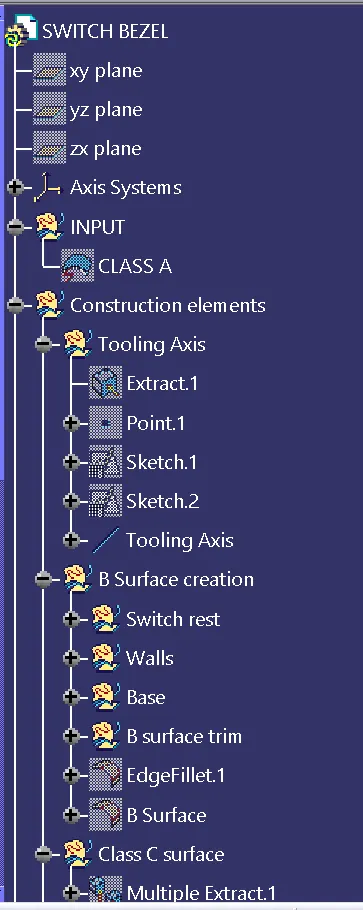
First, we confirm the tooling axis whether the tool opens upside down or side opening along the part. After that, we create the tooling axis in part. For tooling axis intersection points we found out. So first we check the given class A surface is fully closed, or any other open is there.
Create the new positioned sketch on the ZX plane in that sketch project the Intersection curve of class A surface. Exit the sketch In that intersection, the curve selects the line which intersects the x Direction. Draw a separate line parallel to that lines. After that center point is created. Now draw the line using the option bisecting. For that bisecting line, exist two lines are selected and the center point is selected for travel through select the Z direction & press ok.
Create another new positioned sketch on the ZY plane in that sketch project the intersection curve of a class A surface. Draw the inclined line from the origin towards the Y-direction & another line is drawn parallel to the line which is on the intersection curve & hides the intersection curve. now give the dimension between those two lines is 5degree angle. Exit the sketch
Create the Bisecting line using the 3D sketch for sketch 1 & 2 center lines use the center point as travel through. this is the tooling axis rename as a Tooling Axis.
Draft Analysis;-
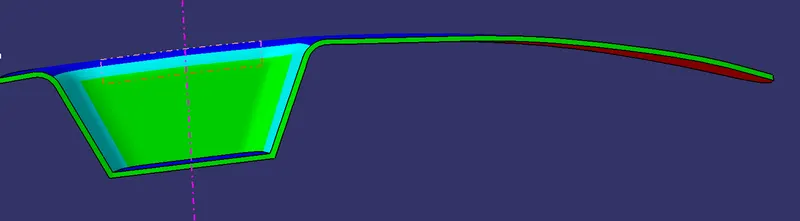
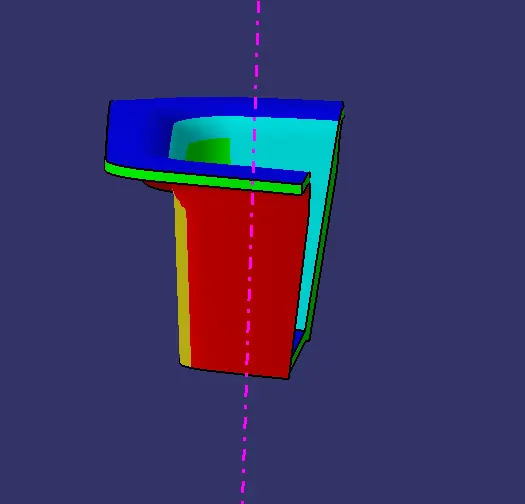
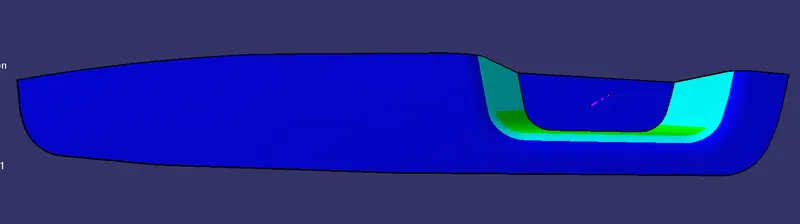
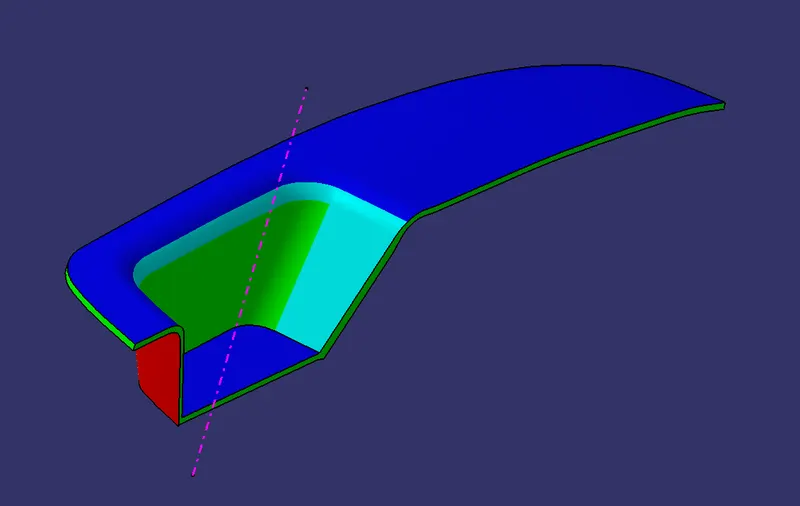
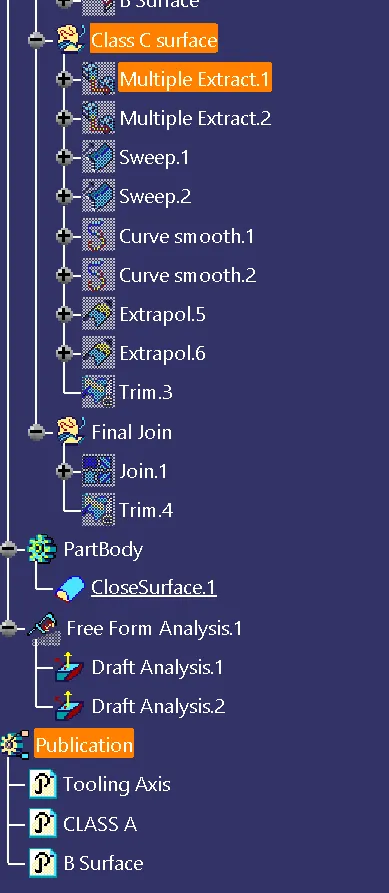
For that Go to insert select analysis in that select feature draft analysis. In the draft, analysis select Use the compass For the current draft direction option. Drag the compass and put it on the tooling axis. Now click on the lock option to lock the compass. Now using the mode's set draft angle it shows the color variation on the surface. By that color difference, we found the draft angle difference in the surface.