Week 8 - Challenge 3 - Coin Holder Design
AIM:-
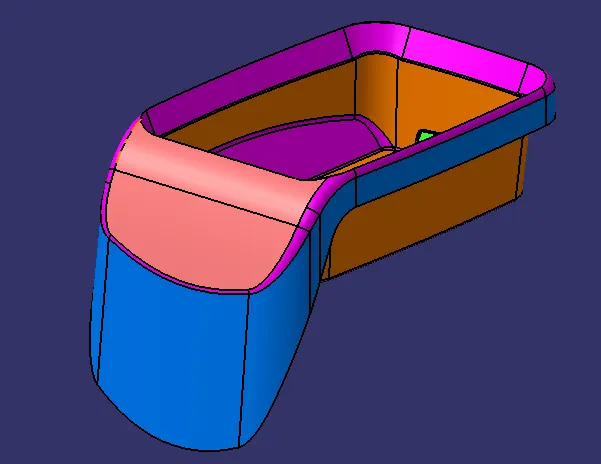
To create the center console coin holder and add the thickness to it and generate the draft analysis on a solid surface.
PROCEDURE:-
1. Check for any opening in the given center console coin holder model by using BOUNDRY. In boundry > select the surface to crete the boundry at the openings.
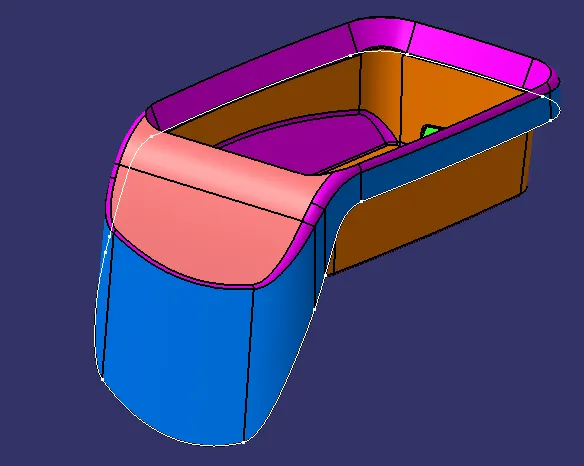
BISECTING METHOD:-
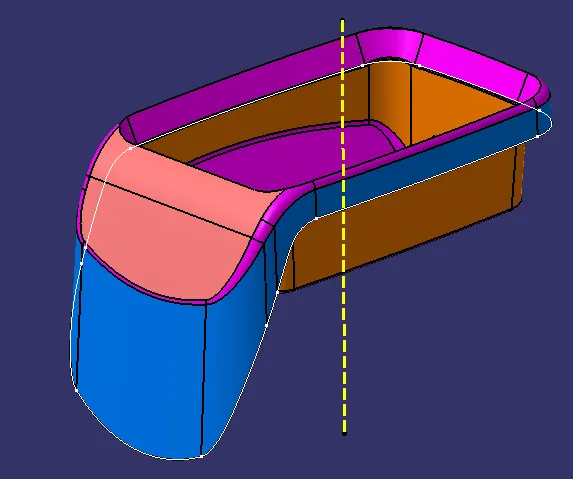
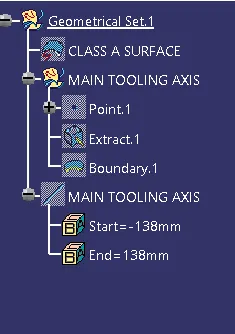
CREATING TOOLING AXIS
2. creating the point at the center of the base by using point defination by extracting the surface and selecting the surface.
3. creating the axis system at the point that is created at the surface using the axis system defination by selecting the point.
4.now create the intersection at the zy plane by intersectiuon defination for the center console coin holder.
5.Now using point -point defination extend the line to take reference drafted line on both sides and bisect those lines to get the direction in the zy plane.
6. Bisect those two tooling axis line and create a main tooling axis and name the bisect line as MAIN TOOLING AXIS and do the draft analysis for the class A surface.
CREATING B SURFACE
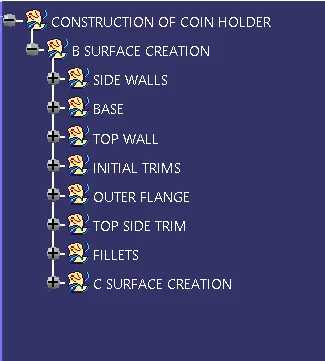
8. Now create the plastic design for the class A surface of the center console coin holder by creating the class B and class c surfaces.
9.create a geometrical set in a tree and name it . Extract the side wall surface of the center console coin holder by extract option by selecting the face. select the faces.
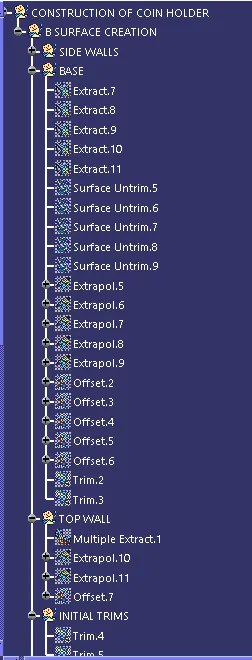
10.untrim the extract surfaces using the untrim option by seleting the surfaces.
11. extrpolate the untrim surface using the extrapolate options and after extrapolate using the offset option of 2.5 mm in the oppositer direction of the class A surface
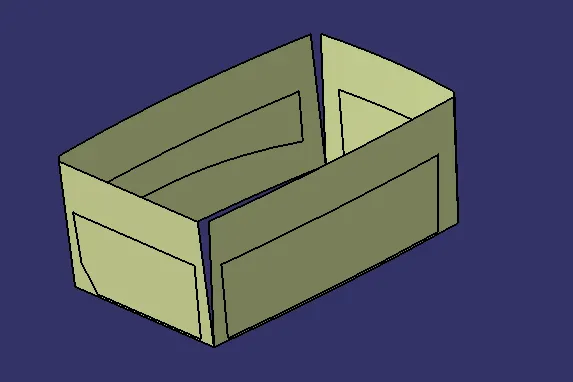
Extrapolate the side wall after the untrim and the side walls with the base as the same process and then offset the trim by 2.5mm
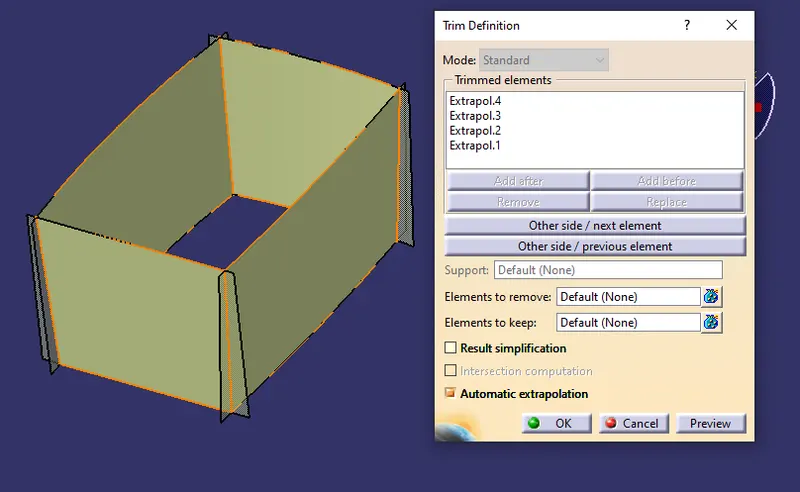
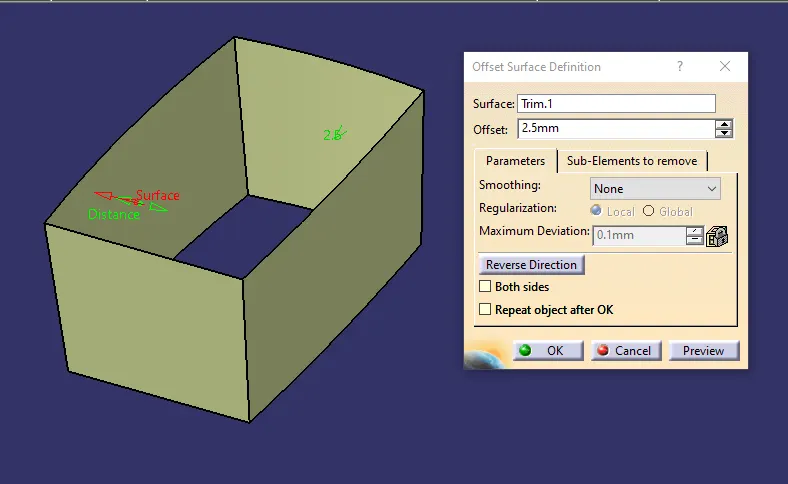
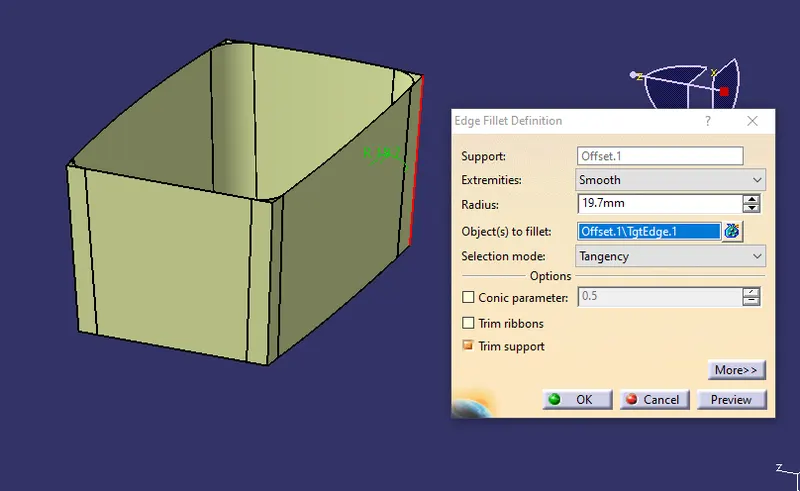
12. extract the base surface and the block and do the same process and offset the surface to a distance of 2.5mm in the downward directrion.
13. Trim the excess portion of the surfaces using the trim option.
14.Do the same portion to the inclined walls surface and outside by extracting and offsetting the surface and trim the component.
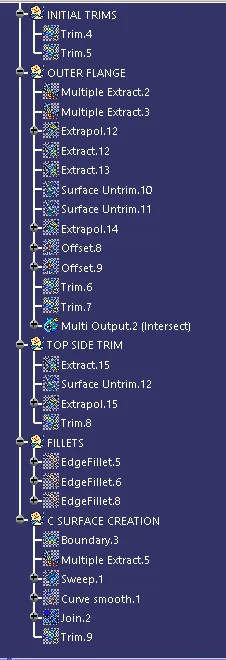
15. Add the fillet to the walls edges.
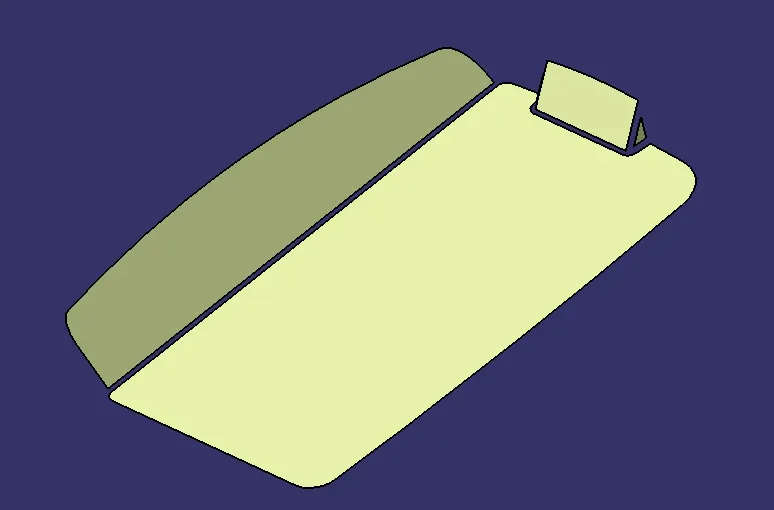
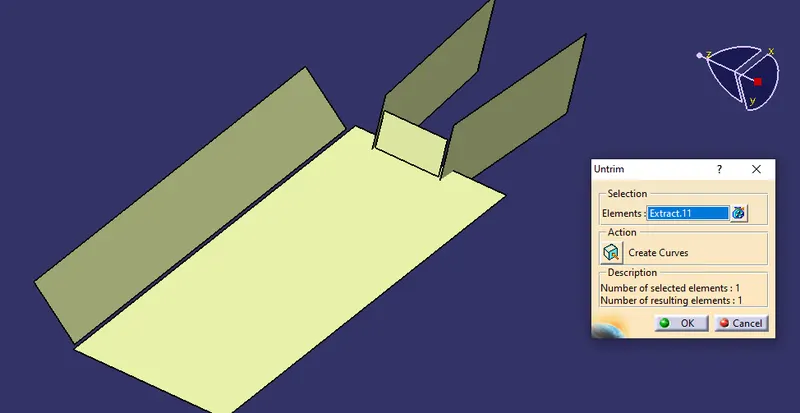
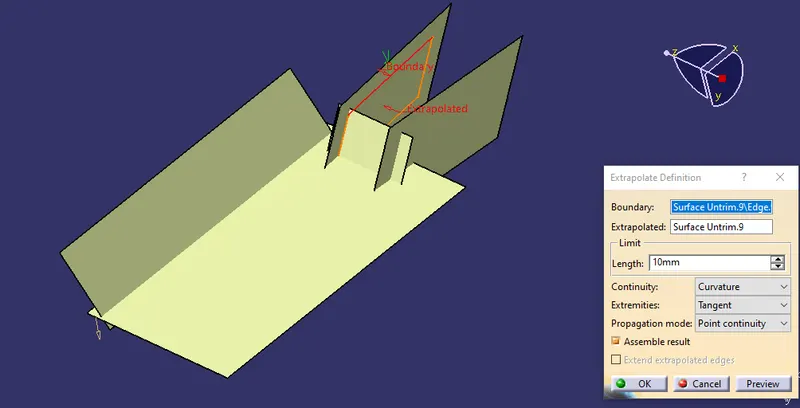
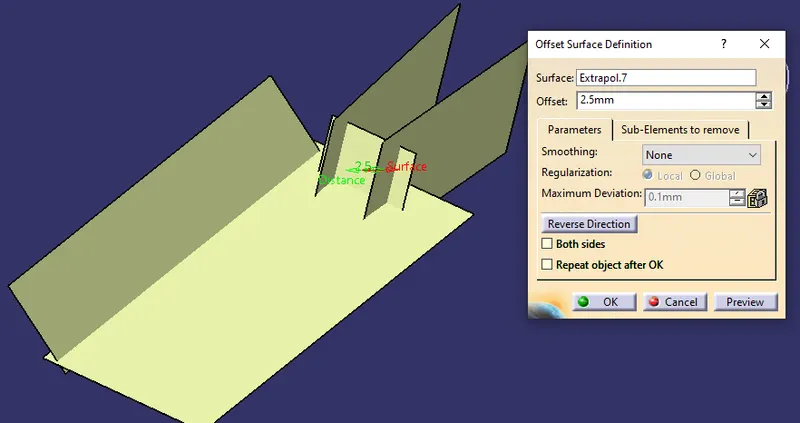
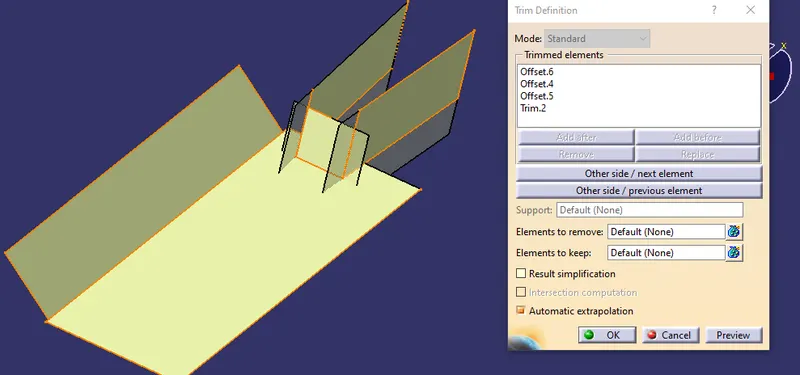
extract the top walls and extrpolate the walls and trim with the side walls and base give the required output
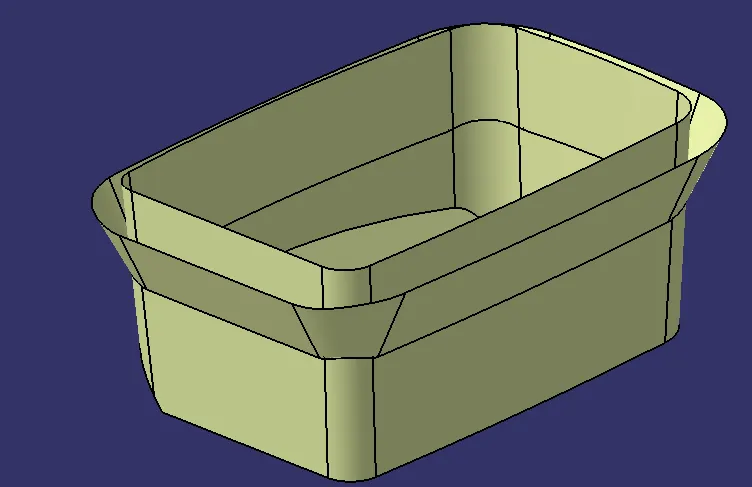
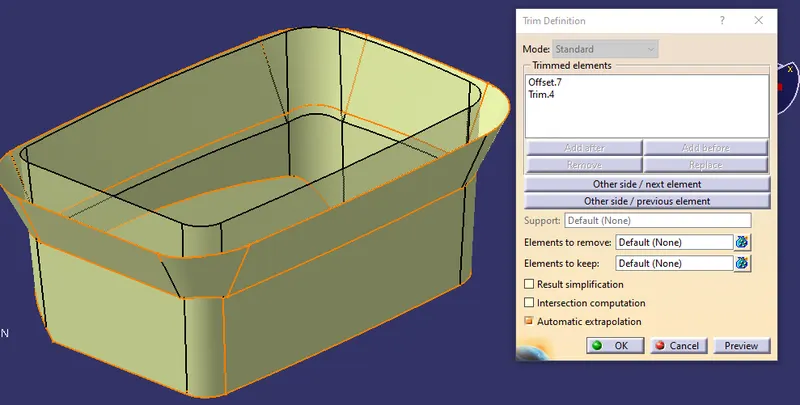
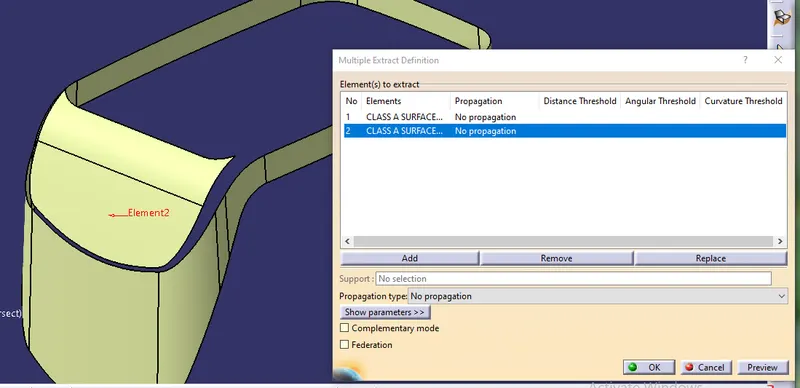
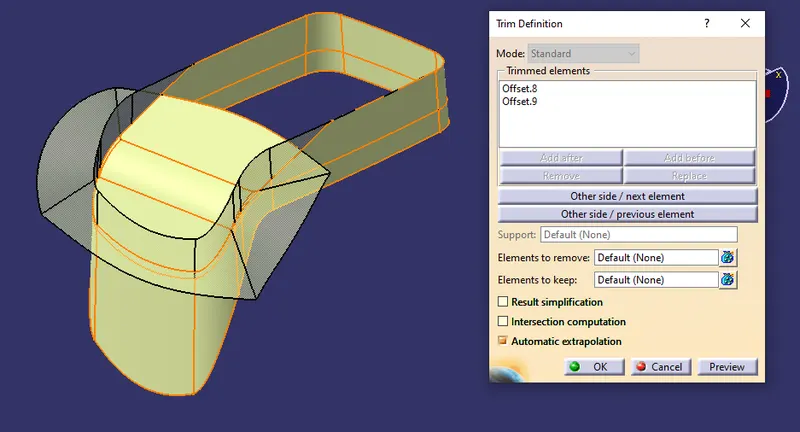
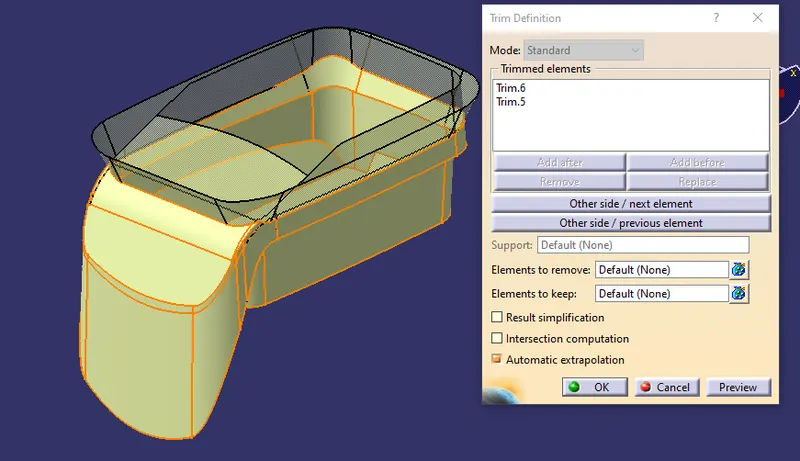
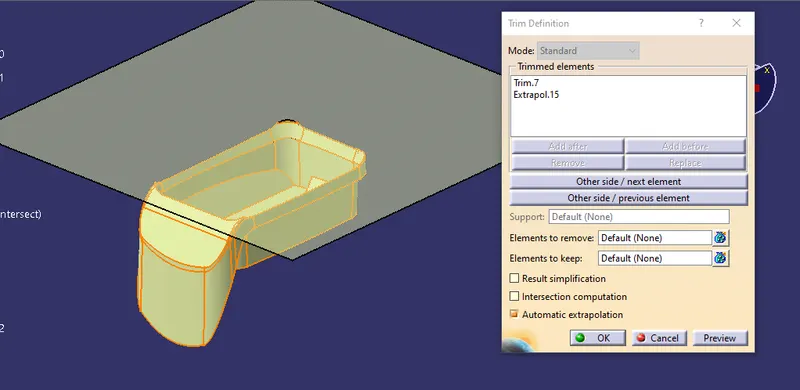
Then fillet provided
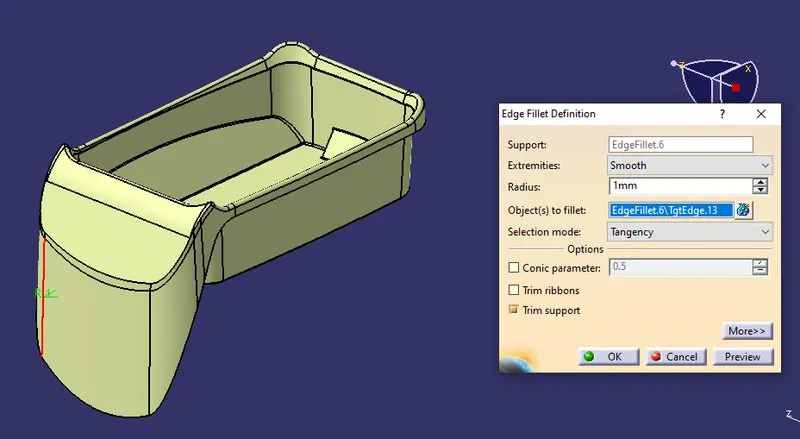
CREATING THE CLASS C SURFACE
16. create the classC surface for the class A surface by using the multi extract option by selectoing the boundaries create a smooth curve for the extract boundaries select the extract boundary.
17. Extract the outer boundary walls and replace the extract boundary with smooth curve.
18.Now using the sweep option create the c surface with the reference surface and guide curves as boundary which is extracted and reference surface as extracted boundary surfce and angle of 90 - 93 degree to maintain the draft angle.
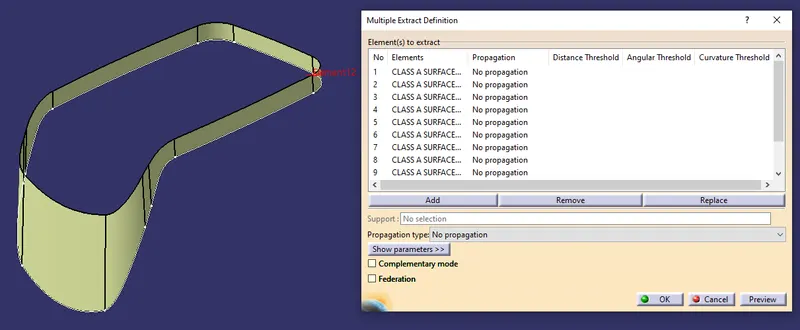
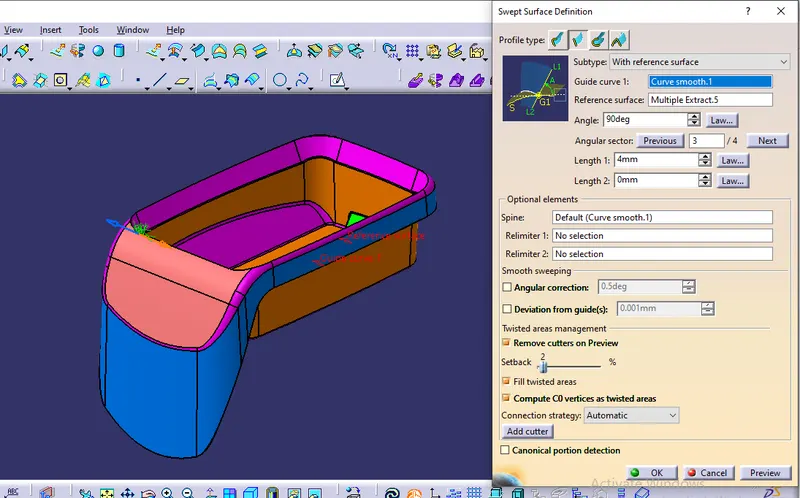
19. join the class A and class C and trim with the class B as shown below
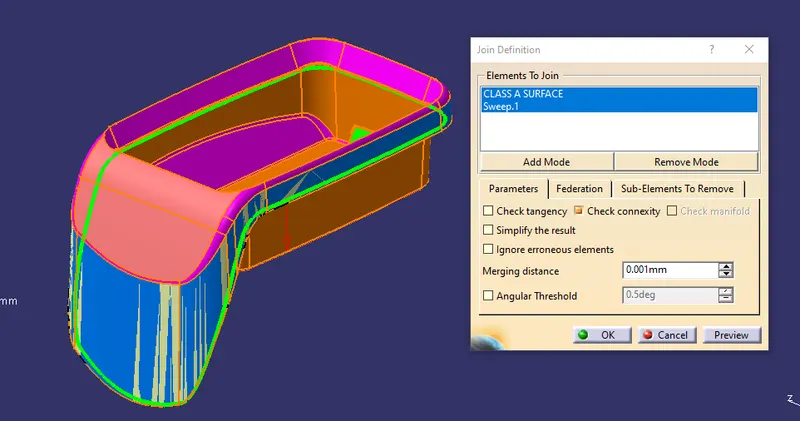
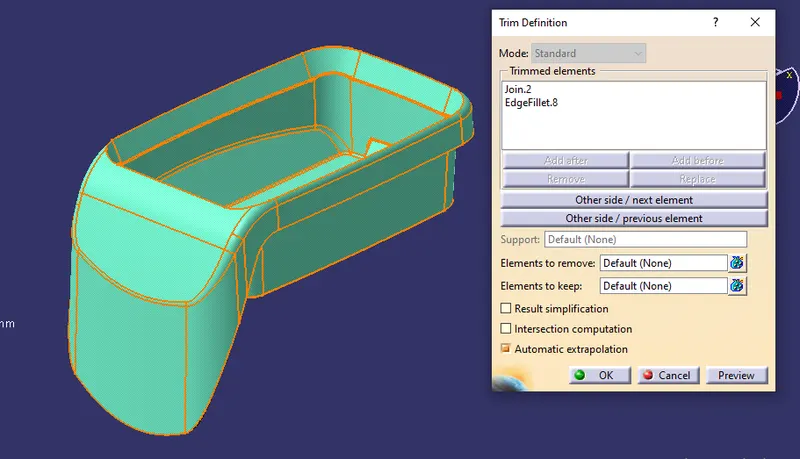
20. check for the any boundary in plastic design and create the solid surface for the design in part design using a closed surface option.
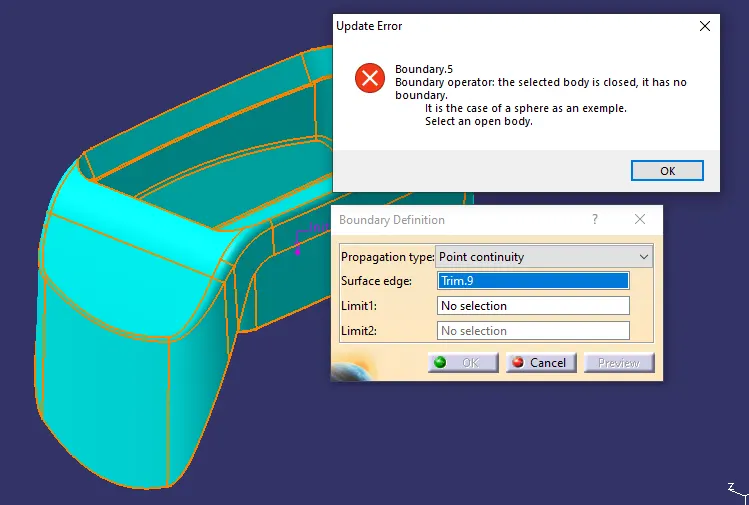
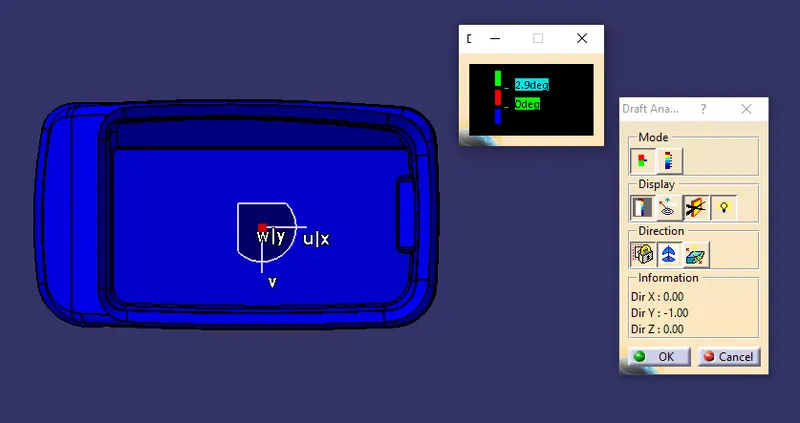
21.Now do the draft analysis for the solid component tooling axis and check for the draft angle as it should be in the green in color in the tooling axis
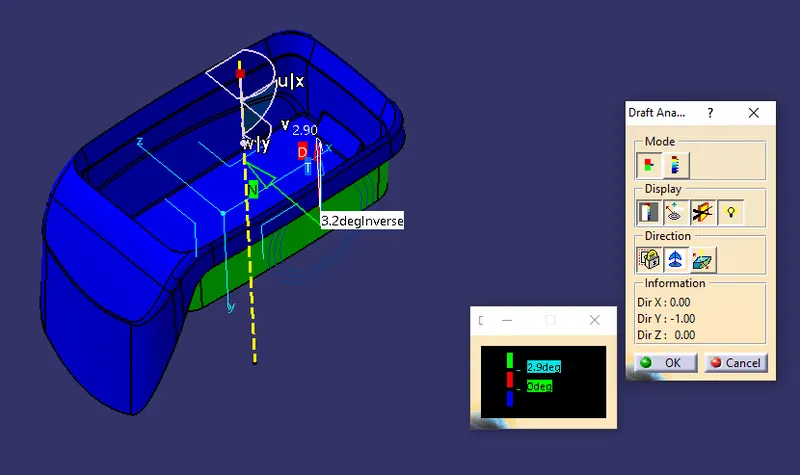
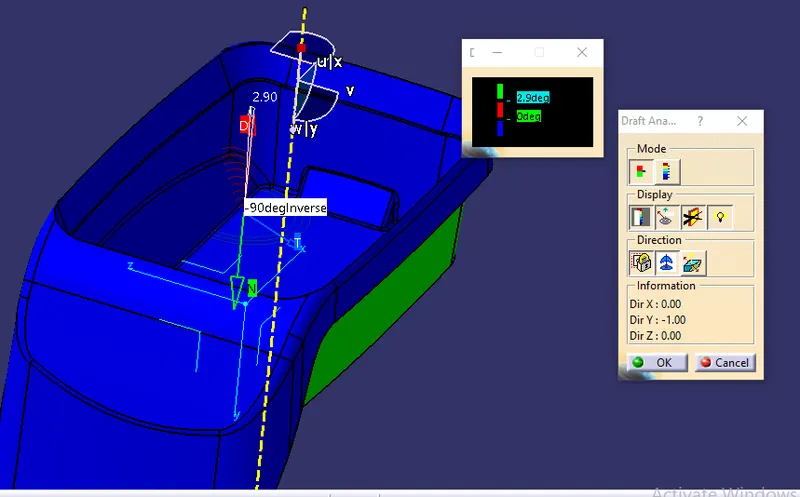
ORIENTATION VIEWS
ISOMETRIC VIEW
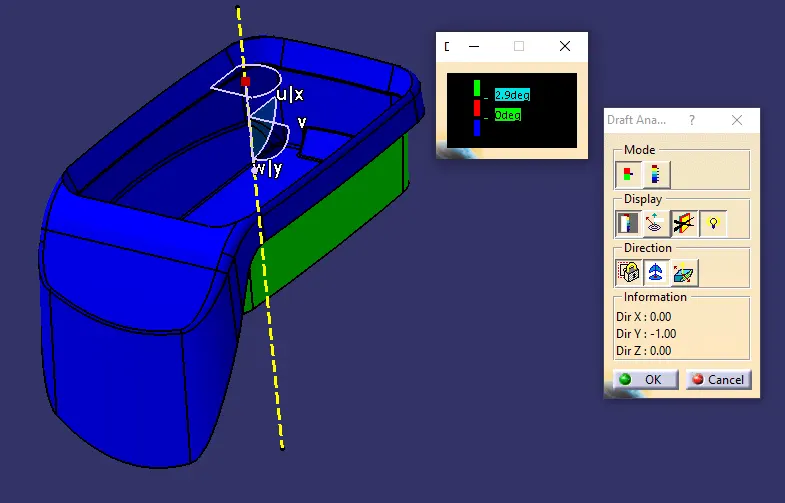
FRONT VIEW
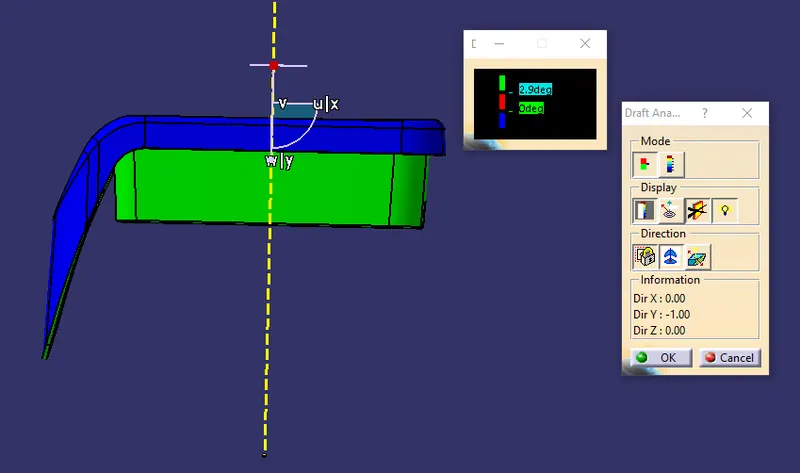
SIDE VIEW
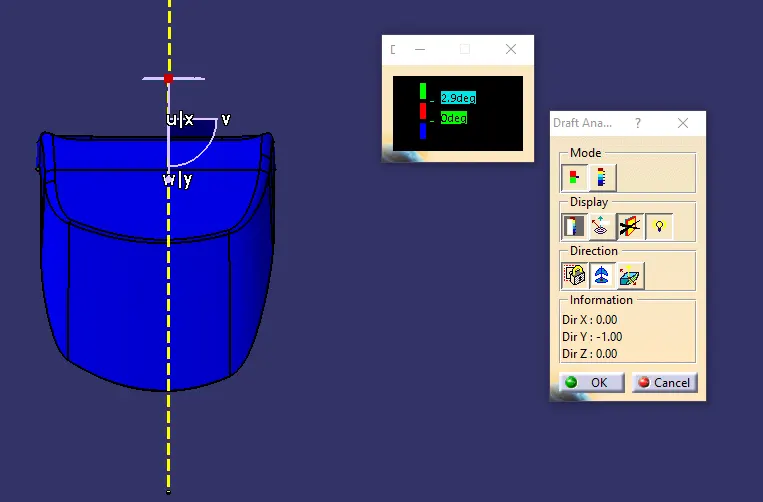
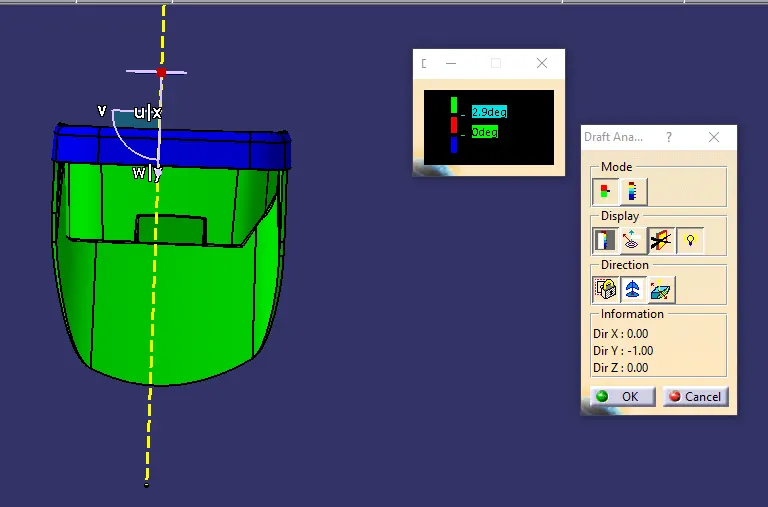
TOP VIEW
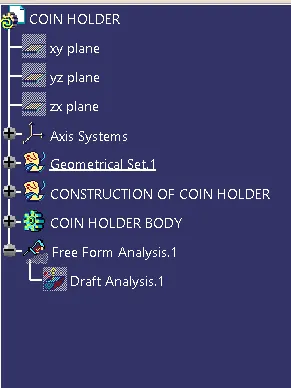
TREE STRUCTURE
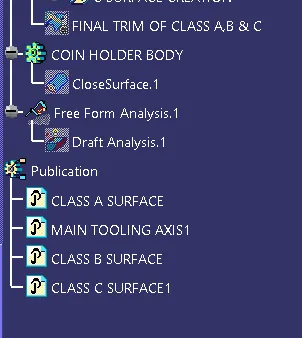
RESULT:-
Created the plastic design for and added thickness to it and generate the3 draft analysis on a solid surface for center console coin holder.