Week 8 - Challenge 3 - Coin Holder Design
the Coin Holder Plastic component through the given Class-A surface. To begin with, the tooling axis for the given Class-A Surface should be created meeting the requirements of the draft angle and at the end perform the Draft analysis on the model.
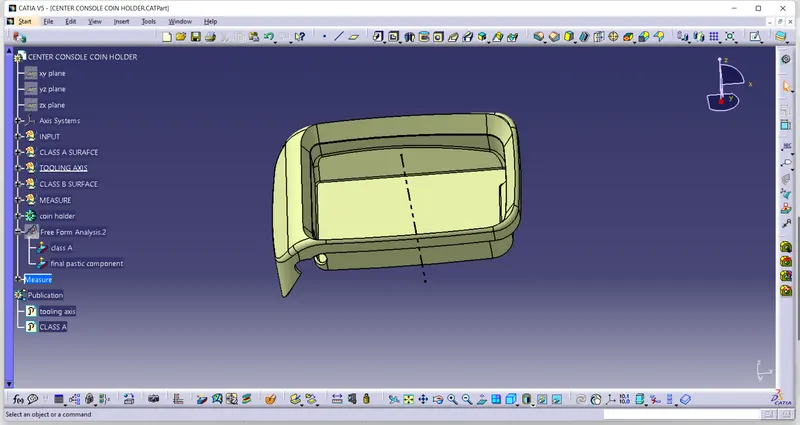
- First import the class A surface in catia.
- check the boundary of the Class A surface.
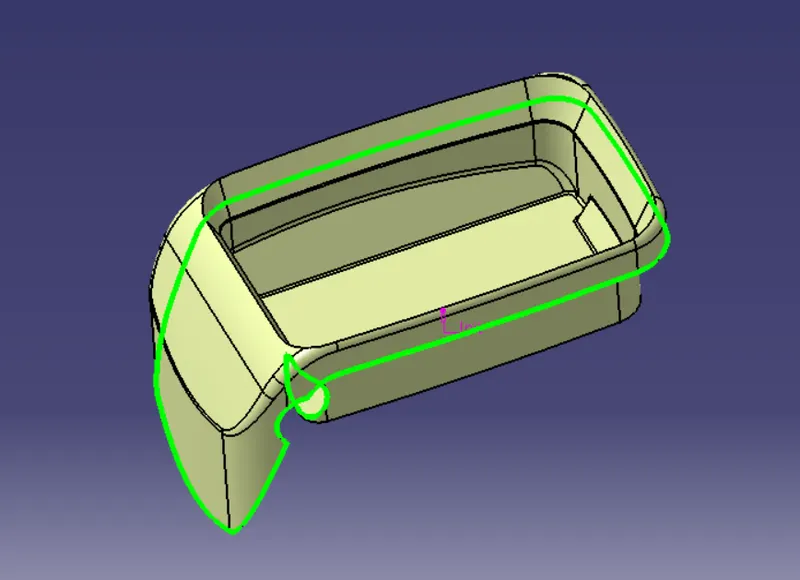
TOOLING AXIS : The tooling axis is defined as the direction in which the mold or core and cavity opens is the tooling axis.
- First create the point for the reference of tooling axis
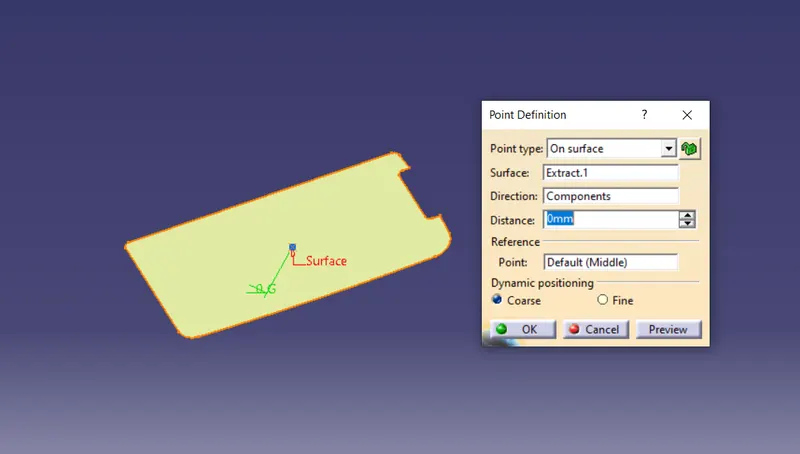
- Now using point as a reference we create a line normal to the surface.
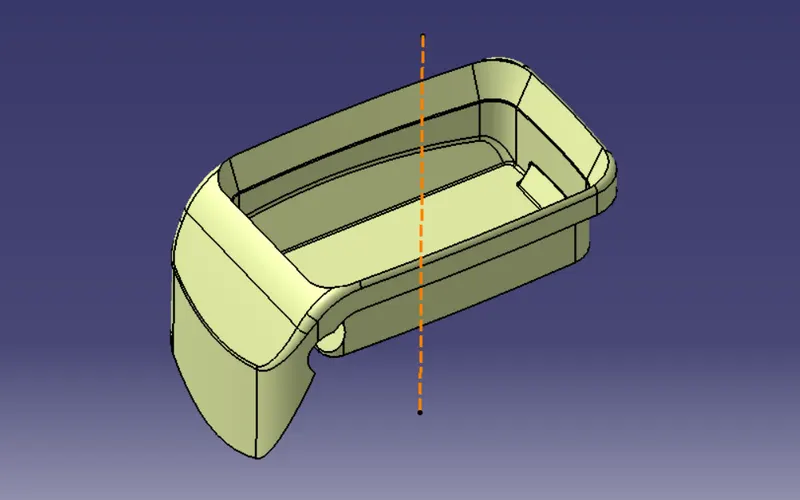
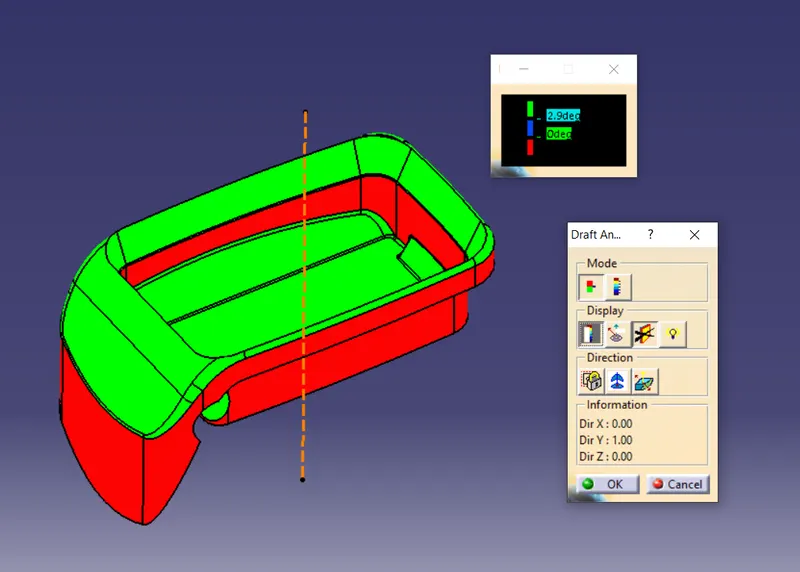
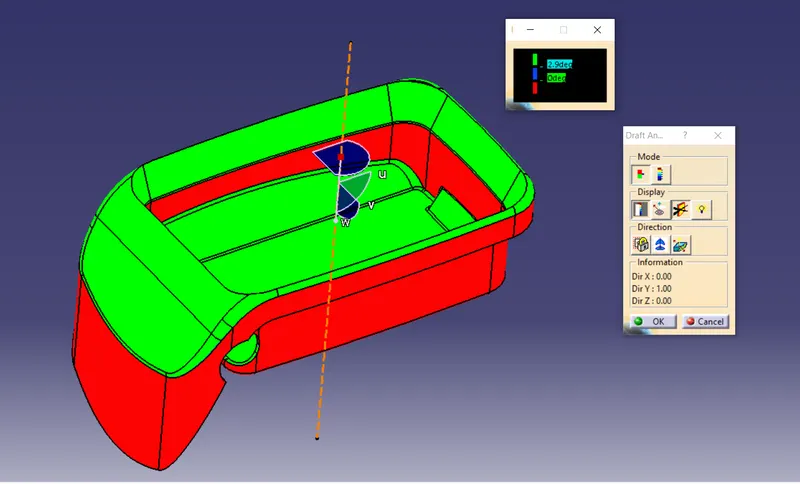
DRAFT ANALYSIS - The Draft Analysis command enables you to detect if the part you drafted will be easily removed.
PERFORMING DRAFT ANALYSIS ON CLASS A SURFACE : -
CLASS B SURFACE
Thickness of the component as 2.5mm. and create a B surface by using class A surface of an offset of 2.5mm
First we create a side wall and extract the class A surface
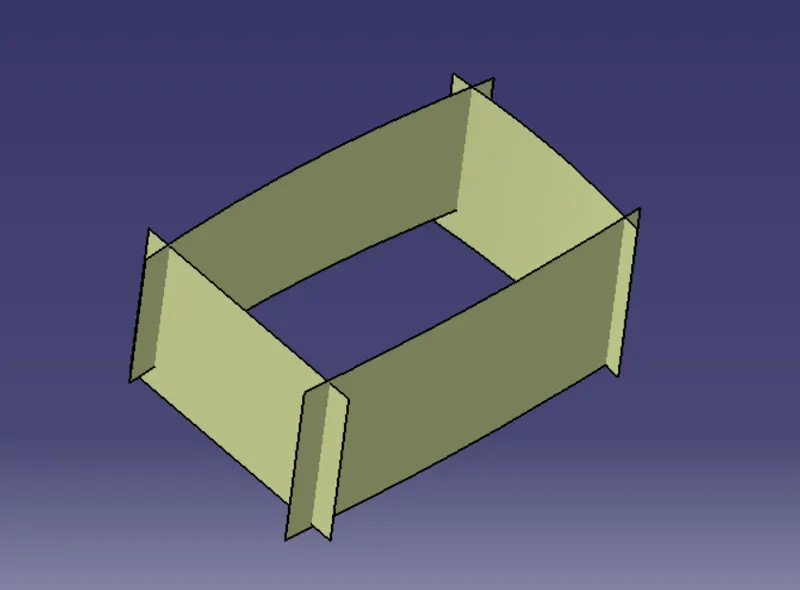
and then create the base and upper tilt walls and other side supports.
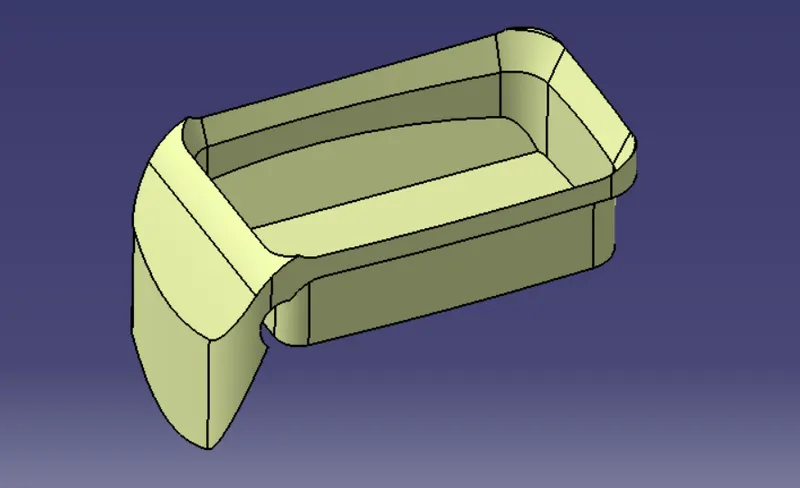
And now CLASS B SURFACE IS CREATED.
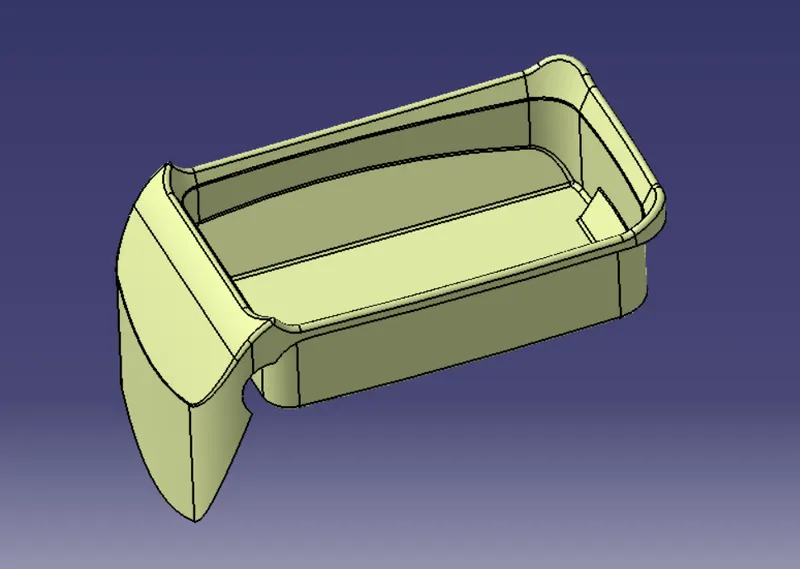
CLASS C SURFACE
NOW USING THE CLASS A SURFACE BOUNDARY, CREATED THE SIDE OF THE WALL AT 90 DEGREE OF 4MM.
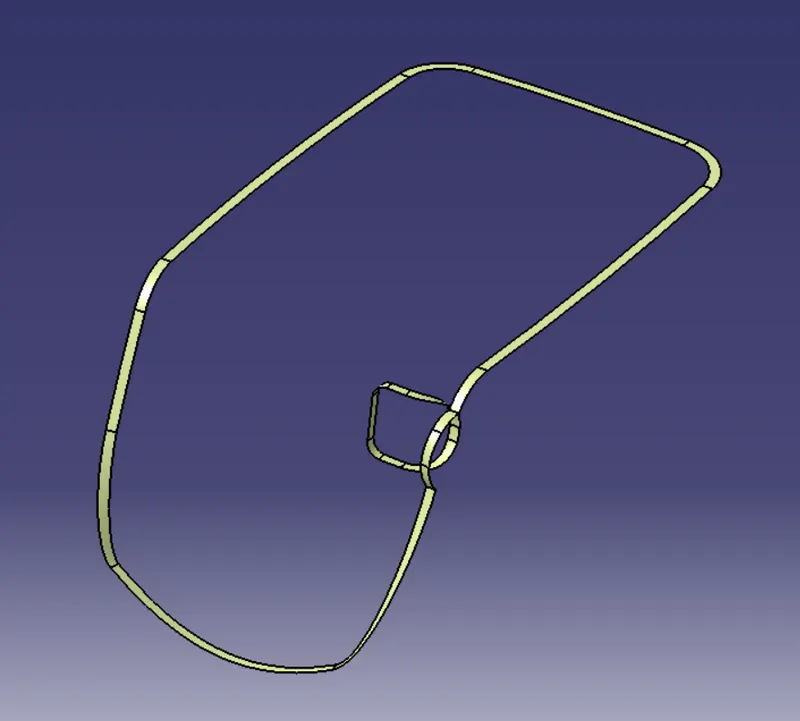
CLASS C SURFACE CREATED :-
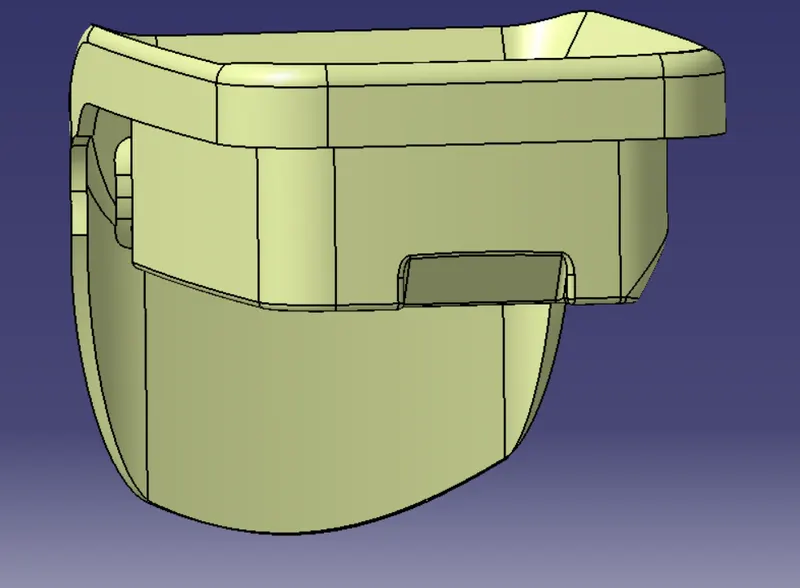
TRIM SURFACE :-
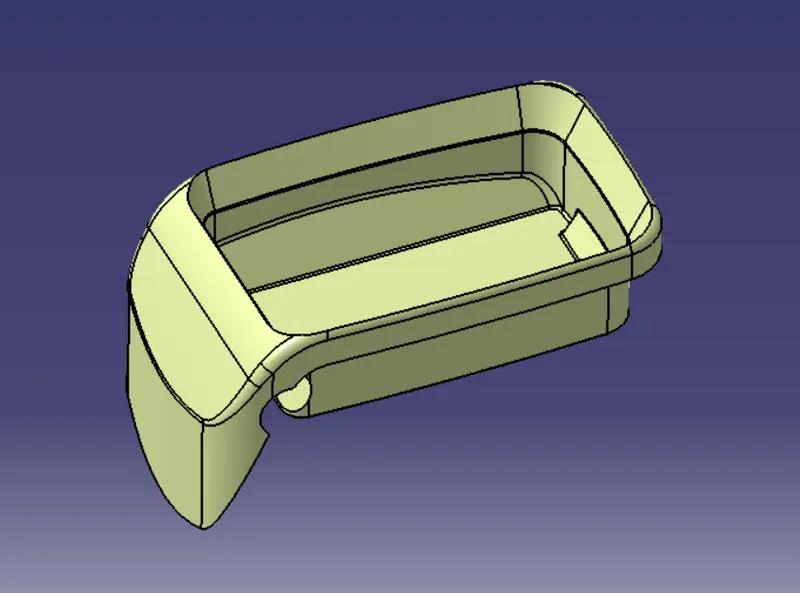
- After creation of class A, class B and class C surfaces, now we trim class b and class c surface to forma a new thick surface part, and then join the trimmed surface with class a surface to form the final required surface.
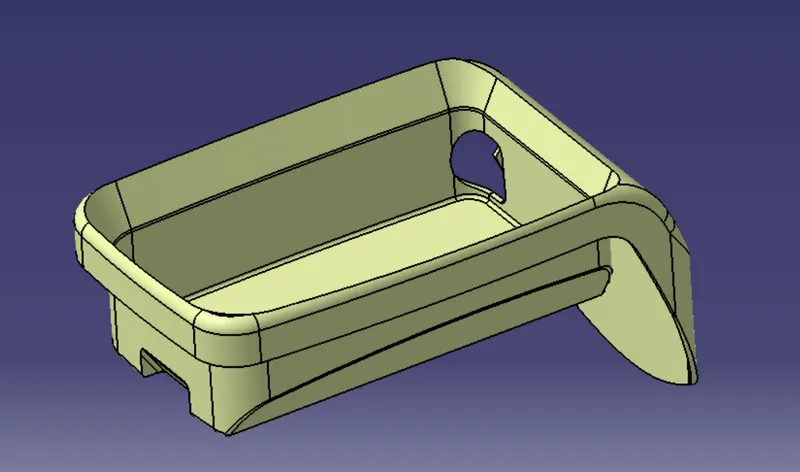
- Now using close surface option from part workbench form a solidbody from surface body
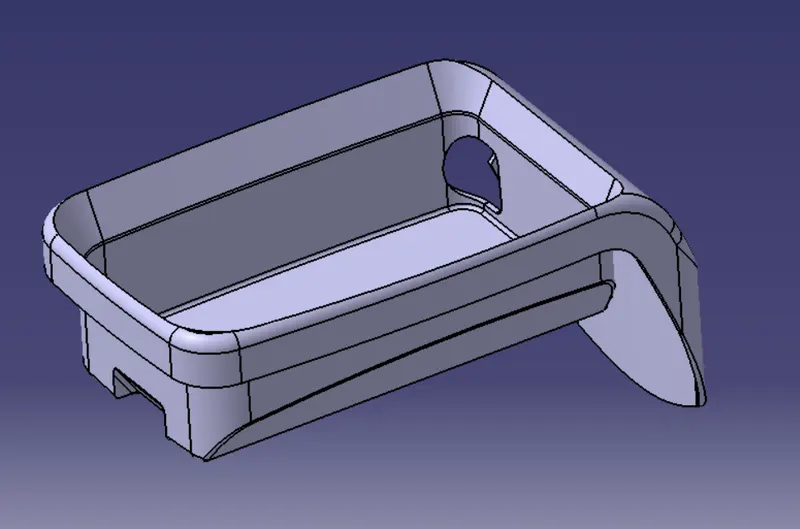
PERFORMING DRAFT ANALYSIS ON SOLIDBODY : -
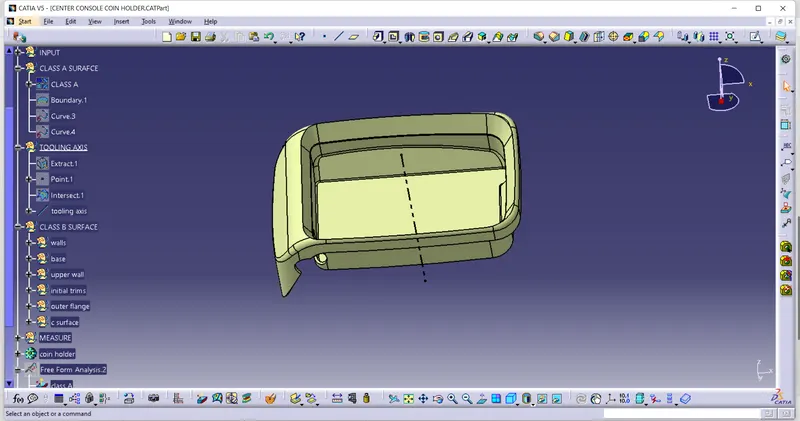
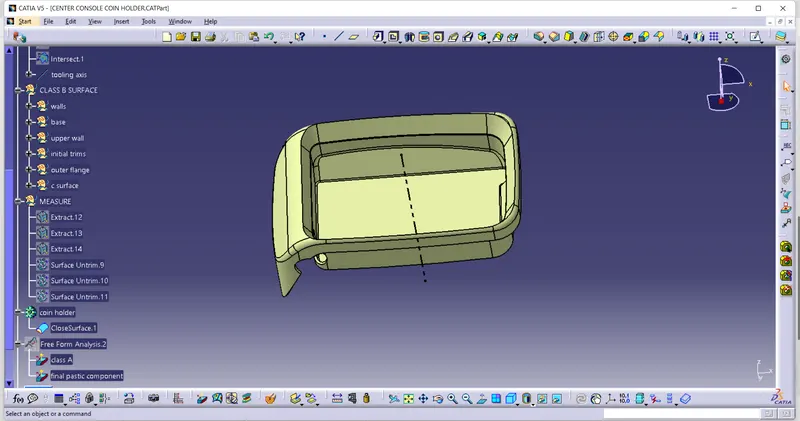
- Proper Tree Structure