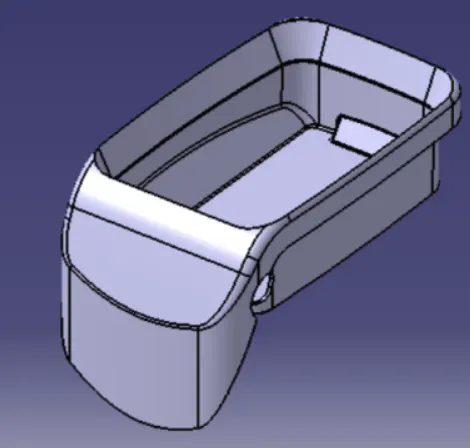
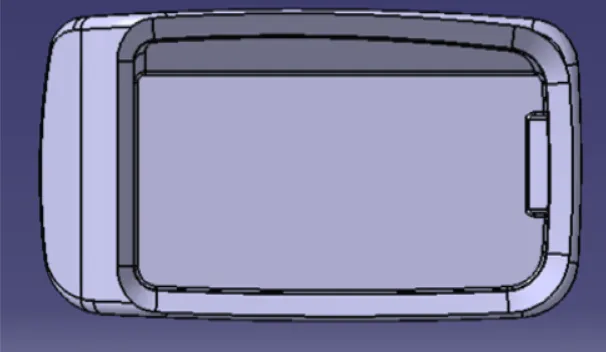
Week 8 - Challenge 3 - Coin Holder Design
A class-A surface hase been provided to me for designing a full solid body out of a surface and validate it.
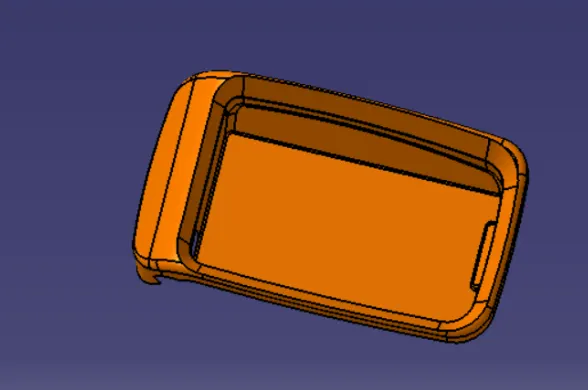
In given surface first I need to check any open boundaries that may create errors while designing.
- After checking I need to create a tooling axis for the class-A surface.
- Then I need to create class-B and class-C surface with the help of the class-A surface.
Tooling axis creation
The tooling axis is important for removing the material when finished.
- First,I will creating the point on base surface respectively also extract the surface of the component as shown in image.
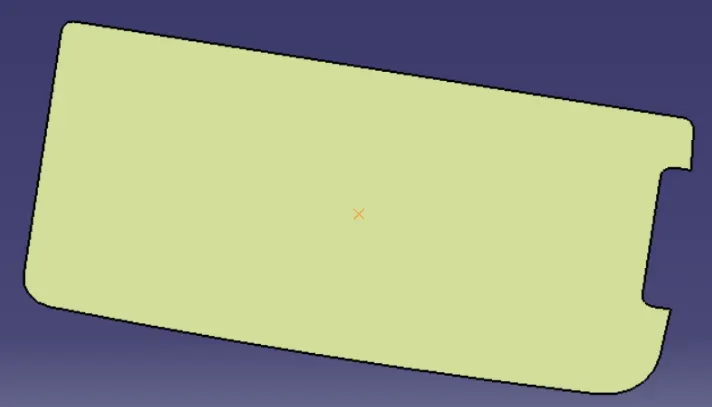
Took a intersection with ZY plane
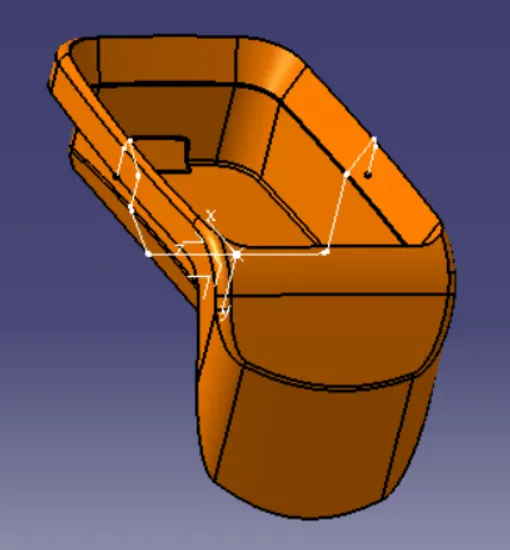
So there was a flat surface aat one side wall tehre is no need to take reference of other walls and take a bisection
so with this on the middle point can directly creat straight tooling axis.
DRAFT ANALYSIS OF CENTER CONSOLE COIN HOLDER
AIM:
- To create the center console coin holder plastic component through the given class a surface and at the end performing the draft analysis on the model.
OBJECTIVE:
- To ensure proper tree structure is followed.
- Geometrical sets should have a proper name based on the sketches present inside of it.
- All the sketches should be created under the geometrical set.
- Use of the close surface feature to make a solid body from the surface.
- To publish the tooling axis, class A, B and C surface.
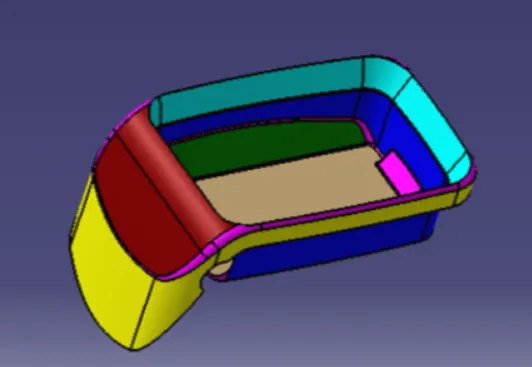
CLASS B SURFACE:
- Consider the thickness of the component as 2.5mm. Now we need to create a B surface which will be similar to the A surface at an offset value of 2.5mm.
- In this operation we are creating A class B surface in 4 different geometrical sets.
- First, we are creating a side wall. To create this surface, we need to extract the class A surface as shown in below in below figure.
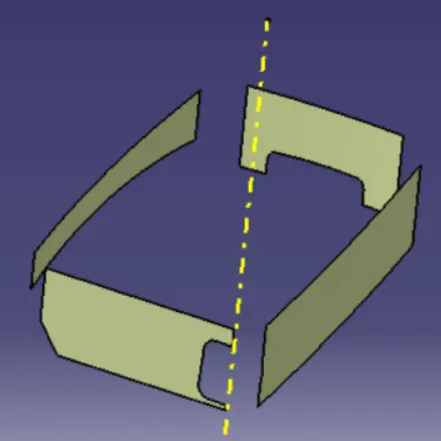
- Once the surface is extracted , untrim it and then extrapolate it by a required value on each side using point continuity. Trim them to form proper walls. Now offset it by 2.5mm.
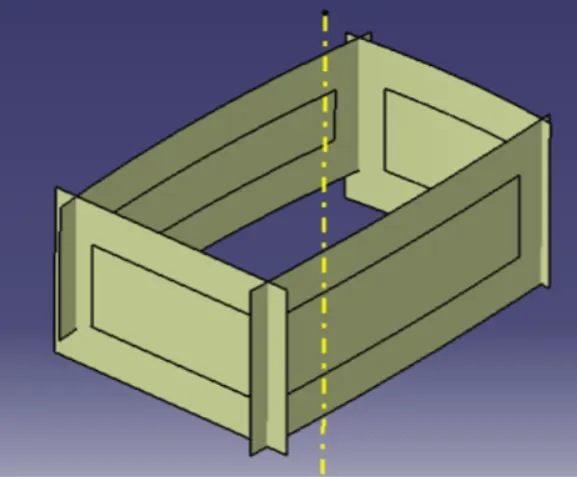
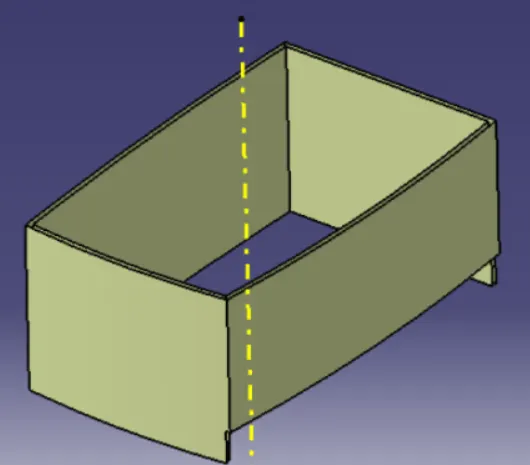
- Similarly, we need to extract the base, top wall and outer flange surface of the center console coin holder in different geometrical sets and perform similar operations on it as mentioned above.
- Once all the surface are created trim these surface to form a class B surface. Give the appropriate fillets to form class B surface.
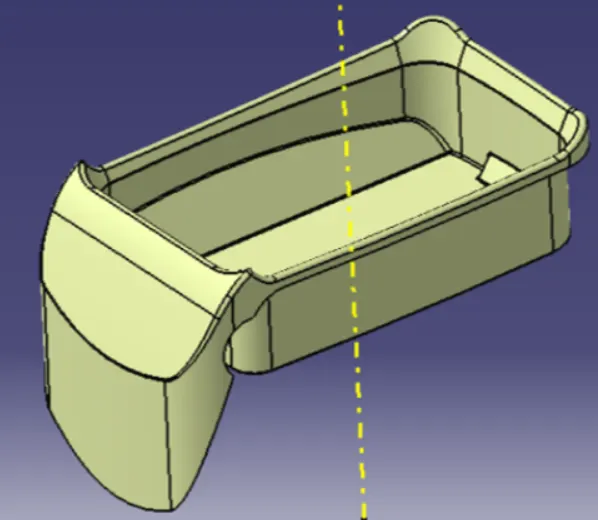
CLASS C SURFACE:
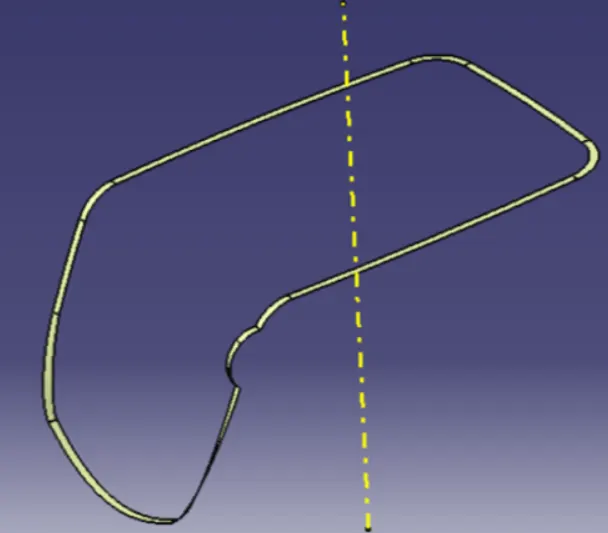
- To create a class C surface, first extract the boundaries of the class A surface and extract the adjacent surfaces to the boundary as shown in the figure below.
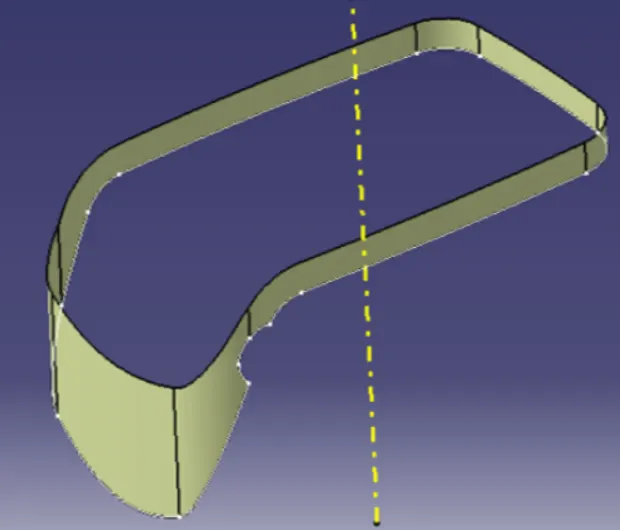
- Now using the sweep option create the surface. To perform this operation, Go to the toolbar > sweep > profile type > line > subtype > with reference surface > guide curve 1 – (select the extracted boundaries) > reference surface – (select the extracted surface) > angle and length as 90 deg and 4mm respectively and click ok.
TRIM SURFACE:
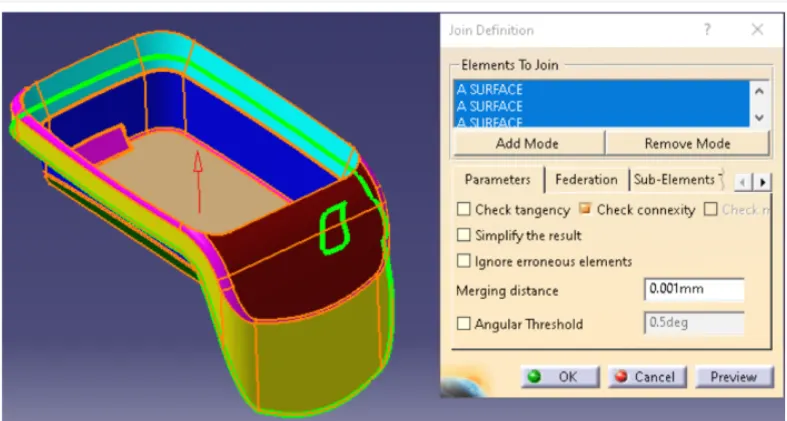
- After creation of class A, class B and class C surfaces, we need to trim class B and class C surface to form a new surface. Then join the trimmed surface with class A surface to form the final required surface.
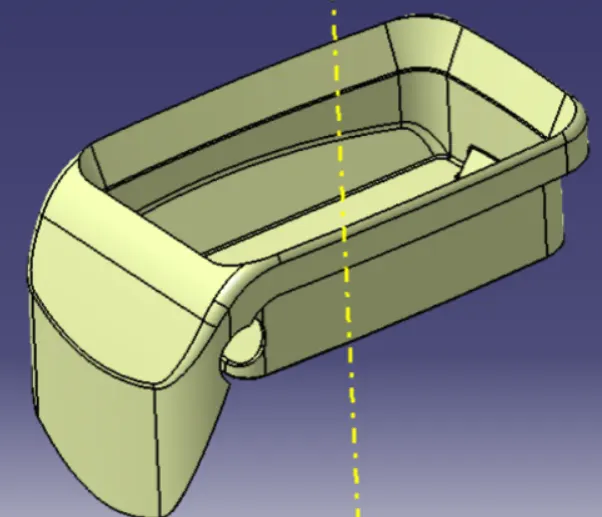
- Now using the close surface option from part workbench form a solid body from surface body.