Photo Realistic Rendering
CLASSIC AMERICAN CHOPPER
- Objectives
Aim is to design Chopper parts model, assemble them using Solid works and then final render using Photo View 360 & Solid works Visualize.
- Introduction: Introduction has three main things.
- Design of Parts/Component
- Assembly of parts
The steps will be explained along with features explanation & Parts pictures.
- Design Methodology/Approach.
Assembly components
- Chassis
- Engine
- Pedal
- Kickstand
- Transmission belt
- Oil tank
- Rear wheel
- Front wheel
- Rear Fender
- Front Fender
- Chain
- Gas tank
- Front tank
- Chassis : It is the frame & support of entire Motorcycle on which all components are fitted.
Commands used in chassis are,
Sketch: Used to draw basic structure or profile of the object in 2d dimension.
Boss extrude: It is used to extend sketch in specific direction.
Fillet: It is used to make Corners, & sharp edges round with specific radius.
Split: It is used to split the any body / Object by using defined sketch.
Project curve: It is used to create 3D curve with two defined curves on defined planes.
Cut extrude: It is used to cut any extruded parts/Component.
Sweep: It is used to create part with defined sketch & guided path.
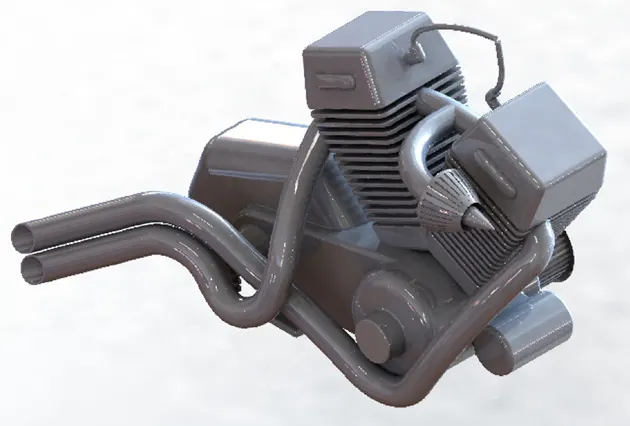
- Engine : Engine is the part of vehicle which generate power and transmit to the drive wheel.
Commands used in engines are,
Sketch
Boss extrude
Cut extrude
Fillet
Sweep
Project curve
Split
Mirror : It is used to mirror part/Sketch with reference to any plane.
Linear pattern : It is used to duplicate any command in defined linear path.
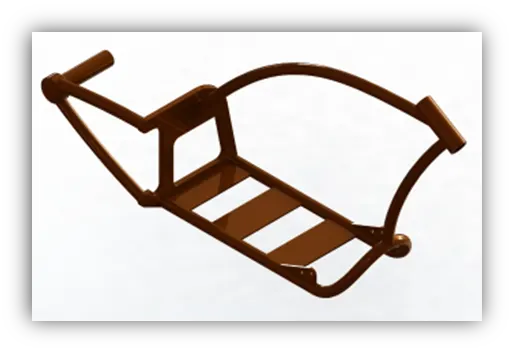
- Pedal : This is the footrest for driver while driving.
Commands used in Pedal,
Sketch
Boss extrudes
Linear pattern
Fillet
Chamfer : It is used to make sharp edges/ corners unsharped with specific angle and distance.
Revolve boss : It is used to revolve sketch in defined degrees around defined axis.
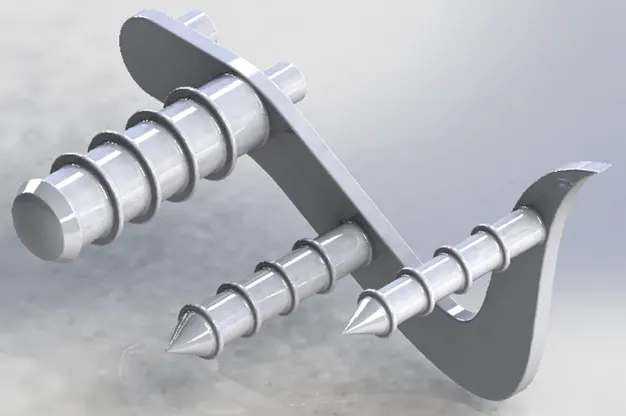
- Kick stand: It is used to rest vehicle in leaning positions when static.
Commands used in Kick stand,
Sketch,
Loft: It is used to connect OR make profile between two different sketches of different dimensions.
Dome: It is used to make dome profile on plane surface.
Boss extrudes
Cut extrude
Split
Fillet
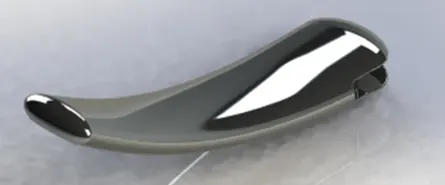
- Transmission Belt : It is used to transmit power.
Commands used in Transmission belt,
Sketch
Boss extrude
Fillet
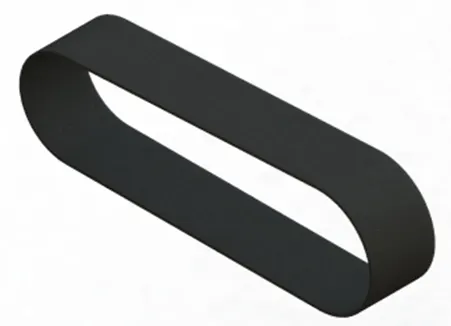
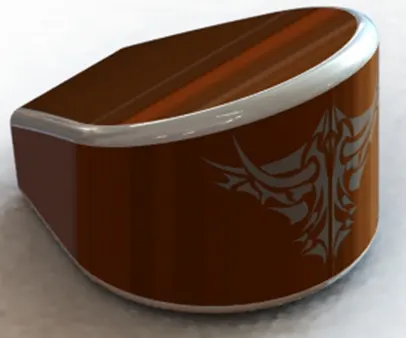
- Oil tank : It is used to reserves oil in it.
Commands used in Oil tank,
Sketch ,
Boss extrude,
Combine : It is used to combine two different parts
Fillet
Shell : It is used to make part hollow with desired thickness.
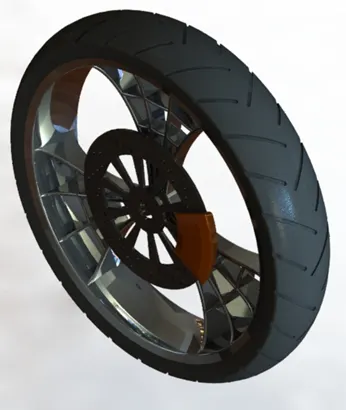
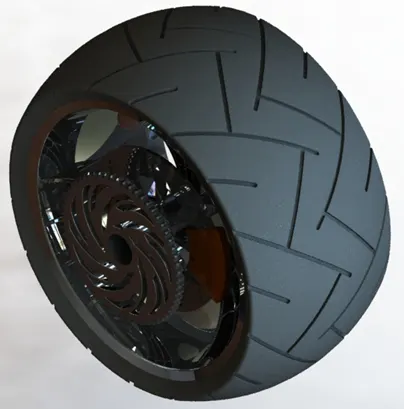
- Rear & Front wheel : These are rotating parts on which bike propels.
Commands used in Wheel,
Sketch,
Revolve boss,
Boss extrude,
Cut extrude,
Circular pattern, : It is used to pattern command in circular path.
Revolved cut : It is used to cut a revolved boss with defined sketch.
Fillet,
Chamfer.
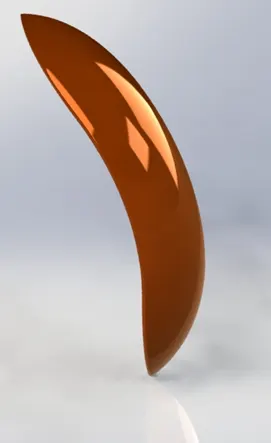
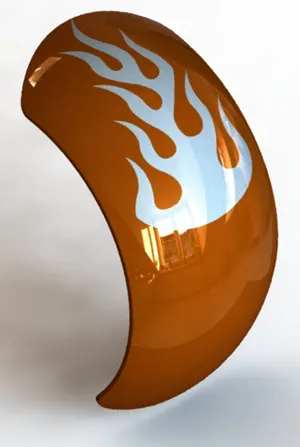
- Rear & Front Fender: These are used to prevent dirt & water that comes from rotating wheels.
Commands used in Fenders,
Sketch,
Revolve Boss,
Split,
Fillet,
Shell.
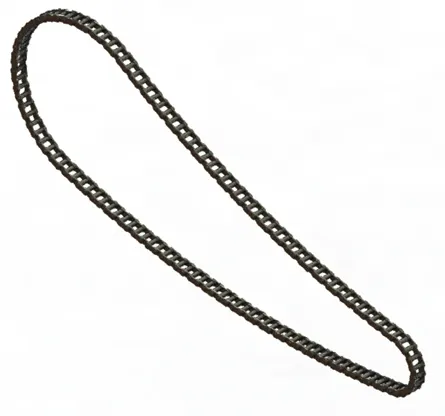
- Chain : This used to transmit power from Gear box to rear drive wheel.
Commands used in Chain,
Sketch,
Block : This is just sketch profile that we can used multiple times when needed.
Boss extrude,
Curve pattern,
Mirror.
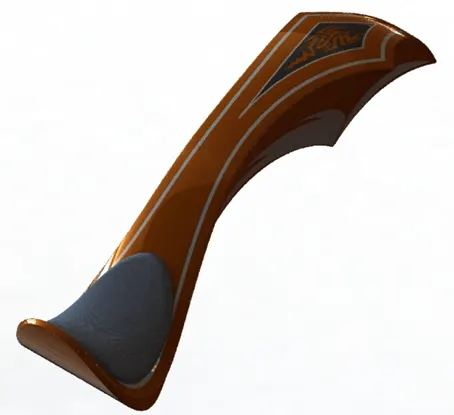
- Gas tank : It is used to store fuel, which used in engine to generate power.
Commands used in Gas tank,
Sketch,
Project curve,
Surface loft : It is used to create surface with help of two sketches.
Surface trim : It is used to trim off unwanted parts in surface.
Surface fill : It is used to construct surface to fill gap in model.
Fillet,
Knit : It is used to combine two surfaces together.
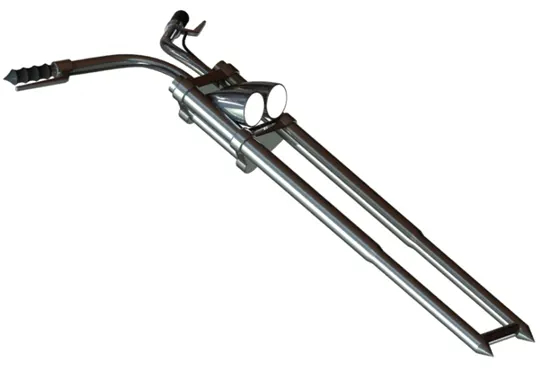
- Front Fork : It is used as a governor of bike and used to turn vehicle in required direction.
Commands used in Front fork,
Sketch,
Revolve boss,
Boss extrude,
Project curve,
Sweep,
Mirror.
- Assembly & Render:
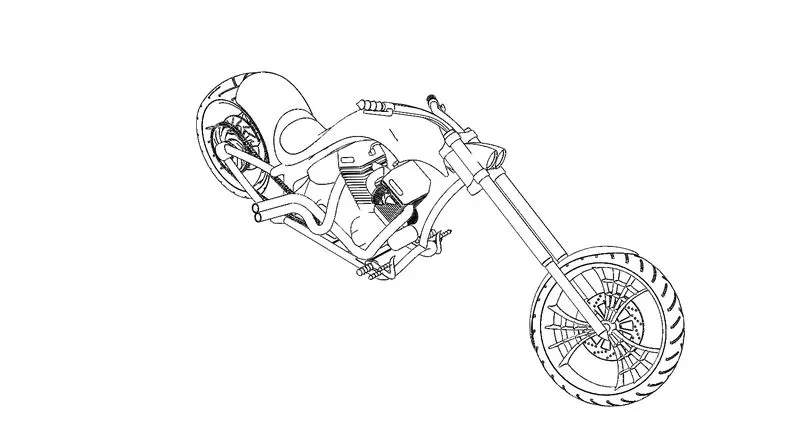
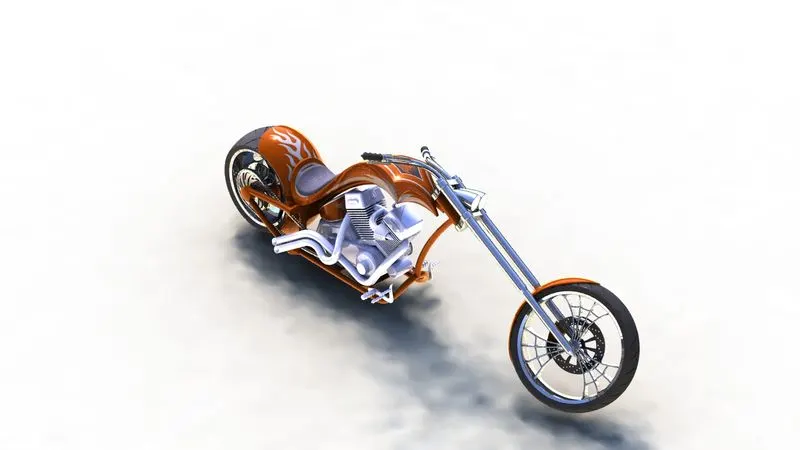
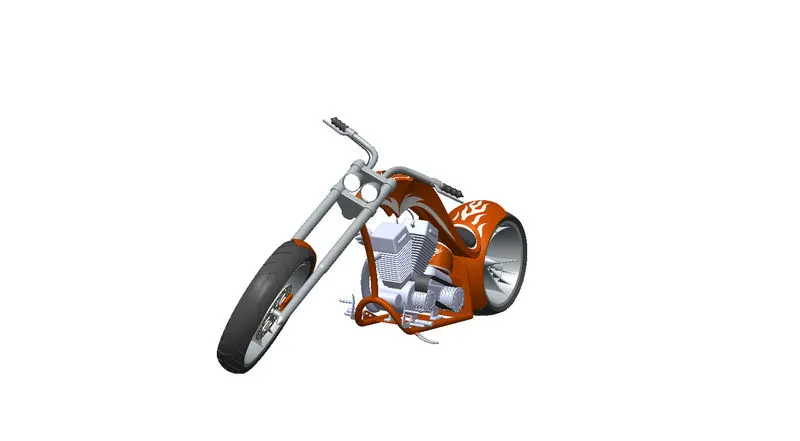
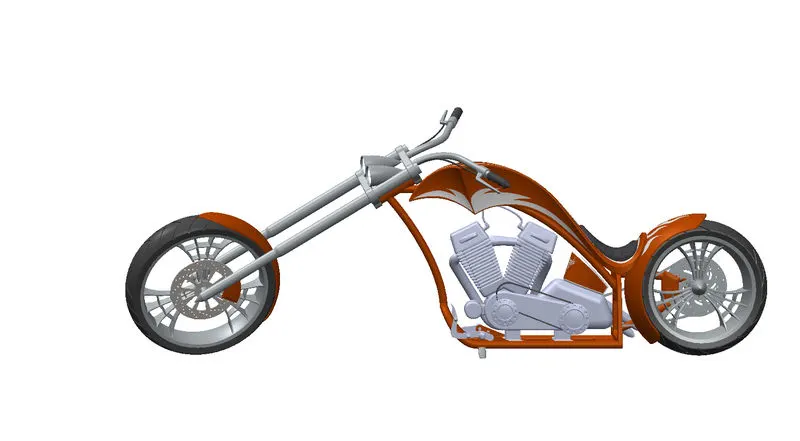
- All parts designed and then assembled with reference to chassis planes, so that all connected.
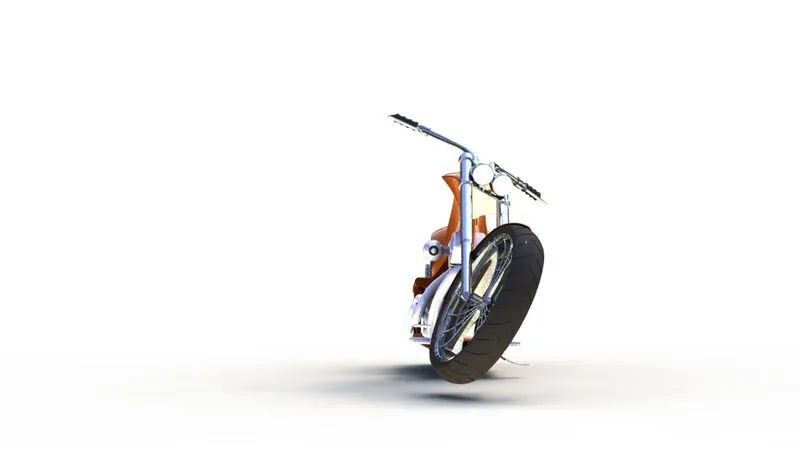
- To Front fort given a normal tilt, so that it looks realistic when in static condition.
- Also, entire bike tilted and rested in Kickstand.
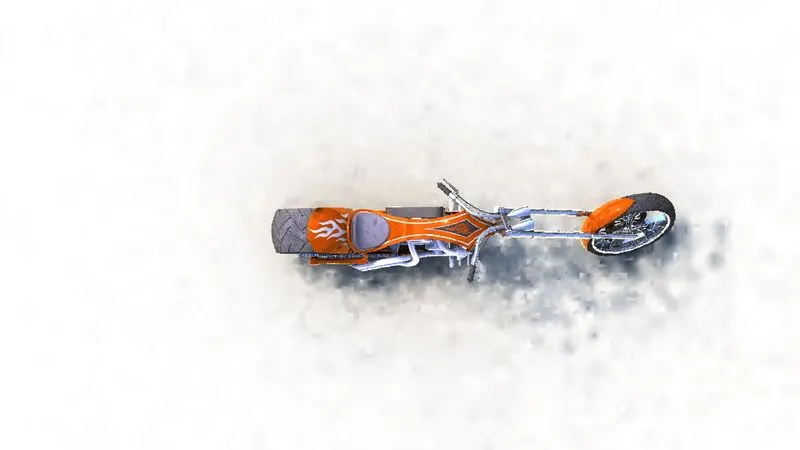
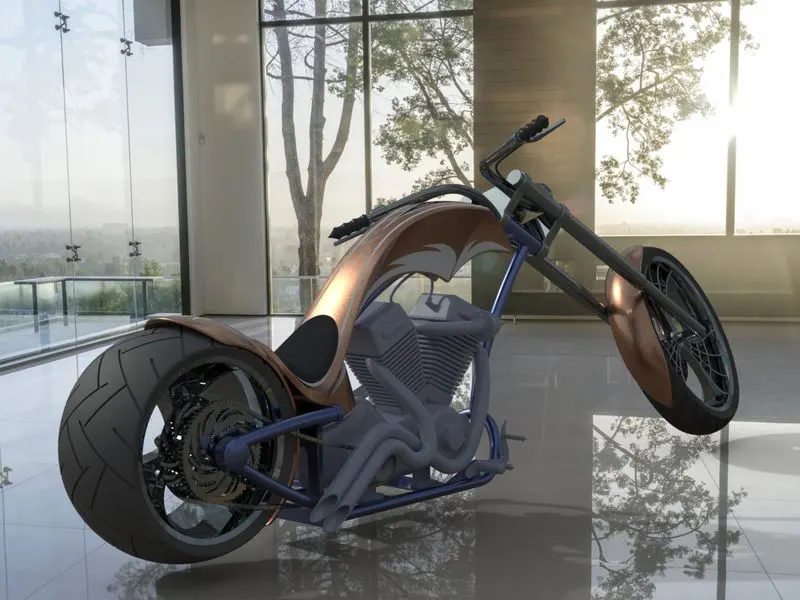
- Perspective views and Camera views are set with Environment condition and background.
- Final renders are created with Photoview 360 and Solid works Visulize.
Conclusion :
American chopper assembly made by designed each parts of it & rendered to get realistic view by using Solidworks, Photoview 360 & Visulize.