Week 8 - Challenge 2 - Switch Bezel Design
DRAFT ANALYSIS
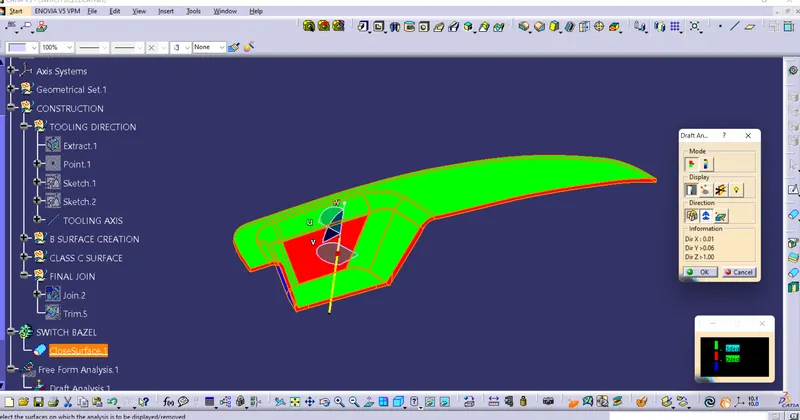
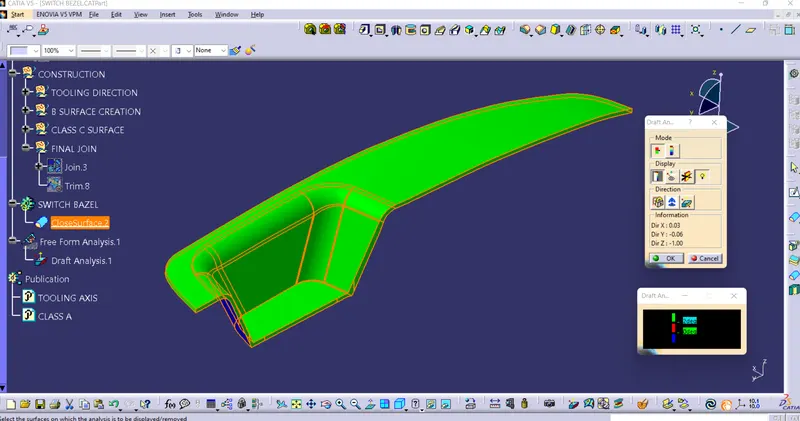
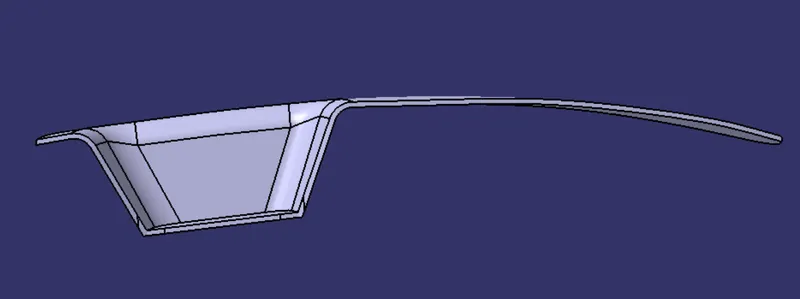
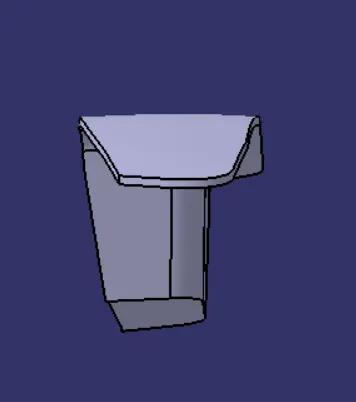
FINAL TRIM SURFACES OF CLASS A, B & C
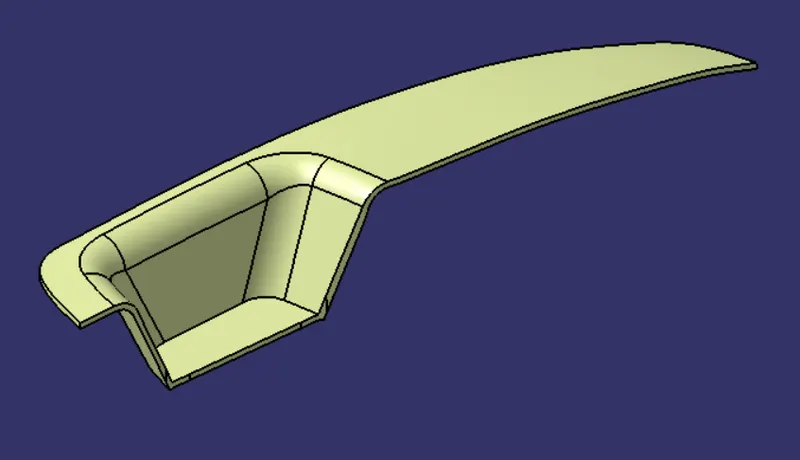
FINAL SOLID PART
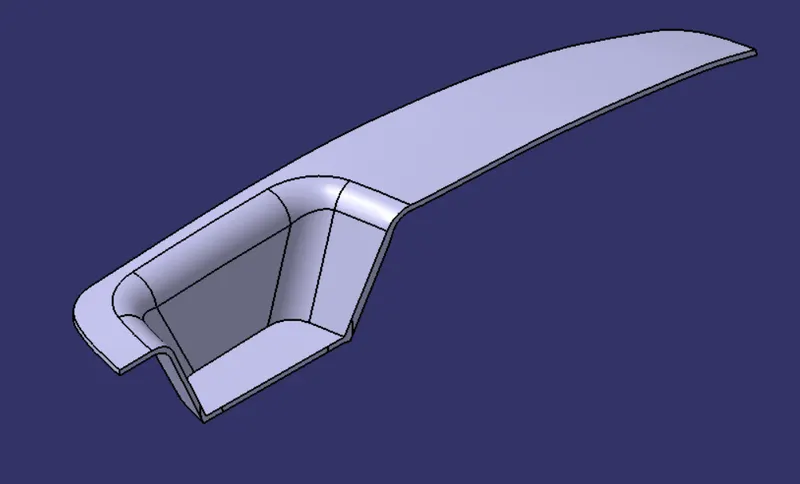

STEP 1: Construction of Tooling axis
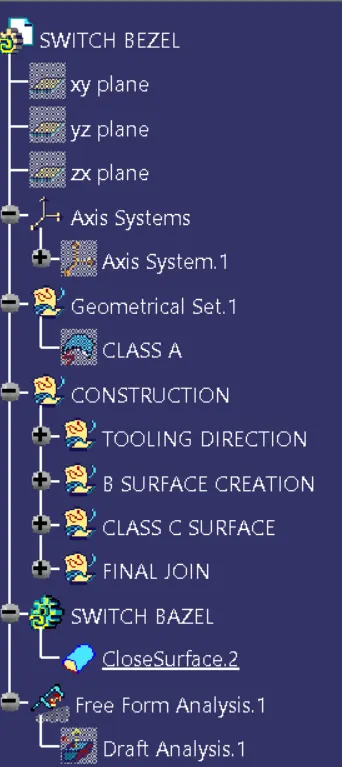
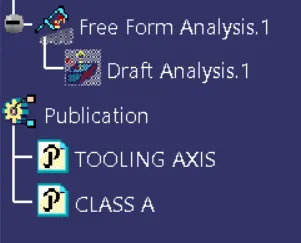
with reference to 3 surfaces available creat tooling axis where used commands like Extract, Point , Sketch etc.
Now two surfaces lines created for creating a Bisecting line between 2 surfaces.
so with this created 2 tooling axis lines and crested their Main tooling axis.
STEP 2: Creation of Class B surface.
For this take 3 surface reference which are BEZEL REST SURFACE, SIDE WALLS & BASE.
So with some commands like Extract, Untrim, Extrapolate etc created Class B Surface.
STEP 3: Creation of Class C surface.
Class C surface is the surface which is used to close the Surface A & B.
so for that Created a boundary condition of Class B surface & SWEEP it to Class A surface.
Now when all required surfaces we have created Final Join command perform, where before that we face some problems and to solve it we used SMOOTH CURVE command.
After that first we have join CLASS A & C surfce with JOIN command.
Later on that TRIM the CLASS B surface and recieved the final requored shape Surfaces.
Now switch to PART WORKBENCH , Define the part body and created the closed surface part with CLOSED SURFACE command.
After that perform the Draft analysis by selection of MATERIAL mode and check the draft angles we have provided.
if somewhere found negative value of angle then change the angle of second dummyline and again perform the same thing.