Week 8 - Challenge 3 - Coin Holder Design
TREE STRUCTURE
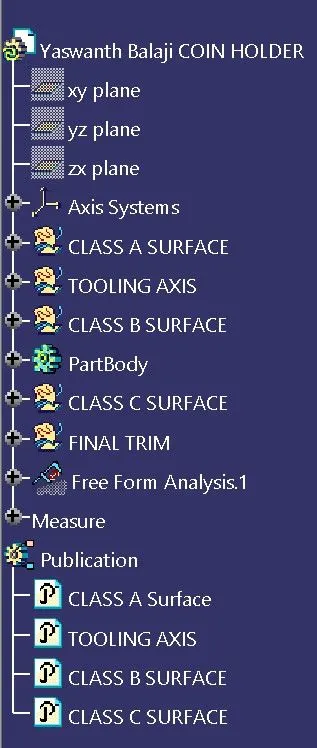
CLASS-A SURFACE
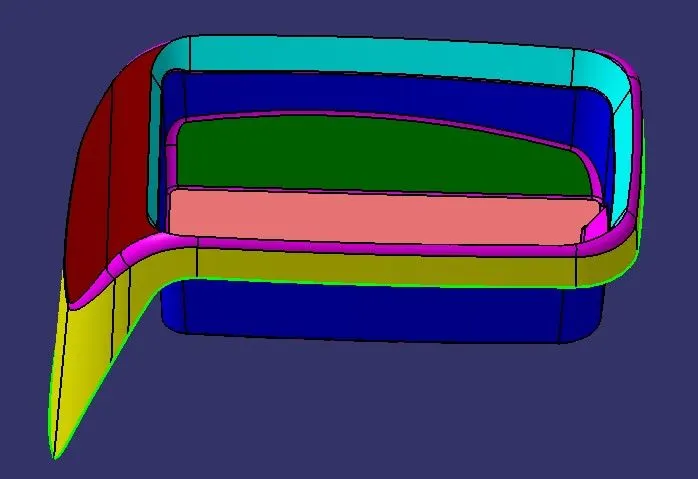
- ISOMETRIC VIEW
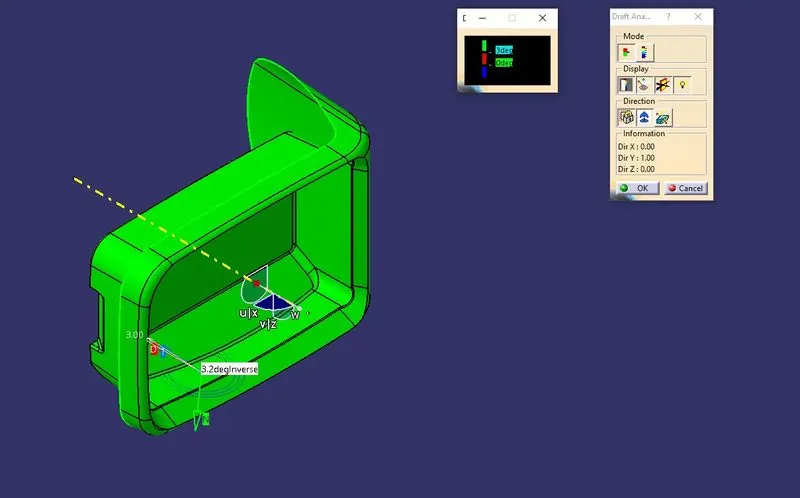
- FRONT VIEW
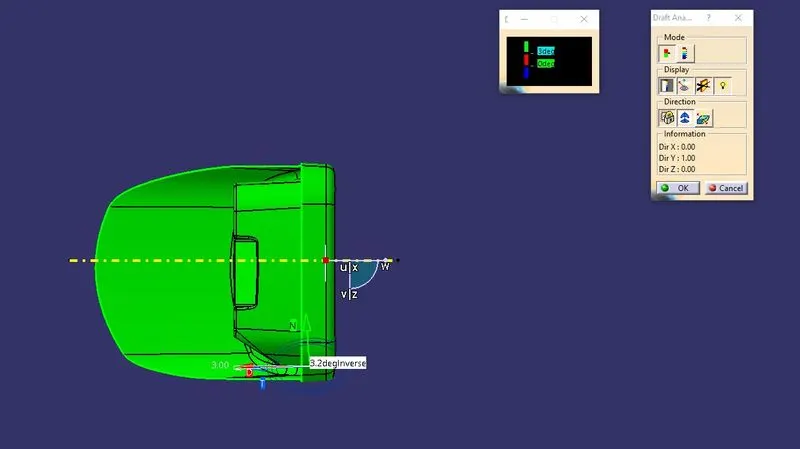
- RIGHT-SIDE VIEW
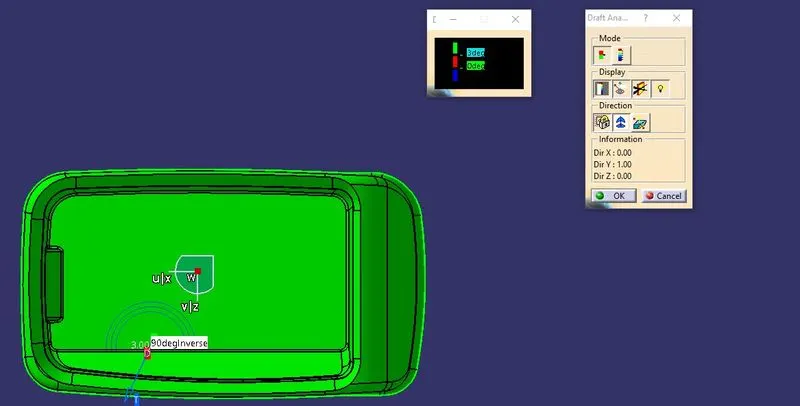
- TOP VIEW
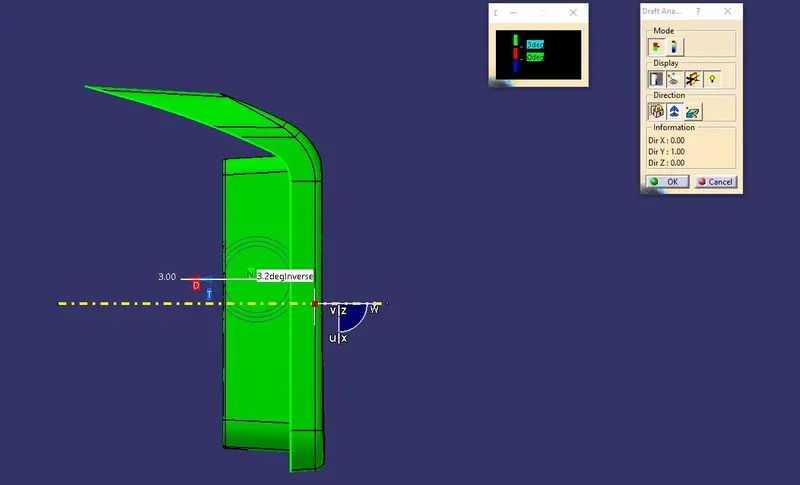
FINAL SOLID MODEL
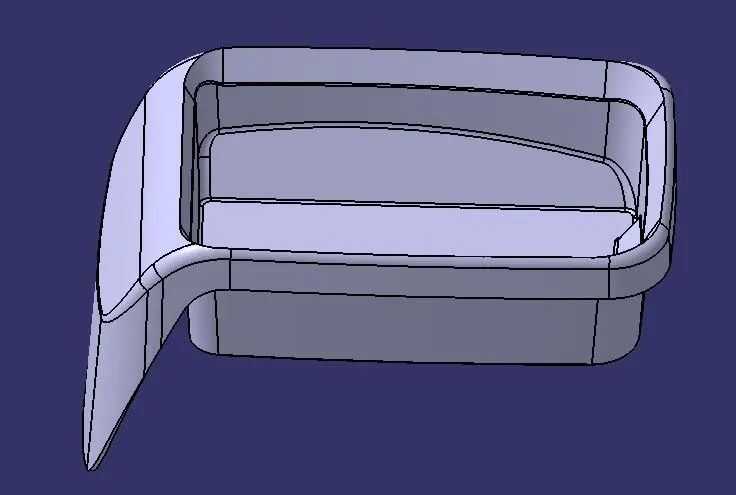
- ISOMETRIC VIEW
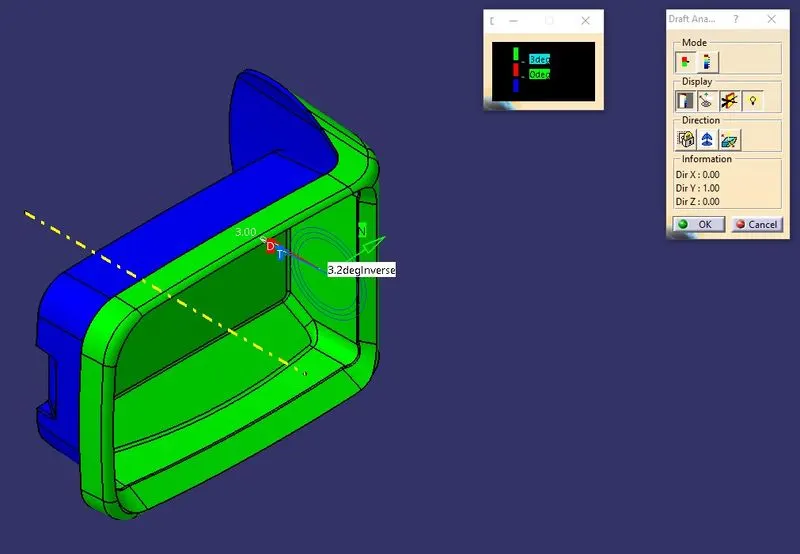
- FRONT VIEW
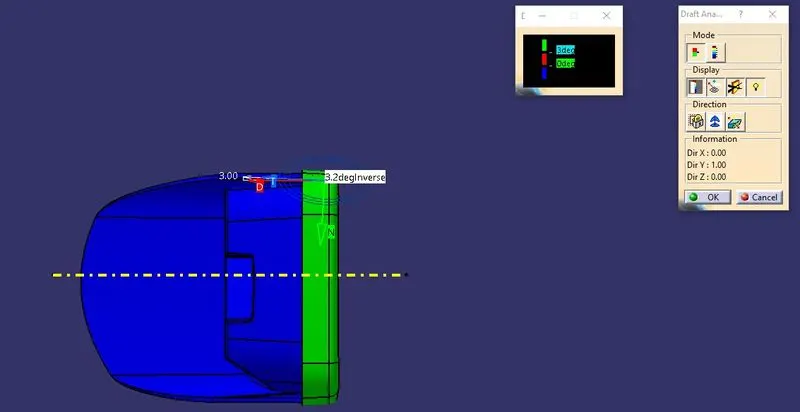
- RIGHT-SIDE VIEW
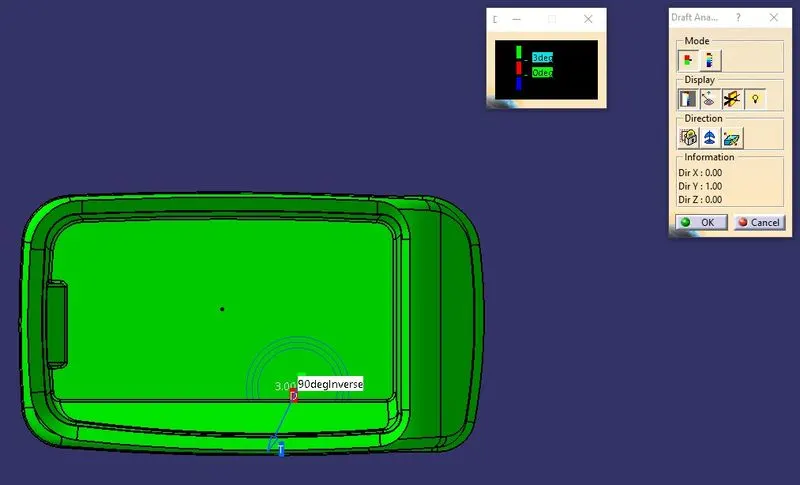
- TOP VIEW
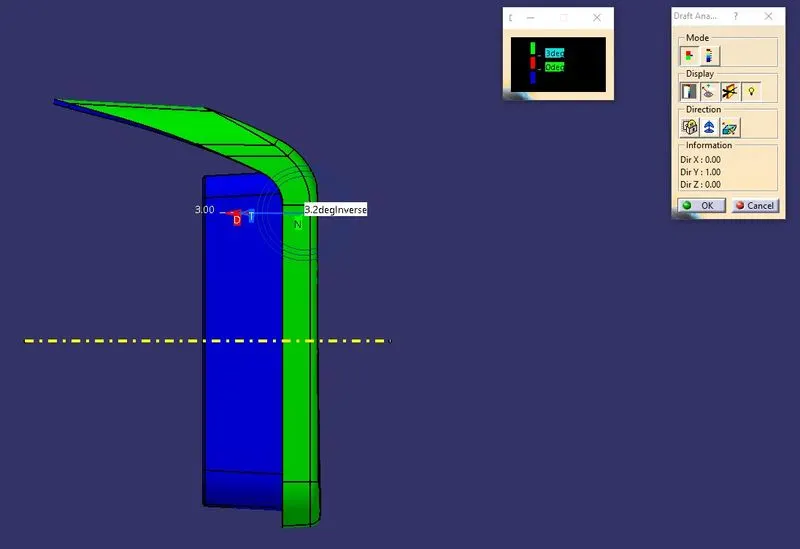
REPORT
TOOLING AXIS:
- Create an extract of the base of Class-A.To do that follow these steps
Step-1:
Go to the operations toolbar
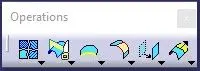
Step-2:
Select the third option for another toolbar called extracts
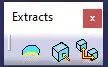
Step-3:
Select the second option for creating an EXTRACT and pic the required element for the extract.
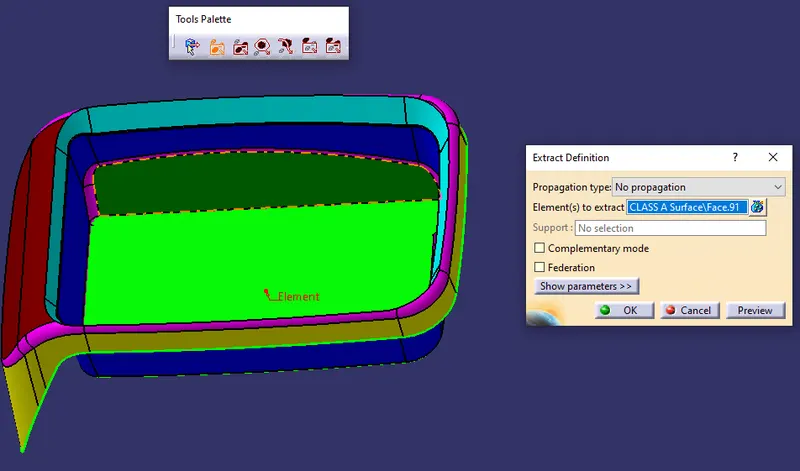
Step-4:
After selecting OK option the reqired element extract is created.
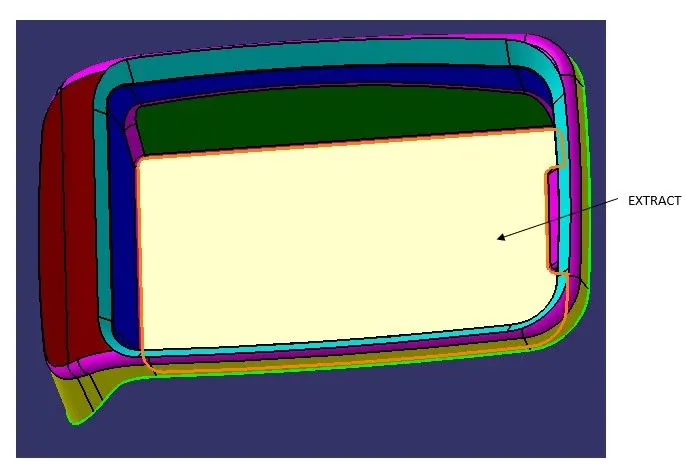
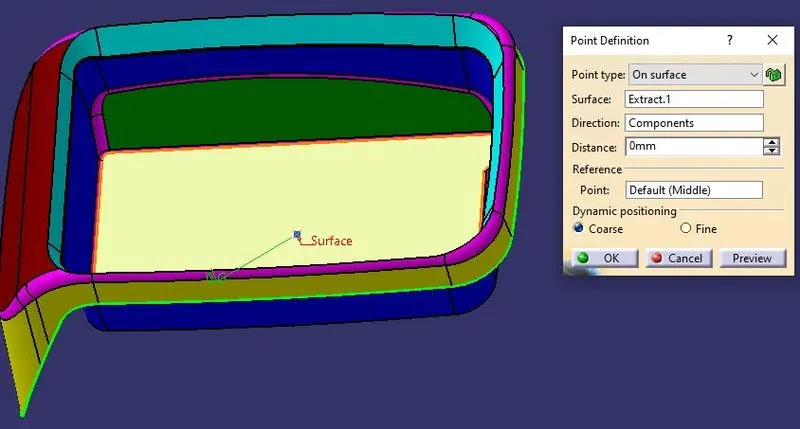
- Create a point exactly at the middle of the extract surface by selecting point option from the wireframe toolbar.
Step-1:
Select the point option on the wireframe toolbar.
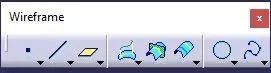
Step-2:
Select the following options of the dialouge box and select OK.
Step-3:
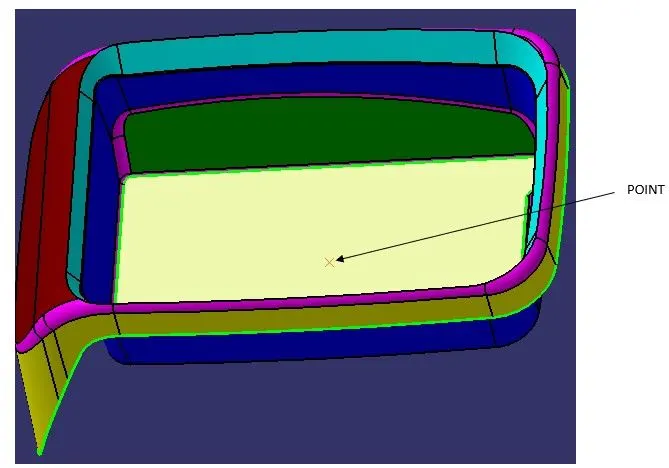
The point has been created exactly at the centre of the surface.
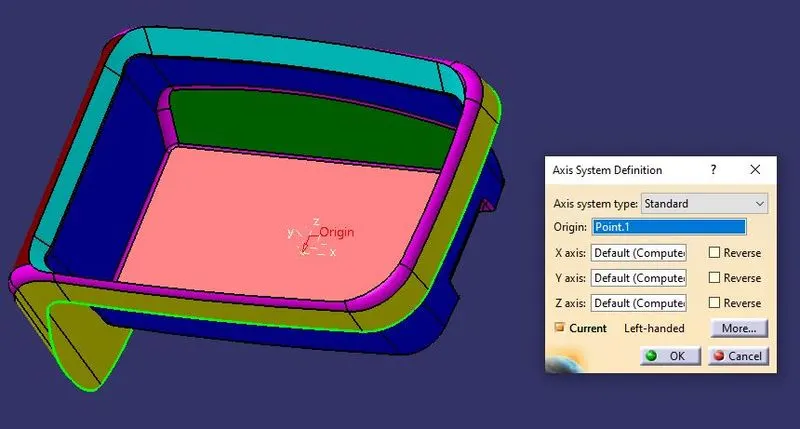
- Insert the AXIS SYSTEM on the point recently created as the origin.
- Create an Intersection on the YZ plane and hit OK.
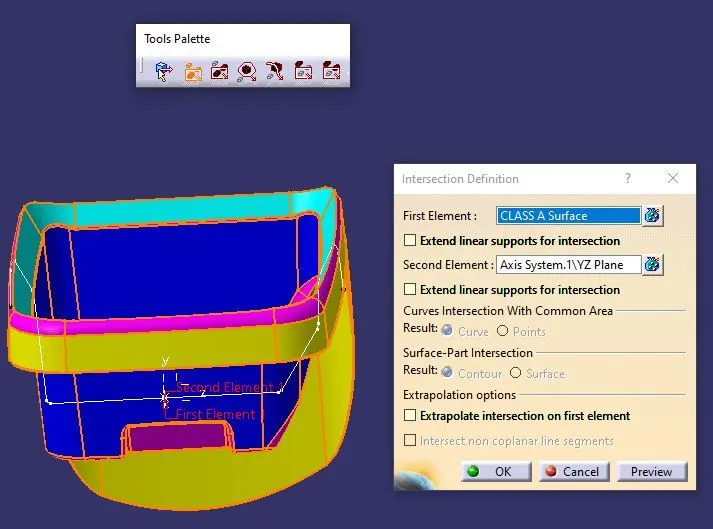
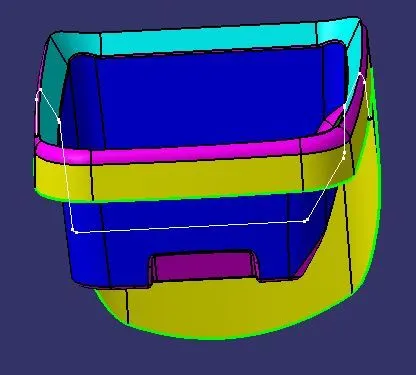
- Since there are no major deviations in the intersection wireframe model,the tooling axis can be creating at the centre of the class-A using the point we created recently.
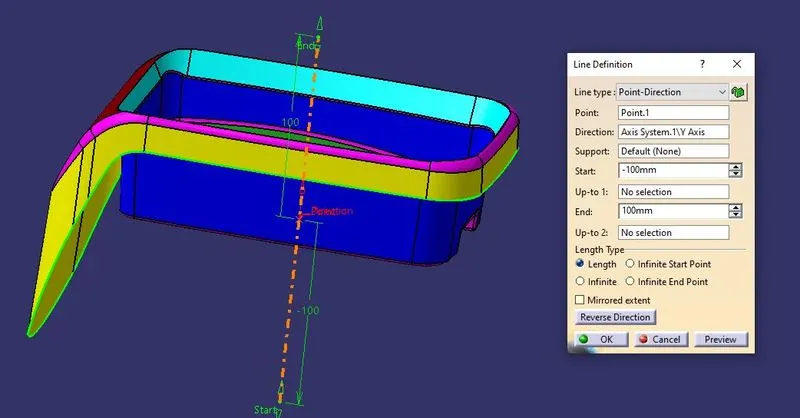
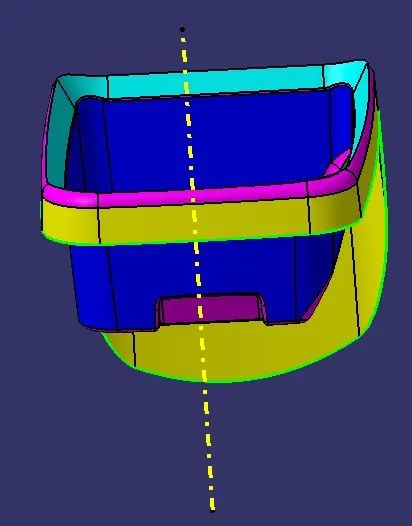
- Tooling axis will be consistent throughout Class-A,B & C.