Week 8 - Challenge 3 - Coin Holder Design
Draft analysis report
Class-A surface
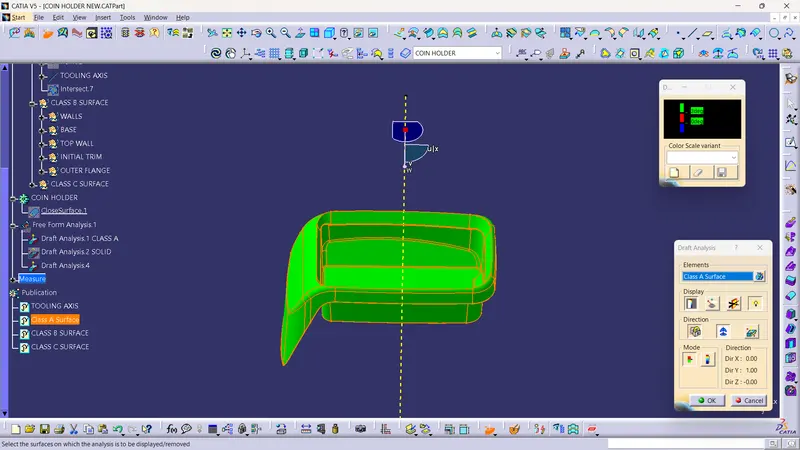
In this challenge for making tooling axis, extract the base surface and create a point on surface with distance = 0, after that generate line with line type normal to surface, surface was extracted one and with same point.
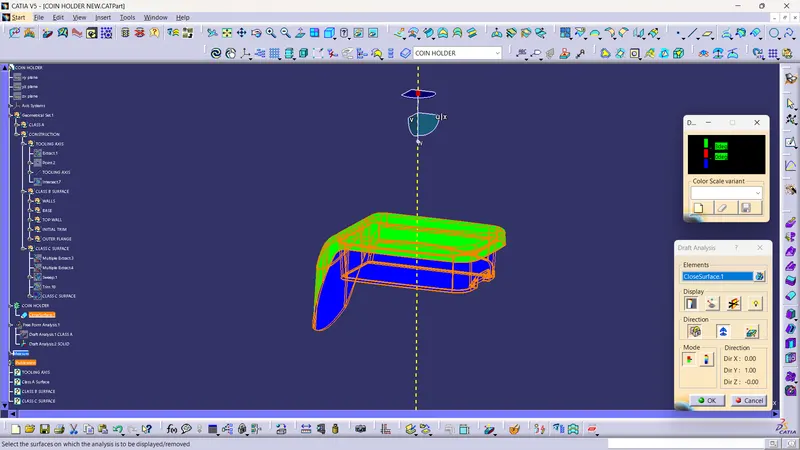
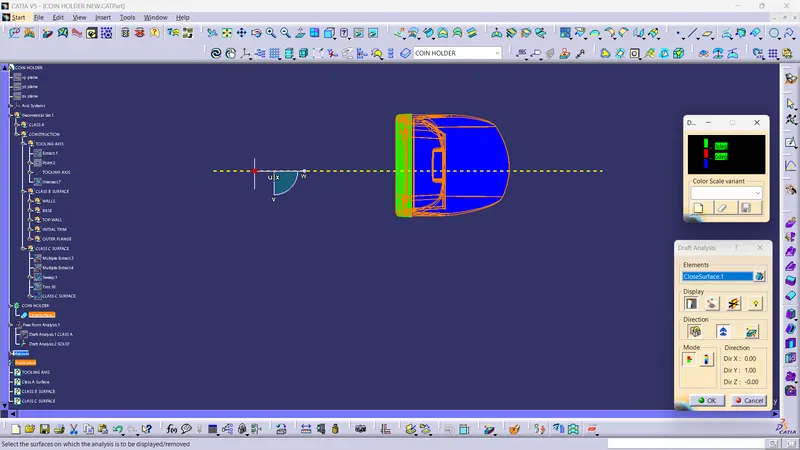
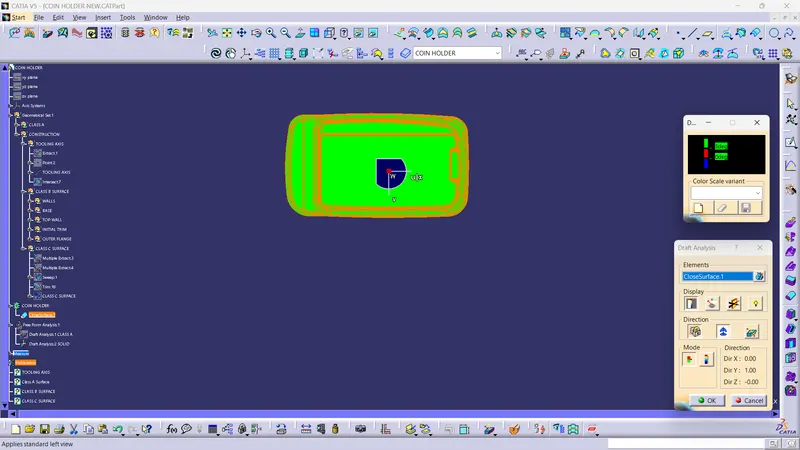
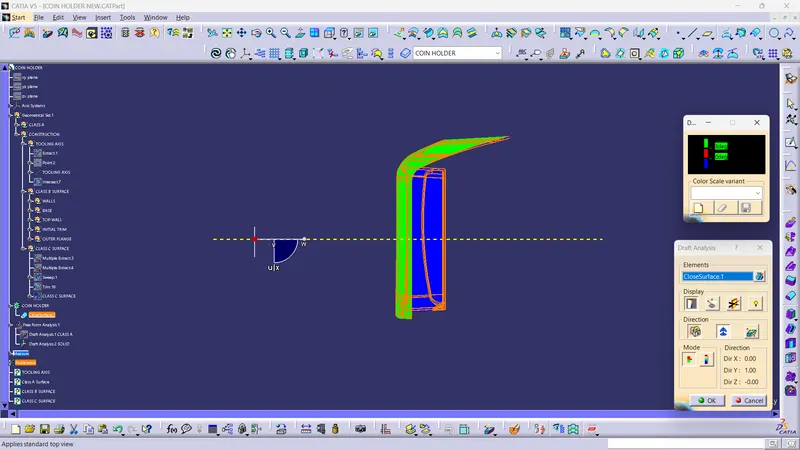
For checking line to have right drafting angle, select feature drafting anylasis, provide the directing of tooling axis with compass and lock it, after that open display, set drafting angle and at last select the element.
See the colour and check the structure on drafting angle 3°. As the on the tooling axis the structure was showing surface green so it was as per our drafting angle, so I worked on class B and class C. Later I perform the drafting anylasis for closesurface and got the result attached below.
Final plastic component
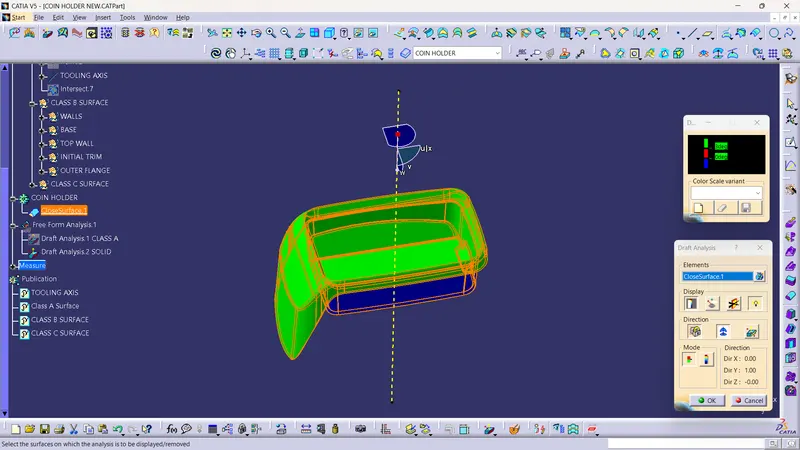
Solid model
(Isometric, Front, Side, and Top View)