Week 8 - Challenge 2 - Switch Bezel Design
A - SWITCH BEZEL
1- Making tooling clearing for the faces by creating a sketch on yz plane and intersecting the class A surface and then using the bisecting line tool to get the required line.
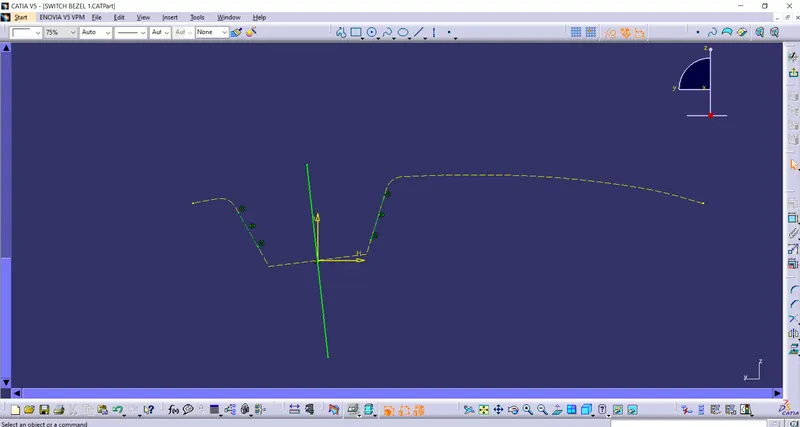
2- Making the tooling clearing for the faces by creating sketch on zx plane and then intersecting the surface A with this plane then creating a line from centre and giving it a certain angle value .
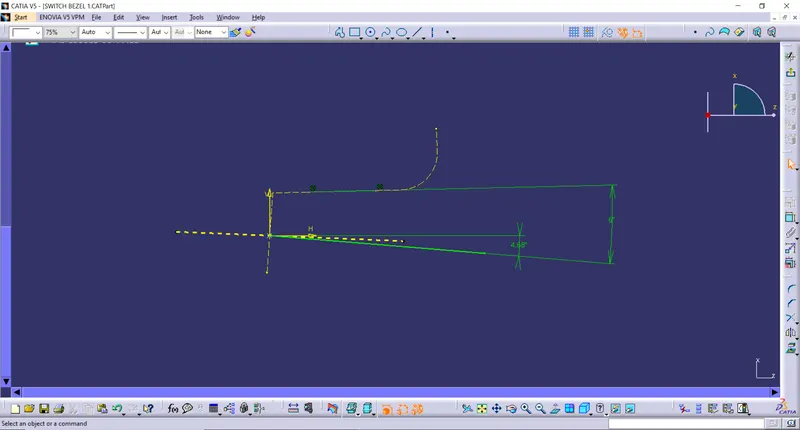
3 - Now , we can bisect the two lines so that we get the Tooling axis for the part.
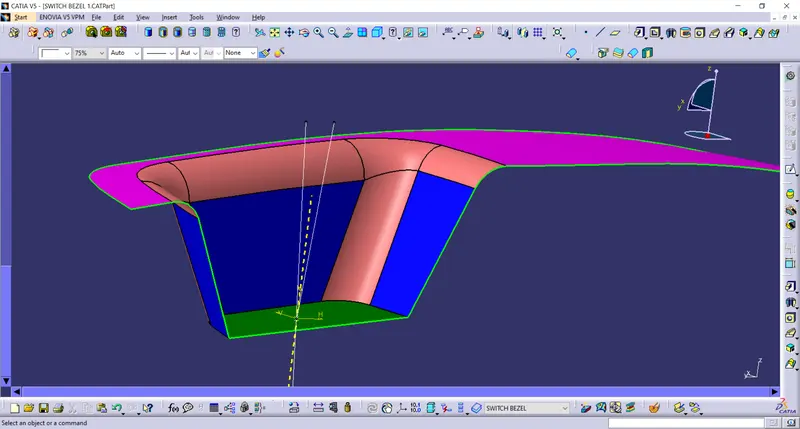
4- Doing draft analysis on the Class A surface.
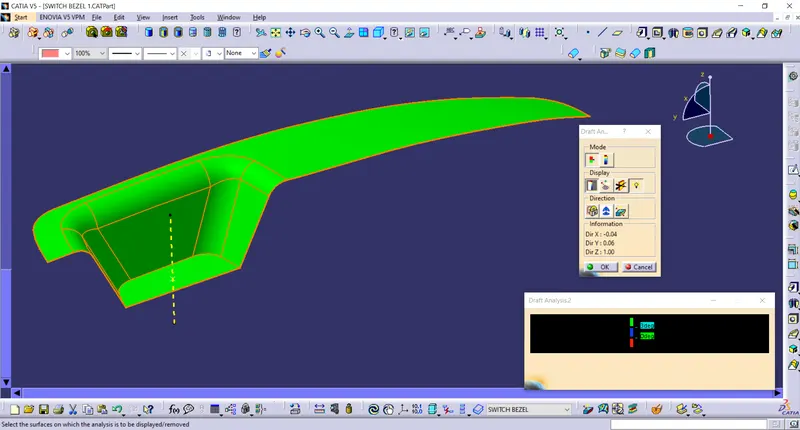
5- extracting the rest face from the class A surface.
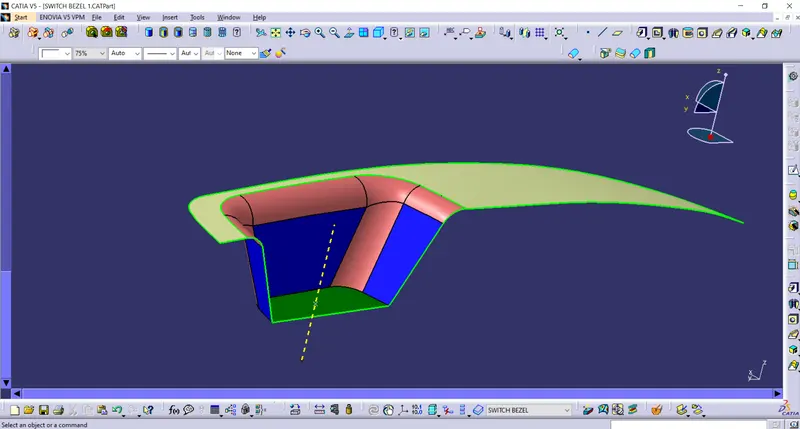
6- By using the untrim and extrapolating we get the below surface.
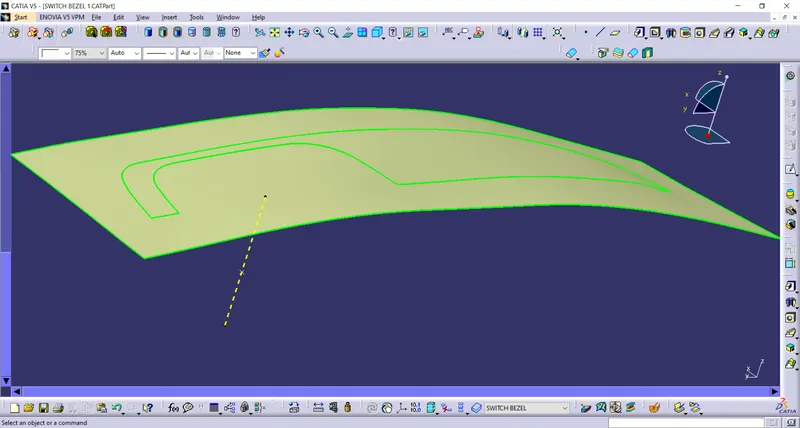
7 - Using the offset tool with a thickness of 2.5mm.
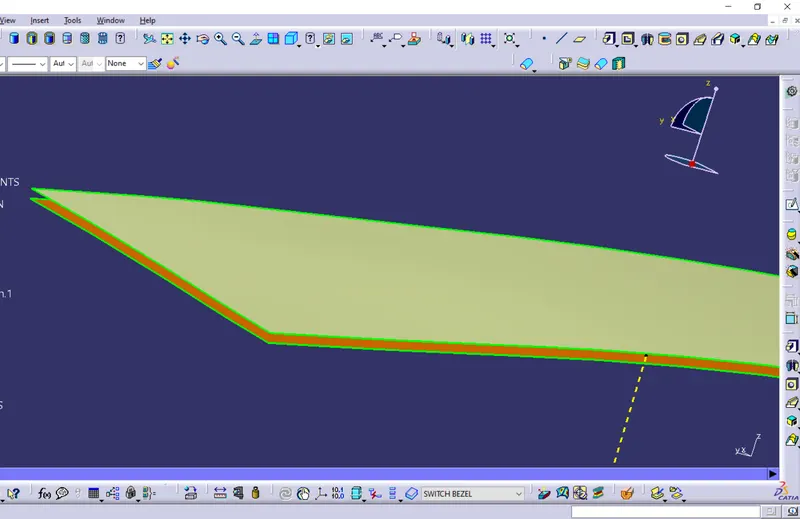
8- Extracting the walls from the class A surface.
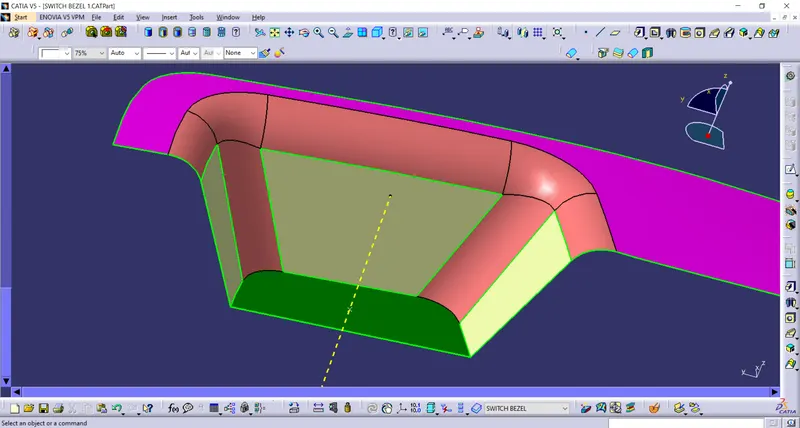
9- using the untrim and extrapolating tool to get the surface shown below.
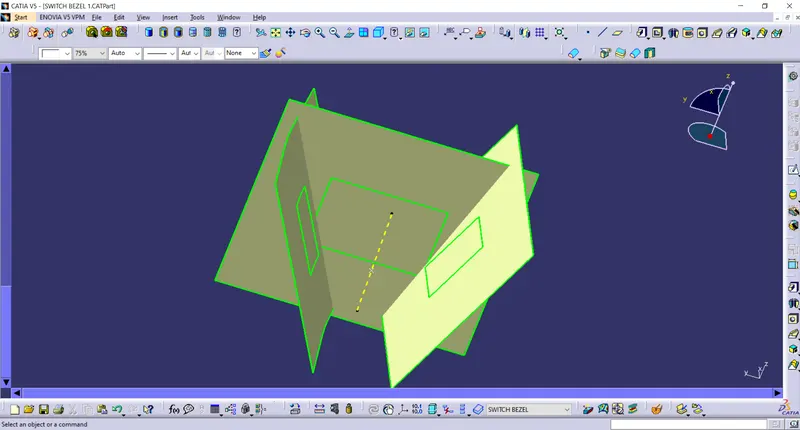
10 - Using the trim command to fet the surface as required.
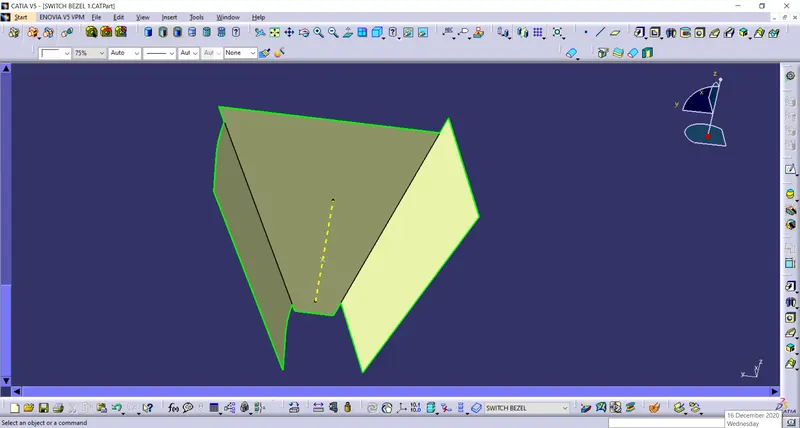
11 - Offsetting this surface by a thickness of 2.5mm .
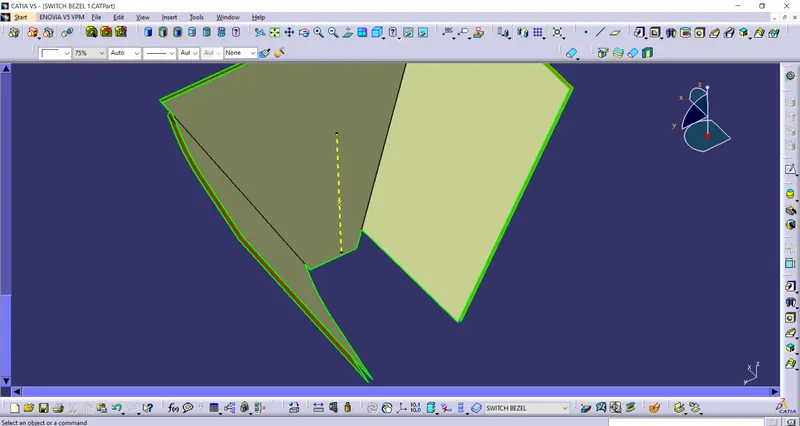
12- Extracting the base face from class A surface.
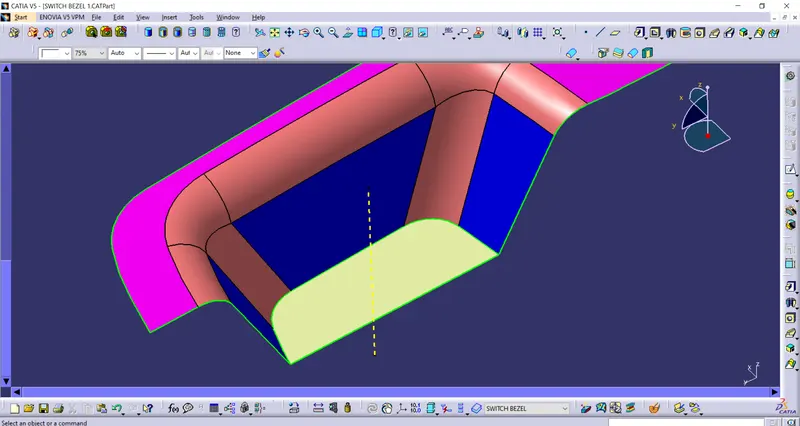
13- Using the untrim and extrapolating tool to get the surface as shown below.
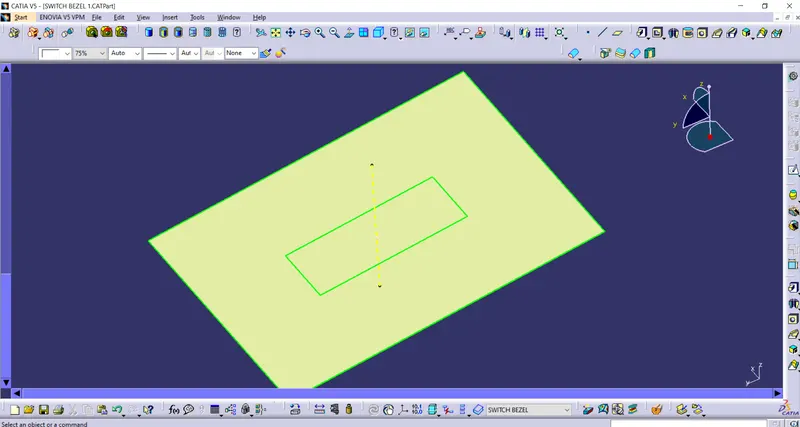
14 - Offsetting this face by 2.5mm
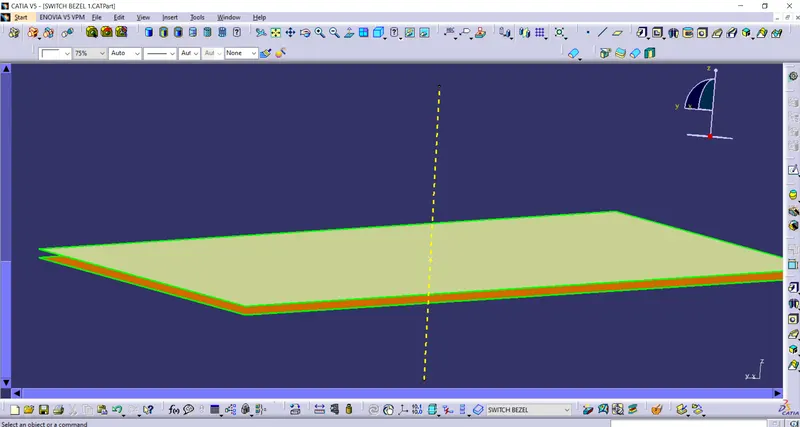
15 - We will get the this surfaces as shown below.
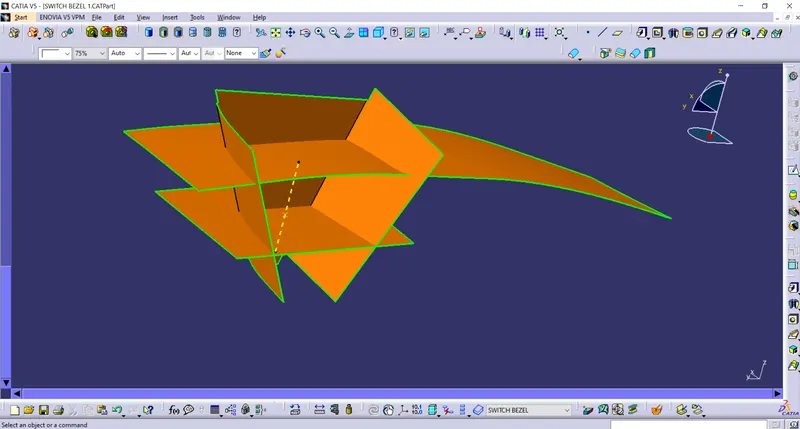
16 - Using the trim tool we wil get the surface as shown below .
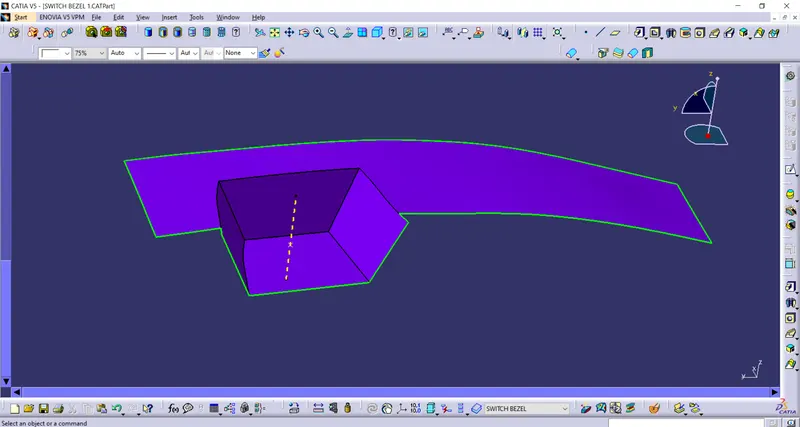
17 - Now we will find the fillet value by extrapolating the fillet surface from class A surface and then using the untrim tool on it and then we will measure its edge.
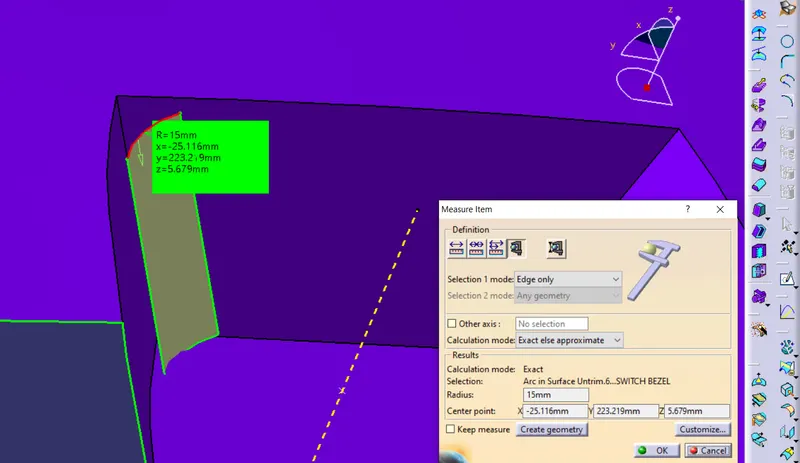
18 - Now we will give the fillet value by the fillet rule.
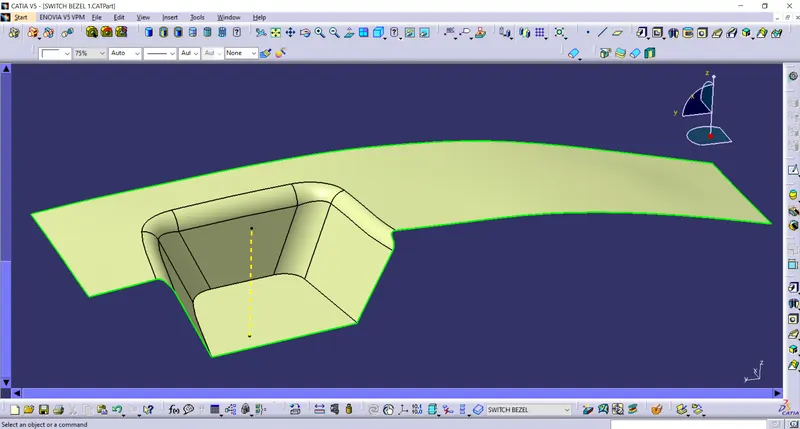
19 - Using the boundary tool on class A surface .
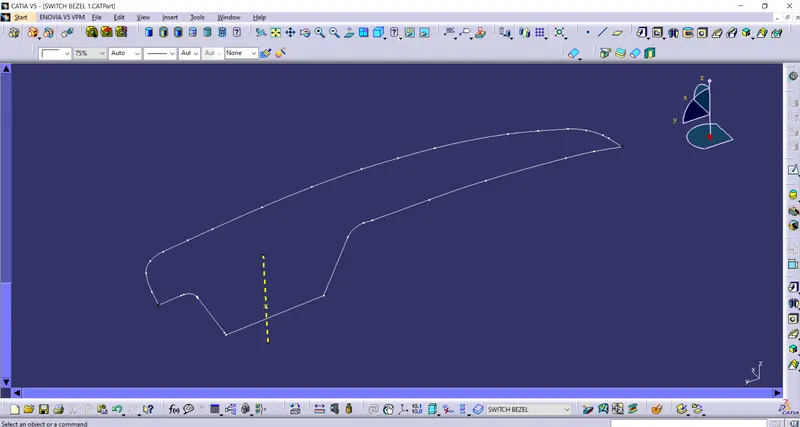
20 - Now we will use the smooth curve option on the boundary surface to get a smooth curve .
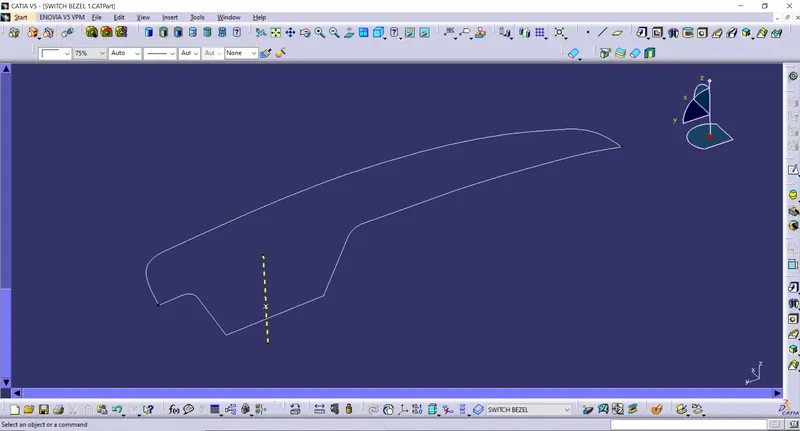
21 - Using the sweep tool with the draft direction option to get the surface as shown below.
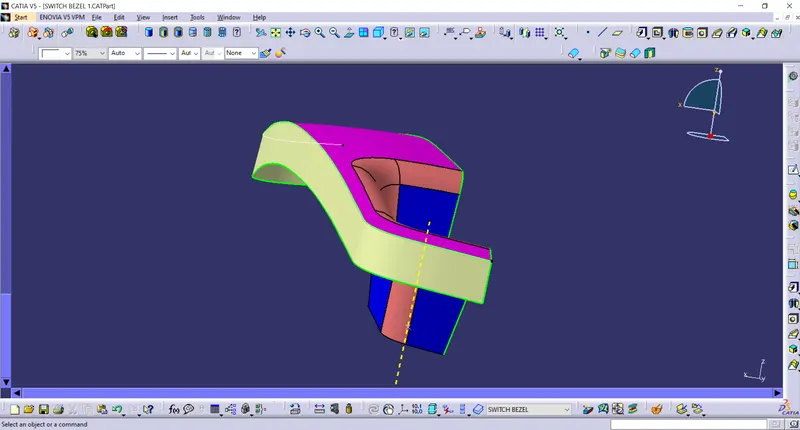
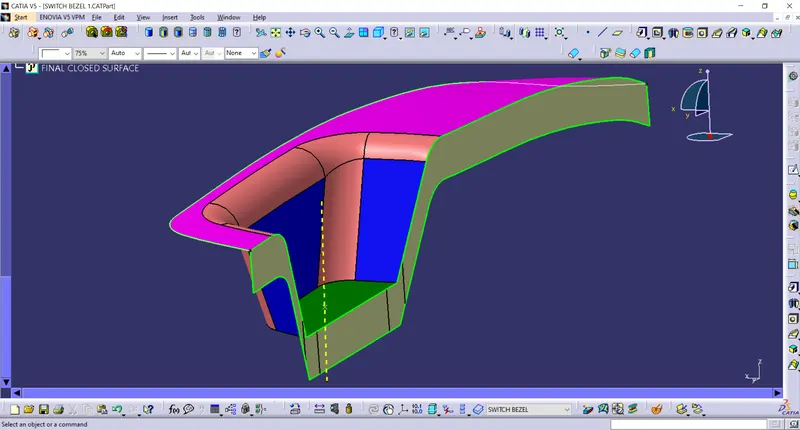
22 - Extrapolating the surface so taht they can be easily trimmed .
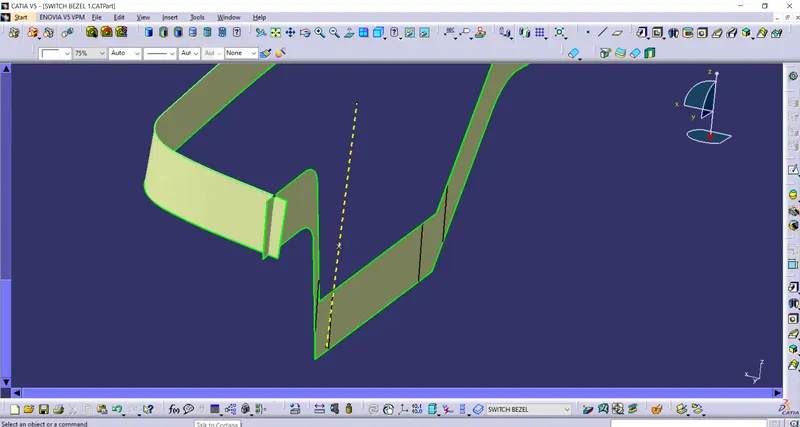
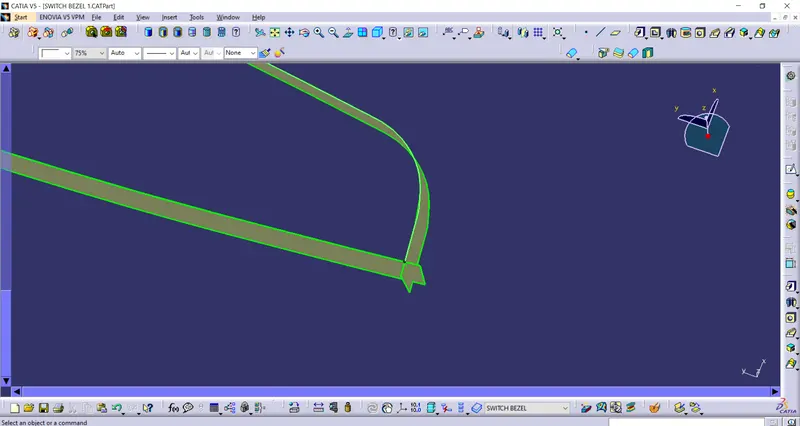
23 - Trimming these extrapolated surfaces to get the surface as shown belown .
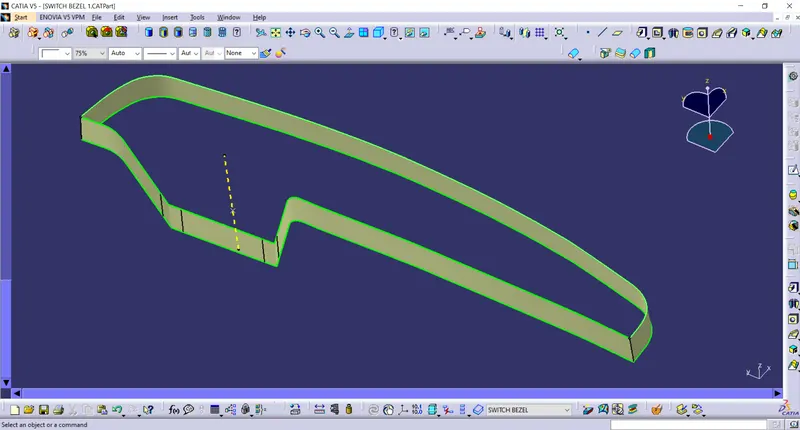
24 - joining this surface with the class A surface , we will get the surface as shown below .
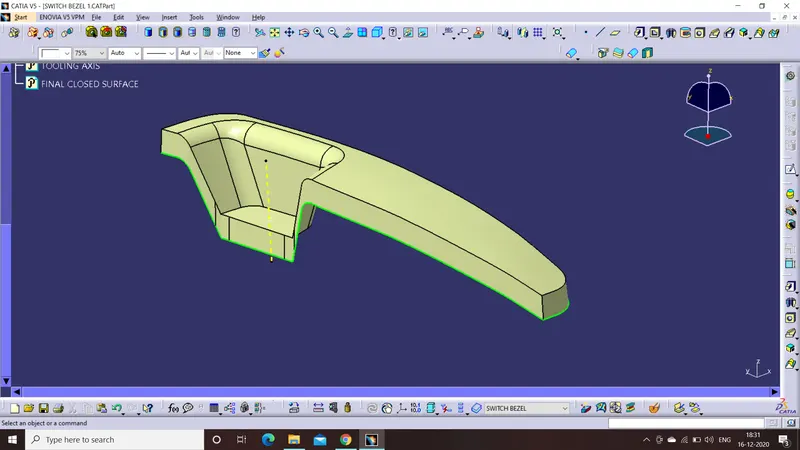
25 - Trimming this surface with the class B surface .
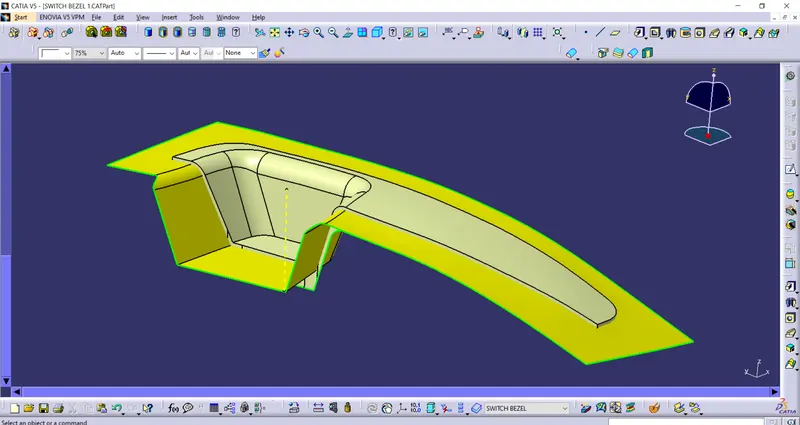
26 - Now a full closed surface is obtained .
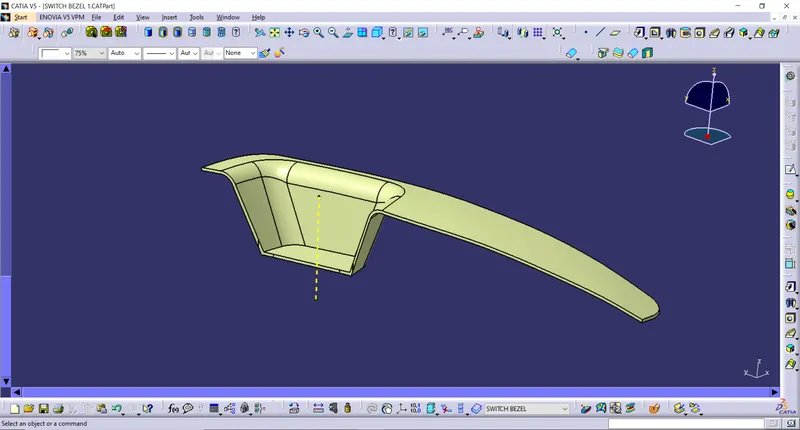
27 - We will then use the closed body toll from part body to generate the required body .
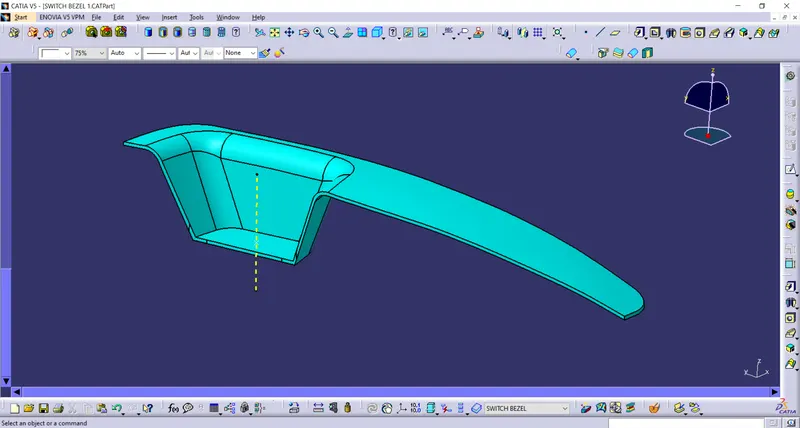
28 - Draft analysis is done on the closed body surface .
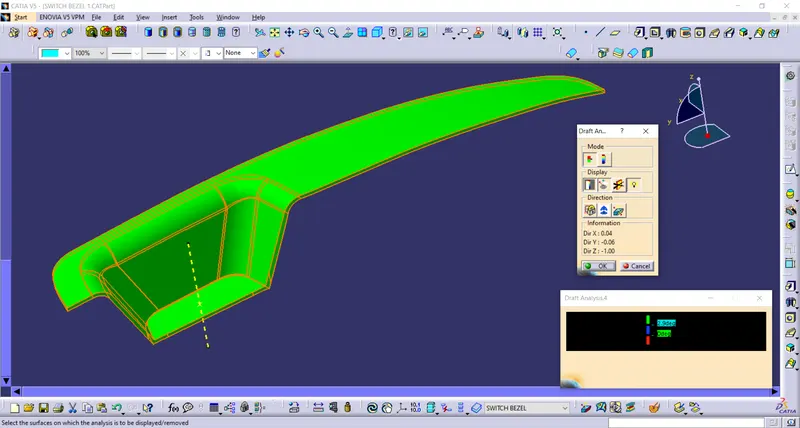
29 - Detail views of the elements of part tree .