Week 8 - Challenge 2 - Switch Bezel Design
REPORT :
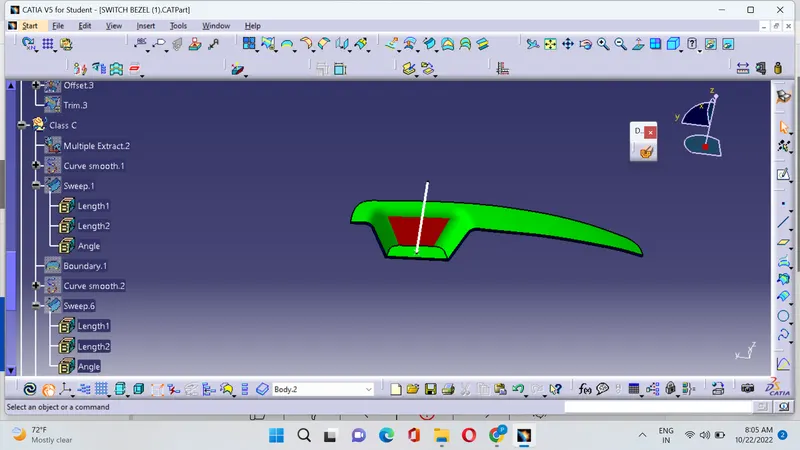
1. First insert a point on the surface of the class A by extracting the base
2. The selected surface is in such a way that the majority portion of the object have to be cleared and the remaining portion is in such a way that it can be cleared in the tooling direction.
3.The bisecting line can be obtained by the combination of two lines that are extracted from the walls or surfaces of the object
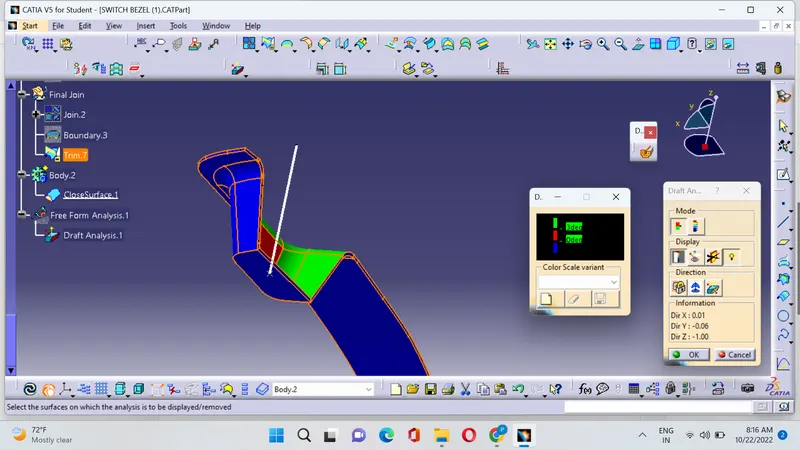
4.Draft analysis can be performed by selecting the 3D axis drag it near to the main tooling axis and place it and then need to click the compass option it will automatically adjusted,thus draft analysis is performed.
Draft Analysis :
1.Green color indicates that the degree is from 0 to 3 degrees
2.Red color indicates that the degree is from 0 to 2.9 Degrees
3.Blue color indicates that the degree is from 0 to negative