Week 8 - Challenge 2 - Switch Bezel Design
REPORT :
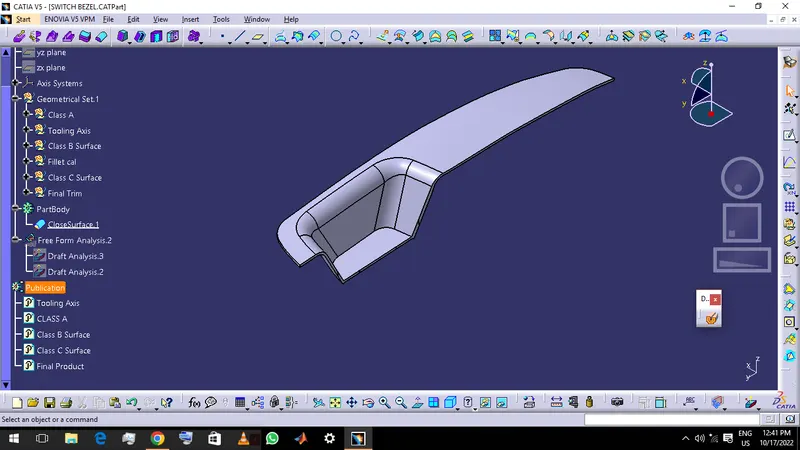
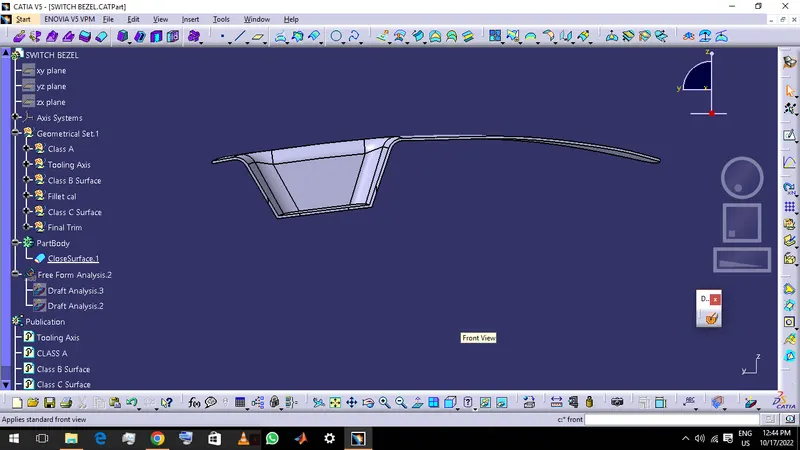
AIM : To Create the Switch Bezel Plastic component through the given Class-A surface .
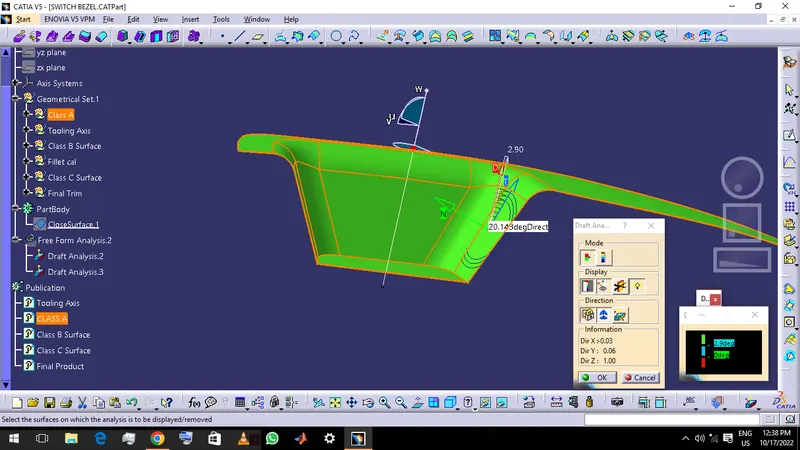
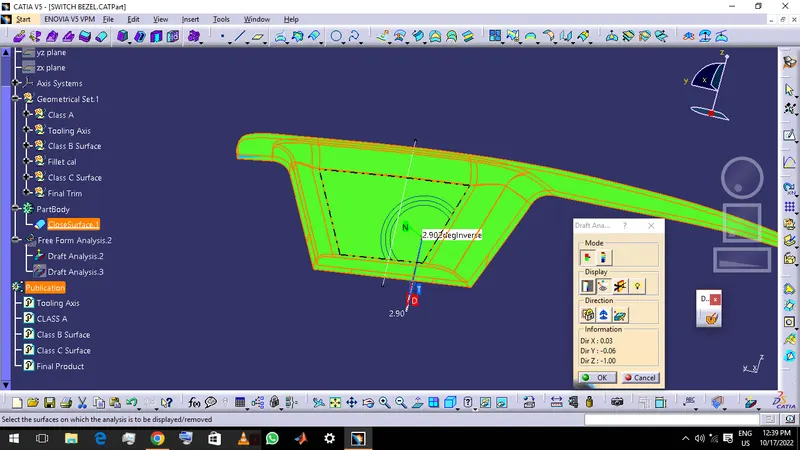
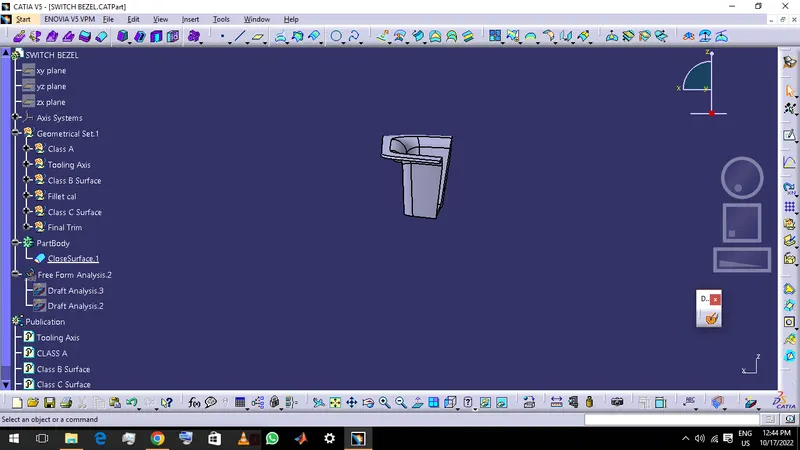
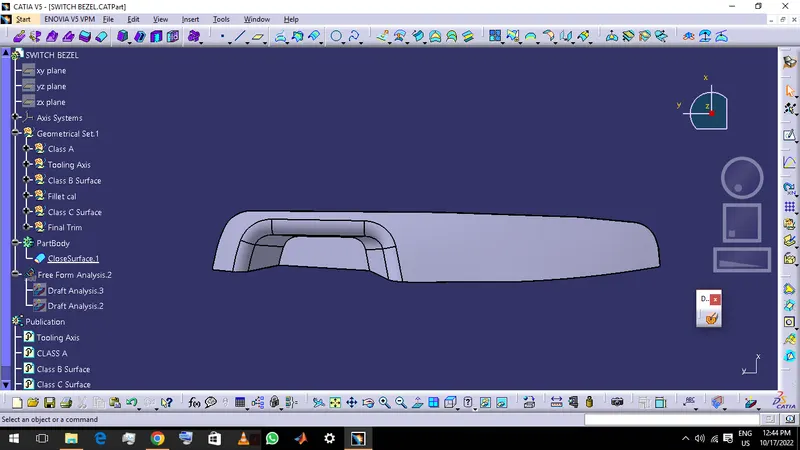
DRAFT ANALYISIS : After the creation of close body click the draft analysis option and in that click the compass option and place the axis in the axis tool created and lock the compass .And take the analysis under the running option to check the draft angle .so in this case i had to do rework the axis tool o make the angle closer to 3 degree or more than 3, for the upper portion .
CREATING THE TOOL AXIS : First the axis has to be found to make the axis tool .It was throught Z-axis and there was 3 angled surafces around the point where i had founded to make axis tool. so i had created 2 lines in YZ plane and XZ plane each and bisected it .In the XZ plane i had created a line thorugh the point angled to 3 degree to the surface .And bisected a line between the surface and created line on the plane .Then created 2 lines along the othere 2 surfaces in the YZ plane and bisected a line . and later bisected a line between these 2 bisected lines to make the Axis Tool .
SCREENSHOTS :