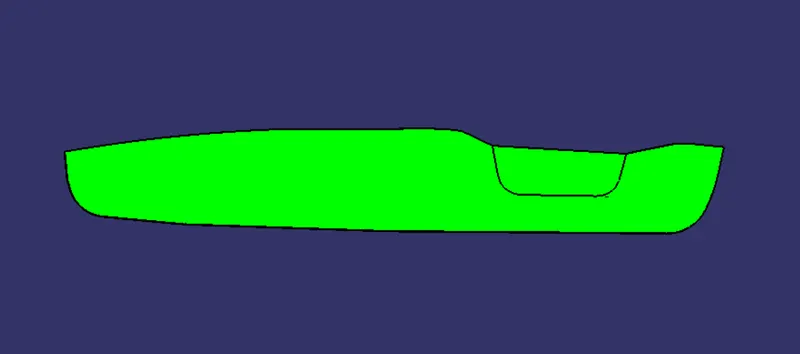
Week 8 - Challenge 2 - Switch Bezel Design
REPORT
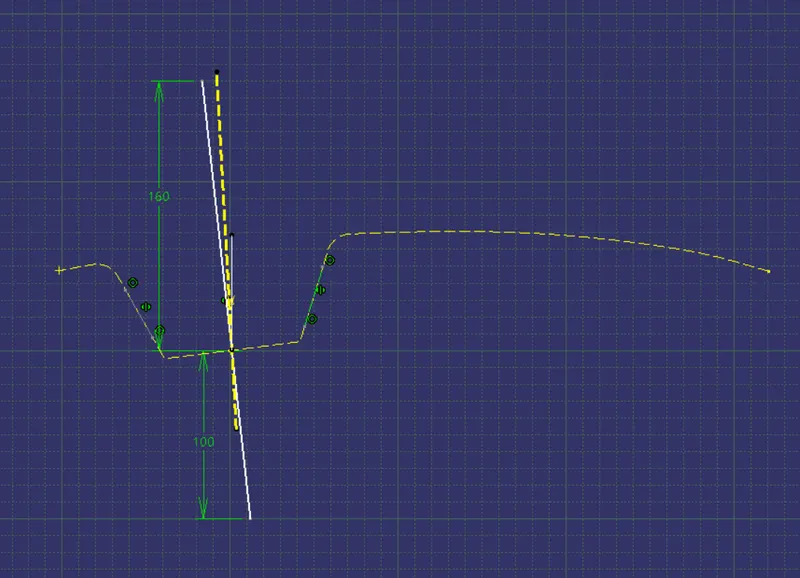
We need to create a tooling axis in the beginning. tooling axis is the direction of mold opening and closing. for creating tooling axis using bisecting method we need to intersect the class A in YZ plane. then created a bisecting line between the intersection which is taked as the tooling axis and changes the thickness , colour and type of line.
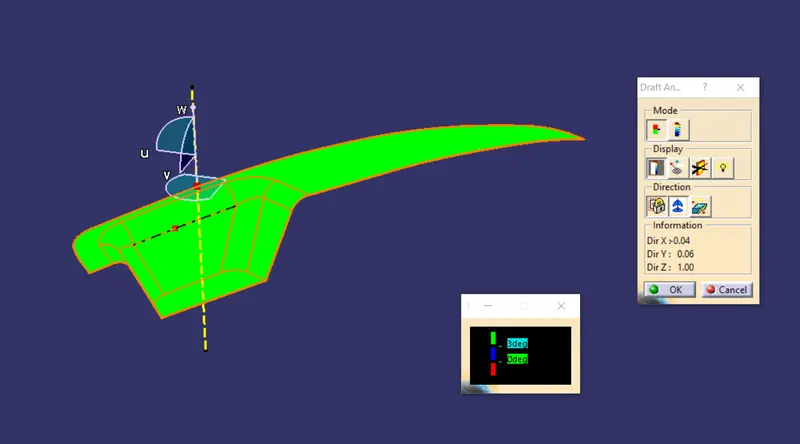
then we need to do draft analysis with respect to tooling axis, for that open feature draft analysis and set the colour varient, then click on the compass and placed the compass on the tooling axis and locked it. then click on the class A and check the colour varient is proper with the draft angle we provided.
then started to creating classB. for that divided the class into walls, base and rest surface. extracted each face and untrimmed it then extrapolated the surfaces with curvature continuety. then offset it and trimmed to the required shape. before trimming provide the required fillet. then we need to create class C. for that created two boundary from the classA and smoothed the curve then sweeped it with reference to the draft angle. then extrapolated the edges of sweep and joined class C and class A after that trimmed with class B. finally do the draft analysis to the final surface. and created a closed body using closed surface feature.
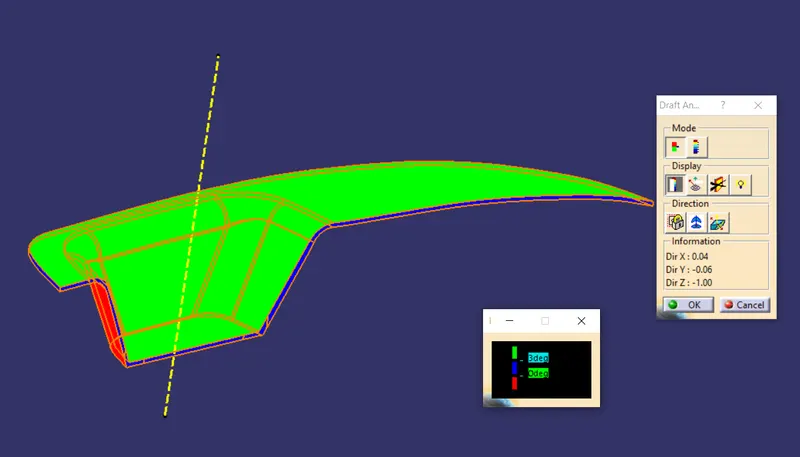
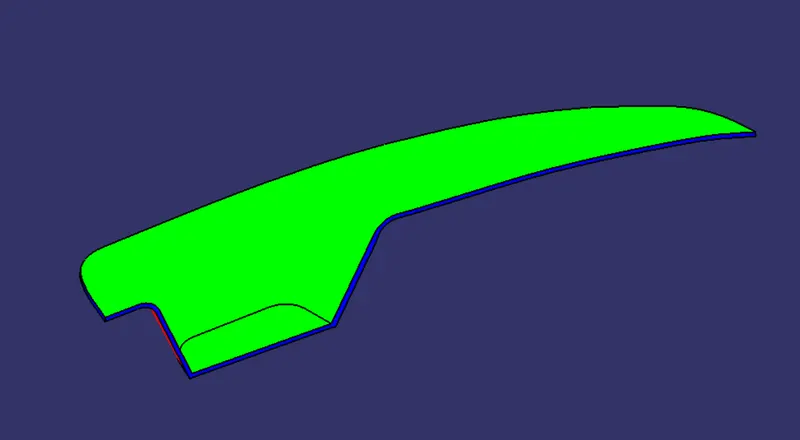
isometric view
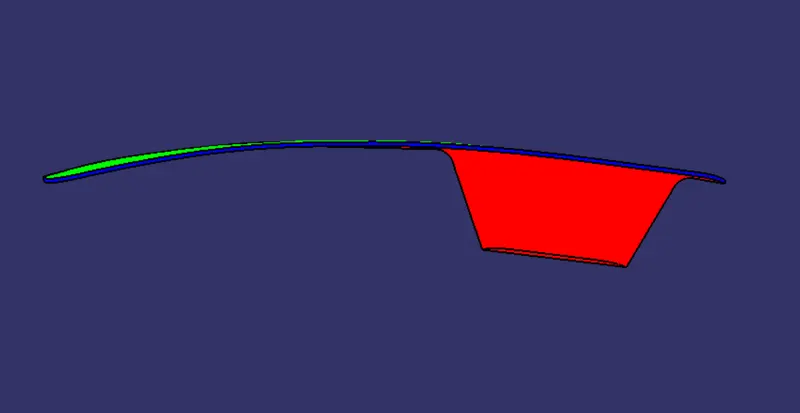
front view
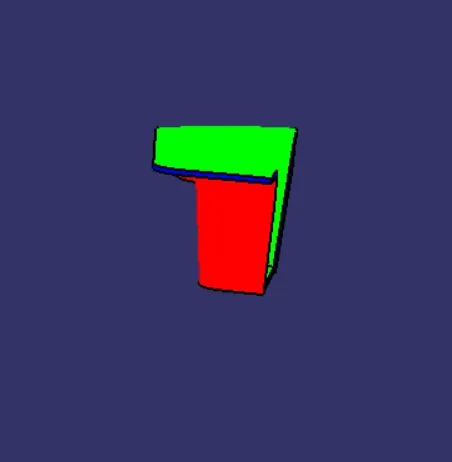
side view
top view