Week 8 - Challenge 2 - Base Bracket Design
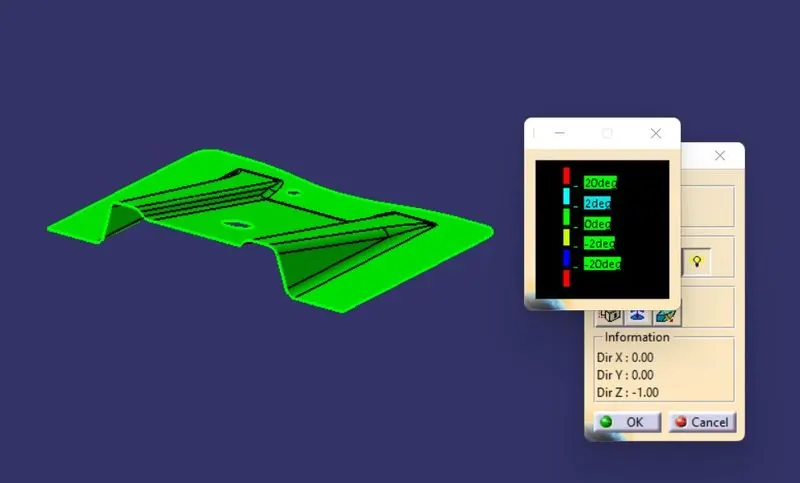
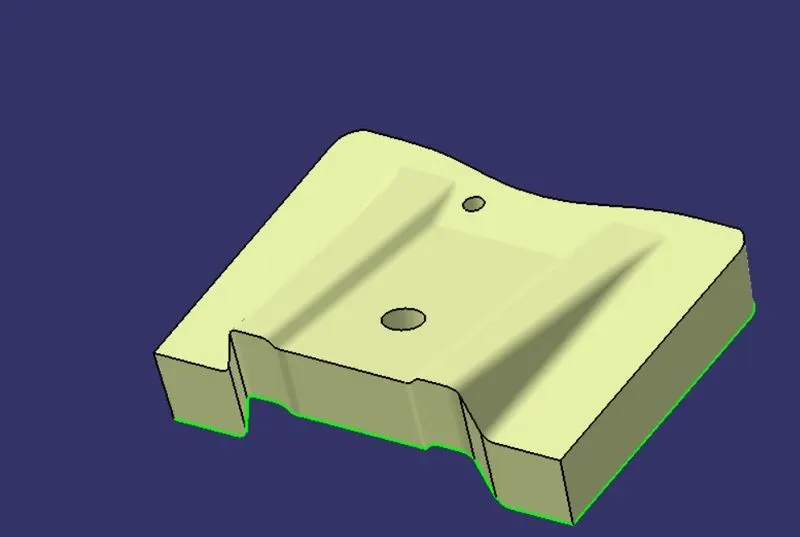
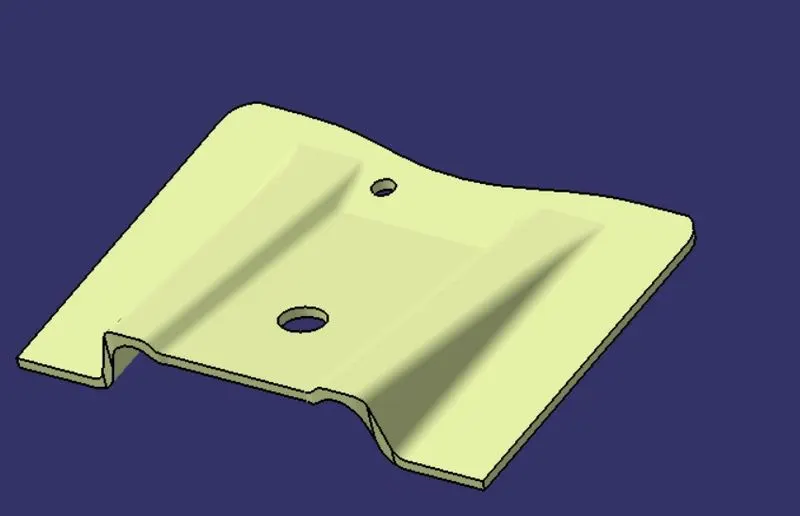
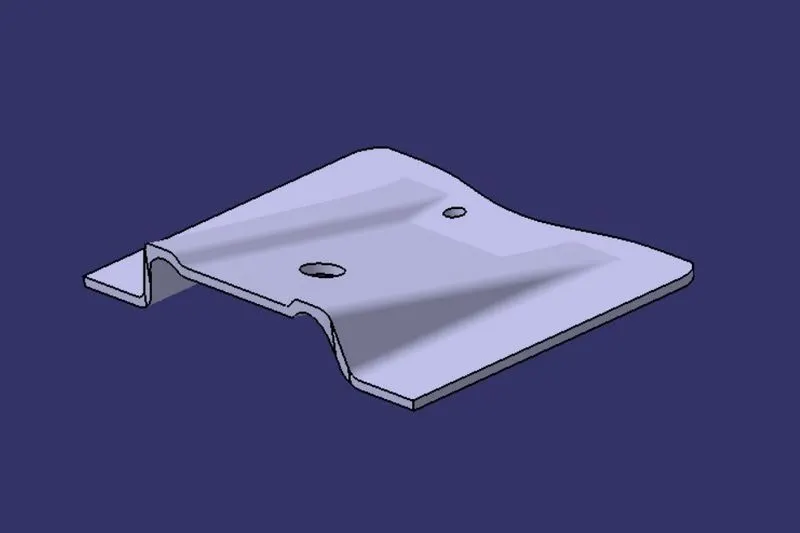
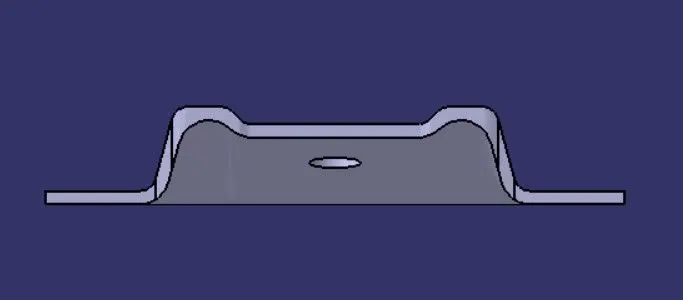
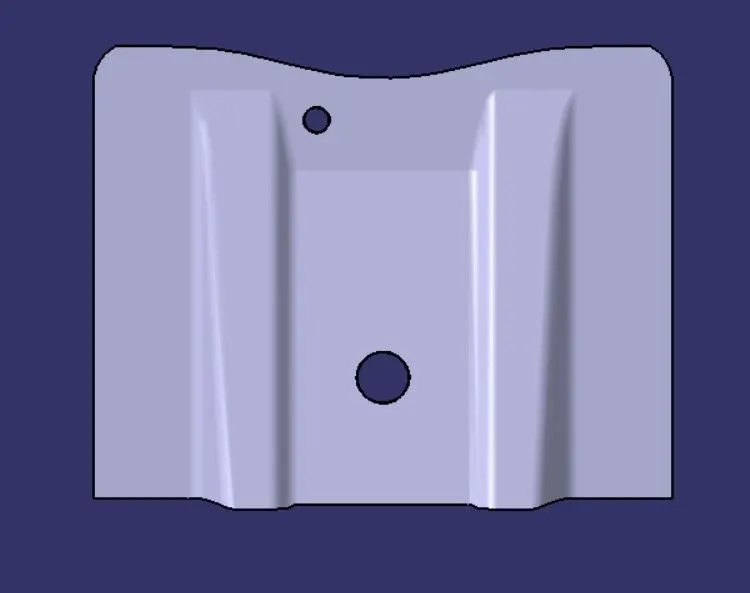
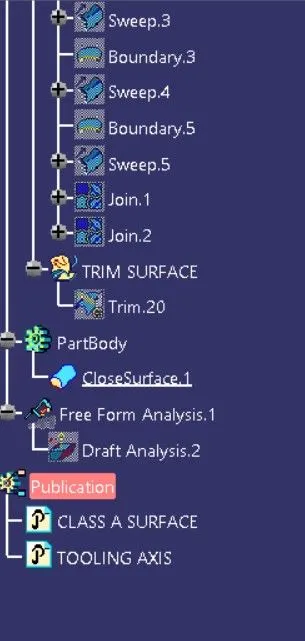
The Draft Analysis command enables you to detect if the part you drafted will be easily removed. This type of analysis is performed based on color ranges identifying zones on the analyzed element where the deviation from the draft direction at any point, corresponds to specified values.
When developing parts for plastic injection molding, applying draft (or a taper) to the faces of the part is critical to improving the moldability of your part. Without it, parts run the risk of poor cosmetic finishes, and may bend, break, or warp due to molding stresses caused by the plastic cooling.
To do Draft Analysis in Catia :
- Enter part in Catia
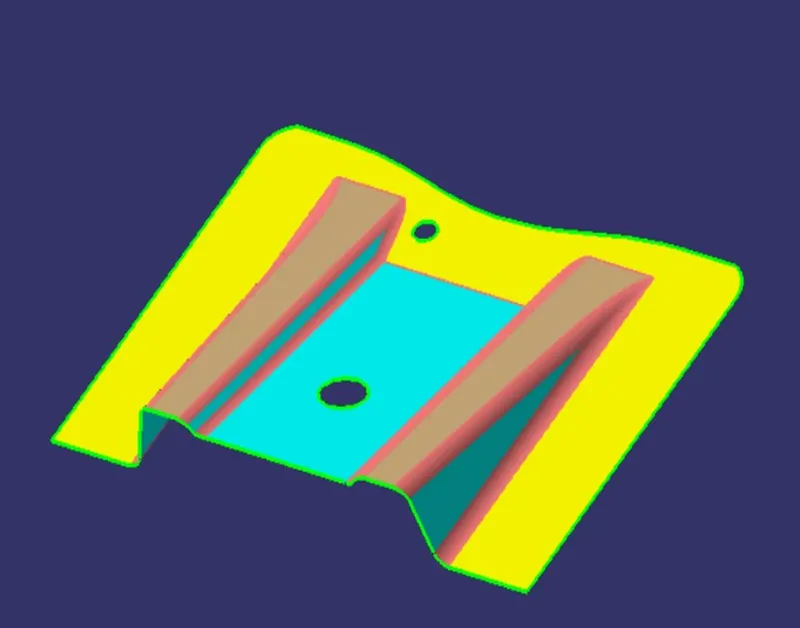
- Go to material mode :
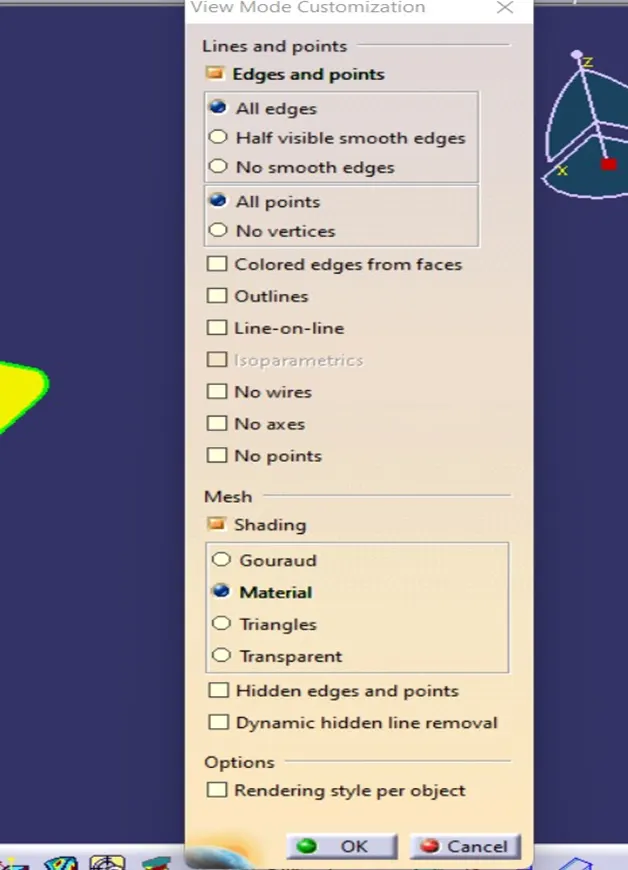
- Go for Draft Analysis :
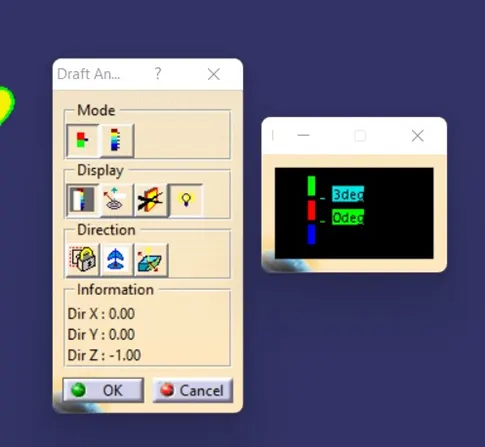
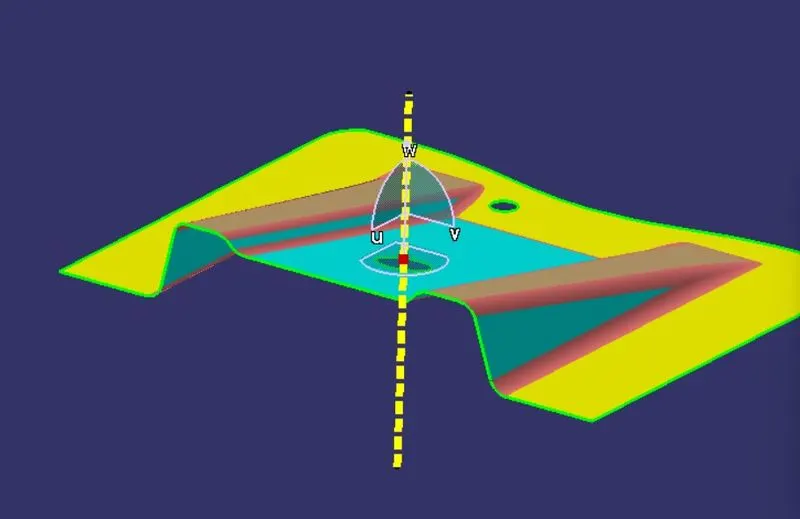
- Drag axis bar to the tooling direction of part.
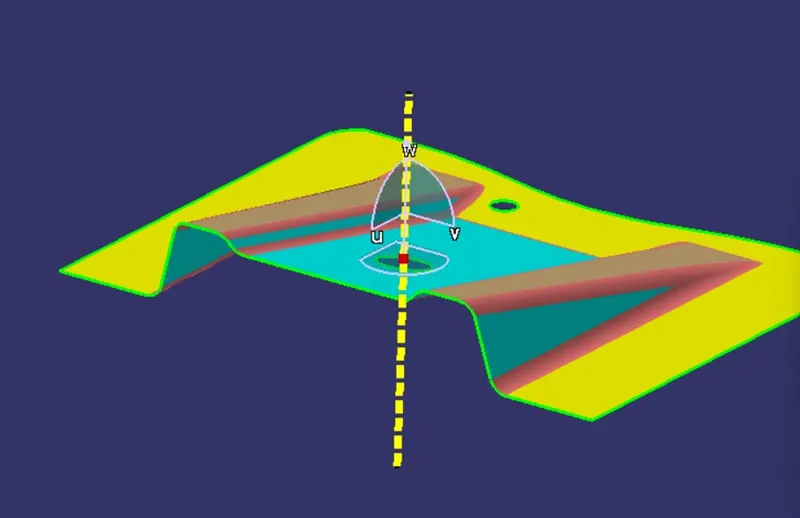
- check for draft and make parting line as per analysis.
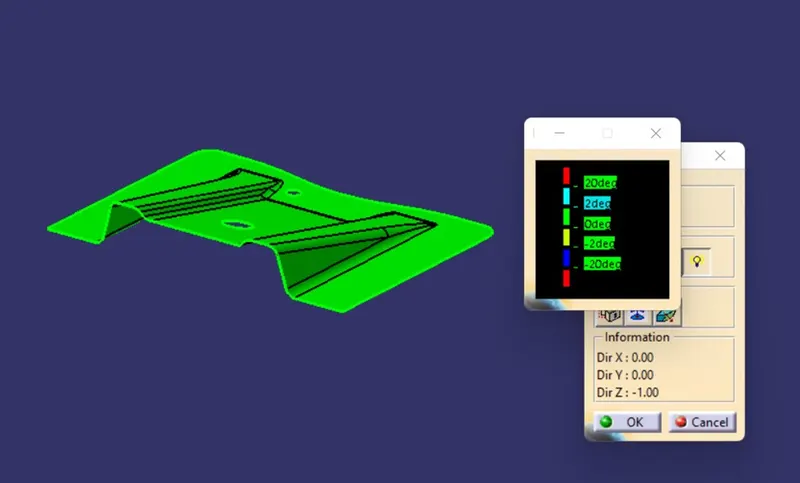
TOOLING DIRECTION:
In moulding, machine arrangement is given to open the mould along a direction which is known as Tooling Direction. Mould is built from two separate halves, core and cavity.
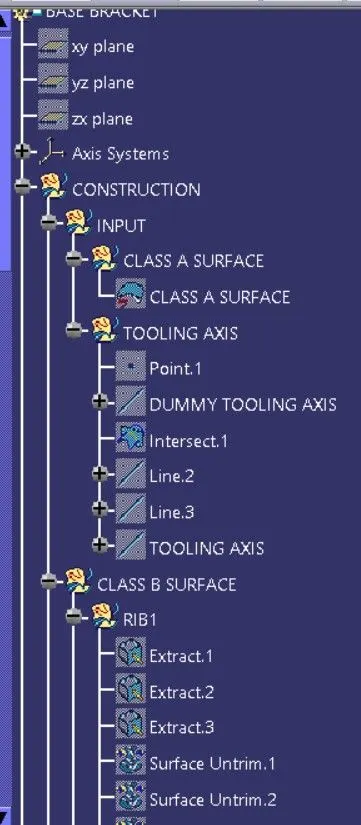
To create Tooling axis :
- A dummy tooling axis is created along z direction from which hole is visible, to clear the hole first.
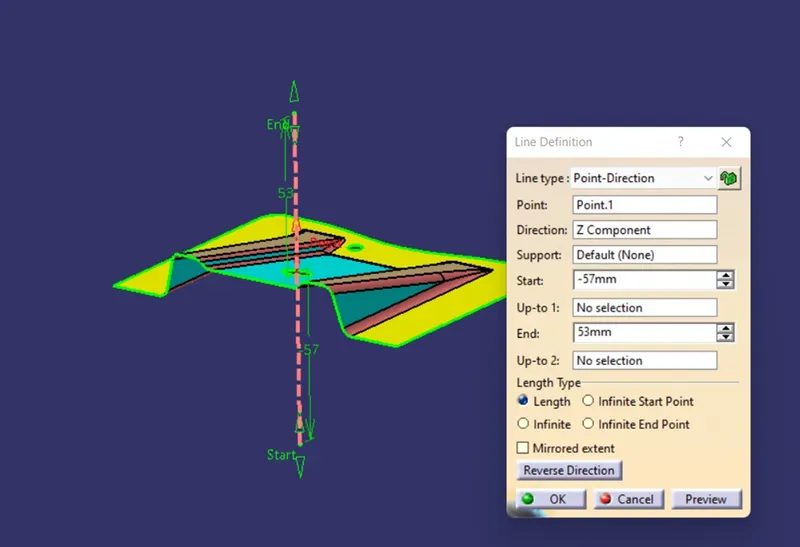
- Then the point axis system is created.
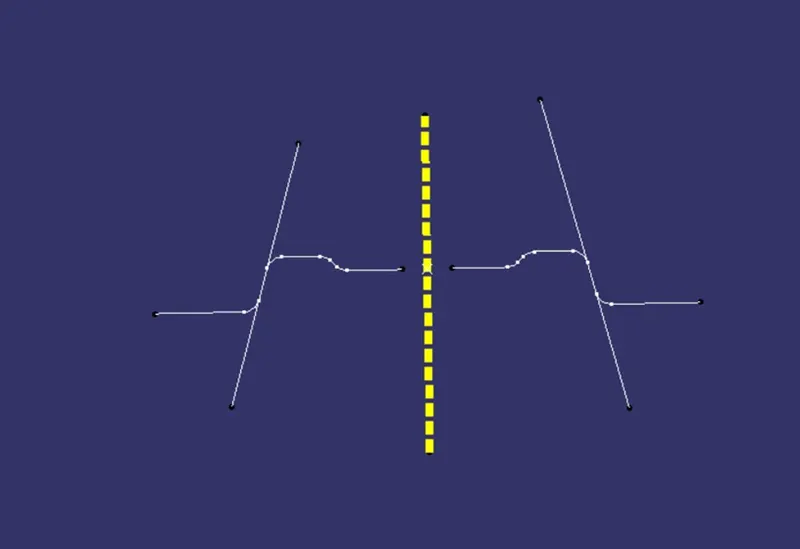
- Then by using point axis system an intersection is created by using YZ plane on the Class A surface.
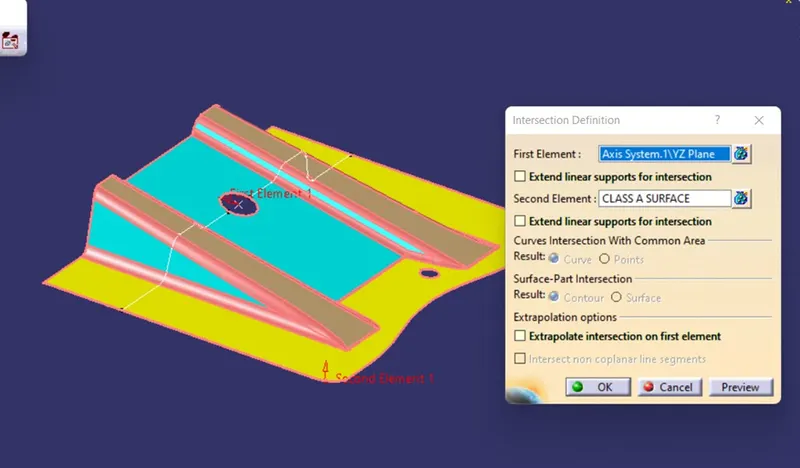
- Then two lines are created by using Point-Point along the part where intersection seem parallel to the dummy tooling axis .
- Then by bisection method a line is created by with the help of two line , which is our tooling axis as our Class A surface is almost perpendicular in x direction.