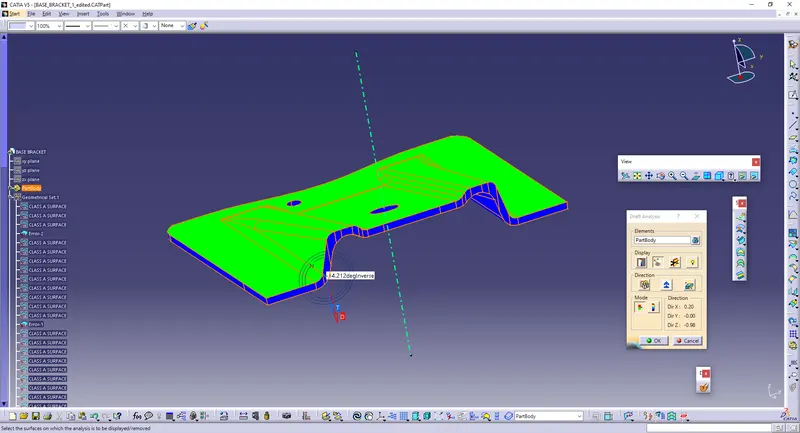
Week 8 - Challenge 2 - Base Bracket Design
Aim:
* To Create the Base Bracket Plastic component through the given Class-A surface.
* The tooling axis for the given Class-A Surface should be created meeting the requirements of the draft angle and at the end perform the Draft analysis on the model.
Procedure:
* Download the Given Model
* Then The model are in separate components, so Join the components together.
* Define them as CLASS-A Surface.
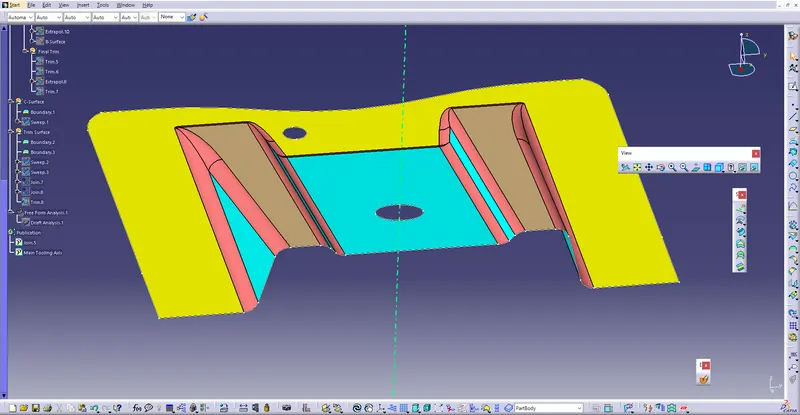
* Give Intersect to intersect the lines and create the point on the centre of the hole so that the tooling axis will be created.
* Hence, Define the TOOLING AXIS and Go for Draft Analysis.
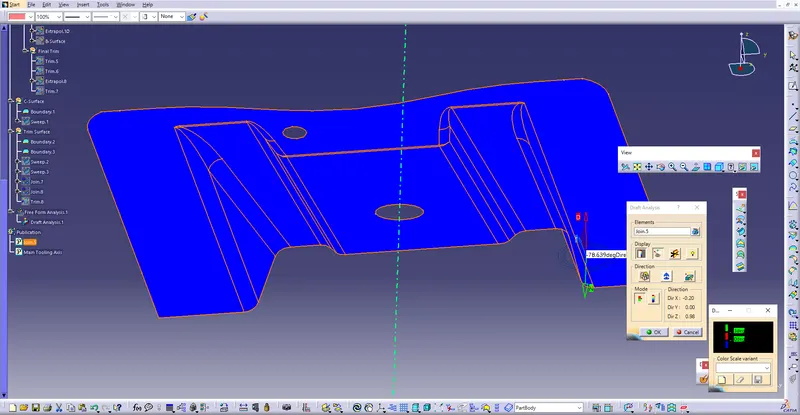
* Create The Geometry Set For creating B-Surface.
* Give EXTRACT and extract the elements which are not curve.
* Offset the Extracted elements into 2.5 mm.
* Then, Extrapolate the elements so that it will be proper and easier trim.
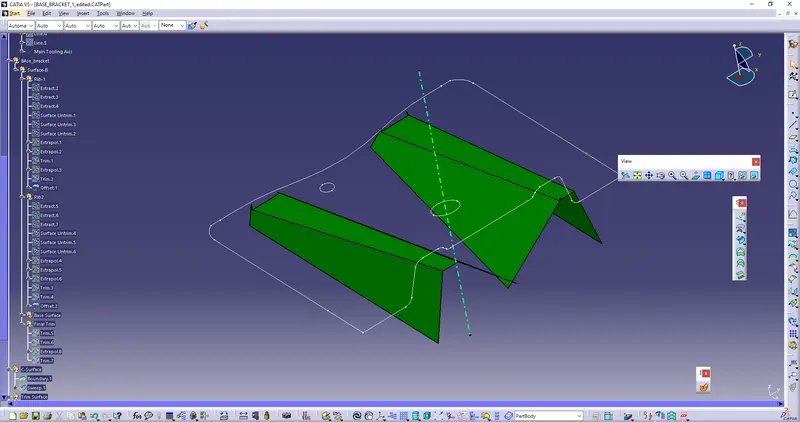
* Then, offset the Non-filleted surfaces upto 2.5 mm.
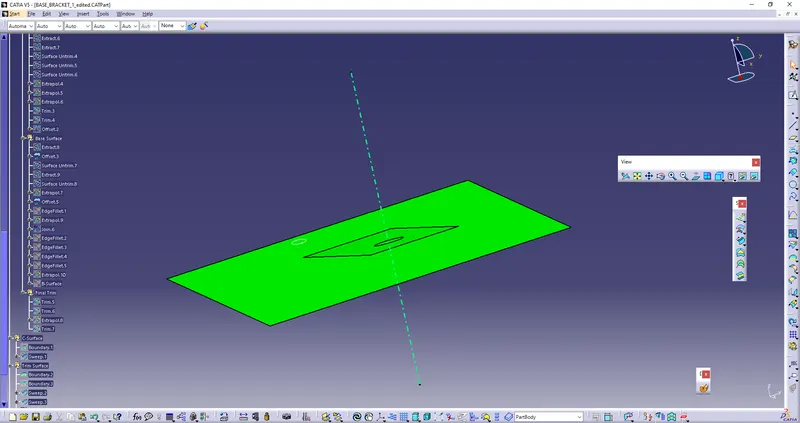
* Give the fillet to the edges, and make sure that the fillets should be the sum of radius and the thickness of the material.
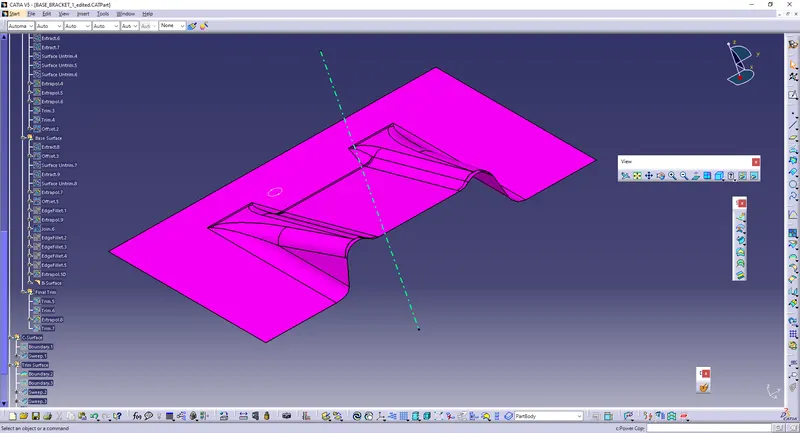
* And Hence the Class-B surface is made.
* Use Boundaries to create the boundaries, for creating C-surface.
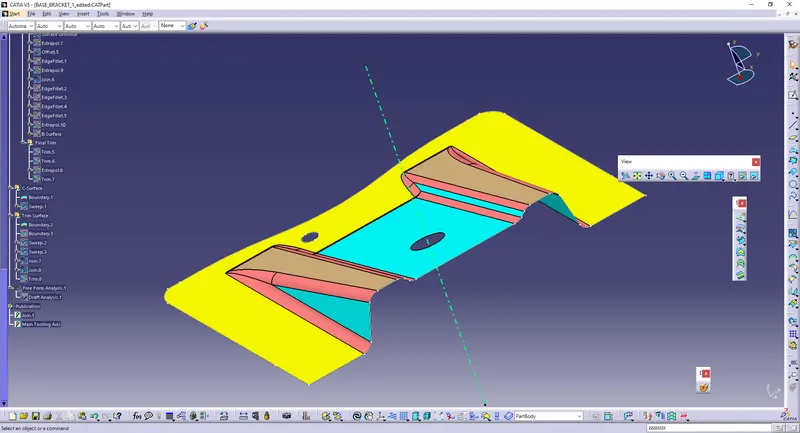
* Use SWEEP to thicken the surfaces, so that it will be given as 3 degree and select the tooling axis as Drafting Direction.
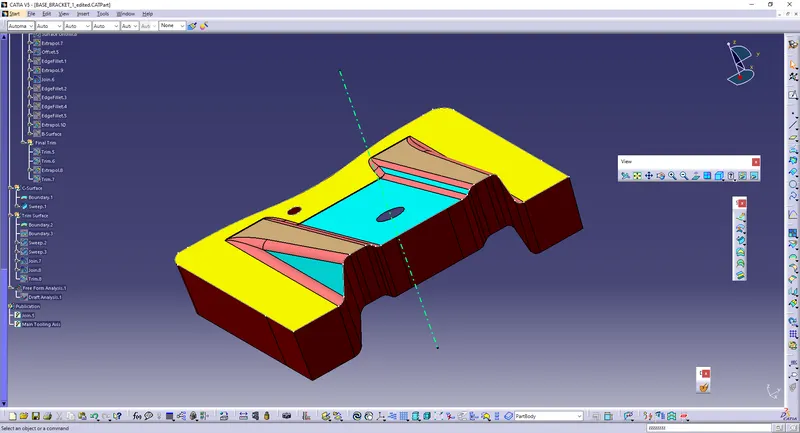
* Join the Class-A and Swept Surfaces, and trim the surfaces with Class-B, so we require a thickening surface with required thickness.
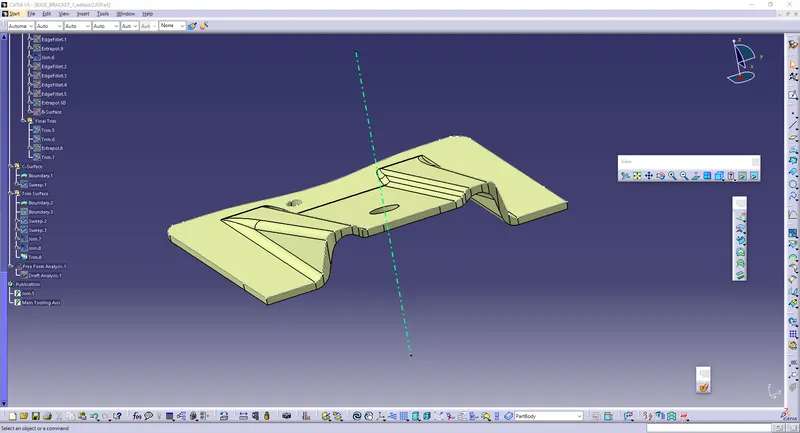
* Go to the Part design and Give the Part command for this surface.
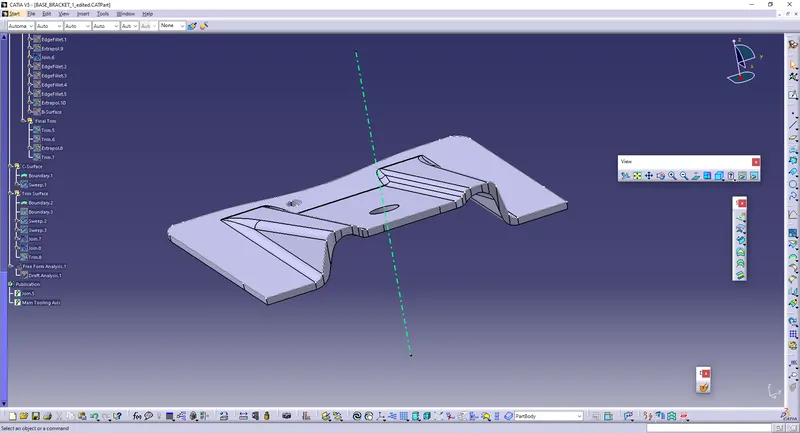
* Perform Draft Analysis.