Week 8 - Challenge 2 - Base Bracket Design
Base Bracket Designing
Aim: To design the given component as per the requirement with the help of the given Class-A surface.
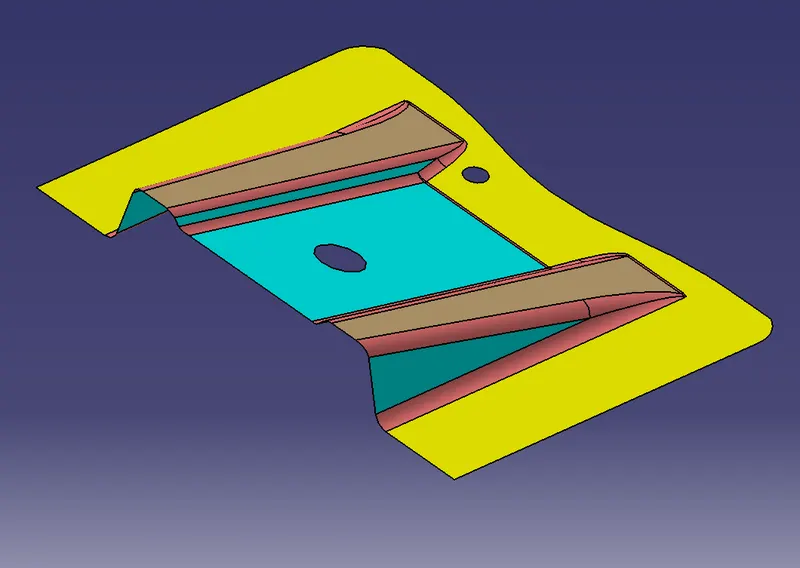
Fig 1: Class A surface
Procedure:
1. Check the given class A surface for any kind of connection errors and fix them manually.
2. A tooling axis is to be created for the draft analysis process. Tooling axis is to be created with the help of the exact measurements of the component. Create an intersection line horizontal to the component with the help of point which is to be created on the main hole of the component. Offset a yz-plane to the point which is to be used as the reference of intersection on the component. Select the component and the plane as a reference and create an intersection as shown below.
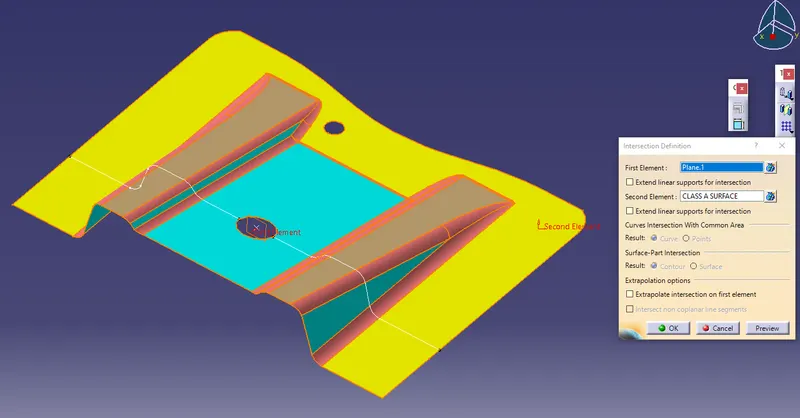
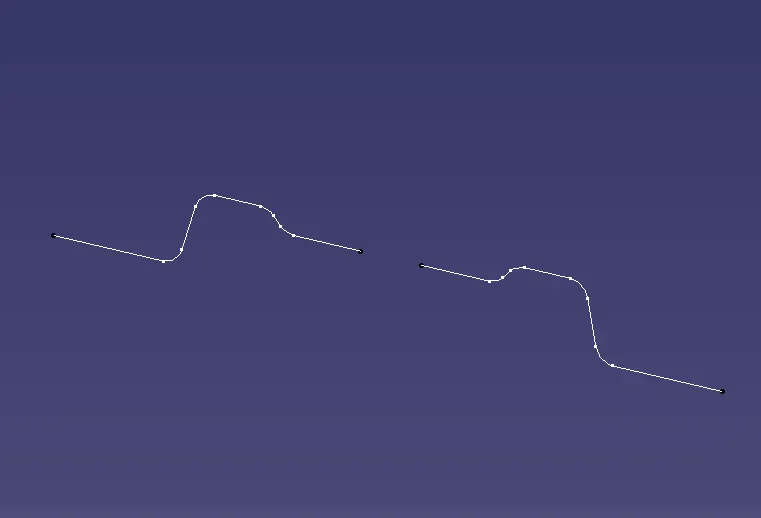
Fig 2: Creating an intersection line with the help of the plane Fig 3: Created intersection line
3. Select the two edge vertical lines and extend them for reference. Create a bisecting line with the help to the two lines and the point as reference. The bisecting line will be created as shown below. Rename the line as tooling axis.
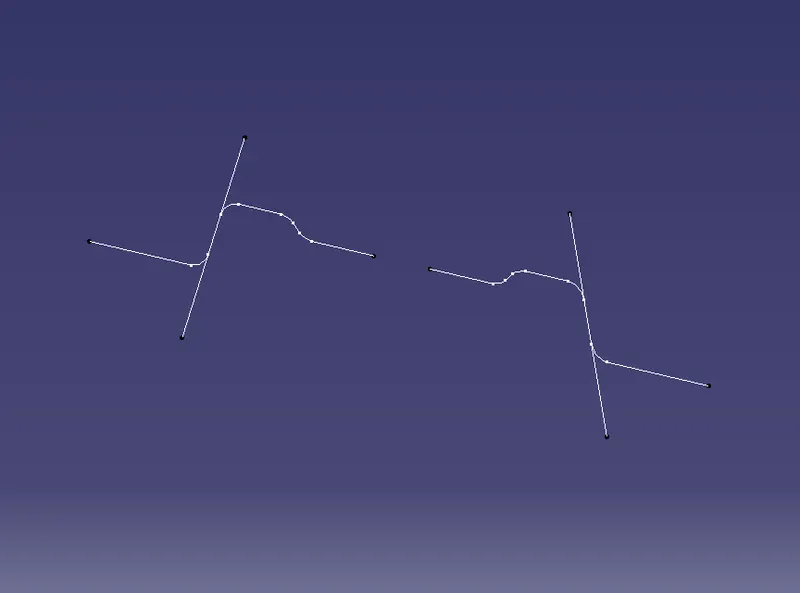
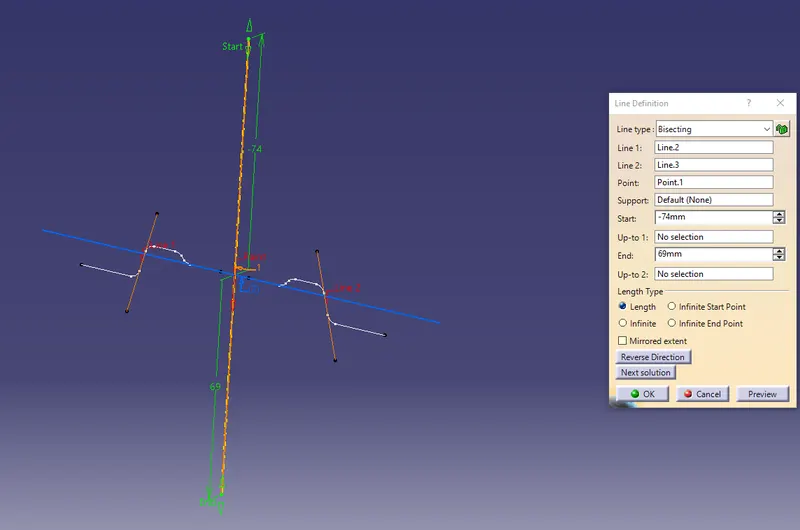
Fig 4: Extending lines for reference Fig 5: Creating tooling axis.
4. A Class B surface is to be created i.e., the inner surface of the component. Considering the ribs of the component, Extract duplicate plane surfaces of the ribs as shown below. Untrim the extracted surfaces and extrapolate the surfaces up to 10mm length as shown below. Trim the extrapolated surfaces as required. Offset the trimmed surfaces towards the inner side up to 2.5mm for creating the thickness of the component.
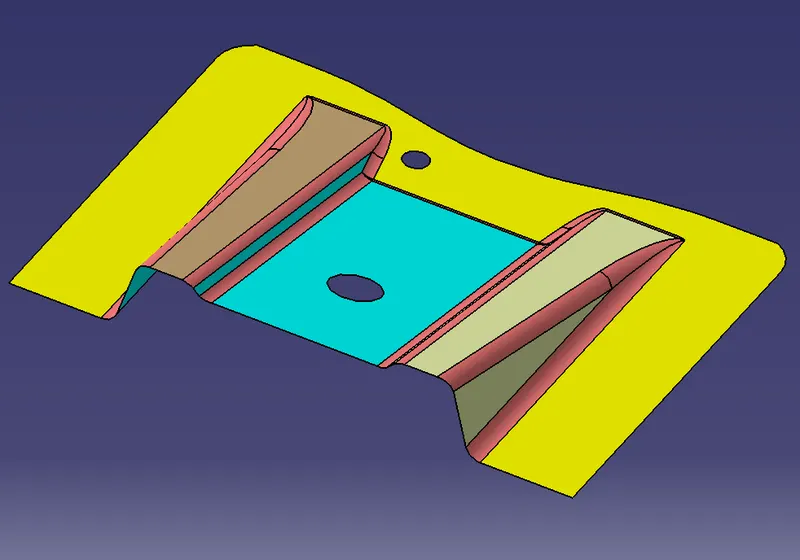
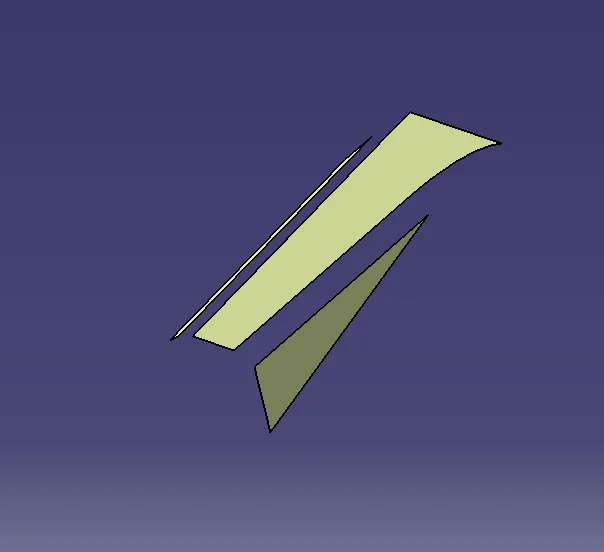
Fig 6 and 7: Extracting the rib surfaces.
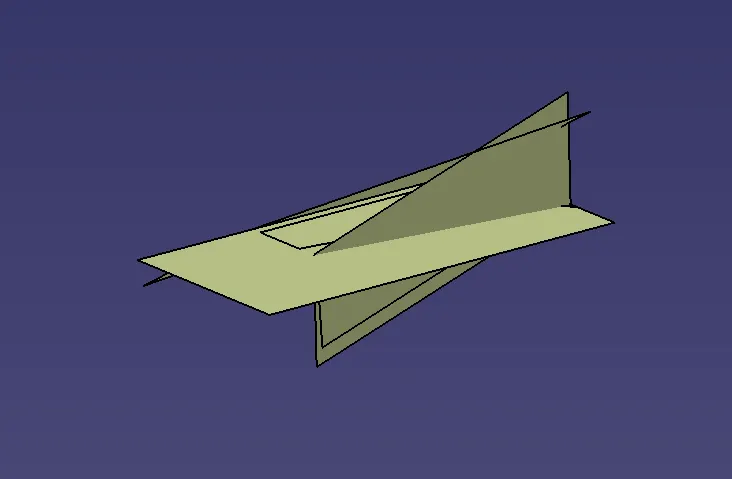
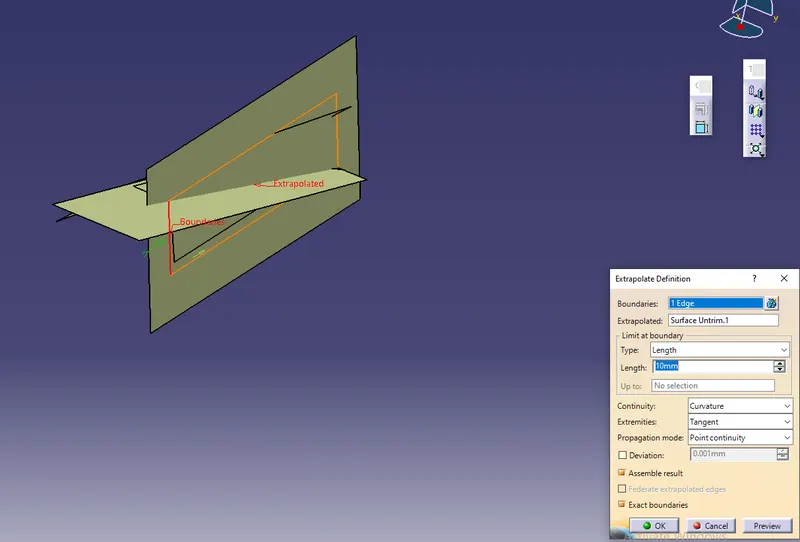
Fig 8: Untriming surfaces Fig 9: Extrapolating surfaces
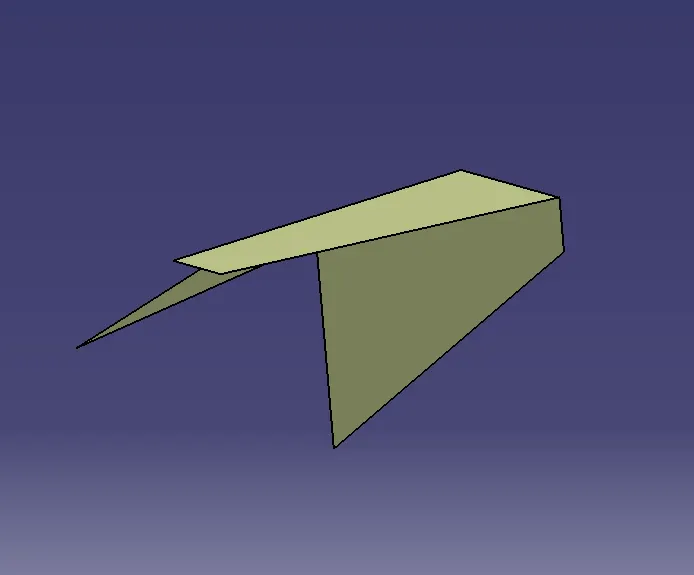
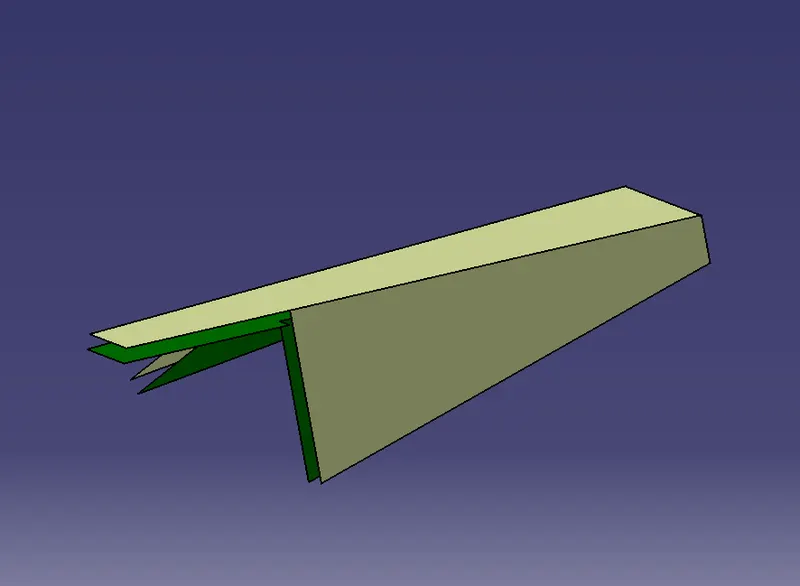
Fig 10: Trimmed surfaces Fig 11: Offset surface
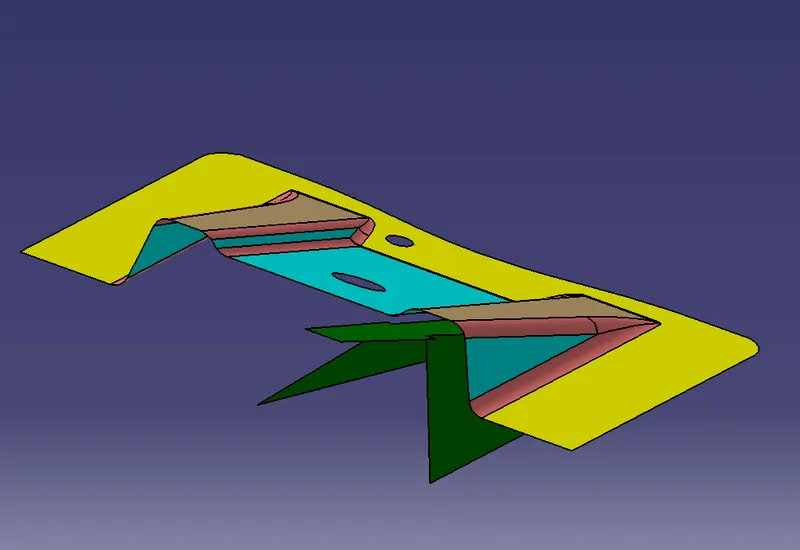
Fig 12: comparing the offset with the class A surface
Similarly, create the offset surface for the second rib.
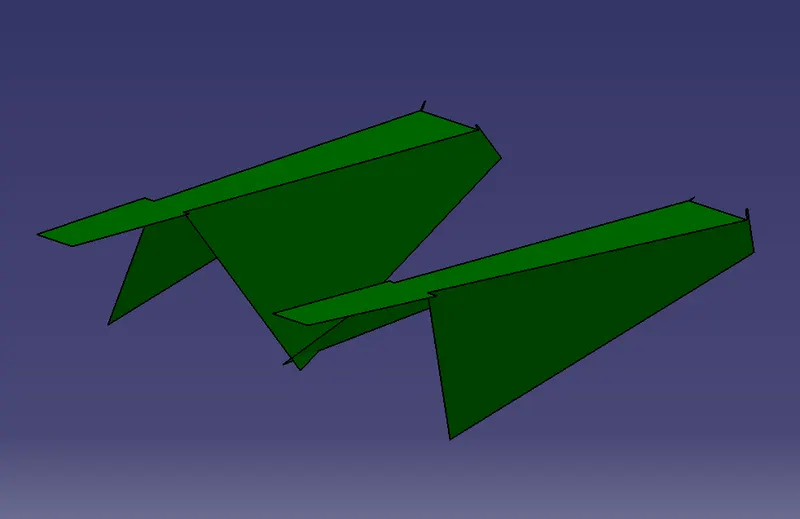
Fig 13: Created ribs for the class B surface
5. Similarly extract the slant and the base surfaces from Class A surface and follow the procedure used for creating ribs of class B surface.
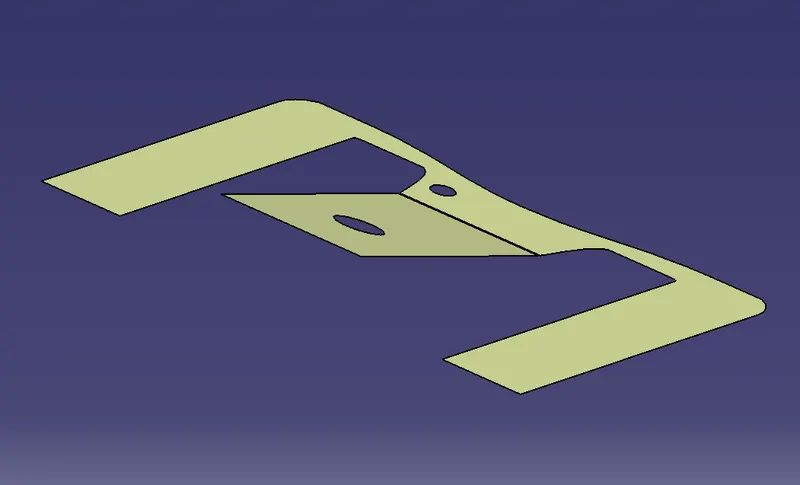
Fig 14: Extracted surfaces
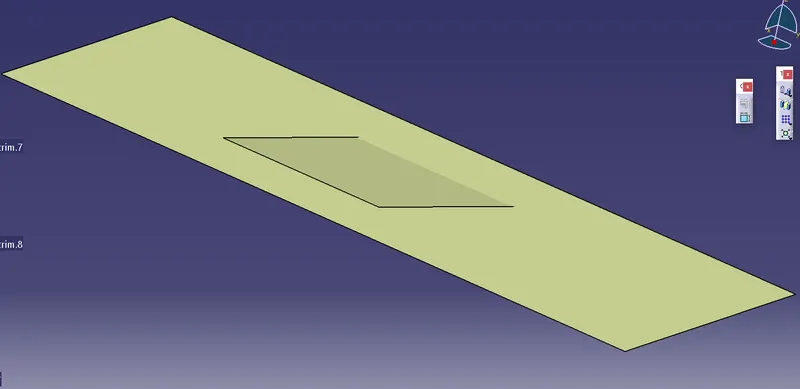
Fig 15: Untrimmed and offset surfaces.
6. Enable the created ribs with the remaining offset surfaces and trim the surfaces as required referring the class A surface.
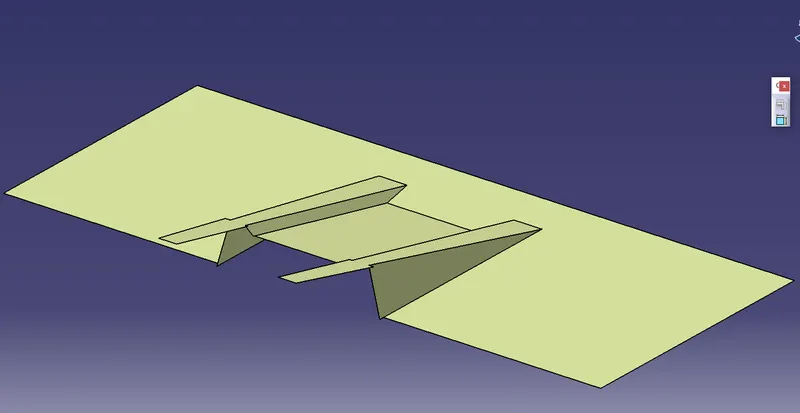
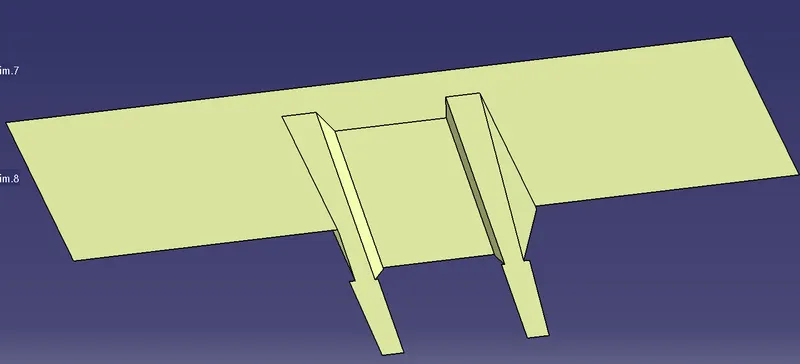
Fig 16 and 17: Trimming the offset surfaces as per the Class A surface.
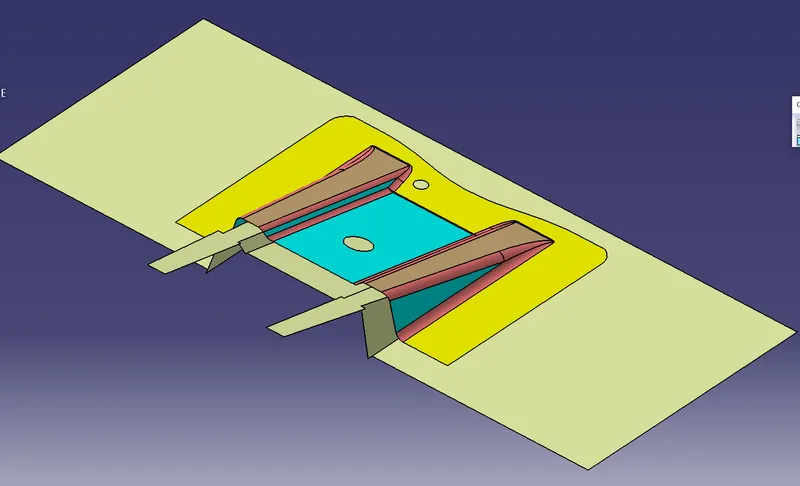
Fig 18: Referring to the Class A surface
7. Fillets are to be created for the offset surface. As per the Class-A surface, the fillet radius is 3 mm when measured. So while filleting the offset surface the thickness should not be changed near the fillet area which is to be maintained as 2.5mm. Therefore the fillets are created with the measurement of 3+2.5 i.e., 5.5mm. Thus the class B surface is created.
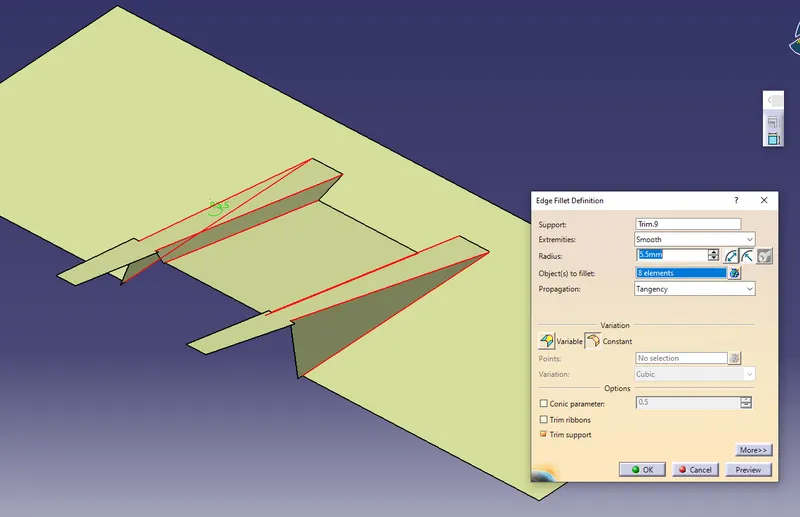
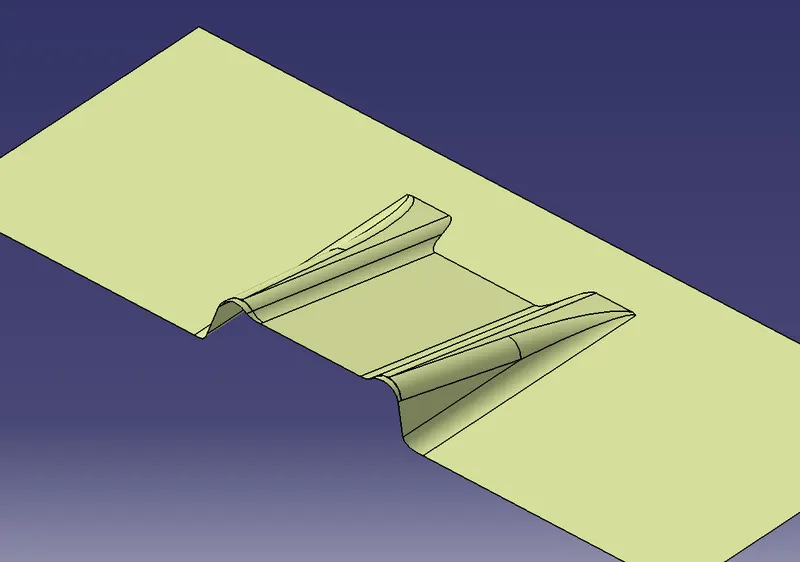
Fig 19 and 20: Creating fillets as per the Class A surface.
8. After creating the Class B surface, Class C surface should be created i.e., the edge wall connecting the class A and B surface. Considering the class A surface the Boundary lines are created for the edges using multiple extract option and the sweep option is used for extending the edges of the surface in the downward direction. The slope of the edges is maintained at a maximum of 3 degrees. The holes on the class A surface are sweeped with the help of the boundary condition option.
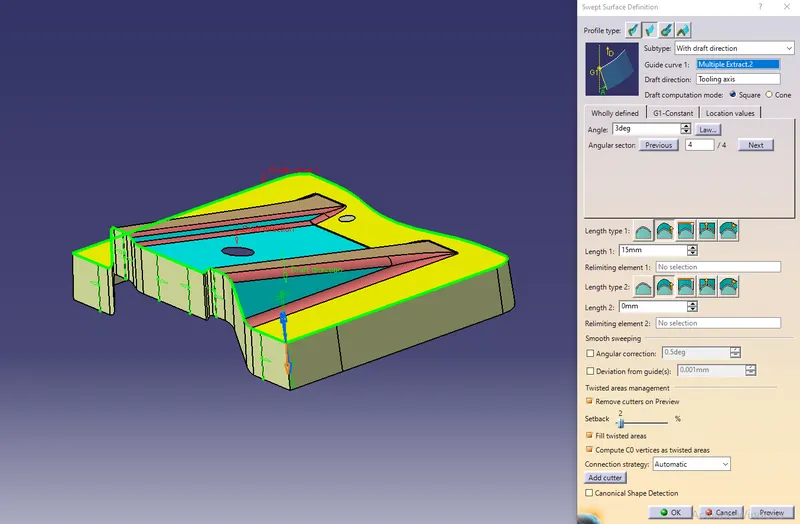
Fig 21: Creating Class C surface using the sweep feature
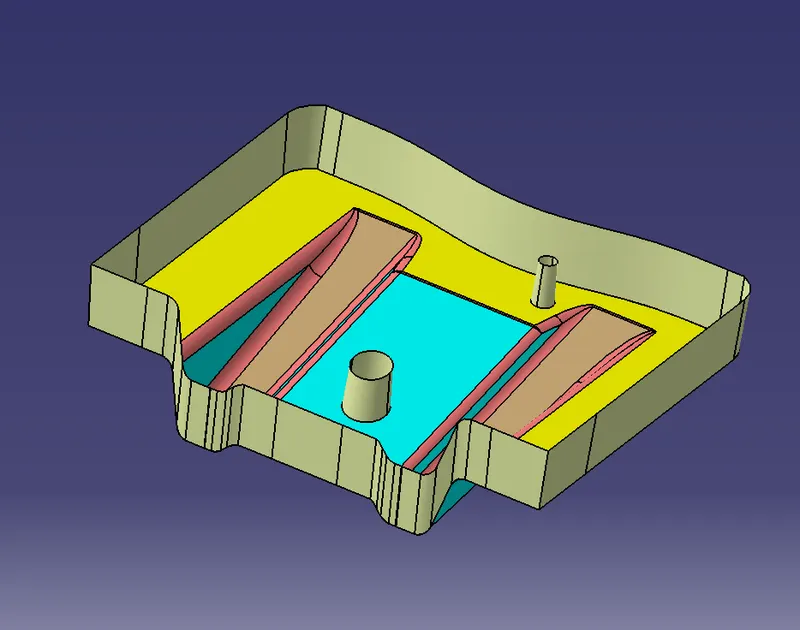
Fig 22: Created Class C surface
9. With the help of the C surface trim the class B surface and join the surfaces. The surface component will be as shown below.
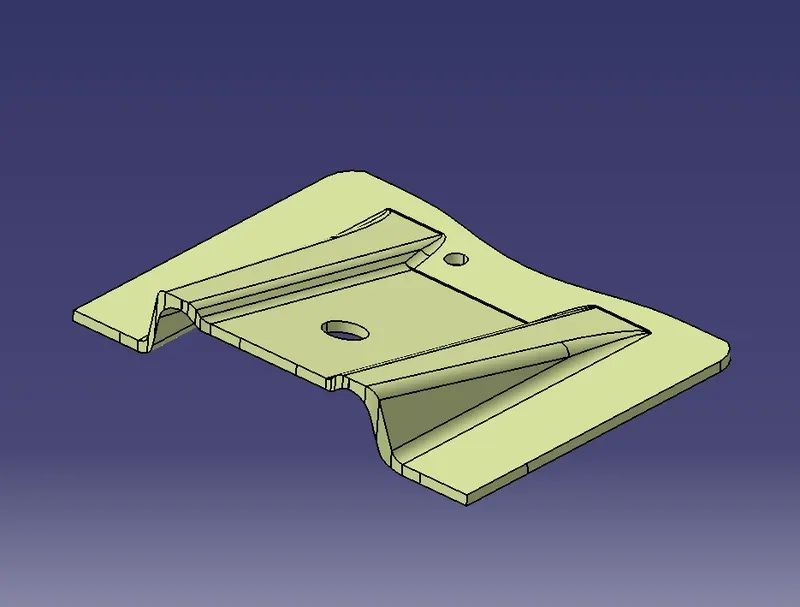
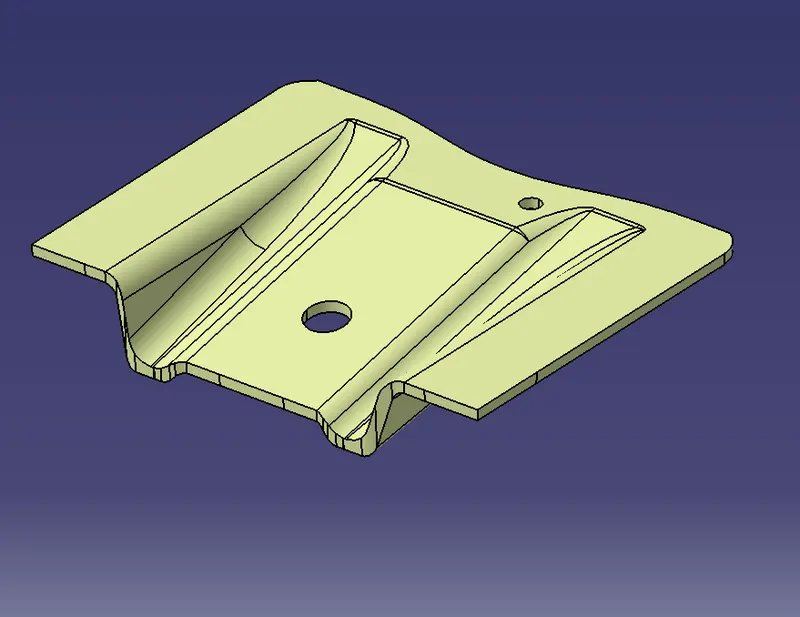
Fig 23: Surface Component outer view. Fig 24: Surface component inner view.
10. Fill the solid inside the surface component using the closed feature in the part design window.
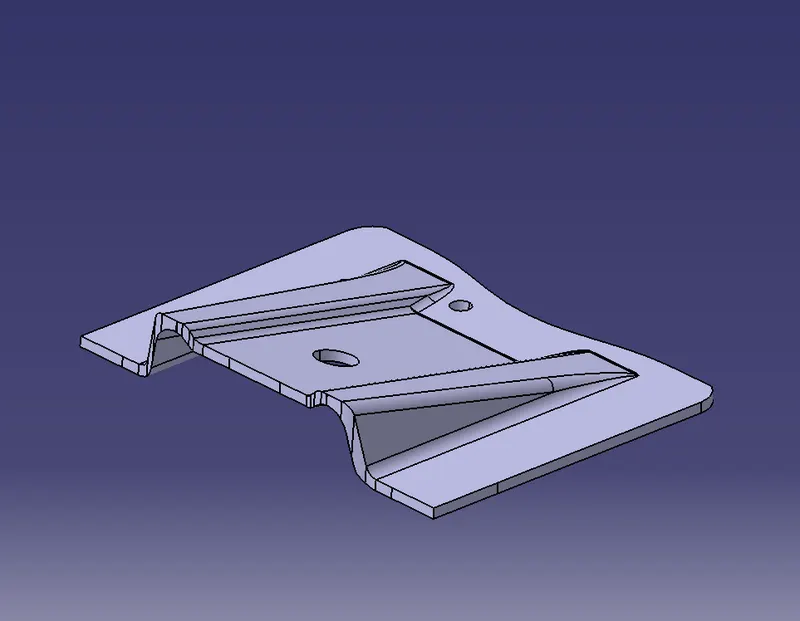
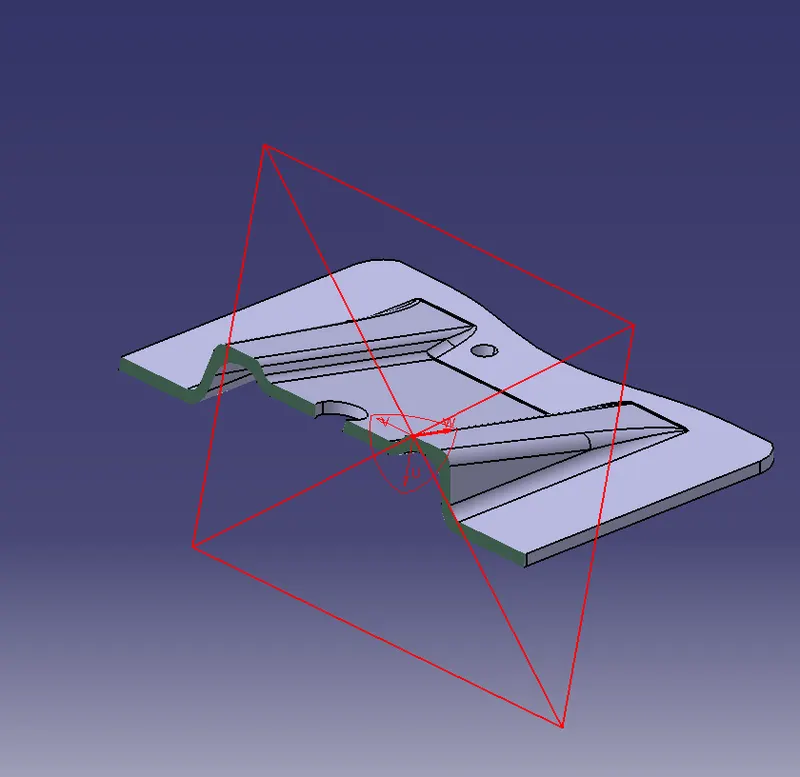
Fig 25 and 26: Created a solid component.
11. Draft analysis is to be done for the solid component to check whether the class C surface has an inclination of 3 degrees so that the model can be produced by a moulding process.
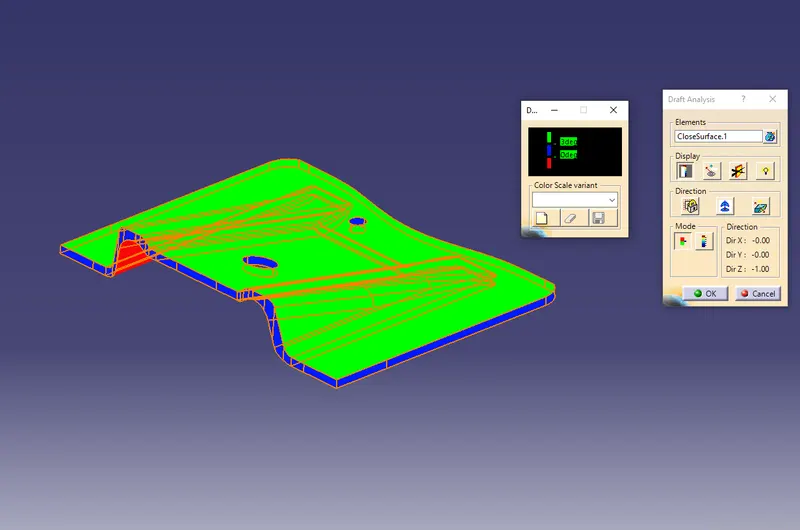
Fig 27: Draft analysis
In the above figure, the green colour represents the class a surface, Blue colour represents the Class C surface and the red colour represents the class B surface. The designed model is correct as per the mention inclination in degrees. For the Draft analysis process, the axis is to be placed with respect to the tool axis and then the draft analysis is to be done.
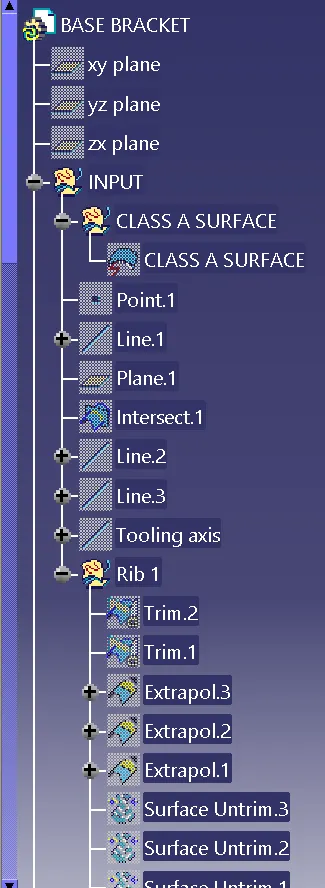
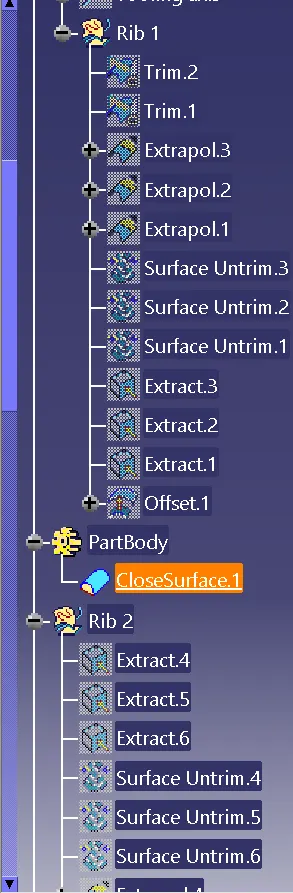
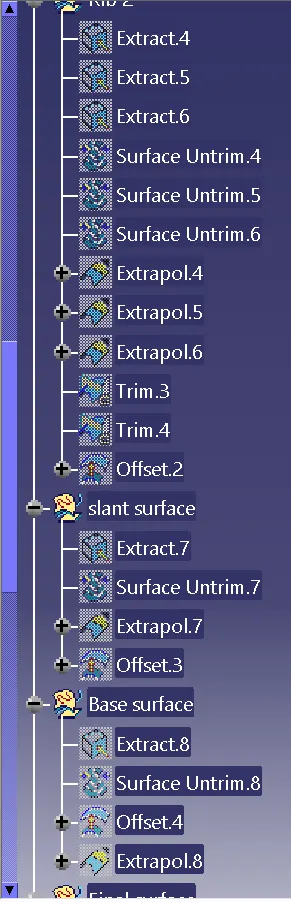
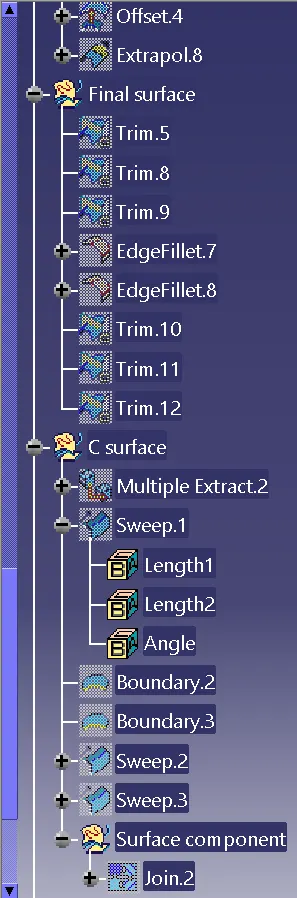
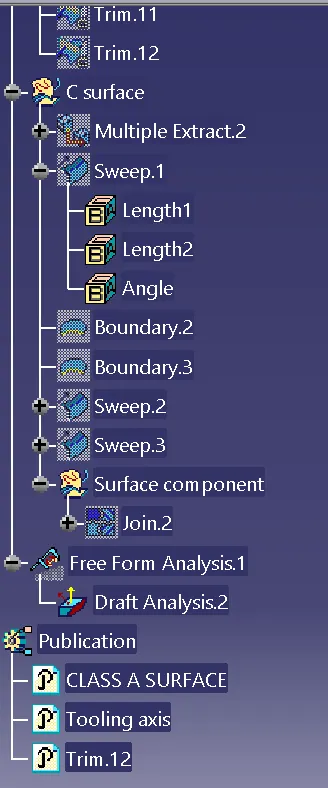
12. The tree structure for the above challenge is as shown below.
Result:
Thus the designing for the given class A surface and the Draft analysis of the designed component is completed as per the requirements.