Week 8 - Challenge 1 - Draft Analysis on a Fan Cover
Challenge - Draft Analysis on a Fan Cover
Objective: Create the tooling axis for the given Fan cover model(class-A surface) meeting the requirements of the draft angle and perform the Draft analysis on the model using CATIA.
what is a Draft analysis
Draft analysis is a method of checking the draft angle on the various faces of a part with a particular direction. The plastic parts, which generally come out from the plastic moulds and maybe the casting parts, all such kinds of parts, required some drafted face on the surfaces, which are parallel to the tooling direction. If we do not provide drafts on the surface then it will stick to the mould surface and whenever the mould is in motion, they will destroy the surfaces or also reduce the finishing of surfaces.
Draft analysis on a fan cover
Step1
We have to create a tooling direction line in the Y direction
Step2
Change the view mode to customize view parameters and select the material option from the mesh
Step3
Draft analysis option available:
Insert>Analysis>Feature Draft analysis
select the compass icon from the direction of the Draft analysis dialogue box it uses the compass to define the new current draft direction. Drag the compass and place it over to the tooling direction line.
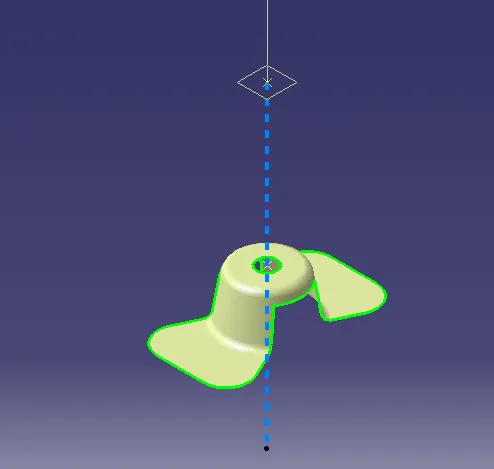
After placing a compass, use the lock option and click anywhere on the part. Then the appearance of the component will change
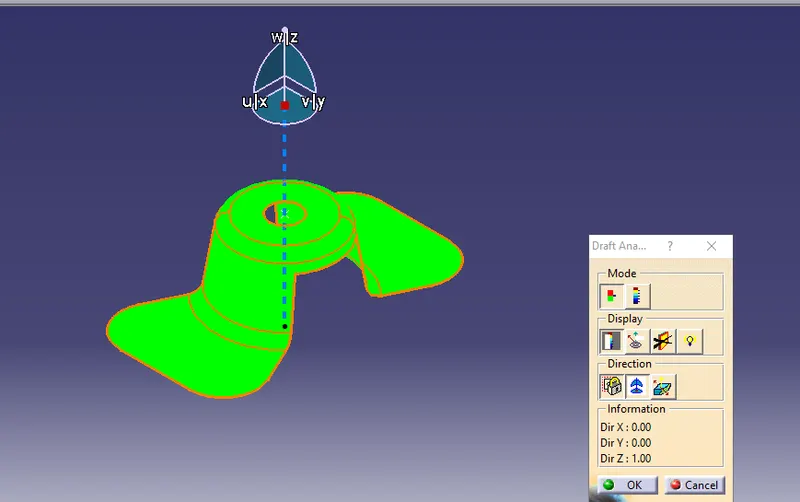
Select the analysis under the Running point icon from the Display of the Draft analysis dialogue box
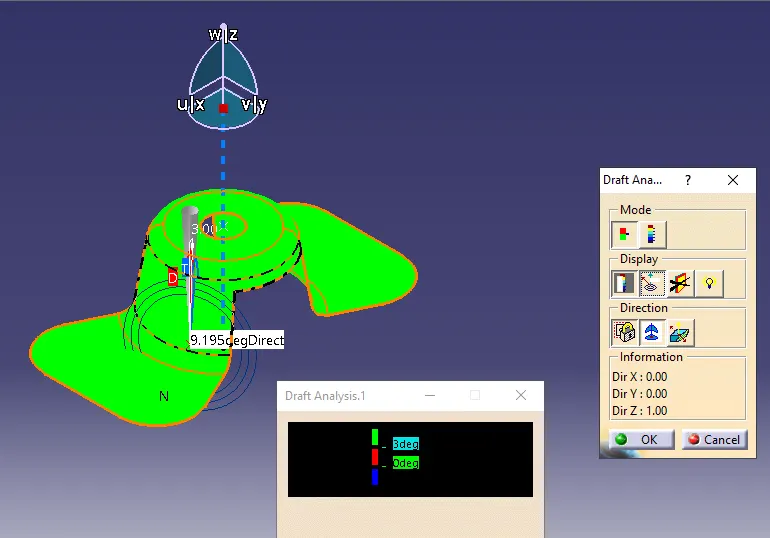
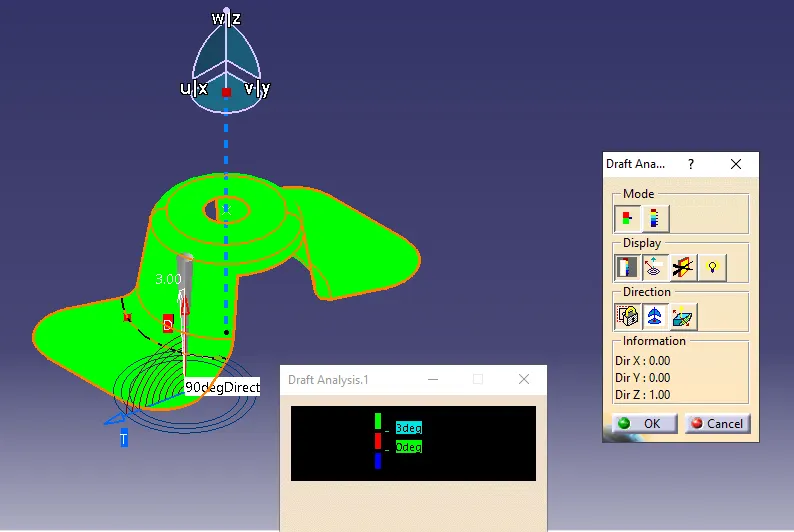
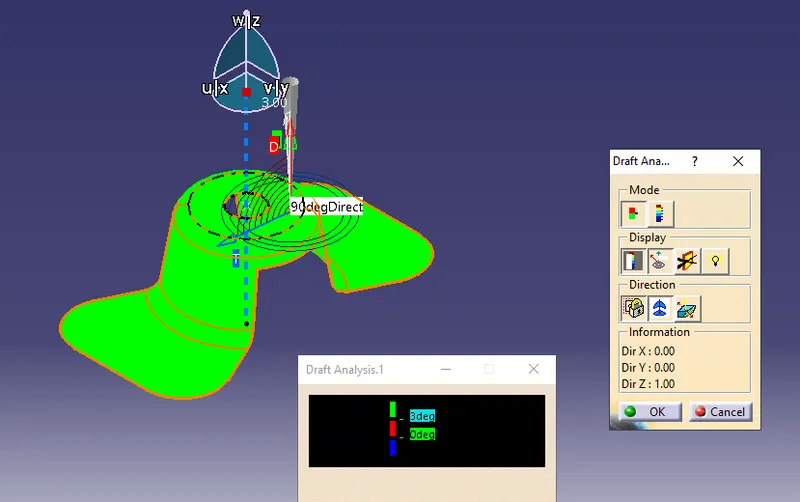
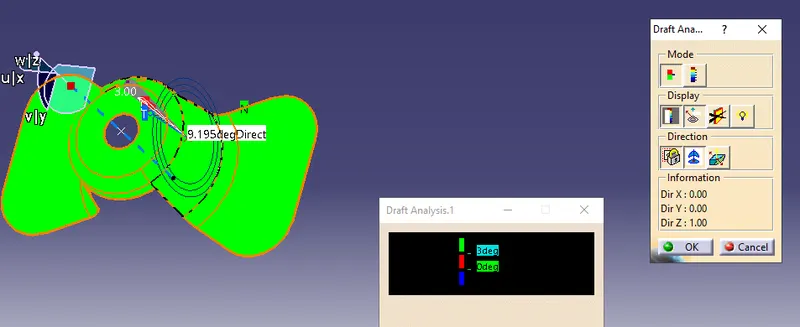
Full mode Draft analysis on a fan cover
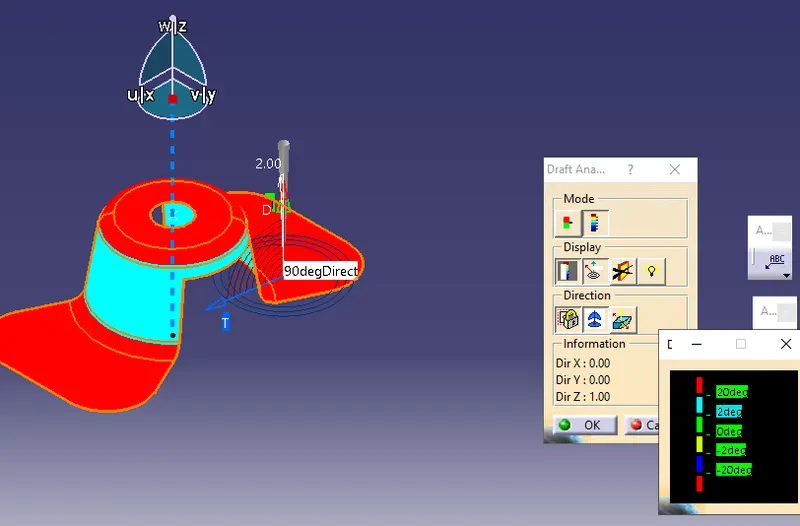
Isometric view of a draft analysis Fan Cover
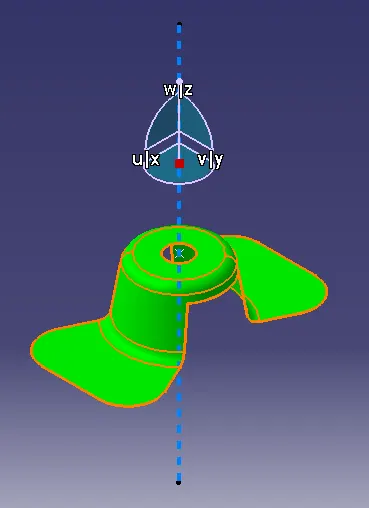
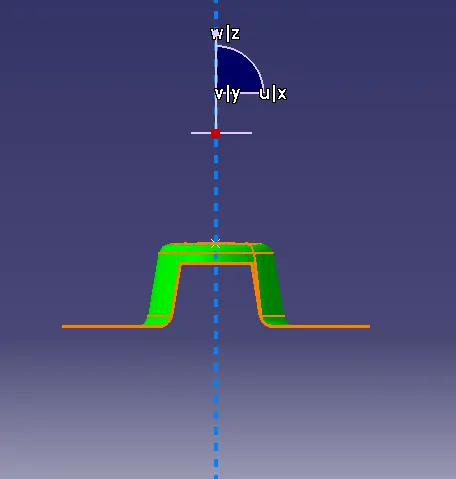
Front view of a draft analysis Fan Cover
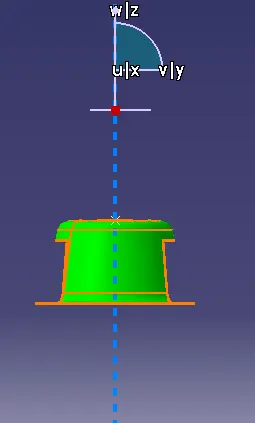
Right view of a draft analysis Fan Cover
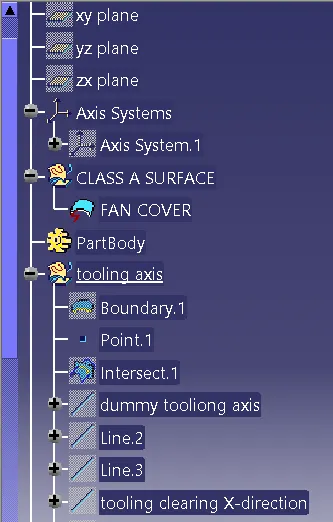
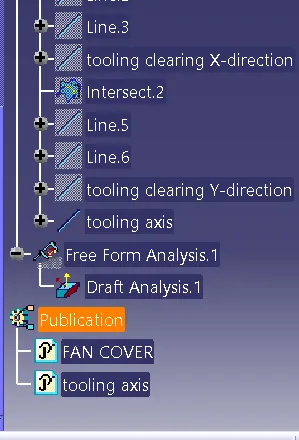
Tree image of a draft analysis Fan Cover
Conclusion: successfully draft analysis on a fan cover