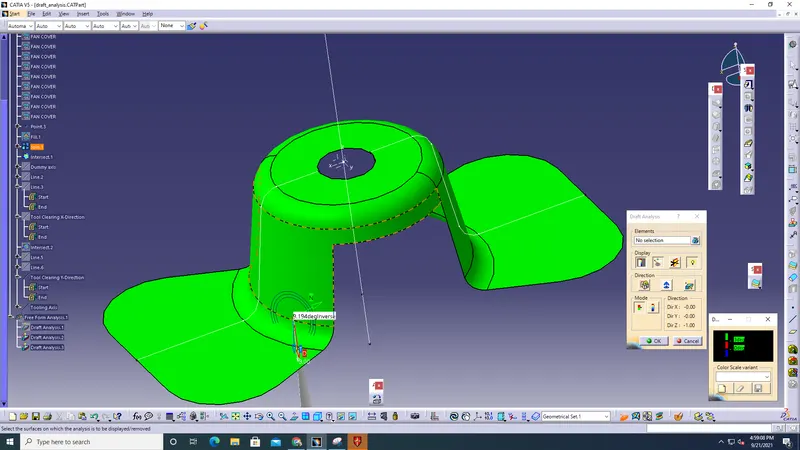
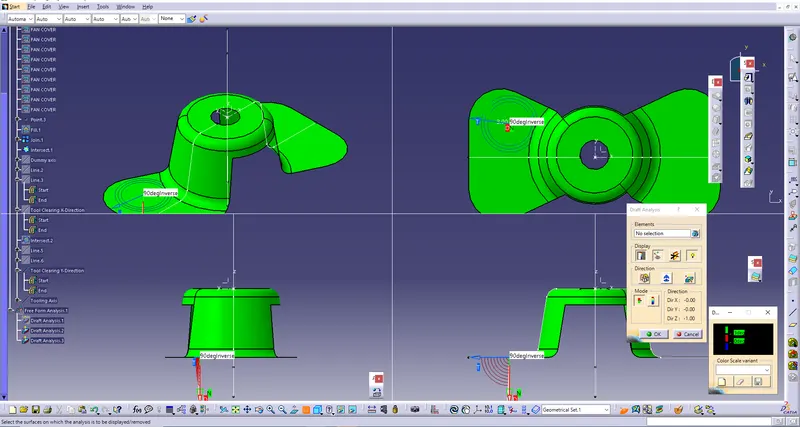
Week 8 - Challenge 1 - Draft Analysis on a Fan Cover
Aim:
To Create the tooling axis for the given Fan cover model meeting the requirements of the draft angle and perform the Draft analysis on the model.
Model:
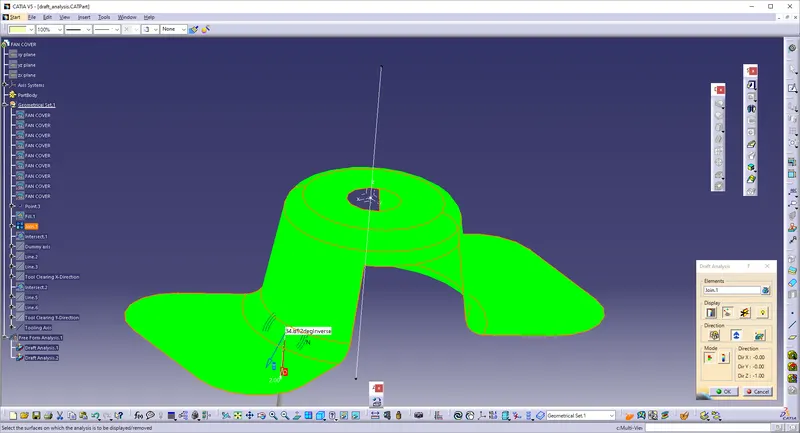
Procedure:
* Download the FAN COVER IGES part.
* The model will be downloaded.
* The Model will be in separate components, so use JOIN command to join all together.
* Extend the intersect lines, so that the lines are enough longer to create the tooling axis
* Give INTERSECT and select the surface, So that the Intersecting Line will be formed.
* Then, Go to line, and go to the line >> properties and Give BISECT lines and select the direction.
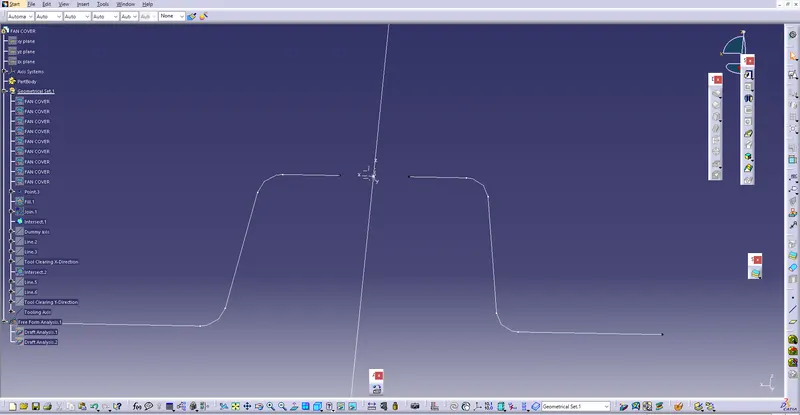
* Give the Direction for keeping the line as perpendicular to the plane.
* Go to Insert >> Feature draft Analysis.
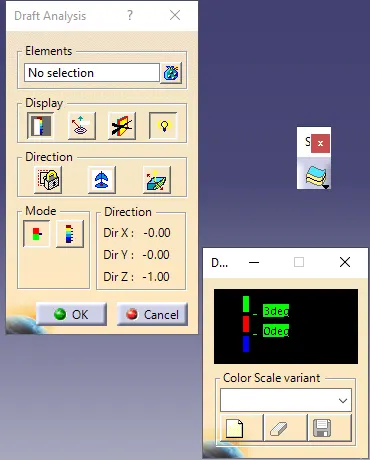
* Set the draft angle as 3 deg, as the draft angle is 3.