Week 8 - Challenge 1 - Draft Analysis on a Fan Cover
Aim
To create the tooling axis for the given Fan cover model meeting the requirements of the draft angle and perform the Draft analysis on the model.
Draft
Draft is the amount of taper for molded or cast parts perpendicular to the parting line. It also a slant that is applied to each side of most features of an injection molded part By applying appropriate draft angle the mold will be easier to remove and it also accounts for thermoplastic shrinkage in Injection molding. The draft may also alter the form and fit of the part during assembly.
A draft of minimum of 0.5 degree draft per side is recommended. For textured sidewalls use an additional 0.4 degree draft per 0.1mm depth of texture. But maintaning the minimum draft could be costly during manufacturing hence an optimum draft angle of 3 degree could be maintained.
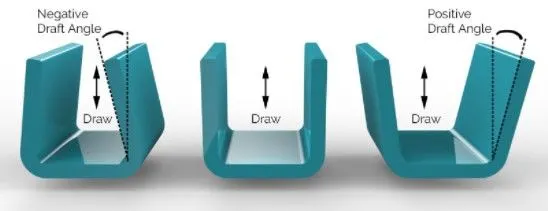
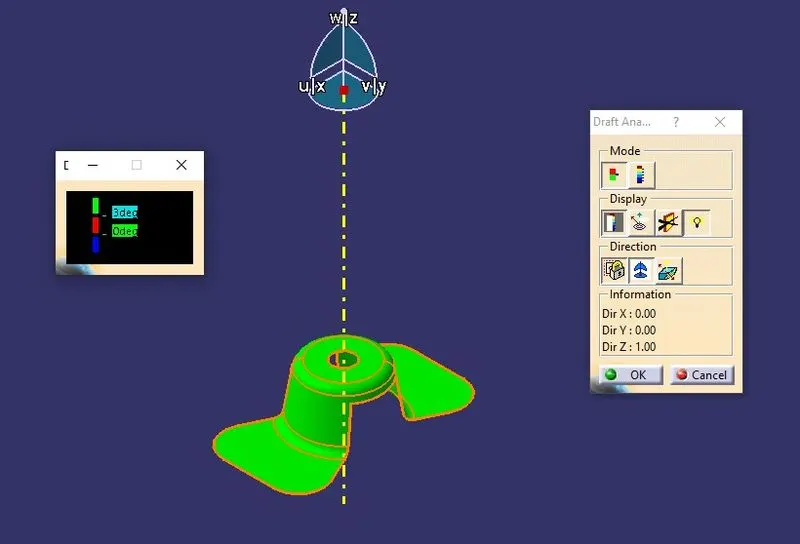
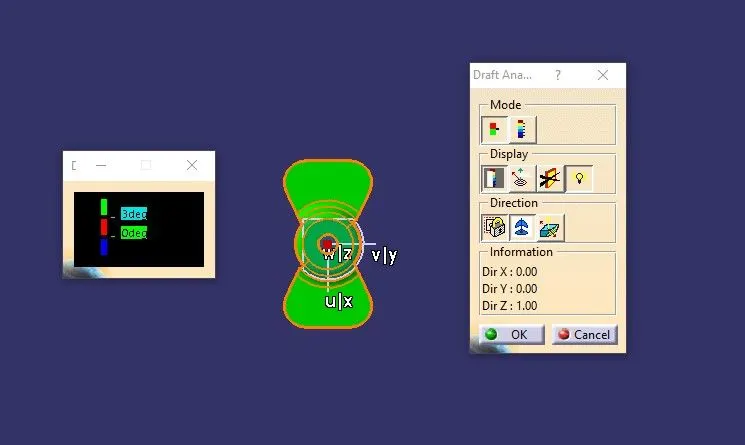
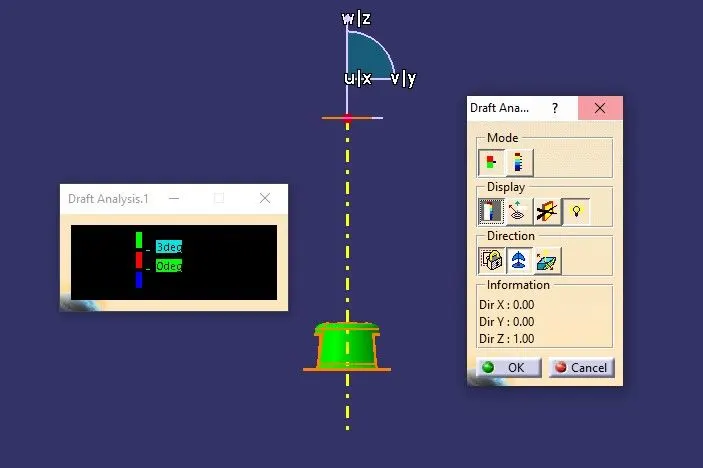
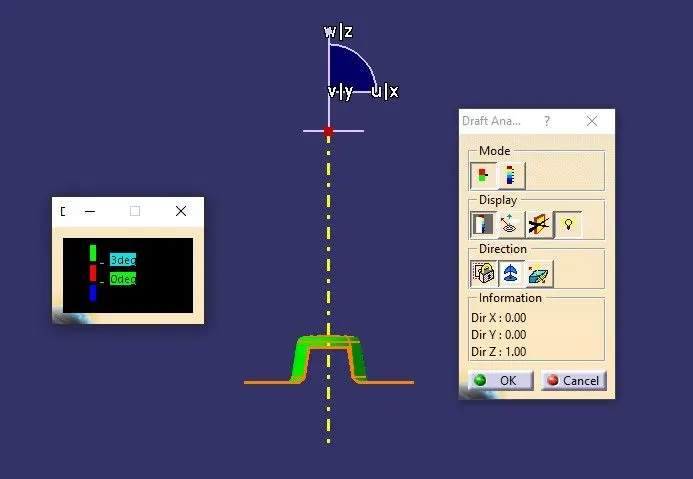
The draft analysis can be done in Catia V5 with respect to the tooling direction. The different color schemes are used to indicate the type of draft for instance green indicates positive draft, red indicates zero draft and blue indicates negative draft.
Tree structure
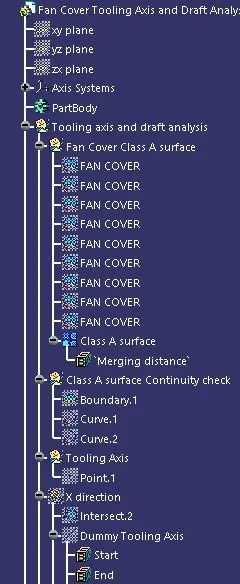
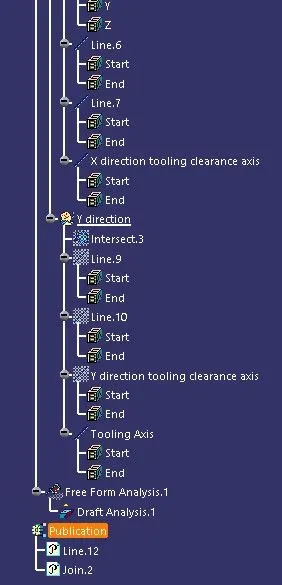
Steps involved in draft analysis
Step 1
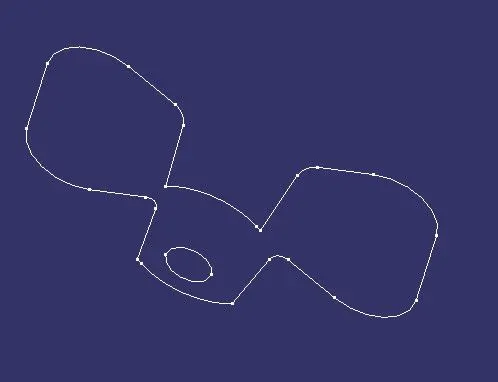
In the first step the class A surface is checked for any gaps. It is done by using the join command or boundary option. If the surface has a closed green color edge, then we can proceed further..
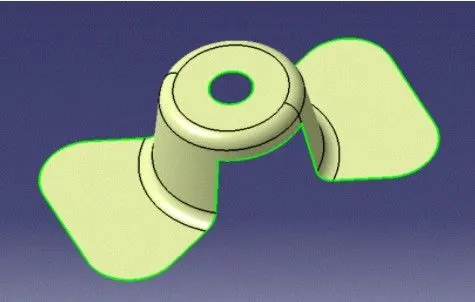
Step 2
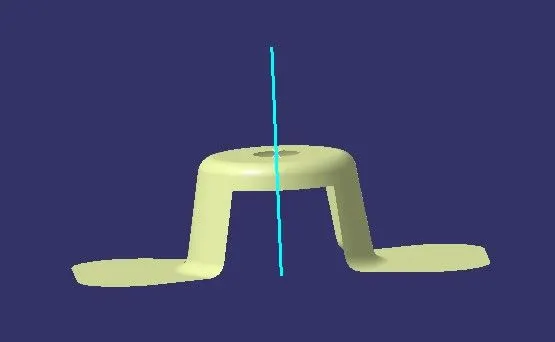
In the step 2 we need to analyze the direction (X or Y or Z) which can be used as a tooling direction. The tooling direction must be chosen in such a way that the side core condition can be avoided and the part should be easily ejected. By observing the model we can see the Z direction is the most optimum direction in this case, so we create a dummy tooling axis for reference.
Step 3
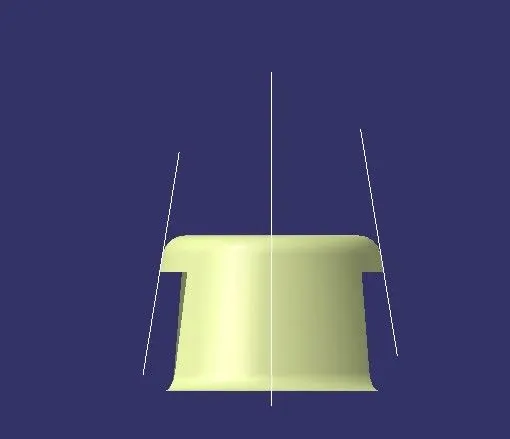
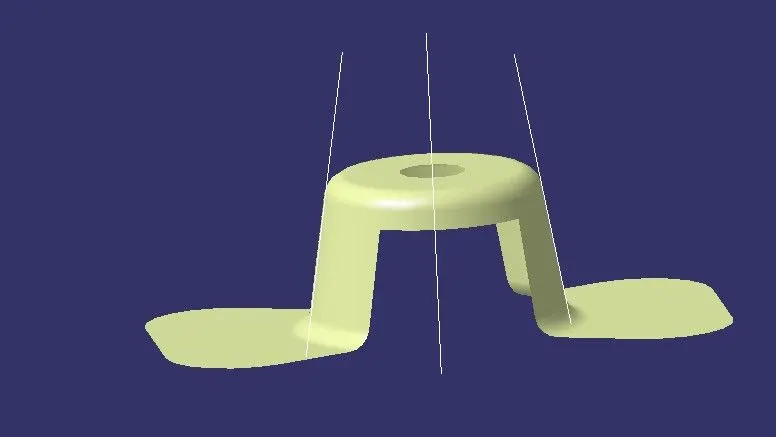
In the next step we need to create tooling clearance axis in the X and Y direction, so that the main tooling axis can be created using the other two tool clearance axis.
For creating the tool clearance axis we need to intersect the Class A surface with the (XY/YZ/ZX) planes. Then after observing the intersection curves we can infer which curves could lead to difficulty in part ejection and the reference lines can be created accordingly. Then bisecting line can be created with respect to the reference lines. This same step is done for X and Y directions.
X direction tooling axis
Y direction tooling axis
Bisecting line
The bisecting line is used to create a line bisecting the two reference lines created in normal direction. The bisecting lines helps us to achieve the average draft angle between the two reference lines.
Step 4
The tooling direction is created with the intersection of the tool clearance axis in X and Y directions.
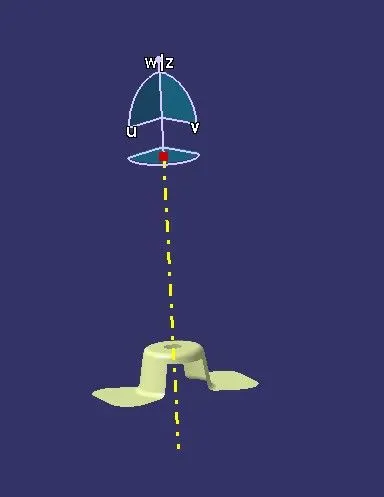
Step 5
In the next step publish the tooling axis and Class A surface so that we can access it easily and use it for further creation of surfaces or thick body.
Step 6
Once the tooling axis is created the draft analysis can be done. For viewing the draft analysis results we need to change the view parameters into customise mode enabling only the material.
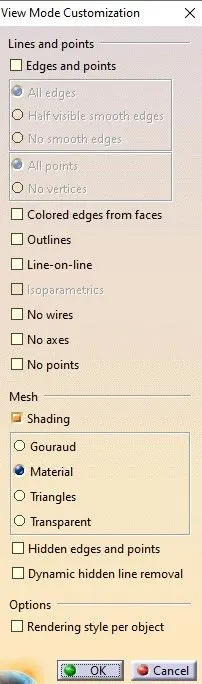
Go to insert-analysis-feature draft analysis.
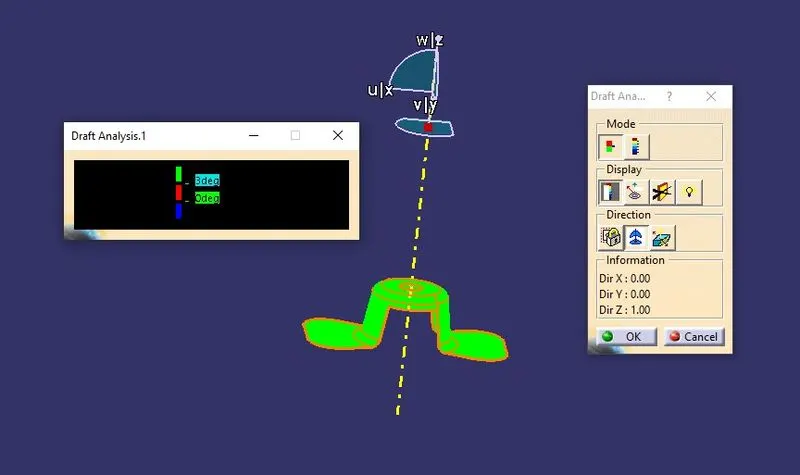
The compass option is used to choose the tooling axis. The color coding shows the result of the draft analysis done. The limits of the draft angle can be changes according to the needs.
Types of the modes in the analysis
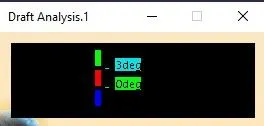
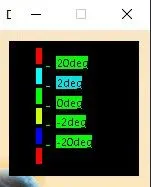
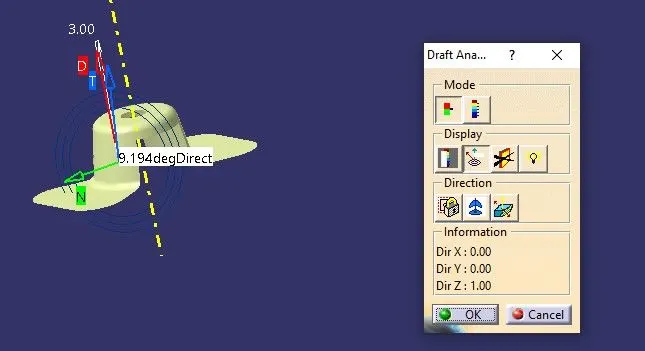
The draft angle value can be found at given point of the surface. For this case 3 degree is chosen as the optimum angle and we can see that the entrire model has positive draft angle highlighted in green color.
Isometric view
Top view
Side view
Front view
Conclusion
Thus the tooling axis for the given Fan cover model meeting the requirements of the draft angle is created and the Draft analysis on the model is performed.