Week 8 - Challenge 1 - Draft Analysis on a Fan Cover
Draft analysis on the fan cover
Aim:
To generate a draft analysis on the given Fan cover model.
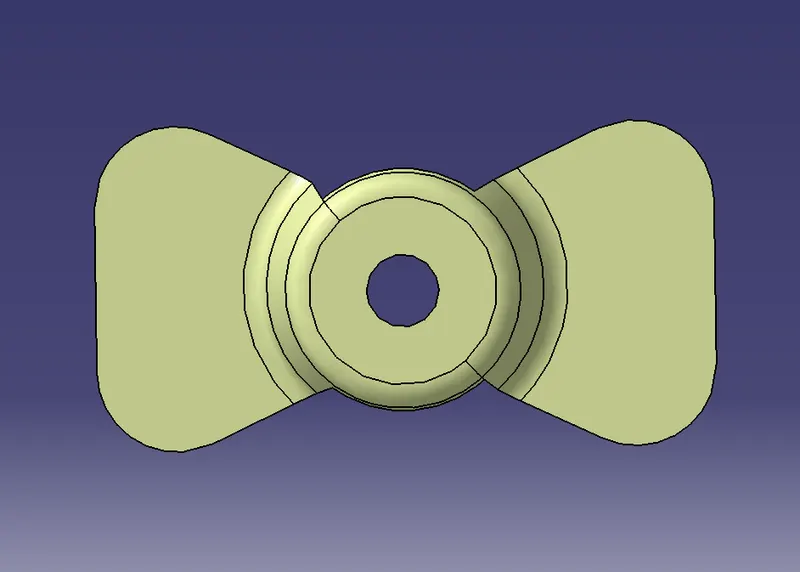
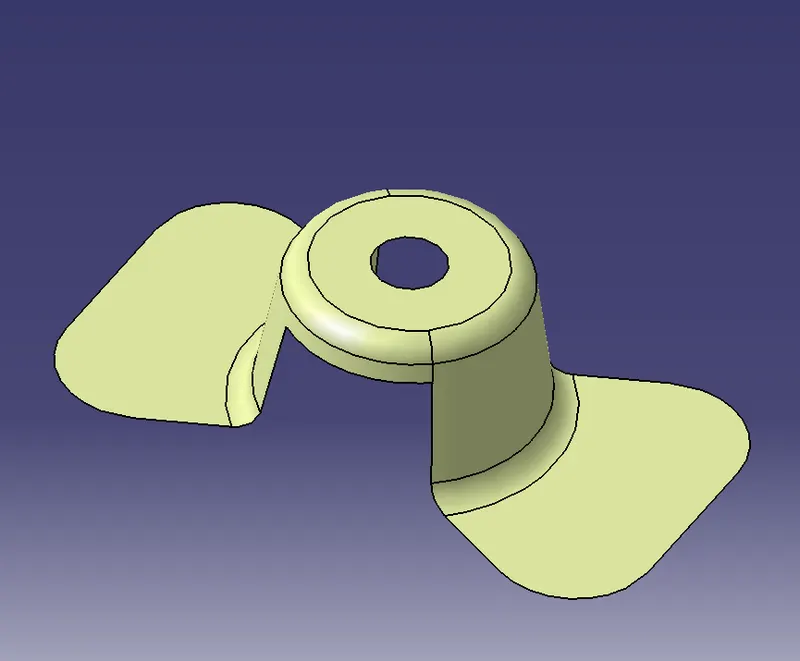
Fig 1: Given model top view Fig 2: Given model isometric view
Procedure:
1. Check the surface of the model for any kind of unfinished boundaries or surfaces to surfaces contacts. If found any then join the model using the join feature or boundary definition feature.
2. Create a point in the centre of the hole in the given model as shown below for creating a reference point of the bisecting line.
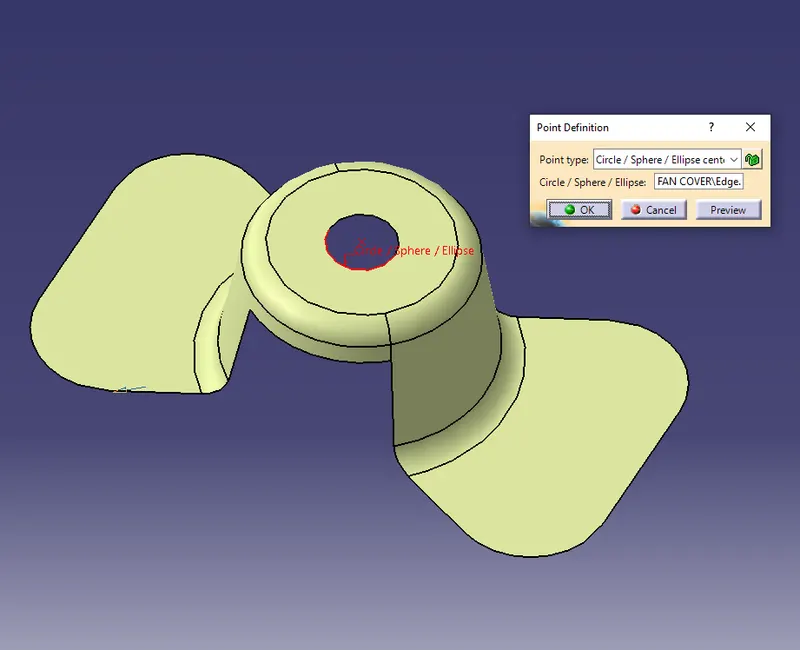
Fig 3: Creating a centre point.
3. The bisecting line for the given model is created with the help of the bisecting lines in x and y axes. To creating the bisecting lines in both directions, reference lines are to be created in the model on both directions using the intersect option. The reference lines are to be created as shown below.
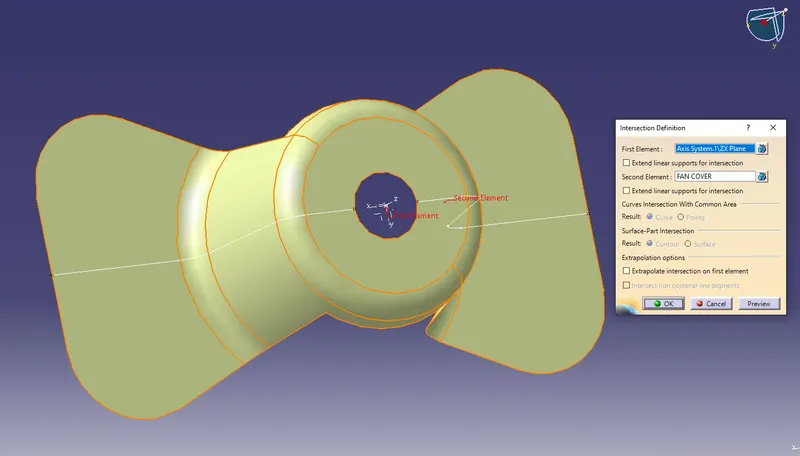
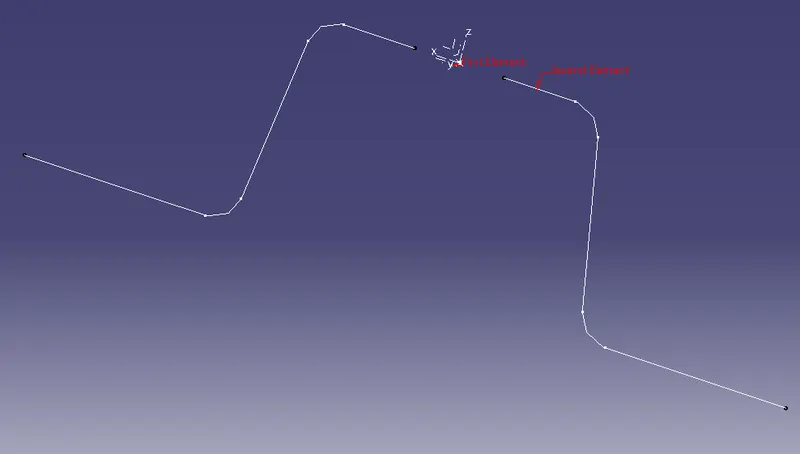
Fig 4: Creating reference lines using the intersection option
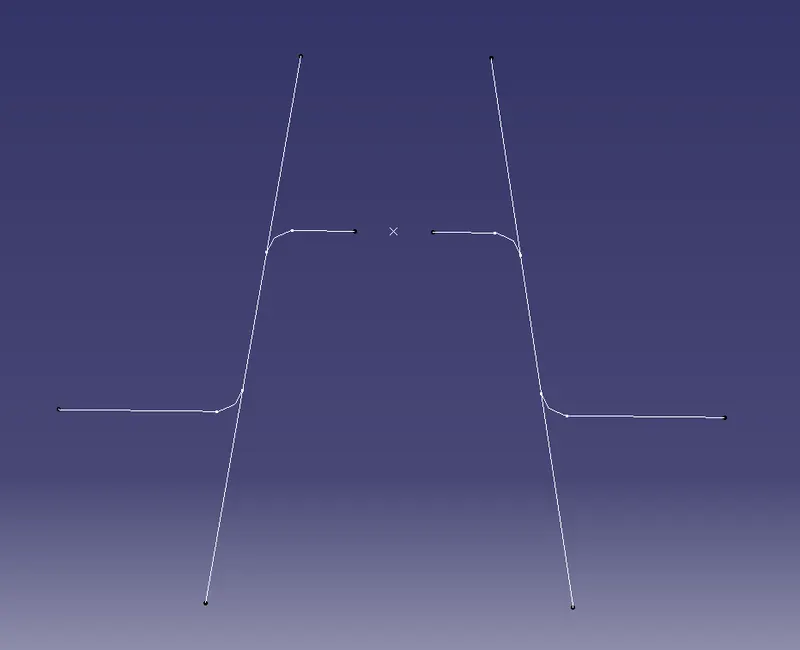
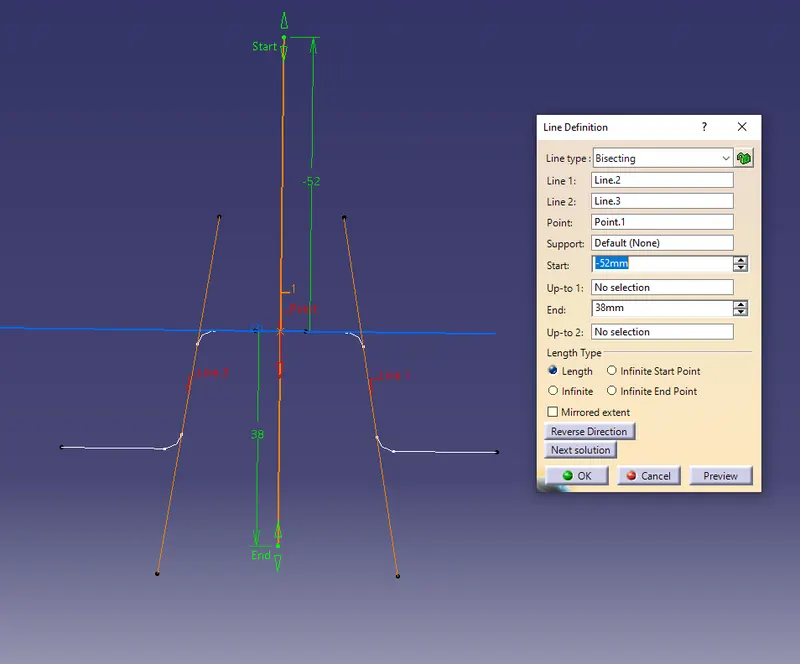
Fig 5: Extending edge lies for reference Fig 6: Creating a bisecting line with reference to the extended lines and centre point.
4. Similarly create a bisecting line in y-axes.
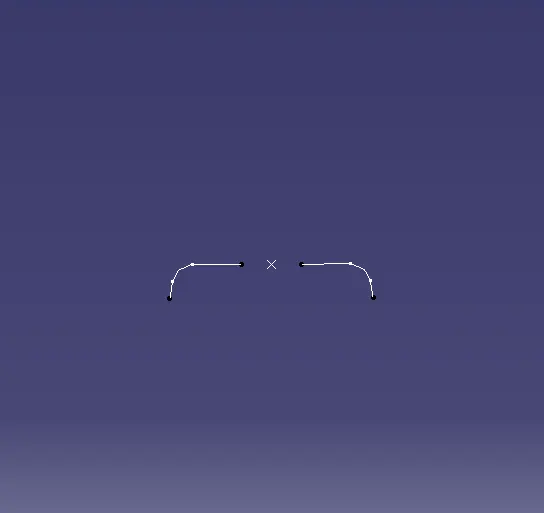
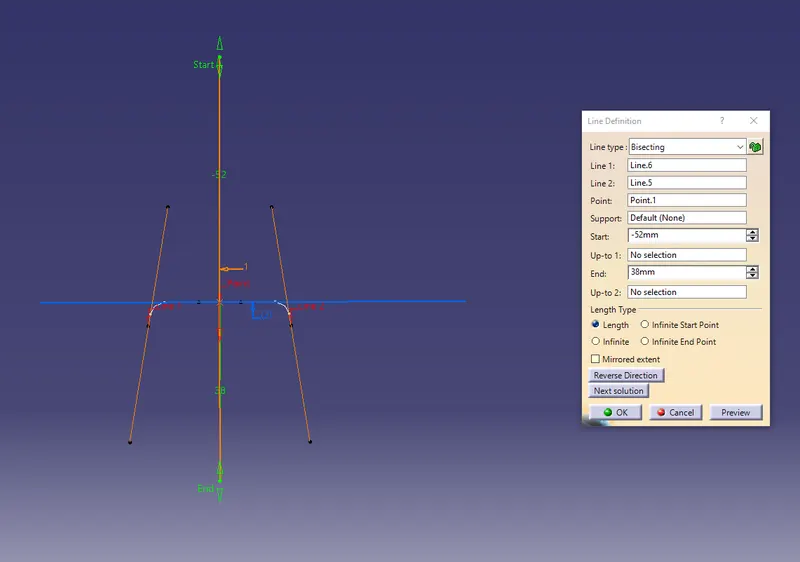
Fig 7: intersected model in y-axis. Fig 8: Creating a bisecting line in the y axis.
5. Create the main bisecting line with the help of the created bisecting lines in x and y directions.
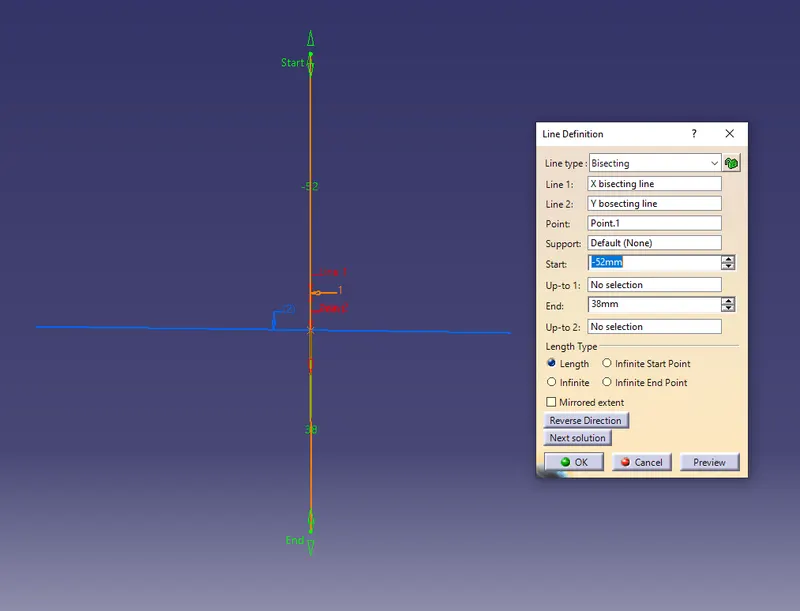
Fig 9: final bisecting line.
6. Now the model is to be analysed whether it is suitable for drafting. Open the draft analysis mode and in the insert menu. The tools used for analysis is as shown in the below figure:
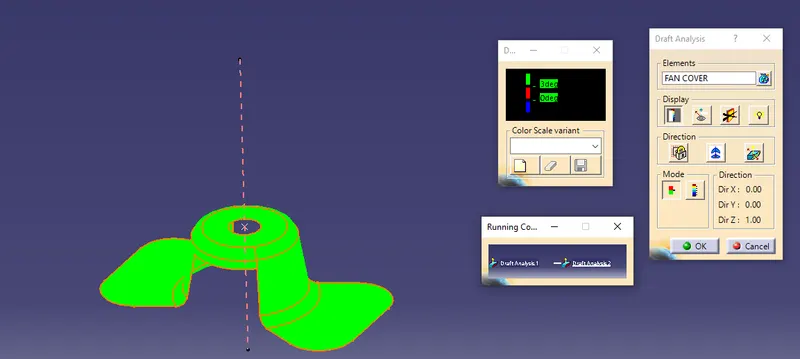
Fig 10: Draft analysis menu.
7. The axis tool in the draft window is used first to place it exactly on the created bisecting line such that the z-axis is facing upward direction.
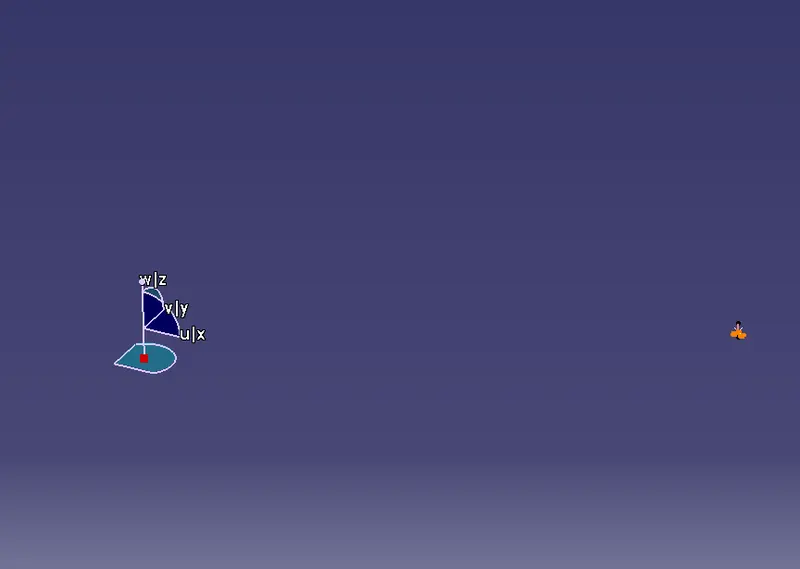
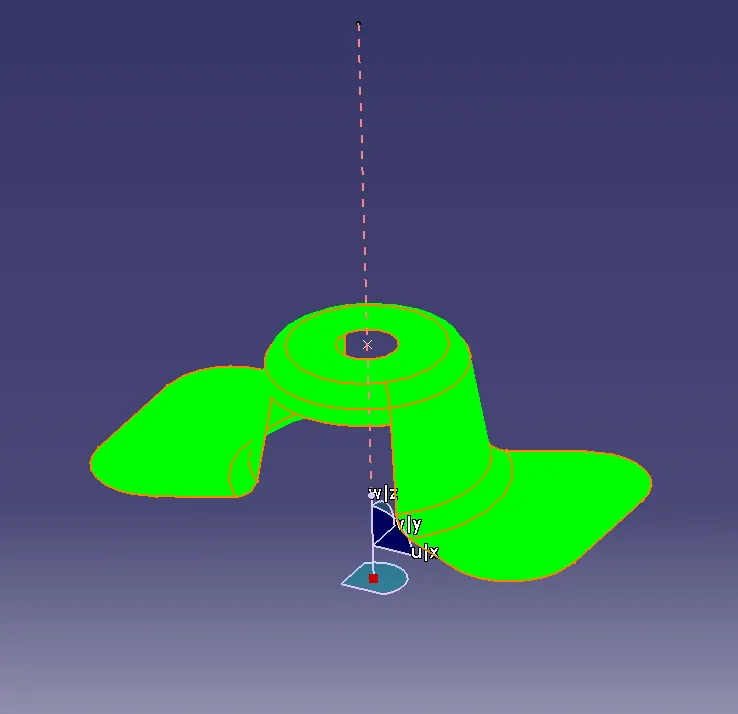
Fig 11 and 12: Positioning of the axis.
8. The angle suitable for drafting is measured as shown below. This is measured by setting the maximum angle according to the model angle.
with respect to the created bisecting angle.
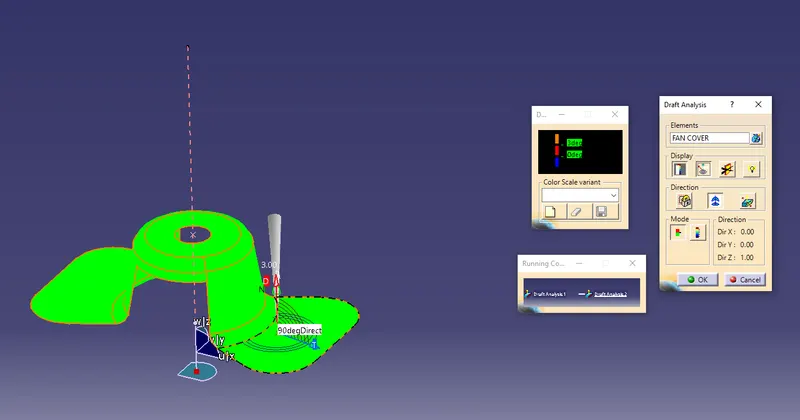
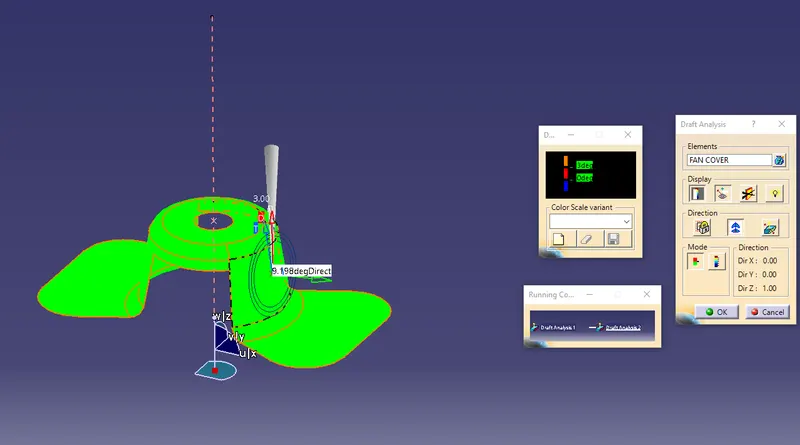
Fig 13 and 14: Measuring the draft angle.
9. The component when shown in green colour represents that the component is ready for drafting purpose.
10. The tree structure for the above challenge is as shown below.
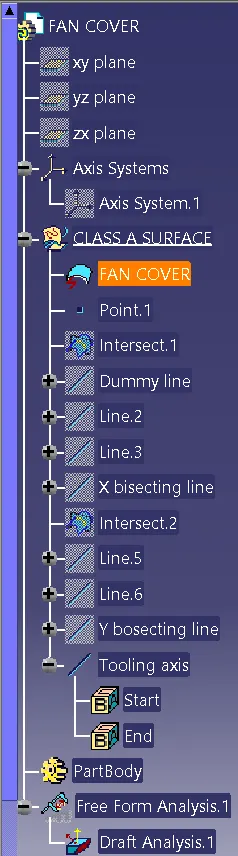
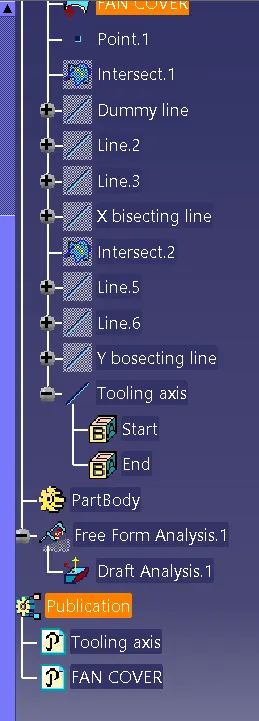
Fig 15 and 16: Tree structure for the draft analysis component.
Result:
Thus the draft analysis for the given model is completed as per the given challenge.
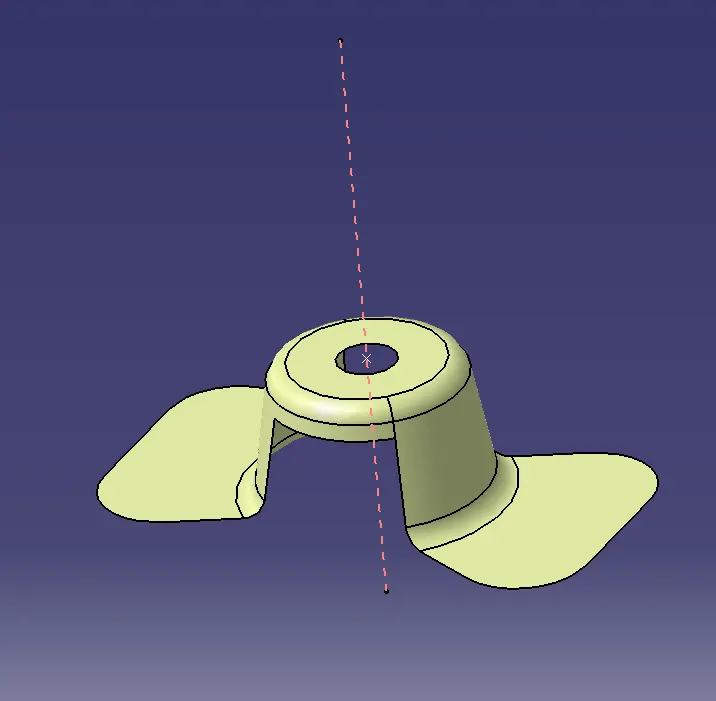
Fig 17: Draft analysis completed for the component.