Week 8 - Challenge 1 - Base Bracket Design
AIM : To make a model from given class B , class C surface and perform draft analysis .
Objective :
- To perform draft analysis on class A surface .
- To create class B surface .
- To create class c surface .
- To create a solid body using close surface feature .
- To create draft analysis in final product .
Introduction :
Class A surface :
- It is given as input to plasticdesigner .
- It is a aesthatic surface .
Class B surface :
- It is surface which is used for engineering purpose.
Class C surface :
- It is the surface joining class A and class B .
Methodology :
- Creating tooling axis.
- Draft analysis.
- class B surface .
- class C surface.
- MAking solid from it using close surface feature.
Tooling axis :
- First ensure that the class A surface is join.
- As it has 2 hole in Z direction , so Z direction is most suitble for tooling direction .
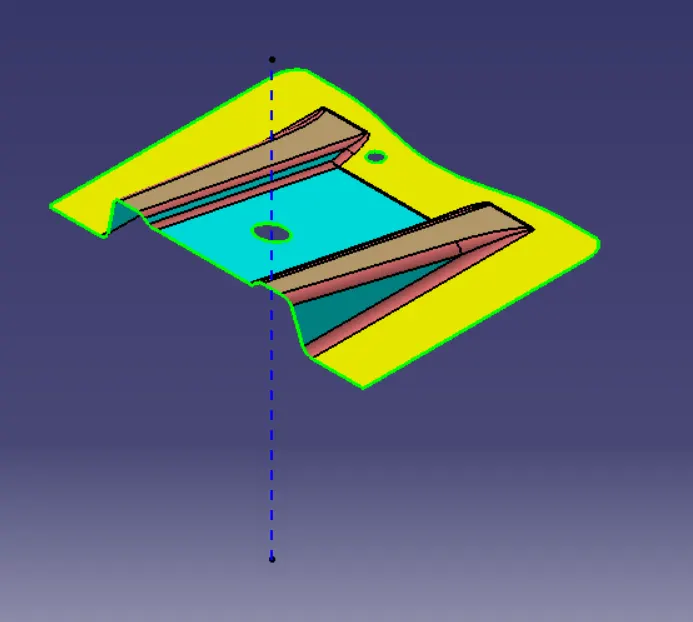
- First we create dummy tooling direction.
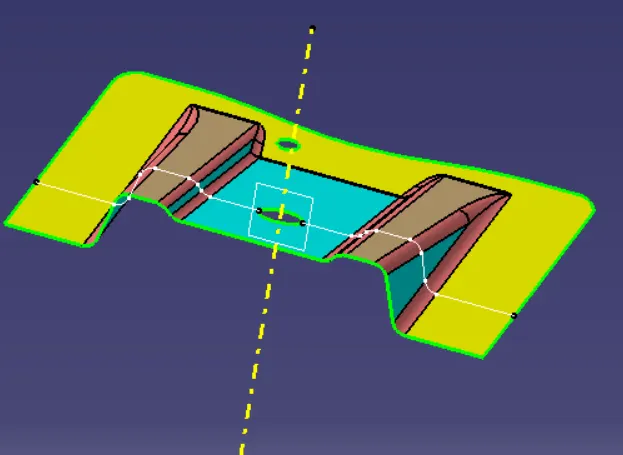
- Now intersecting ZY plane and creating line by bisceting command .
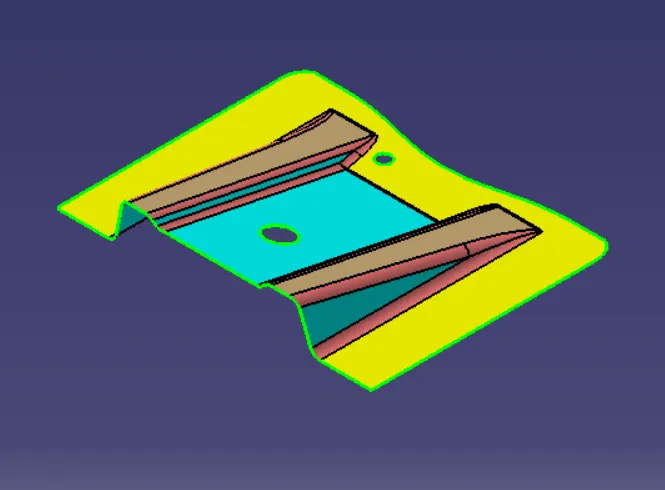
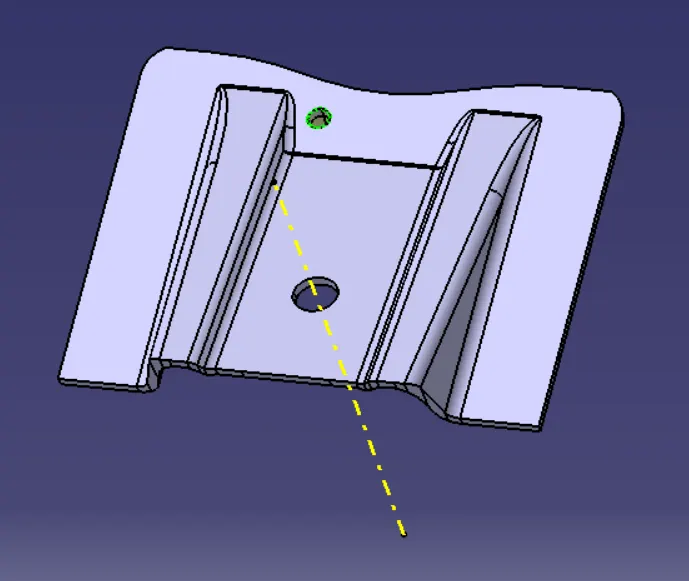
Given Class A surface :
Dummy tooling axis :
Intersecting ZY plane :
Creating tooling axis by using two line created from intersecting plane and using bisect command .
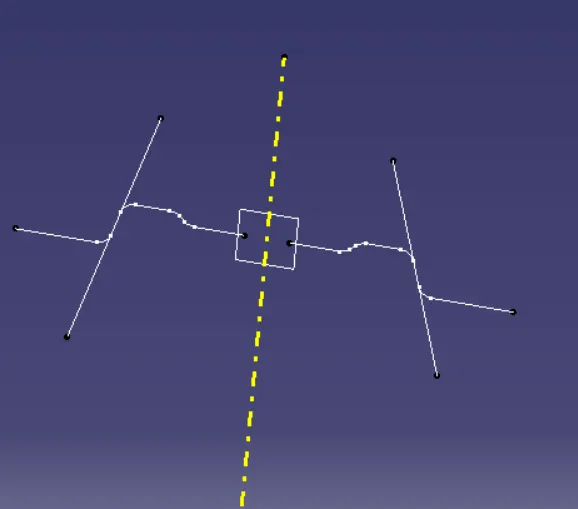
Tooling Axis :
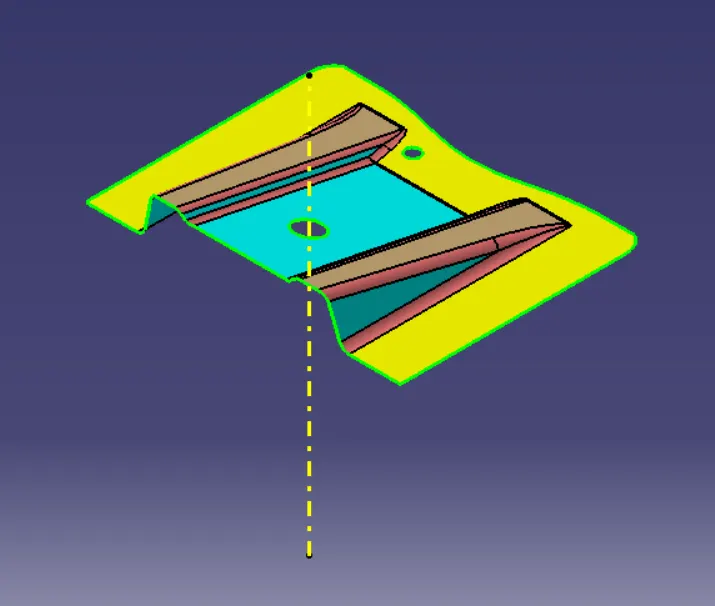
Draft analysis :
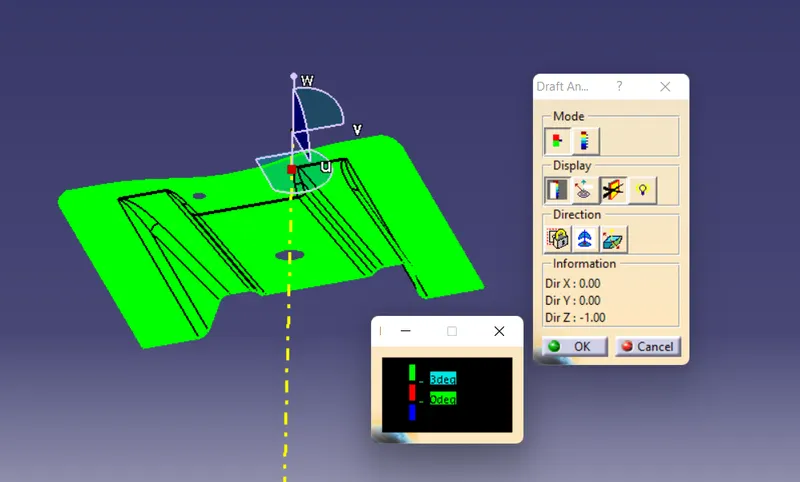
- Change the view mode to custamize view parameter and select material .
- Align the compass with the tooling direction.
- now click on the surface .
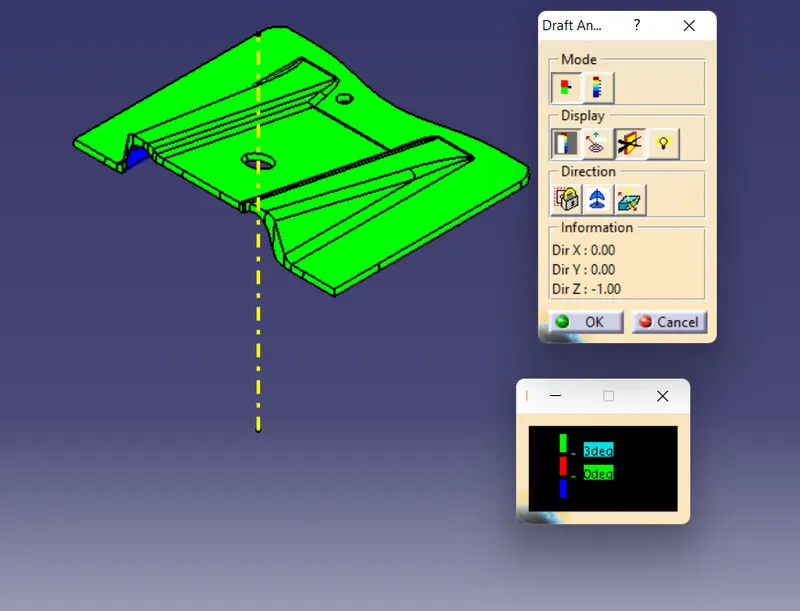
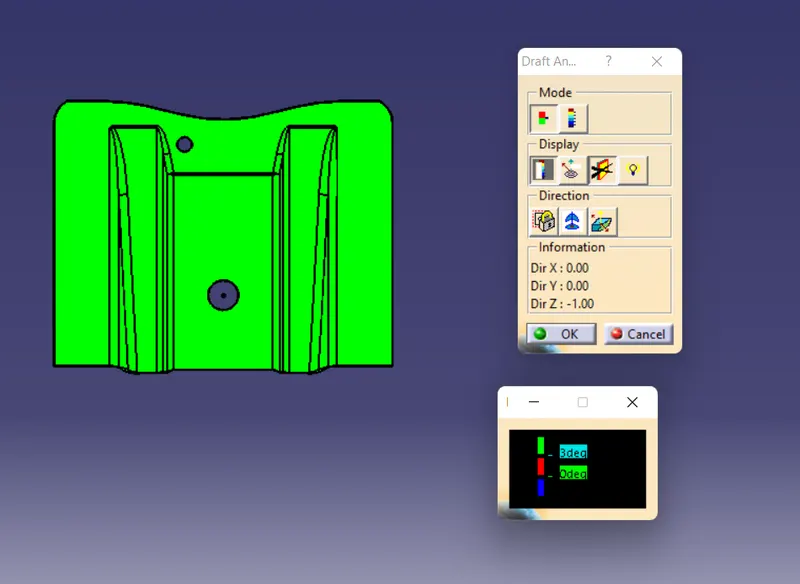
- Surface colour is green which mean that it has minimum 3 degree draft angle , which is sufficient in plastic component manufacturing .
Creating class B surface :
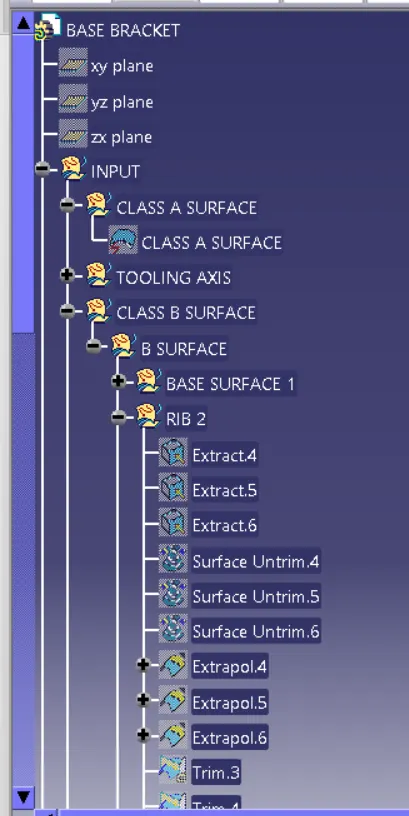
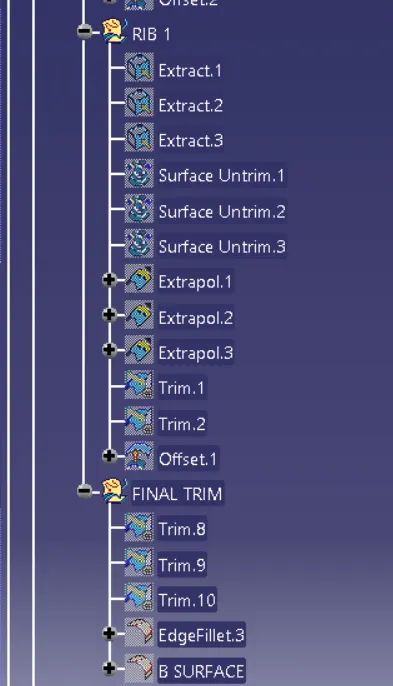
- Extracting the ribs and flat surface one by one and performing below command .
- untriming the the surface.
- extrapolating it.
- offsetting it to 2.5 mm in downward direction .
- Now doing trimming .
- And finnaly giving fillet of 3+2.5 = 5.5 mm which is equal to the fillet radius + thickness .
Extracting
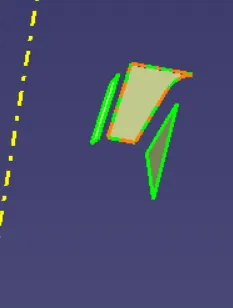
Untriming :
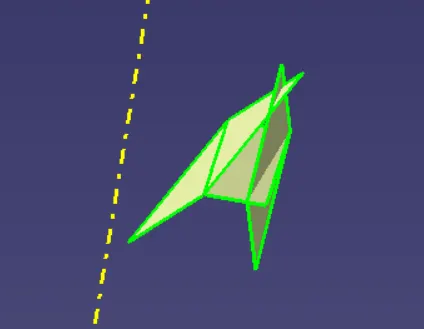
Extrapolating:
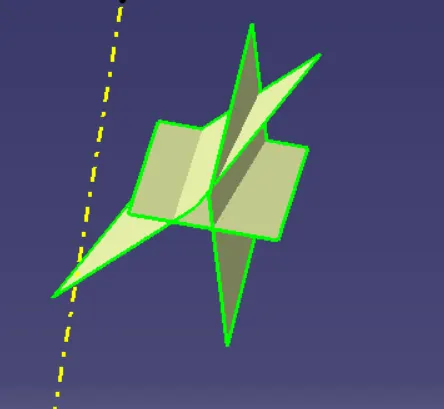
Class B surface :
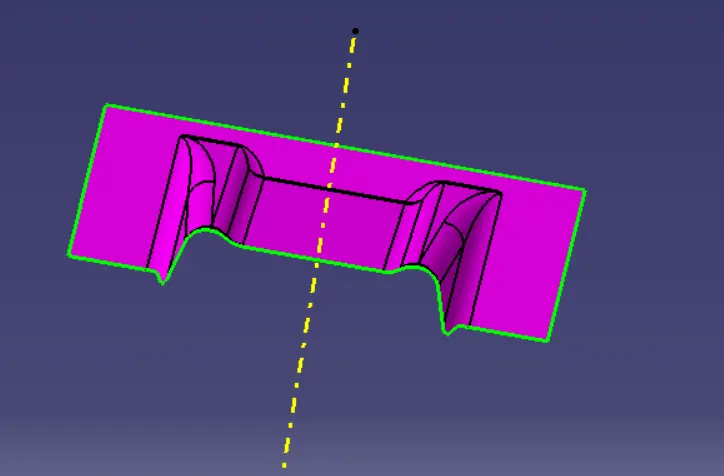
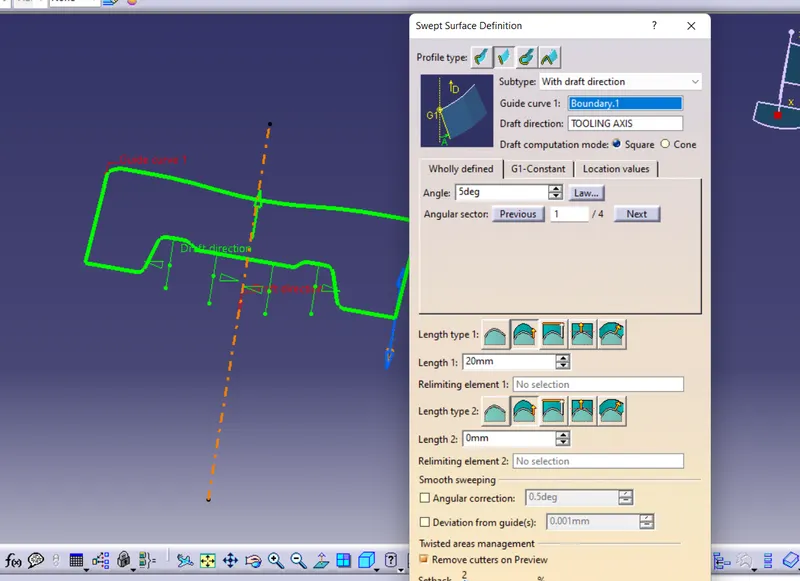
Creating class C surface :
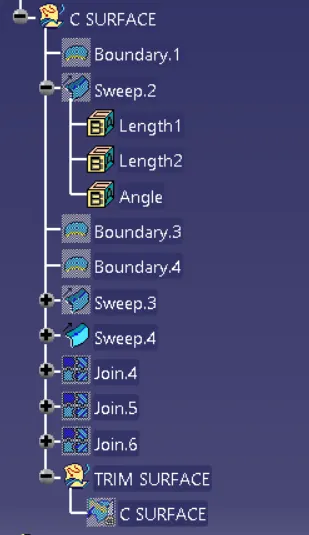
- Extract the boundary of class A surface .
- use sweep command and using drafting in it to create draft angle of 3 degree.
- join the class A surface and class C surface and trim it with class B surface to get final class C surface .
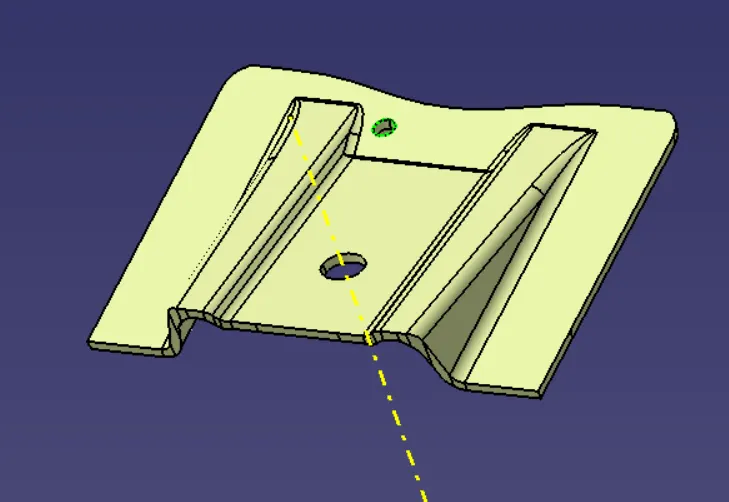
Creating solid :
- Now use close surface command to create solid from it.
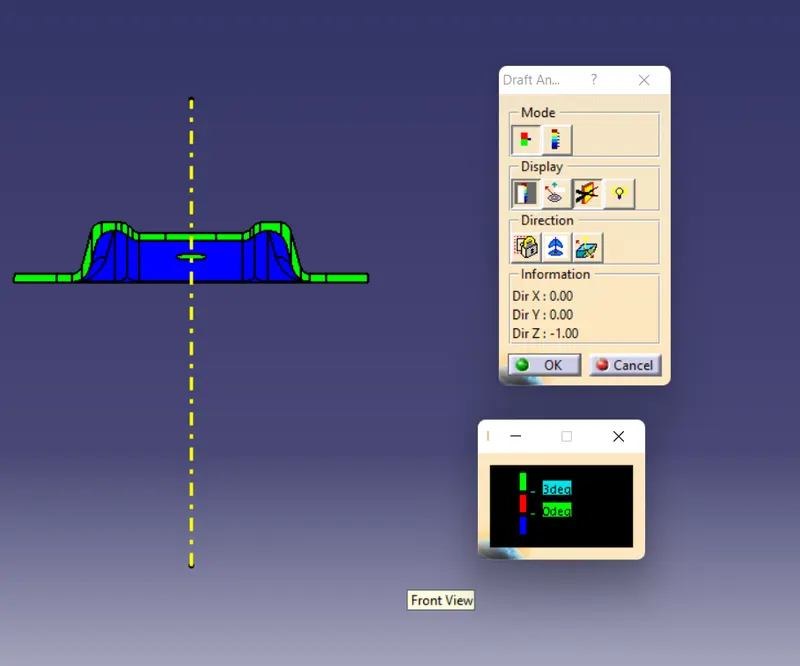
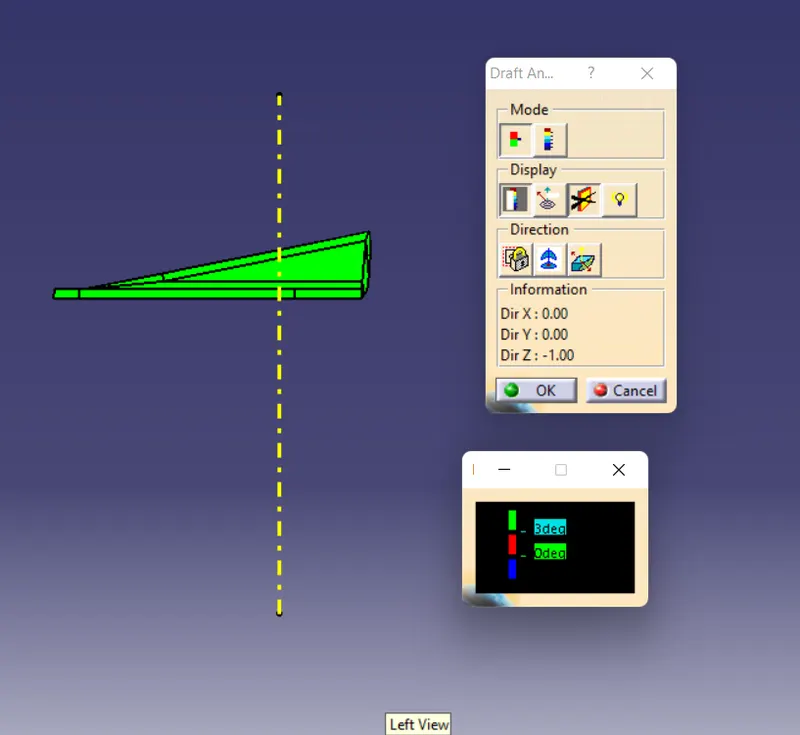
Draft analysis of final solid body :
Tree structure view :
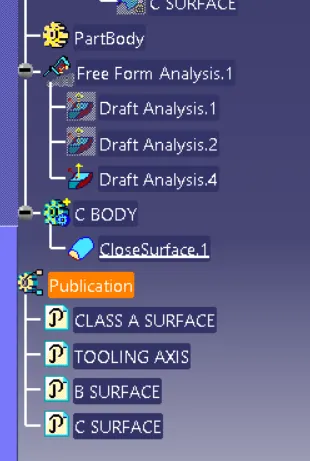
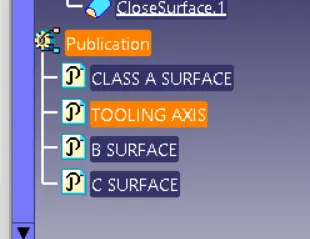
Publications :
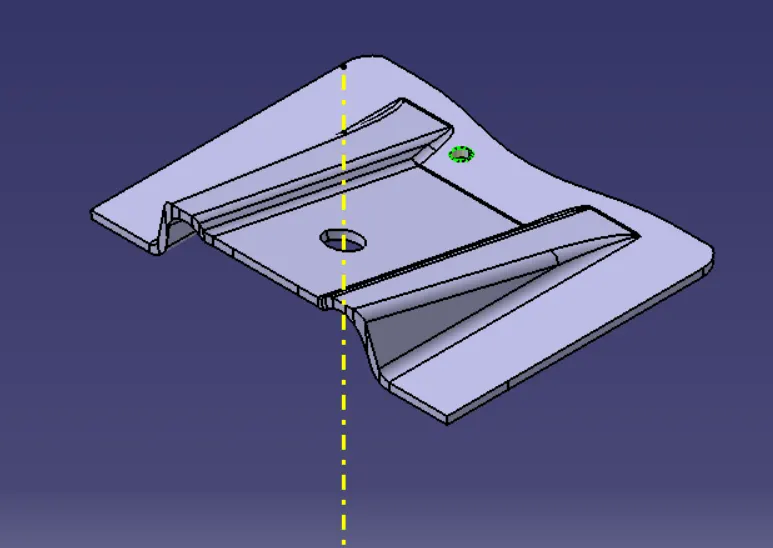
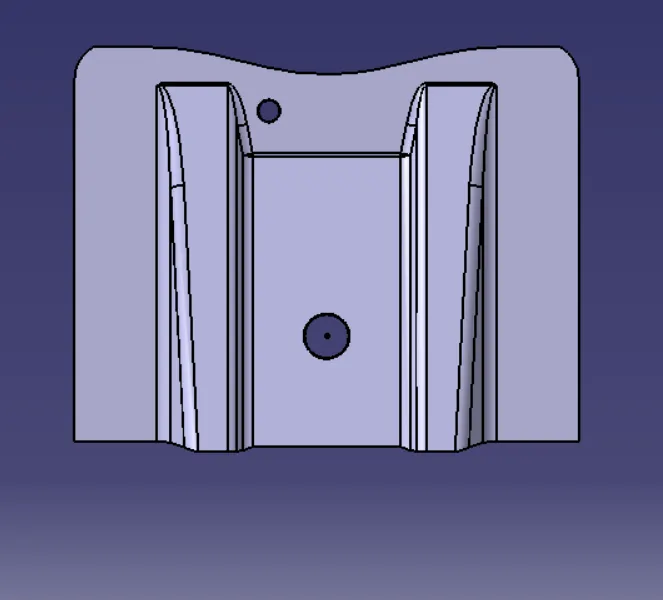
Different views :
Isometric view :
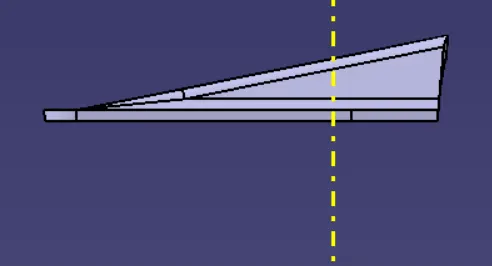
front view :
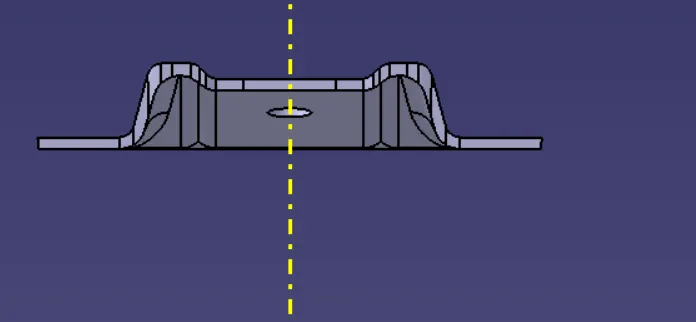
side view :
top virew :
Conclusion :
- Created class B and class C surface .
- Created a solid body .
- Perform draft analysis .