Week 8 - Challenge 1 - Base Bracket Design
Aim:
To do create a solide base bracket using a given Class A suface from .igs file adto perform draft analysis .
Report:
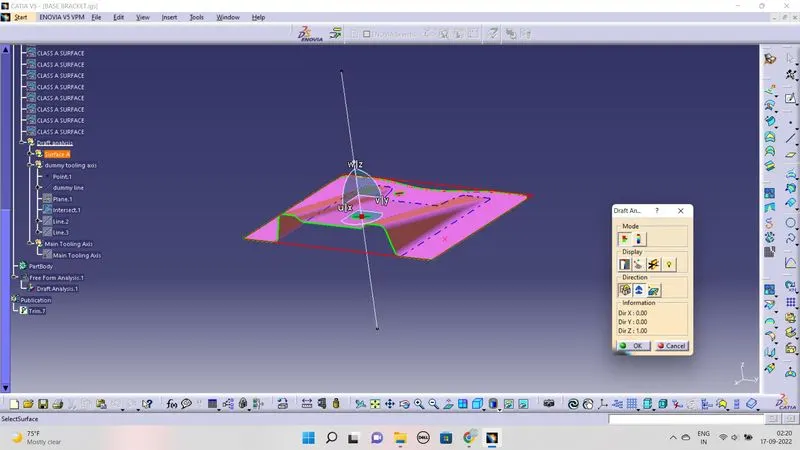
- the given file contain multi Class A surface . to perform the analysis all the surface get into a single Class A surface using trim commend.
- now the top view gives the perfort look of tooling position. on that a point was created an using point to direction commend a line created as dummy tooling axis.
- Then with the help of intersection opction a surface layout on thr direction of dummy tooling line was created .
- while analysis the layout we can find the critical slop to achive tooling point/axis.
- now using these angled profile a line between those tow line was drawn using byseting line opction. from now on these line act as Tooling Axis.
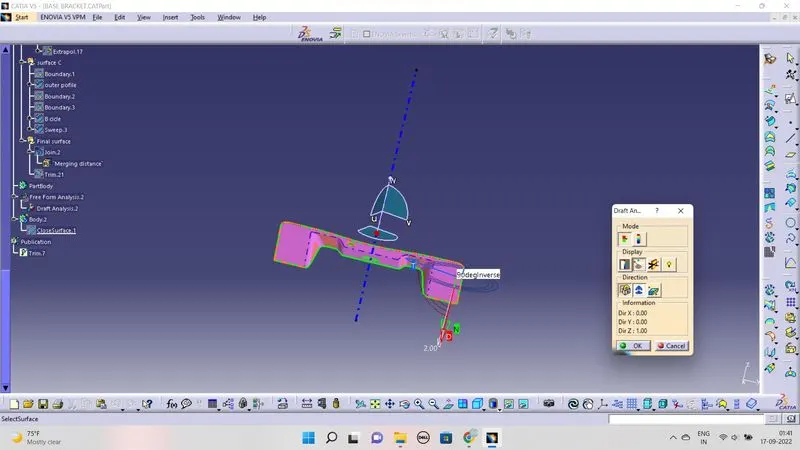
- now in insert--->Analysis-->Feature Draft Analysis the draft analysis was done.
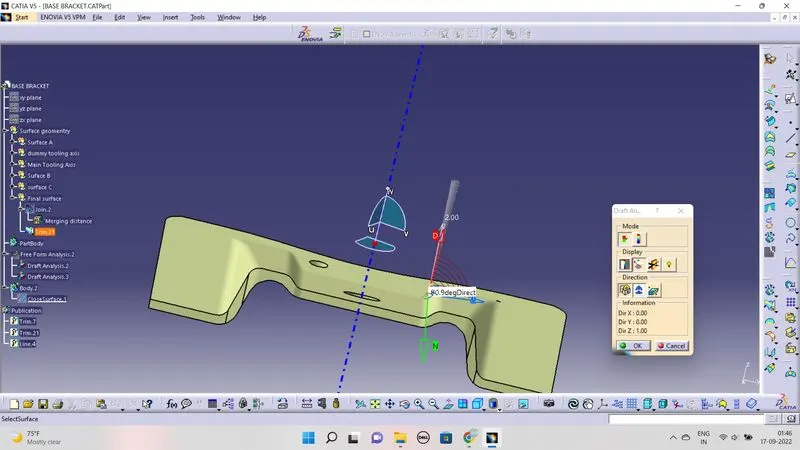
- in the analysis the draft angle was checked using Analyis using running point opction.
- Now a geomentrical set has insert to create solide object.
- first a spectic three surface picked and get trimmed. now the surface is get offset of 2.5mm from the main class A surface like wise the other rib surface created
- to do so first the surface get untrimmed and extrapolated for 10 mm. and then get trimmed
- like wise the chanfer part and the outer surface get created and trimmed.Now these surface is called as Class B surface.
- Now from the Main Class A surface the outer Boundries are crated to creare complete class c surface.
- These surface is created using sweep -->sweep with draft direction--> draft Draction-->select curve-->Draft angle-->3 degree.
- noq a surface is created to connect Class A and Class B.
- Noe the Class A and Class C surface got Join using Joint Commend. These surface is get trimmed with Class B surface with trim opction.
- now a full of complect surface is formed.
- now again insert the Draft analysis option to check the createed surface to the tooling axis.
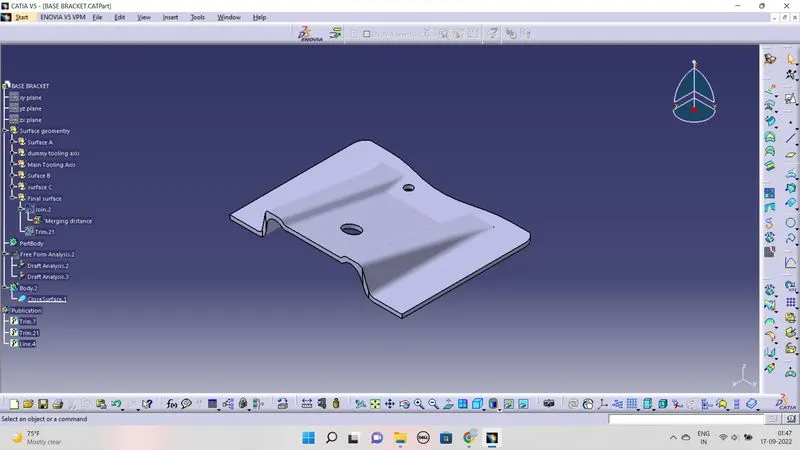
- now jump in to Part work bench to close Surface option to create a solide Base Bracket.
- Now the solide component is created.
Images:
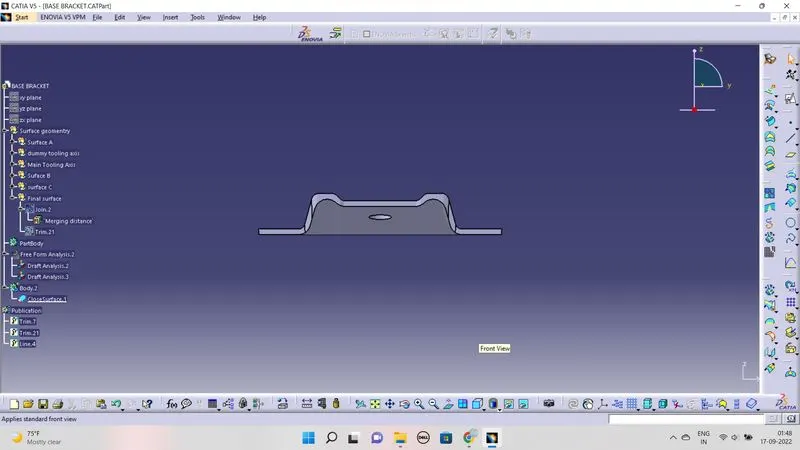
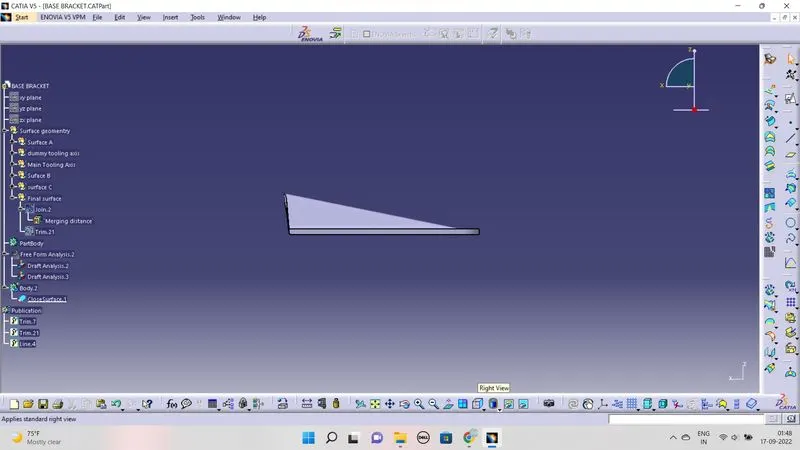
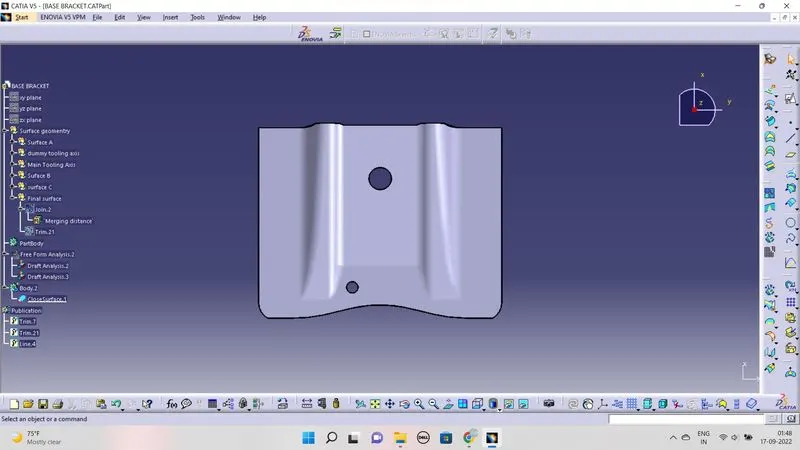
Result:
Thus the surface analysis is done using grneractive workbench.