Week 8 - Challenge 1 - Base Bracket Design
AIM:
- To analyse the given Class A surface using feature draft analysis.
- To create class B & C surface from Class A surface.
- To create a close surface of given class A surface model.
Draft analysis:
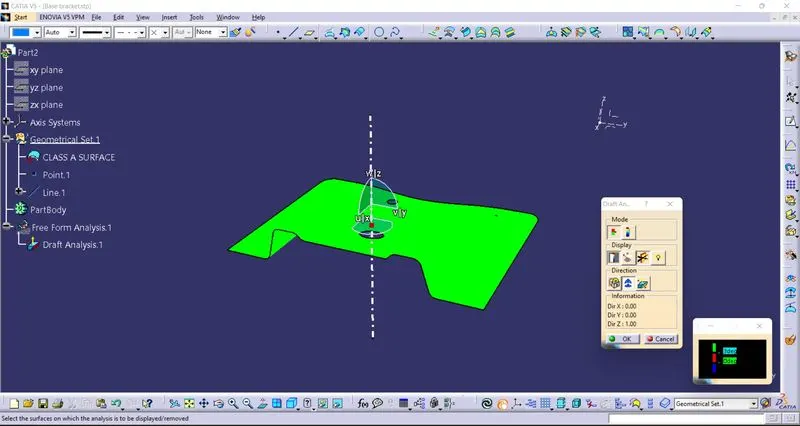
- Draft analysis is used to detect the given model drafted can be removed easily.
- Given Class A surface is analysed using feature draft analysis.
- Check the given class A surface for any connex issuses.
- Customise the view mode and apply material option.
- Color code of draft analysis is shown in the picture.
- Green gives good drafting angle
- Red is neutral drafting angle
- Blue is in negative drafting angle.
Tooling axis creation:
- Create a reference point in a given hole.
- Create a line using point as dummy tooling axis.
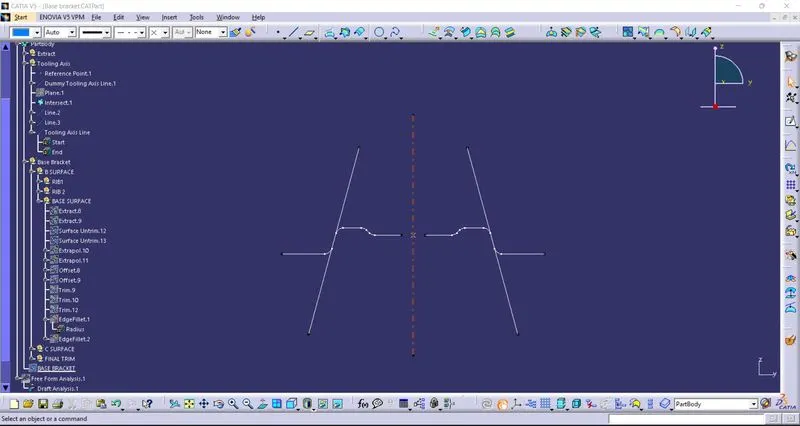
- Bisect the given class A surface by creating a plane and use intersect command.
- Inclined line is created for both inclined surfaces.
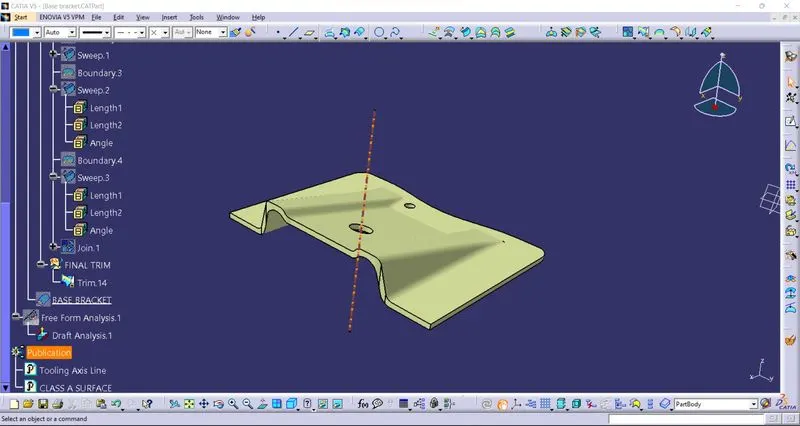
- Using bisecting line tooling axis is created.
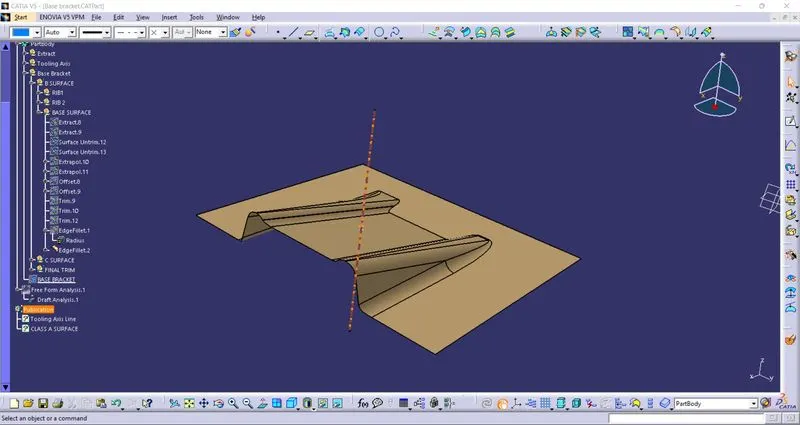
- After creating tooling axis,all the surfaces are extracted and untrim the surface.
- Untrimmed surface is extrapolated.
- Extrapolated surface is trimmed down and use offset command and form surfaces.
- Fillet is given in class B surface with wall thickness.
- Class B surfaces is formed
- Class C surface is sweeped from class A surface.
- Class B & Class C surface is trimmed from class A surface.
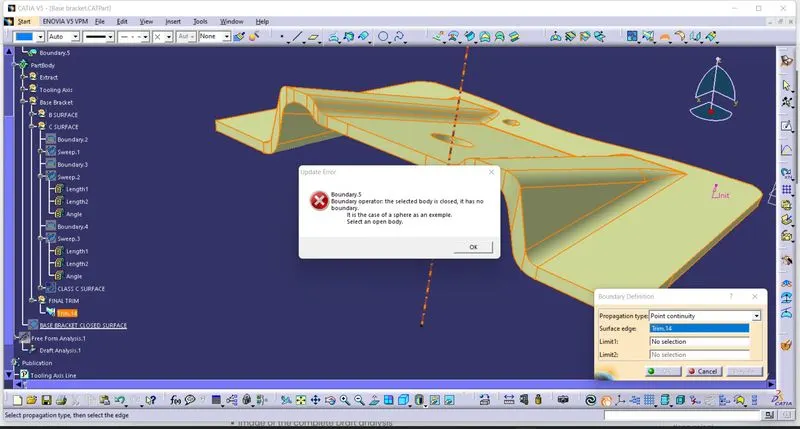
- In part model,use Close surface command & form a part model.
Class B Surface:
Class C surface: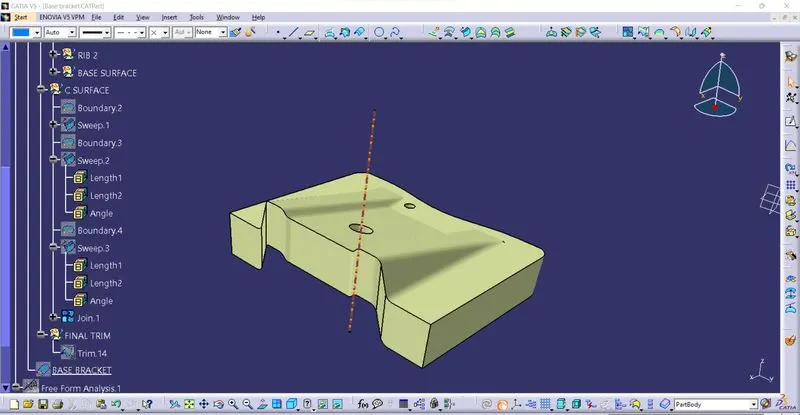
Final Trim:
Tooling axis using bisecting method:
- Intersect the given class A surface using intersect command along with a plane parallel to yz plane.
- Create lines on two inclined surface lines.
- From those two inclined lines create a bisecting line and choose a axis parallel to inclined lines so that tooling can be easily.
- Tooling axis is created.