Week 8
OBJECTIVE: Practice all the Morphing techniques that were shown in the video for the given component.
STEP1: SELECT THE GEOMETRY WHICH IS TO BE MORPHED BY GOING TO THE MOPHING MODULE >NEW>GEOMETRY
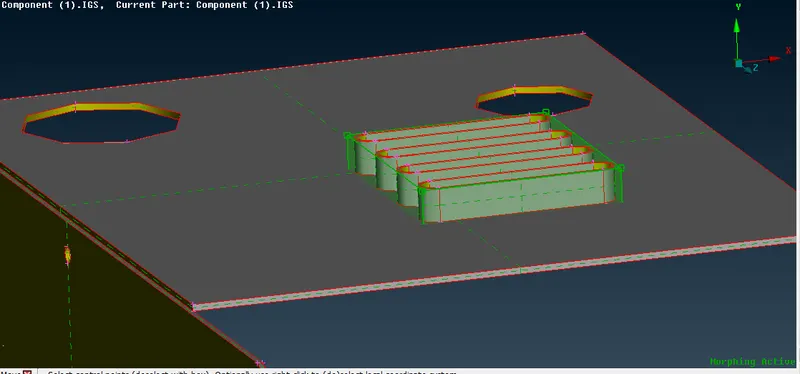
FIG1: SELECTION OF MORPHING ENTITIES
STEP 2: ISOLATE THE AXIS BY UNCHECKING THE BOX AND MOVE IN DESIRED DIRECTION
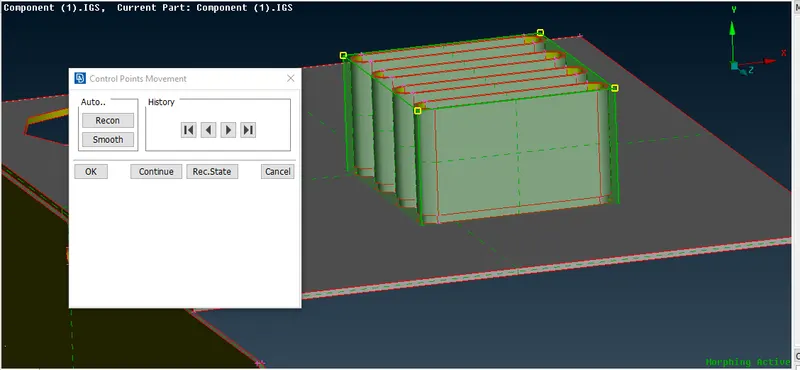
FIG2: MORPHED IMAGE
STEP3: SELECT AGAIN BY NEW>GEOMETRY>OK. USE OF SPLIT COMMAND
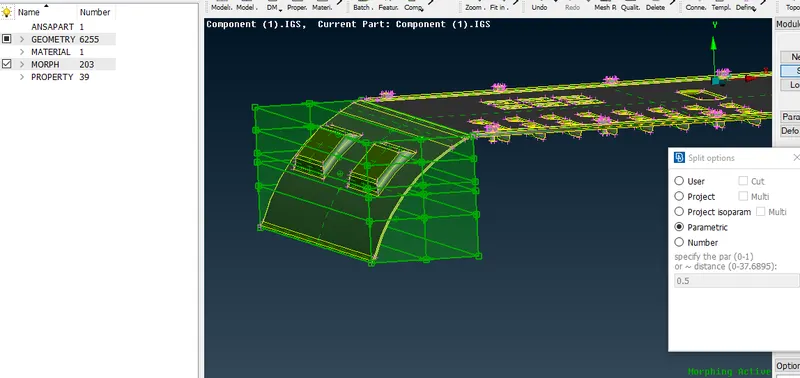
FIG3: BEFORE MORPHING
STEP:4 USE SPLIT OPTION TO SPLIT THE MORPH BOX AS DESIRED.
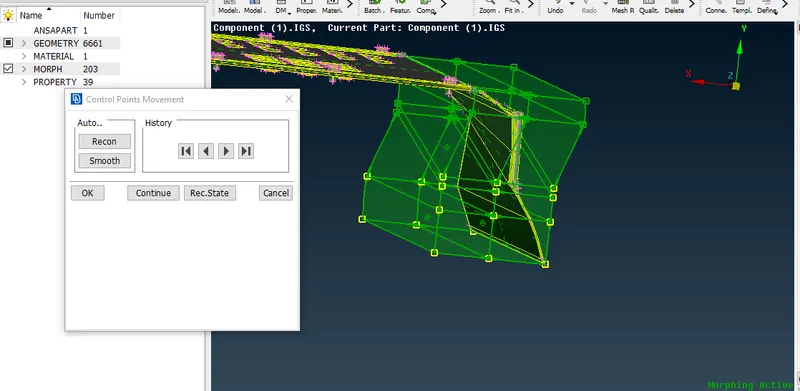
FIG 4 : FINAL IMAGE AFTER MORPHING